
Bud Light BL-BBS-002
Bud Light Beer Bluetooth Bottle Speaker BL-BBS-002 User Manual
1. Introduction
This manual provides comprehensive instructions for the Bud Light Beer Bluetooth Bottle Speaker, Model BL-BBS-002. Designed for portable audio playback, this wireless speaker connects to Bluetooth-enabled devices, offering a unique design and clear sound for various indoor and outdoor activities.
Please read this manual thoroughly before using the product to ensure proper operation and to maximize its lifespan.

Image 1.1: Front view of the Bud Light Beer Bluetooth Bottle Speaker.
2. Package Contents
Verify that all items listed below are present in your product packaging:
- Bud Light Bluetooth Speaker Bottle
- Charging Cable (Micro USB)
- User Manual (this document)
3. Product Overview
Familiarize yourself with the various components and controls of your Bud Light Bluetooth Bottle Speaker.

Image 3.1: Side view of the speaker highlighting the control buttons and ports.
- On/Off Button: Powers the speaker on or off.
- Aux 3.5mm Port: For wired audio connection using a 3.5mm audio cable (not included).
- Micro USB Charging Port: Connects the speaker to a power source for charging.
4. Setup
4.1. Charging the Speaker
Before initial use, fully charge the speaker. Use the provided Micro USB charging cable.
- Connect the Micro USB end of the charging cable to the Micro USB Charging Port on the speaker.
- Connect the USB-A end of the charging cable to a USB power adapter (e.g., smartphone charger, computer USB port) or a power bank.
- The charging indicator light (if present, refer to product for exact location) will illuminate during charging and turn off or change color when fully charged.
- A full charge typically takes approximately 2-3 hours.
Note: Do not use damaged charging cables or adapters. Ensure the charging port is dry before connecting the cable.
4.2. Powering On/Off
- To Power On: Press and hold the On/Off Button for approximately 3 seconds. You will hear an audible tone, and an indicator light will flash, indicating it is ready for pairing.
- To Power Off: Press and hold the On/Off Button for approximately 3 seconds. You will hear an audible tone, and the indicator light will turn off.
5. Operating Instructions
5.1. Bluetooth Pairing
To connect the speaker to your Bluetooth-enabled device (smartphone, tablet, laptop):
- Ensure the speaker is powered on and in pairing mode (indicator light flashing).
- On your device, navigate to the Bluetooth settings.
- Enable Bluetooth and search for available devices.
- Select "Bud Light Speaker" (or similar name) from the list of found devices.
- Once paired, you will hear a confirmation tone, and the indicator light on the speaker will stop flashing and remain solid.
- The speaker will automatically attempt to reconnect to the last paired device when powered on.
Note: The effective Bluetooth range is approximately 30 feet (9 meters). Obstacles may reduce this range.
5.2. Audio Playback
- After successful Bluetooth pairing, play audio from your connected device.
- Adjust the volume directly from your connected device. The speaker does not have independent volume controls.
- For wired connection, insert a 3.5mm audio cable into the Aux 3.5mm Port on the speaker and the other end into your audio source. Bluetooth will be disabled when the Aux cable is connected.
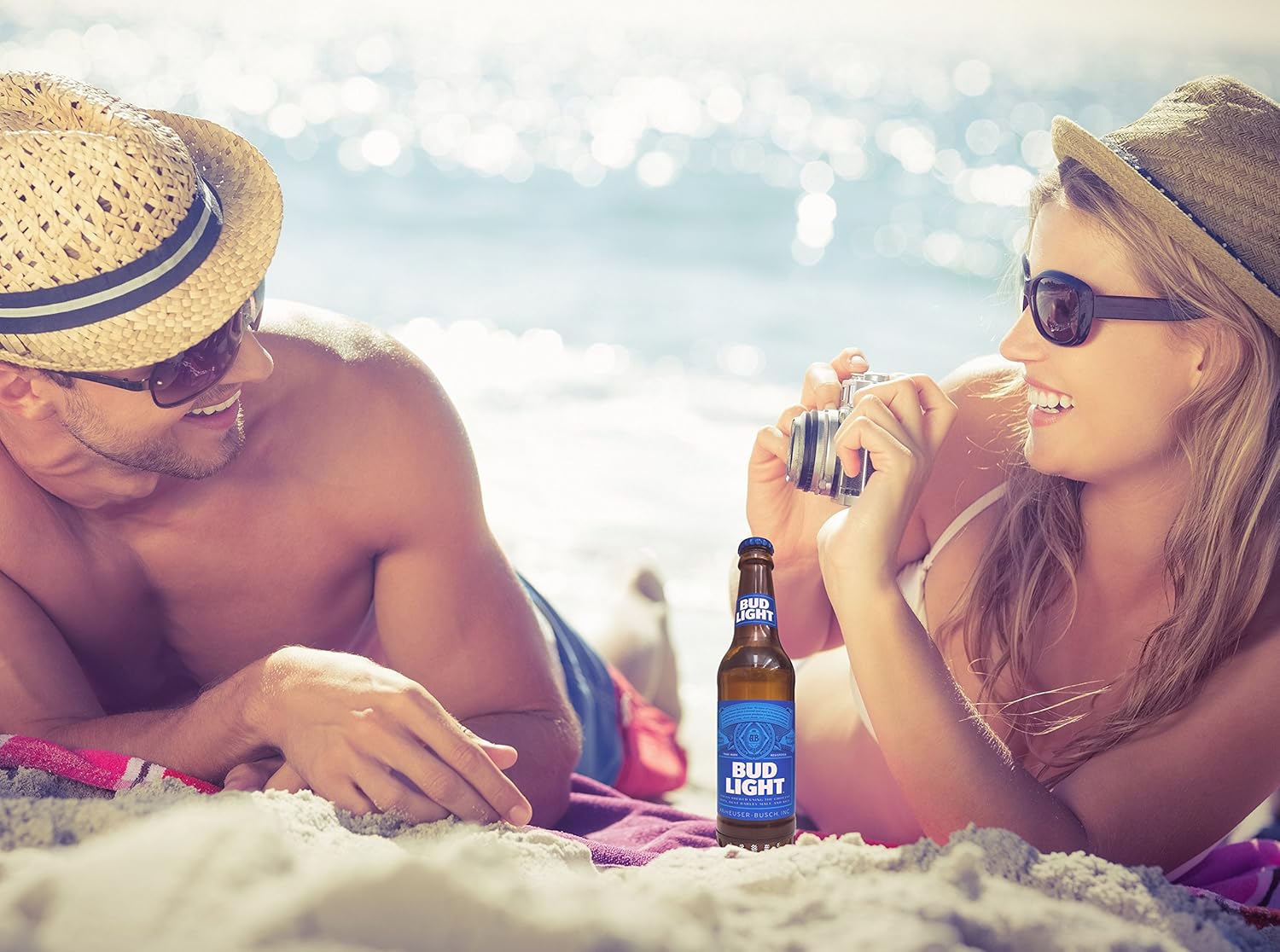
Image 5.1: The portable speaker in an outdoor setting, demonstrating its use for entertainment.
6. Maintenance
- Cleaning: Wipe the speaker with a soft, dry cloth. Do not use abrasive cleaners, alcohol, or solvents.
- Storage: Store the speaker in a cool, dry place away from direct sunlight and extreme temperatures.
- Water Exposure: This speaker is NOT waterproof. Avoid exposing it to water, rain, or excessive moisture.
- Battery Care: To preserve battery life, charge the speaker at least once every three months if not in regular use.
7. Troubleshooting
| Problem | Possible Cause | Solution |
|---|---|---|
| Speaker does not power on. | Battery is depleted. | Charge the speaker using the provided USB cable. |
| Cannot pair with Bluetooth device. | Bluetooth is off on your device; speaker is not in pairing mode; speaker is already paired to another device; device is out of range. | Ensure Bluetooth is enabled on your device. Power cycle the speaker to enter pairing mode. Disconnect from other devices. Move device closer to speaker (within 30 ft). |
| No sound during playback. | Volume on device is too low; speaker is not connected; audio source issue. | Increase volume on your connected device. Re-pair the Bluetooth connection. Check if the audio source is playing correctly. |
| Sound quality is poor or distorted. | Device is out of Bluetooth range; interference; low battery. | Move device closer to the speaker. Avoid sources of strong electromagnetic interference. Charge the speaker. |
8. Specifications
| Model Name | BL-BBS-002 |
| Brand | Bud Light |
| Connectivity Technology | Bluetooth 5.0 |
| Wireless Range | Up to 30 feet (9 meters) |
| Power Source | Battery Powered (1 Lithium Polymer battery, included) |
| Speaker Output Power | 3 Watts |
| Audio Output Mode | Stereo |
| Product Dimensions (L x W x H) | 2.5"D x 2.5"W x 9"H (6.35 cm x 6.35 cm x 22.86 cm) |
| Item Weight | 1 pound (0.45 kg) |
| Waterproof | No |
| Compatible Devices | Smartphones, Tablets, Laptops, Personal Computers |
9. Warranty and Support
This Bud Light Bluetooth Speaker comes with a 1-year limited warranty from the date of purchase. Please retain your proof of purchase for warranty claims.
The manufacturer is M&S Accessory Network. For support or warranty inquiries, please contact the retailer or manufacturer directly with your proof of purchase and product model number (BL-BBS-002).
Note: Warranty does not cover damage caused by misuse, accidents, unauthorized modifications, or exposure to water.
Related documentsBL-BBS-002

Ask a question about this manual
Ask about setup, troubleshooting, compatibility, parts, safety, or missing instructions. Manuals+ will review the question and use this page’s manual context to help answer it.