
Introduction
The VTech DS6151-2 is a 2-handset, 2-line cordless phone system designed for home or small business use. It features a digital answering system with a mailbox for each line, and message time and date stamps. This manual provides comprehensive instructions for setting up, operating, maintaining, and troubleshooting your phone system.
What's in the Box
Verify that your package contains all the items listed below:
- 2 Handsets
- 1 Base Unit
- 1 Charging Cradle
- 2 AAA batteries (included)
- Power adapter for base unit
- Power adapter for charging cradle
- Telephone line cords (2)

Image: The VTech DS6151-2 system, showing the main base unit with one handset docked, and a separate charging cradle with the second handset docked. Two telephone line connections are visible in the background.
Setup
Follow these steps to set up your VTech DS6151-2 cordless phone system:
- Connect the Base Unit:
- Plug one end of the telephone line cord into the TEL LINE 1 jack on the back of the base unit.
- Plug the other end of the telephone line cord into a telephone wall jack.
- If using a second line, repeat for TEL LINE 2.
- Plug the small end of the base unit power adapter into the POWER jack on the back of the base unit.
- Plug the large end of the power adapter into an electrical outlet not controlled by a wall switch.
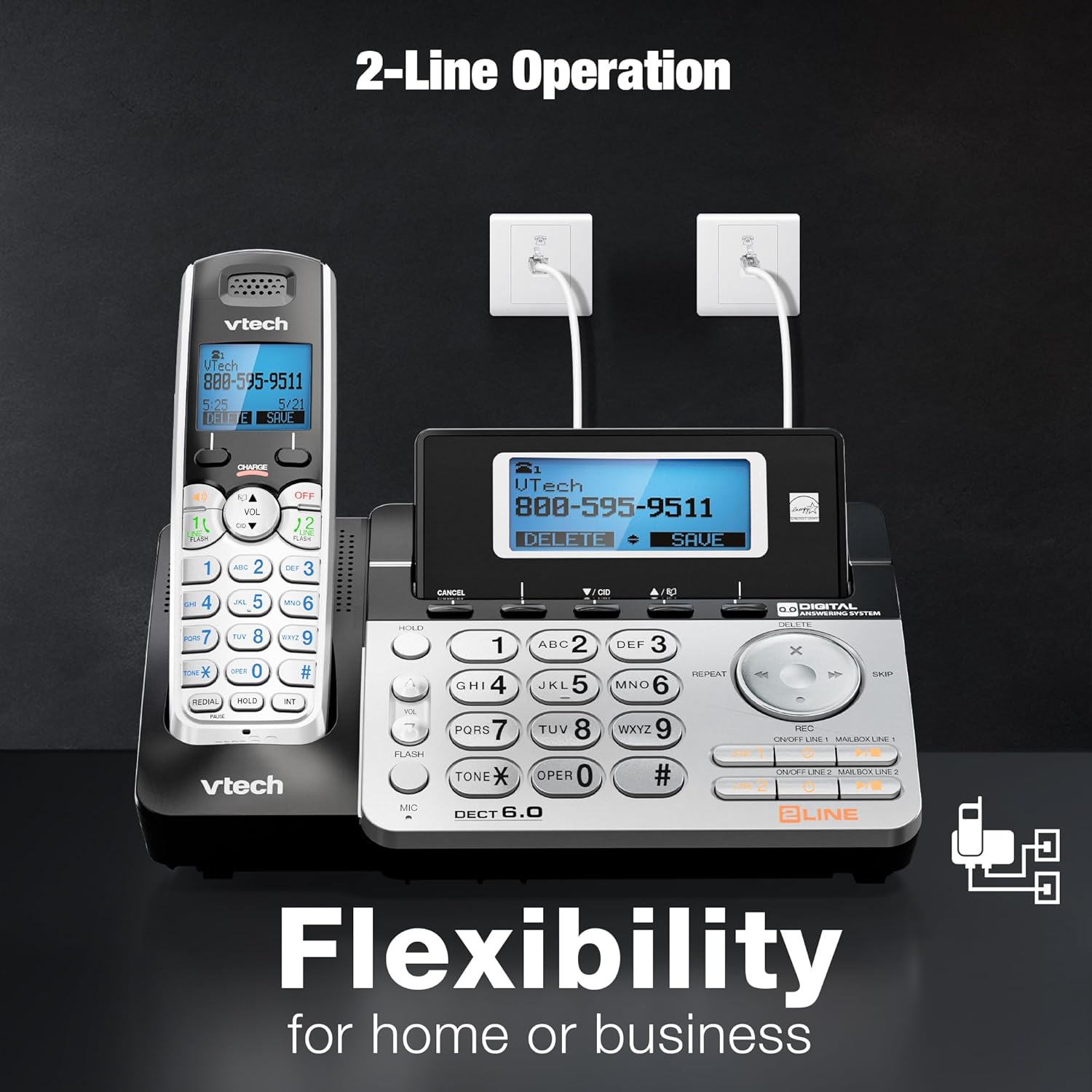
Image: The VTech DS6151-2 base unit and a handset, illustrating the connection of two telephone lines to wall jacks, highlighting the 2-line operation capability.
- Install Handset Batteries:
- Open the battery compartment cover on the back of each handset.
- Connect the battery pack plug securely into the jack inside the compartment.
- Place the battery pack with the label UP and tuck the wires inside the compartment.
- Close the battery compartment cover.
- Charge Handsets:
- Place each handset in the base unit or charging cradle with the display facing up.
- The CHARGE light on the handset will illuminate, indicating proper charging.
- Allow the handsets to charge for at least 16 hours before initial use.
- Set Date and Time:
- After the handsets are charged, follow the on-screen prompts to set the date and time. This is important for the answering system's message time and date stamps.
Operating Instructions
2-Line Operation
The system supports two separate telephone lines. You can conference between an outside line and up to 2 cordless handsets. The system is expandable up to 12 handsets.
- To select a line for an outgoing call, press LINE 1 or LINE 2 on the handset or base.
- When a call comes in, the corresponding line button will flash. Press it to answer.
Digital Answering System
The integrated digital answering system records up to 13 minutes of messages and features a voice guide. Each line has its own mailbox.
- To play messages, press PLAY/STOP on the base unit.
- To delete messages, press DELETE during message playback.
- Messages are time and date stamped for easy reference.

Image: The VTech DS6151-2 base unit and handset, highlighting the digital answering system with a visual indicator of "13 Minutes Recording time."
Caller ID / Call Waiting
The system stores up to 50 names and numbers in the Caller ID history, allowing you to review incoming calls.
- Press CID on the handset or base to review the Caller ID log.
- When a new call comes in while you are on another call, a tone will sound, and the new caller's information will appear on the display (requires Call Waiting service from your provider).

Image: The VTech DS6151-2 phone system, emphasizing the Caller ID / Call Waiting feature with a display indicating storage for "50 Names and Numbers."
Intercom Between Handsets and Base Unit
Communicate privately between handsets or between a handset and the base unit without using a telephone line.
- To initiate an intercom call, press INT on the handset or base, then select the desired destination.
Handset and Base Speakerphones
Enjoy hands-free conversations with the built-in speakerphones on both the handsets and the base unit.
- Press the SPEAKER button on the handset or base during a call to activate the speakerphone.

Image: The VTech DS6151-2 base unit and a handset, illustrating the speakerphone function for "Hands-Free" conversations.
Trilingual Prompts
The system offers voice prompts and menu options in English, Spanish, and French.
- Refer to the full user manual for instructions on changing the language settings.
Voicemail Waiting Indicator
The handset display provides a visual alert for new voicemail messages (requires voicemail service from your provider).

Image: A VTech DS6151-2 handset displaying a voicemail alert, indicating new messages are waiting.
High-Contrast Backlit Screen and Large Buttons
The handsets feature a high-contrast backlit screen and enlarged buttons, making it easy to see details and dial even in low light conditions.
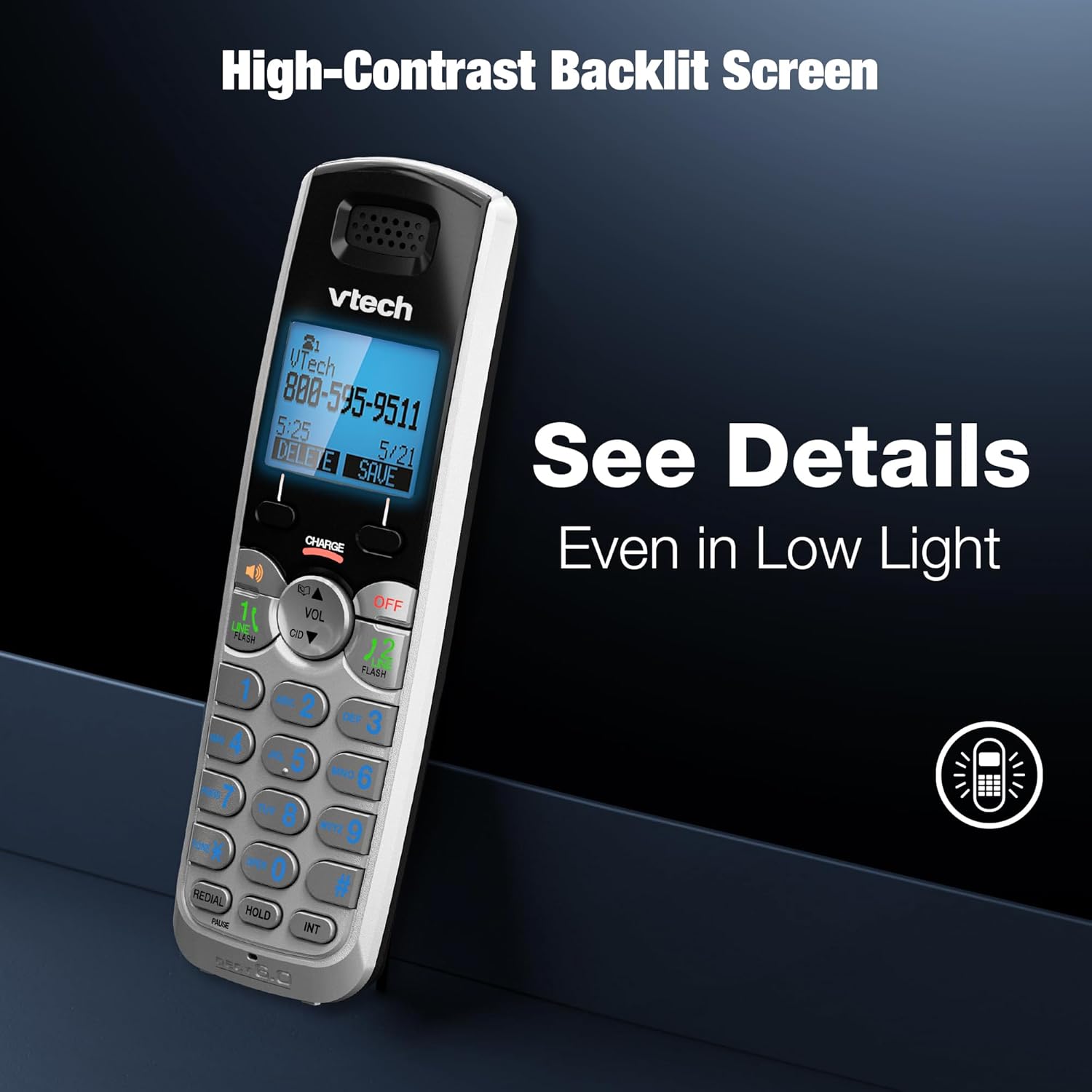
Image: A VTech DS6151-2 handset showcasing its high-contrast backlit screen, designed for clear visibility in various lighting conditions.

Image: The VTech DS6151-2 phone system, illustrating the large display and enlarged buttons on both the base and handset for improved readability and ease of use.
Long Range with DECT 6.0
DECT 6.0 digital technology provides superior sound quality, security, and range. Enjoy clear, interference-free audio and extended range for long distances with exceptional clarity.
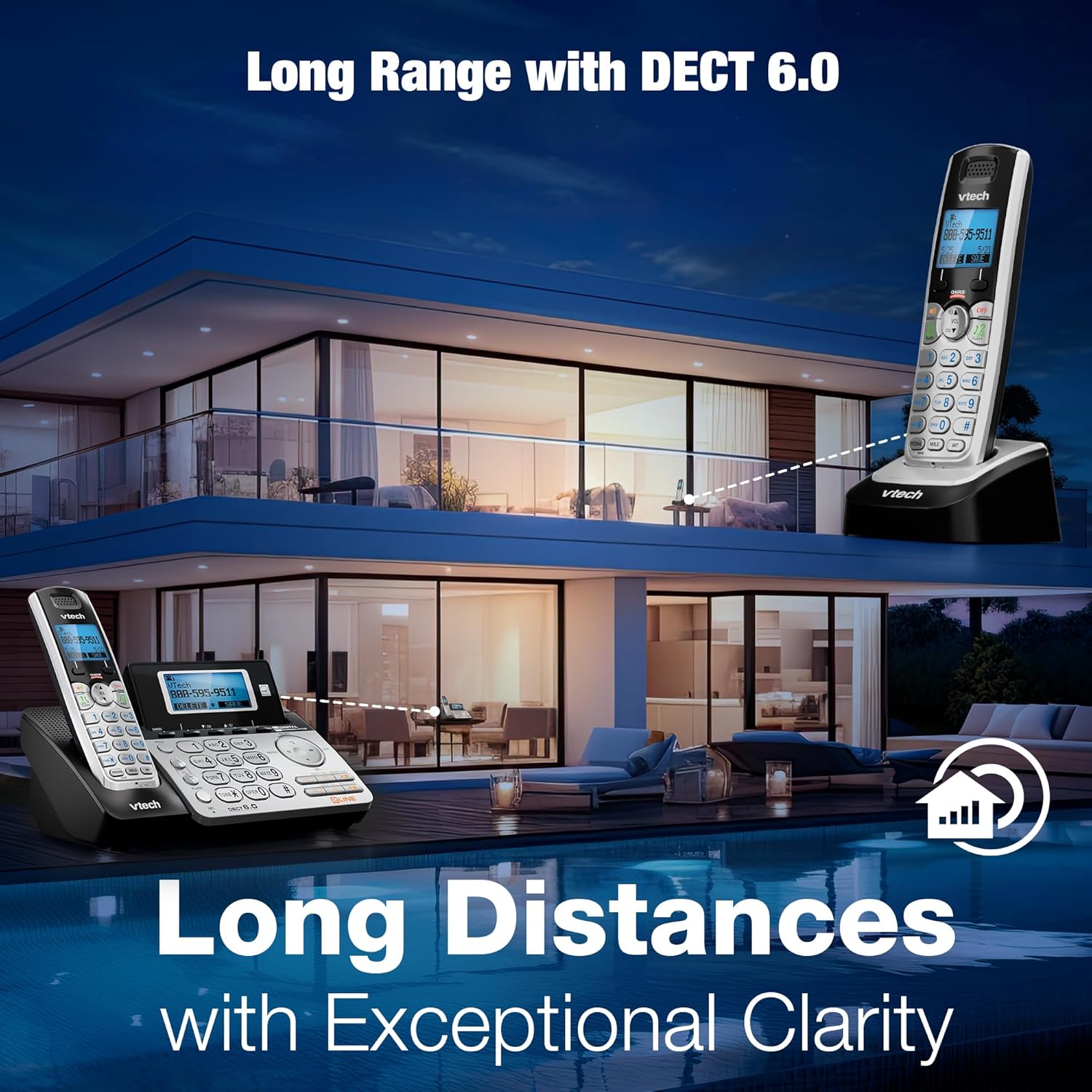
Image: The VTech DS6151-2 phone system depicted in a large home environment, demonstrating its long-range capability with DECT 6.0 technology.
Conference Calls
Easily conference between an outside line and up to 2 cordless handsets for seamless communication.

Image: A woman using the VTech DS6151-2 phone system, illustrating its ability to conference calls between an outside line and multiple handsets.
Maintenance
Proper maintenance ensures the longevity and optimal performance of your VTech DS6151-2 phone system.
- Cleaning: Wipe the phone and base unit with a soft, damp cloth. Do not use cleaning sprays or harsh chemicals.
- Battery Care:
- If the handset will not be used for a long period, remove the battery to prevent leakage.
- Replace batteries when the handset indicates low battery or when talk time significantly decreases. Use only the specified AAA rechargeable batteries.
- Location: Avoid placing the phone system in direct sunlight, near heat sources, or in areas with excessive moisture.
Troubleshooting
If you experience issues with your phone system, try the following troubleshooting steps:
| Problem | Solution |
|---|---|
| No dial tone. |
|
| Handset does not charge. |
|
| Poor sound quality or static. |
|
| Answering system not recording messages. |
|
For more detailed troubleshooting, please refer to the complete user manual.
Specifications
| Feature | Detail |
|---|---|
| Product Dimensions | 8.5 x 6.5 x 5 inches |
| Item Weight | 1.9 pounds |
| Model Number | DS6151-2 |
| Batteries | 2 AAA batteries required (included) |
| Brand | VTech |
| Color | Silver/Black |
| Telephone Type | Cordless |
| Material | Plastic |
| Power Source | Corded Electric |
| Answering System Type | Digital |
| Phone Talk Time | 1.5 Hours |
| Expandability | Expandable up to 12 handsets |
| Caller ID History | 50 Name and number |
| Answering System Recording Time | Up to 13 minutes |
| Technology | DECT 6.0 Digital Technology |
Warranty and Support
VTech products are designed for reliability and performance. For detailed warranty information, technical support, and frequently asked questions, please refer to the official user manual or visit the VTech support website.
Official User Manual (PDF): Download Here
For further assistance, please contact VTech customer service.


