
TECLAST T60Plus
Contents
TECLAST T60Plus 12-inch Android 14 Tablet User Manual
Model: T60Plus
1. Introduction
This manual provides detailed instructions for the TECLAST T60Plus 12-inch Android 14 Tablet. Please read this manual carefully before using your device to ensure proper operation and to maximize its lifespan. Keep this manual for future reference.

Image: Front view of the TECLAST T60Plus tablet, showcasing its large 12-inch display.
2. Initial Setup
2.1. Unboxing and First Power On
Upon unboxing, ensure all components are present: the TECLAST T60Plus tablet, power adapter, data cable, and SIM ejector tool. Before first use, connect the tablet to the power adapter and charge for at least 30 minutes to ensure sufficient battery for initial setup.
2.2. Inserting SIM and MicroSD Cards
The T60Plus supports dual SIM cards for 4G LTE connectivity and a MicroSD card for storage expansion up to 4TB.
- Locate the SIM/MicroSD card tray on the side of the tablet.
- Use the provided ejector tool to open the tray.
- Carefully place your SIM card(s) and/or MicroSD card into the designated slots. Ensure correct orientation.
- Gently push the tray back into the tablet until it clicks into place.
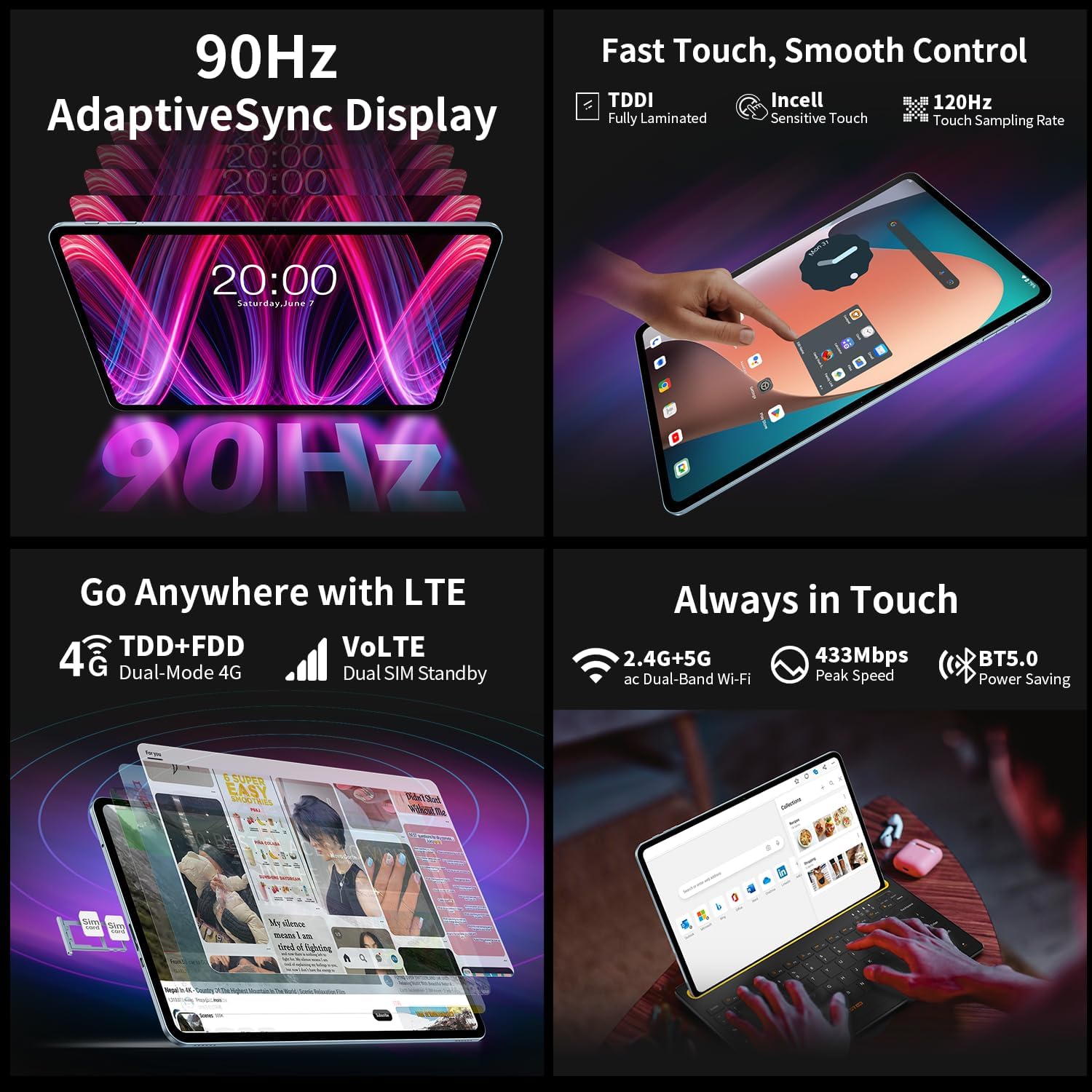
Image: Close-up of the TECLAST T60Plus tablet's side, illustrating the SIM and MicroSD card tray for insertion.
2.3. Connecting to Networks
After powering on, follow the on-screen prompts to connect to a Wi-Fi network or enable mobile data (if a SIM card is inserted). The tablet supports 2.4GHz/5GHz Wi-Fi and 4G LTE networks. Bluetooth 5.0 is also available for connecting wireless accessories.
2.4. Android 14 Setup
Follow the Android 14 setup wizard to configure your language, region, Google account, and other initial settings. This includes setting up security features like Face Unlock.
3. Operating the Tablet
3.1. Display and Interaction
The T60Plus features a 12-inch 2K (2000x1200) IPS display with a 90Hz refresh rate and TDDI technology for responsive touch. It also includes eye protection features. Navigate the interface using touch gestures.

Image: Overview of the TECLAST T60Plus tablet's features, including Android 14, storage, and intelligent sensors.
3.2. Performance and Storage
Powered by an MTK G88 Octa-Core 2.0GHz processor and 16GB RAM (6GB physical + 10GB virtual), the tablet handles multitasking and applications efficiently. The 128GB internal storage can be expanded up to 4TB using a MicroSD card.

Image: Diagram illustrating the MediaTek G88 Octa-Core CPU architecture and its components.
3.3. Camera Functions
The tablet is equipped with a 13MP main camera and an 8MP front camera. Use the pre-installed camera application to capture photos and videos. The front camera is suitable for video calls.

Image: Visual representation of the TECLAST T60Plus tablet's camera, 8000mAh battery, and satellite navigation capabilities.
3.4. Battery Management
The 8000mAh battery provides extended usage, offering approximately 10-13 hours of 1080p video playback. To optimize battery life, adjust screen brightness, close unused applications, and enable power-saving modes.
3.5. Connectivity Features
- 4G LTE: Insert a SIM card to access mobile data and make calls (VoLTE supported).
- Wi-Fi: Connect to 2.4GHz or 5GHz Wi-Fi networks for internet access.
- Bluetooth 5.0: Pair with wireless headphones, speakers, and other Bluetooth devices.
- GPS: Utilize A-GPS/GPS/Beidou/Glonass/Galileo for precise navigation.
- USB-C: For charging and data transfer.
3.6. Special Features
- Widevine L1: Enjoy high-definition video streaming on supported platforms like Netflix.
- Parental Control: Android 14 includes features to manage screen time and app access for children.
- Wireless Screen Casting: Connect your tablet wirelessly to a compatible TV or display.
- Face Unlock: Securely unlock your device using facial recognition.
4. Maintenance
4.1. Cleaning the Tablet
Use a soft, lint-free cloth to clean the screen and body of the tablet. Avoid using harsh chemicals or abrasive materials, which can damage the display or finish. For stubborn smudges, slightly dampen the cloth with water or a screen cleaner designed for electronics.
4.2. Software Updates
Regularly check for and install software updates to ensure your tablet has the latest features, security patches, and performance improvements. Go to Settings > System > System update to check for available updates.
4.3. Battery Care
- Avoid exposing the tablet to extreme temperatures.
- Do not let the battery completely drain frequently.
- Use the original charger and cable for optimal charging.
5. Troubleshooting
5.1. Device Not Powering On
If the tablet does not power on, ensure it is sufficiently charged. Connect it to the charger and wait for at least 30 minutes before attempting to power it on again. If the issue persists, try holding the power button for 10-15 seconds to force a restart.
5.2. Screen Issues (Black Screen, Freezing)
If the screen is black or the device freezes, perform a forced restart by holding the power button for an extended period (10-15 seconds). If the problem continues, consider performing a factory reset (see section 5.4), but be aware this will erase all data.
5.3. Connectivity Problems
- Wi-Fi: Ensure Wi-Fi is enabled and you are within range of a known network. Try restarting your router.
- 4G LTE: Check if your SIM card is properly inserted and activated. Verify your mobile data plan.
- Bluetooth: Ensure Bluetooth is enabled on both devices and they are in pairing mode.
5.4. Factory Reset
A factory reset can resolve persistent software issues but will erase all data on your tablet. Back up important data before proceeding. To perform a factory reset, go to Settings > System > Reset options > Erase all data (factory reset) and follow the on-screen instructions.
6. Specifications
| Feature | Detail |
|---|---|
| Model Name | TECLAST T60Plus |
| Display | 12-inch IPS, 2000x1200 resolution, 90Hz refresh rate |
| Processor | MediaTek MTK G88 Octa-Core 2.0GHz |
| RAM | 16GB (6GB physical + 10GB virtual) |
| Internal Storage | 128GB |
| Expandable Storage | Up to 4TB via MicroSD |
| Operating System | Android 14 |
| Rear Camera | 13MP |
| Front Camera | 8MP |
| Battery | 8000mAh Lithium-Polymer |
| Connectivity | 4G LTE, 5G Wi-Fi (802.11ac), Bluetooth 5.0, USB-C |
| Navigation | GPS/BeiDou/GLONASS/Galileo |
| Dimensions (L x W x Thickness) | 27.9L x 17.4W x 0.8D cm |
| Weight | 1.11 kg (package weight) |
| Special Features | 90Hz High Brush Low Blue Light certification, TDDI-integrated touchscreen, Widevine L1, Face Unlock |
7. Warranty Information
The TECLAST T60Plus tablet comes with a 2-year after-sales service warranty. Please retain your proof of purchase for warranty claims. For specific terms and conditions, refer to the warranty card included with your product or contact TECLAST customer support.
8. Customer Support
For further assistance, technical support, or inquiries regarding your TECLAST T60Plus tablet, please contact TECLAST customer service. Professional after-sales advice is available to help you with any issues.
Visit the official TECLAST website for contact information and additional resources: www.teclast.com
Ask a question about this manual
Ask about setup, troubleshooting, compatibility, parts, safety, or missing instructions. Manuals+ will review the question and use this page’s manual context to help answer it.