Introduction
The Conair Extreme Steam Pro Steam Iron is designed to provide powerful steam and efficient wrinkle removal for various fabrics. Featuring an 1875-watt heating element and a Nano Titanium soleplate, this iron offers even heat distribution and smooth gliding. This manual will guide you through the proper use and care of your new steam iron.

Image: Front-side view of the Conair Extreme Steam Pro Steam Iron, showcasing its black, silver, and copper design.
Important Safety Instructions
When using electrical appliances, especially when children are present, basic safety precautions should always be followed, including the following:
- Read all instructions before using the iron.
- Do not leave the iron unattended while it is connected or on an ironing board.
- Always unplug the iron from the electrical outlet before filling with water, emptying, or when not in use.
- Do not operate the iron with a damaged cord or if the iron has been dropped or damaged.
- To avoid the risk of electric shock, do not immerse the iron in water or other liquids.
- Use the iron only for its intended household use.
- Keep the iron and its cord out of reach of children.
- Do not allow the cord to touch hot surfaces.
Product Features & Components
Familiarize yourself with the various parts of your Conair Extreme Steam Pro Steam Iron:
- Nano Titanium Soleplate: Provides even heat distribution and smooth gliding.
- Water Tank: Transparent reservoir for water.
- Temperature Control Dial: Adjusts heat settings for different fabrics.
- Steam Control Lever: Regulates steam output.
- Spray Button: Mists water onto fabric for stubborn wrinkles.
- Steam Burst Button: Delivers a powerful burst of steam.
- Self-Clean Button: Activates the self-cleaning function.
- Power Indicator Light: Illuminates when the iron is heating.
- Anti-Drip System: Prevents water leakage at low temperatures.
- Anti-Calc System: Reduces mineral buildup for longer iron life.
- 3-Way Auto-Off: Automatically shuts off the iron for safety.
- Ball Joint Line Cord: Allows for 360-degree movement of the cord.
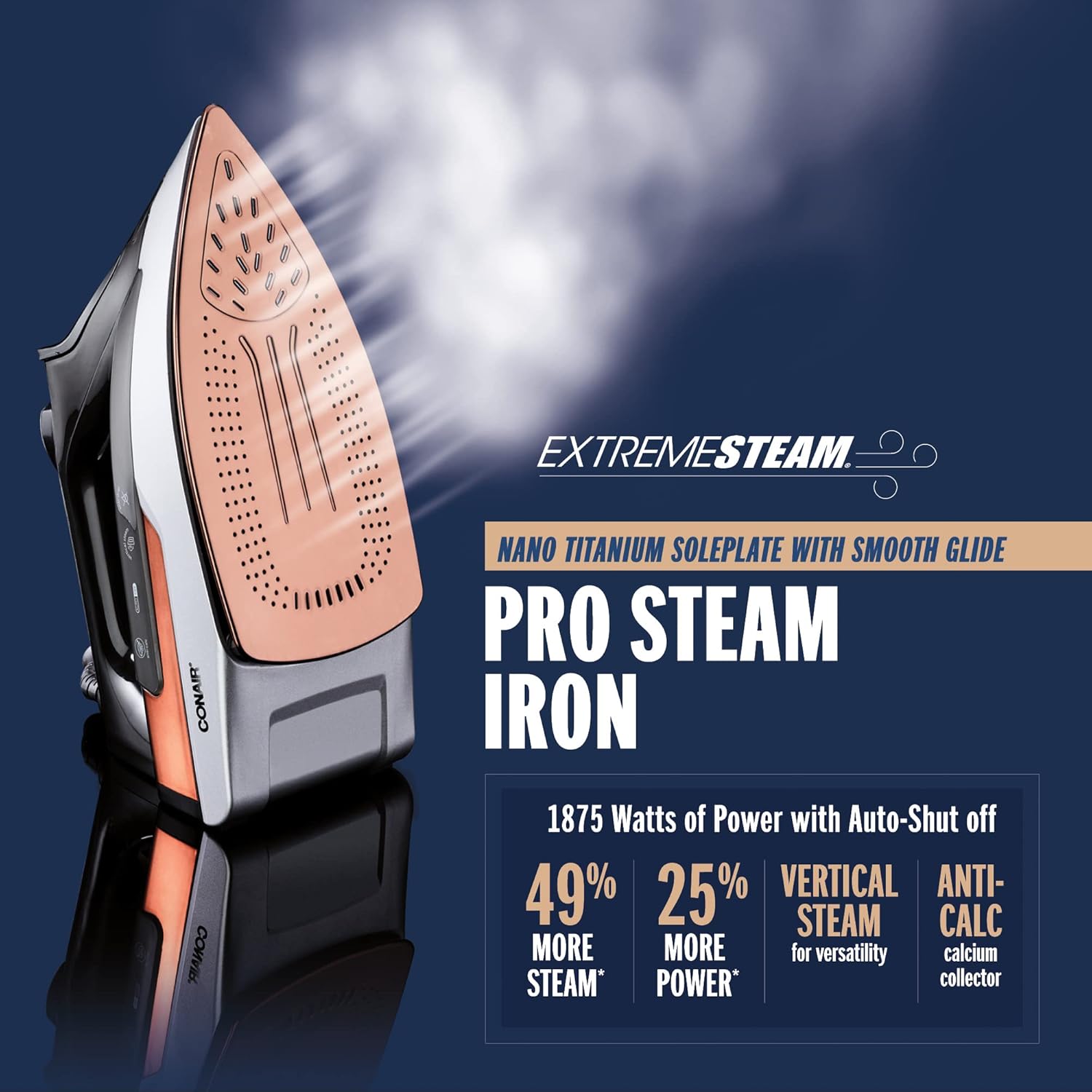
Image: Side view of the iron, highlighting the water tank, temperature dial, and steam/spray buttons.
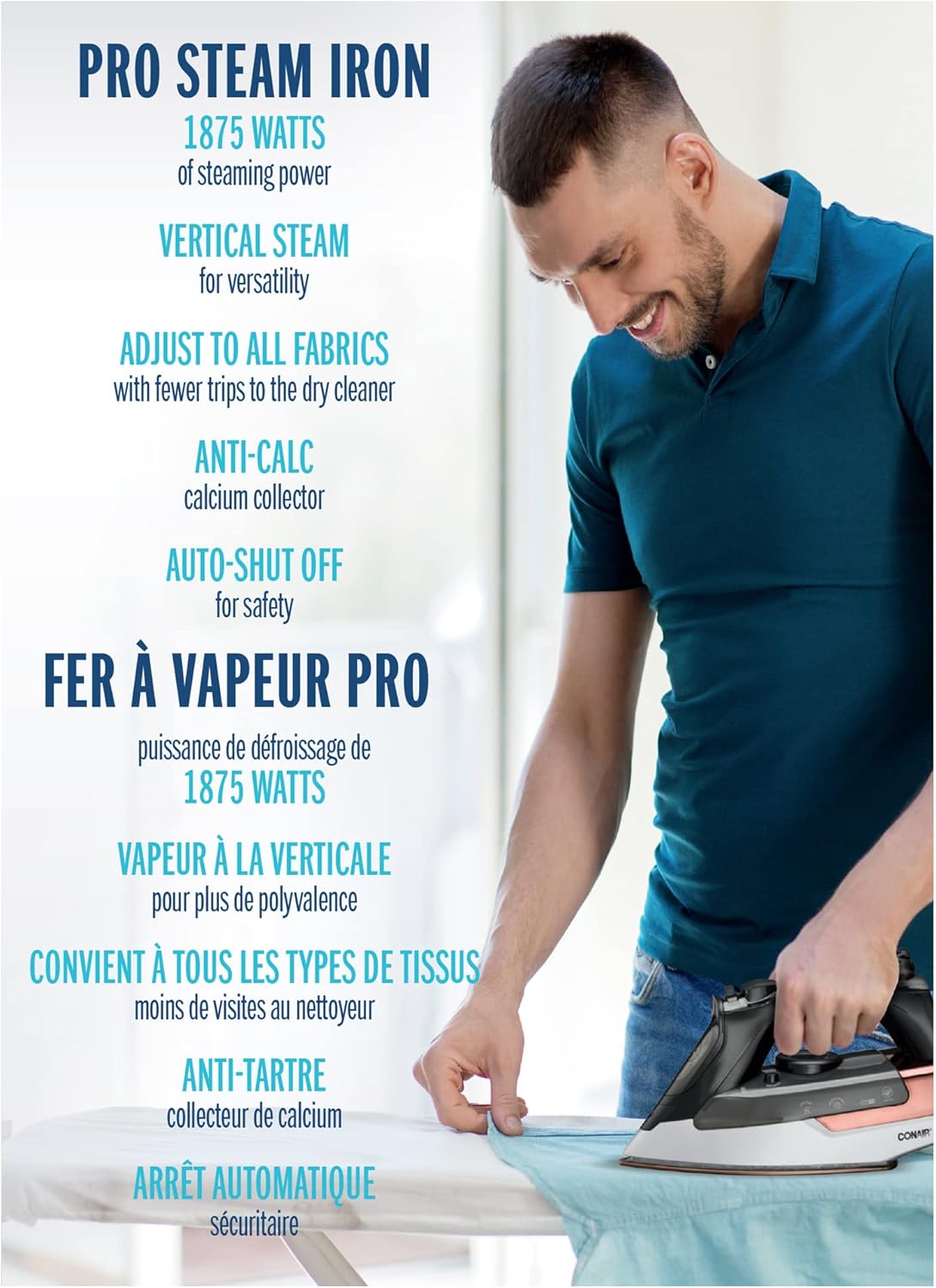
Image: Top view of the iron, showing the layout of the control buttons and the water tank cap.

Image: Underside view of the iron, showcasing the Nano Titanium soleplate with steam vents.

Image: Visual representation of the iron's key features including Nano Titanium soleplate, 1875 Watts of power, vertical steam, and anti-calc system.
Before First Use
Before using your iron for the first time, remove any labels or protective film from the soleplate. It is normal for a small amount of water to be present in the iron's reservoir due to quality control testing at the factory.
Filling the Water Tank
- Ensure the iron is unplugged from the electrical outlet.
- Set the steam control lever to the 'Dry Ironing' or 'No Steam' position.
- Open the water tank filler cap.
- Using a measuring cup, carefully pour tap water into the water tank up to the 'MAX' fill line. Do not overfill.
- Close the water tank filler cap securely.
Operating Your Iron
Temperature Settings
- Plug the iron into a standard electrical outlet.
- Turn the temperature control dial to the desired setting based on the fabric type. Refer to the fabric guide on the dial or garment care labels.
- The power indicator light will illuminate, indicating the iron is heating. It will turn off when the desired temperature is reached.
Steam Functions
Ensure the water tank is filled and the iron has reached the appropriate temperature (usually indicated by the light turning off for higher settings).
- Continuous Steam: Move the steam control lever to the desired steam level.
- Steam Burst: Press the 'Steam Burst' button for an extra shot of steam. Useful for stubborn wrinkles. Wait a few seconds between bursts.
- Vertical Steam: Hold the iron vertically, about 15-30 cm from the fabric. Press the 'Steam Burst' button to steam hanging garments, drapes, or upholstery.
Spray Function
Press the 'Spray' button to mist water onto the fabric. This helps to dampen dry areas and make ironing easier.
Dry Ironing
For dry ironing, ensure the water tank is empty or the steam control lever is set to the 'No Steam' position. Select the desired temperature and iron as usual.
Auto Shut-Off
For safety, the iron features a 3-way auto shut-off function. If left motionless on its soleplate for 30 seconds, or on its heel rest for 8 minutes, the iron will automatically turn off. The power indicator light will flash to indicate auto shut-off. To reset, simply move the iron.

Image: A man using the Conair Extreme Steam Pro Steam Iron on a garment, illustrating typical usage.
Care and Maintenance
Self-Cleaning Function
The self-cleaning function helps to remove mineral deposits and impurities from the steam chamber. Use this function monthly or as needed.
- Fill the water tank to the 'MAX' line.
- Set the steam control to 'No Steam' and the temperature dial to 'MAX'.
- Plug in the iron and allow it to heat until the indicator light turns off.
- Unplug the iron. Hold it horizontally over a sink.
- Press and hold the 'Self-Clean' button. Hot water and steam will be expelled from the soleplate, flushing out impurities.
- Gently rock the iron back and forth until the water tank is empty.
- Release the 'Self-Clean' button.
- Reheat the iron to dry the soleplate, then unplug and store.
Anti-Calc System
The built-in anti-calc system helps to reduce the accumulation of calcium deposits, prolonging the life of your iron. This system is permanent and does not require maintenance.
Draining and Storage
After each use, unplug the iron and allow it to cool completely. Empty any remaining water from the tank. Store the iron upright on its heel rest to prevent damage to the soleplate.
Troubleshooting
| Problem | Possible Cause | Solution |
|---|---|---|
| Iron does not heat up. | Not plugged in; Auto shut-off activated; Faulty outlet. | Ensure iron is plugged in; Move iron to reset auto shut-off; Check outlet with another appliance. |
| No steam or insufficient steam. | Water tank empty; Temperature too low; Steam control set to 'No Steam'; Mineral buildup. | Fill water tank; Set temperature to appropriate steam setting; Adjust steam control; Perform self-clean cycle. |
| Water leaks from soleplate. | Temperature too low for steam; Overfilled water tank; Iron left horizontal too long; Mineral buildup. | Allow iron to reach full temperature before steaming; Do not overfill; Store iron upright; Perform self-clean cycle. |
| Soleplate is dirty. | Starch or fabric residue. | Clean soleplate with a damp cloth after cooling. Do not use abrasive cleaners. |
Specifications
- Model: IR2342NRC
- Wattage: 1875 Watts
- Soleplate Material: Nano Titanium
- Color: Black, Silver & Copper
- Special Features: Auto Shutoff, Anti-Drip, Anti-Calc, Vertical Steam, Spray Function
- Cord Length: Approximately 7 feet
- Power: 120V AC, 60Hz
Warranty and Customer Support
For warranty information and customer support, please refer to the warranty card included with your purchase or visit the official Conair website. Do not attempt to repair the appliance yourself. Any servicing other than cleaning should be performed by an authorized service representative.