
1. Introduction
The Godox XproII-S is an advanced TTL II 2.4G wireless flash trigger designed for Sony DSLR cameras. It offers comprehensive control over Godox X system flashes, enabling high-speed synchronization up to 1/8000s, multi-flash, manual flash, and various other functions for professional lighting setups. This manual provides detailed instructions for setup, operation, and maintenance of your XproII-S trigger.

Figure 1.1: Godox XproII-S TTL II Wireless Flash Trigger for Sony DSLR Cameras.
2. Key Features
- Wireless Control: 16 Groups and 32 Channels for precise wireless control and triggering.
- Interference Avoidance: 01-99 Wireless ID setting to prevent signal interference.
- Intuitive Interface: 5 Group Buttons and 4 Function Buttons for convenient manipulation.
- Versatile Triggering: Supports Wireless Flash Trigger, Wireless Speedlites Trigger, Wireless Shutter Release Trigger, and Flash Trigger with 2.5mm Sync Cord Jack.
- Clear Display: Full Graphic Display of 5 Groups simultaneously on a large Dot Matrix LCD panel.
- Firmware Upgrades: Type-C USB port for future firmware updates.
- Smart TCM Function: Long press TCM Button to transform TTL shooting value into M mode output value. Short press to switch between One-Group and Multi-Group Mode.
- Comprehensive Flash Modes: Fully supports TTL Autoflash, 1/8000s High-Speed Sync (HSS), Multi Flash, Manual Flash, Flash Exposure Compensation.
- Advanced Controls: Memory Function, Magnification Function, One-Shoot & Multi-Shoot Setting, Group Modeling Lamp Control, Group Zooming, Adjusting All Groups' Output Value Simultaneously.
3. Setup
3.1 Installing the Trigger
- Ensure your camera is powered off.
- Slide the Godox XproII-S onto your camera's hot shoe.
- Secure the trigger in place using the quick-release lock lever. This updated quick lever ensures the speedlight is locked safely while on camera and allows for easy unlocking when off camera.

Figure 3.1: Detail of the Quick-Release Lock for secure mounting.
3.2 Powering On and Initial Settings
- Insert appropriate batteries (not specified in product data, typically AA) into the trigger's battery compartment.
- Slide the ON/OFF switch to the 'ON' position. The LCD screen will illuminate.
- Set the desired Channel (CH) and Wireless ID (ID) on the XproII-S. These settings must match those of your Godox X system flashes to ensure proper communication and avoid interference. The XproII-S supports 16 groups and 32 channels, with 01-99 wireless ID settings.

Figure 3.2: Godox XproII-S mounted on a camera, showing the main display with channel and group information.
4. Operating Instructions
4.1 Basic Controls and Display
The XproII-S features a large dot matrix LCD panel that displays up to 5 groups simultaneously. Use the group buttons (GR) on the left and the dial/SET button for navigation and parameter adjustment. The 4 function buttons below the screen change their function based on the current mode.
4.2 TTL Autoflash and High-Speed Sync (HSS)
The trigger fully supports TTL Autoflash, allowing your camera to automatically determine the correct flash exposure. For shooting at shutter speeds faster than your camera's native sync speed, enable High-Speed Sync (HSS) up to 1/8000s. This is typically activated via the camera's flash settings or a dedicated button on the trigger.

Figure 4.1: The XproII-S display indicating HSS (High-Speed Sync) and TTL (Through-The-Lens) modes.
4.3 Manual Flash and Flash Exposure Compensation (FEC)
For precise control, switch to Manual Flash mode to set flash power output manually. Flash Exposure Compensation (FEC) allows you to adjust the TTL flash output to fine-tune exposure without changing the camera's aperture or shutter speed.
4.4 TCM Instant Conversion Function
The innovative TCM (TTL Converted to Manual) function allows for instant conversion of a TTL shooting value into a manual output value. This helps retain parameters and quickly switch between modes. Long press the TCM button to convert, and short press to toggle between One-Group and Multi-Group modes.

Figure 4.2: The TCM function display, illustrating the conversion from TTL to manual power settings.
4.5 Group Control
The XproII-S allows you to control multiple flash groups independently. You can adjust each group's output value, control modeling lamps, and adjust zooming for individual groups directly from the trigger. It also supports adjusting all groups' output values simultaneously.
4.6 Godox Flash App Control
The XproII-S features built-in Bluetooth connectivity, allowing you to control lighting parameters via the Godox Flash App on your smartphone. This provides an alternative, convenient interface for adjusting settings.

Figure 4.3: Controlling the Godox XproII-S via the Godox Flash App on a smartphone.
4.7 Optional Single Contact Triggering
This TTL wireless flash trigger offers an optional single contact function for more speedy and sensitive triggering. When shooting in burst mode, this feature ensures flashes are triggered in rapid succession with shorter intervals.
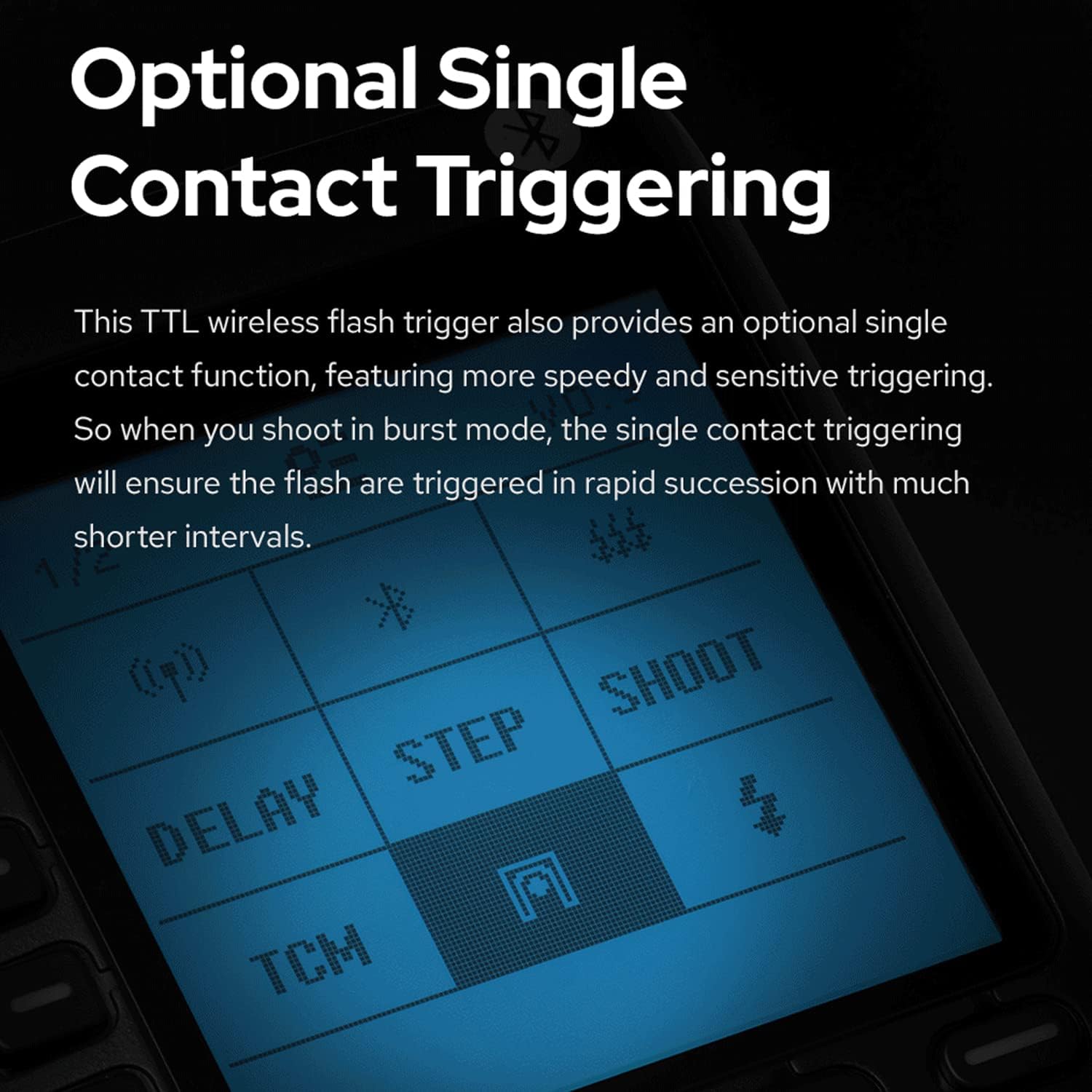
Figure 4.4: Display showing advanced triggering options including 'SHOOT' for single contact triggering.
4.8 Sekonic Light Meter Integration
The XproII-S can collaborate with Sekonic L-858 light meters that have a built-in Godox 2.4G module. This allows you to adjust flash parameters directly on the L-858 after metering, streamlining your lighting process for more precise and convenient control.

Figure 4.5: The Godox XproII-S integrating with a Sekonic L-858 light meter for advanced control.
5. Maintenance
- Cleaning: Use a soft, dry cloth to clean the exterior of the trigger. Avoid using harsh chemicals or abrasive materials.
- Storage: When not in use for extended periods, remove the batteries and store the trigger in a cool, dry place away from direct sunlight and extreme temperatures.
- Firmware Updates: Periodically check the official Godox website for firmware updates. Use the Type-C USB port to connect the trigger to a computer and follow the provided instructions for updating the firmware. This ensures optimal performance and access to new features.
- Battery Care: Replace batteries when the low battery indicator appears. Dispose of used batteries responsibly.
6. Troubleshooting
| Problem | Possible Cause | Solution |
|---|---|---|
| Flash trigger not firing flashes. | Incorrect channel/ID settings; low battery; trigger not securely mounted; flash unit not powered on or in slave mode. | Ensure trigger and flash units have matching channel and ID settings. Check and replace batteries. Securely mount the trigger. Verify flash unit power and mode. |
| Signal interference. | Other wireless devices operating on the same frequency. | Change the channel and wireless ID settings on both the trigger and flash units. Utilize the scanning function to find spare channels/IDs. |
| LCD screen is blank or unresponsive. | Low battery; power switch off; device malfunction. | Check battery level and replace if necessary. Ensure the power switch is ON. If problem persists, contact customer support. |
| TCM function not converting correctly. | Incorrect initial TTL reading or flash unit not supporting TCM. | Ensure the flash unit is compatible with TCM. Re-evaluate the TTL exposure before conversion. |
7. Specifications
| Feature | Detail |
|---|---|
| Model Number | X-XproII-S |
| Product Dimensions | 3.54 x 2.28 x 1.97 inches |
| Item Weight | 2.88 ounces |
| Wireless System | Godox 2.4G Wireless X System |
| Channels | 32 |
| Groups | 16 |
| Wireless ID | 01-99 |
| High-Speed Sync | Up to 1/8000s |
| Connectivity | Type-C USB for firmware upgrade, Bluetooth for App control |
| Compatibility | Sony DSLR Cameras (specific models may vary) |
8. Warranty and Support
For warranty information, please refer to the documentation included with your product packaging or visit the official Godox website. For technical support, troubleshooting assistance beyond this manual, or service inquiries, please contact Godox customer service through their official channels.
You can find more information and support resources on the GODOX Store on Amazon.