BETOPPER 100W LED DMX Stage Spotlight User Manual
Model: LC001-h
Introduction
This manual provides essential information for the safe and efficient operation of your BETOPPER 100W LED DMX Stage Spotlight. Please read this manual thoroughly before use and retain it for future reference.
Safety Information
- Ensure the power supply voltage matches the product's requirements (AC 100-240V, 50/60Hz).
- Do not open the housing; there are no user-serviceable parts inside. Refer all servicing to qualified personnel.
- Avoid direct eye exposure to the light source, as it is very bright.
- Ensure proper ventilation to prevent overheating. Do not block ventilation openings.
- Always disconnect from power before cleaning or maintenance.
- Mount the fixture securely using appropriate hardware and safety cables.
What's in the Box
Verify that all components are present upon unpacking:
- BETOPPER 100W LED DMX Stage Spotlight (x1)
- Installation Brackets
- Installation Screws
- User's Manual (this document)
- Adapter (DMX Cable Convert to Old Version Light)
- Adapter (Power & DMX Transmission)

Image: Included components of the BETOPPER LC001-h stage spotlight, showing the light fixture, brackets, screws, and adapter cables.
Setup
1. Mounting the Fixture
Use the provided installation brackets and screws to securely mount the spotlight. Ensure the mounting surface can support the weight of the fixture and that it is positioned to allow adequate ventilation.

Image: Front view of the BETOPPER LC001-h stage spotlight, illustrating its design and integrated mounting bracket.
2. Power Connection
Connect the power cable to a suitable AC 100-240V, 50/60Hz power outlet. The fixture features a daisy-chainable power design, allowing multiple units to be connected from a single power source. Use the provided power transmission adapter for this purpose.
3. DMX Connection (Optional)
For DMX control, connect a DMX controller to the DMX IN port of the first fixture. Use standard 3-pin XLR cables. To daisy-chain multiple fixtures, connect the DMX OUT of the first fixture to the DMX IN of the next, and so on. The fixture supports DMX512 protocol.

Image: Diagram showing how to daisy-chain multiple BETOPPER stage lights using power and XLR cables for synchronized operation.
Operating Instructions
Control Panel Overview
The control panel on the rear of the fixture features a digital display and four buttons: MENU, UP, DOWN, and ENTER.
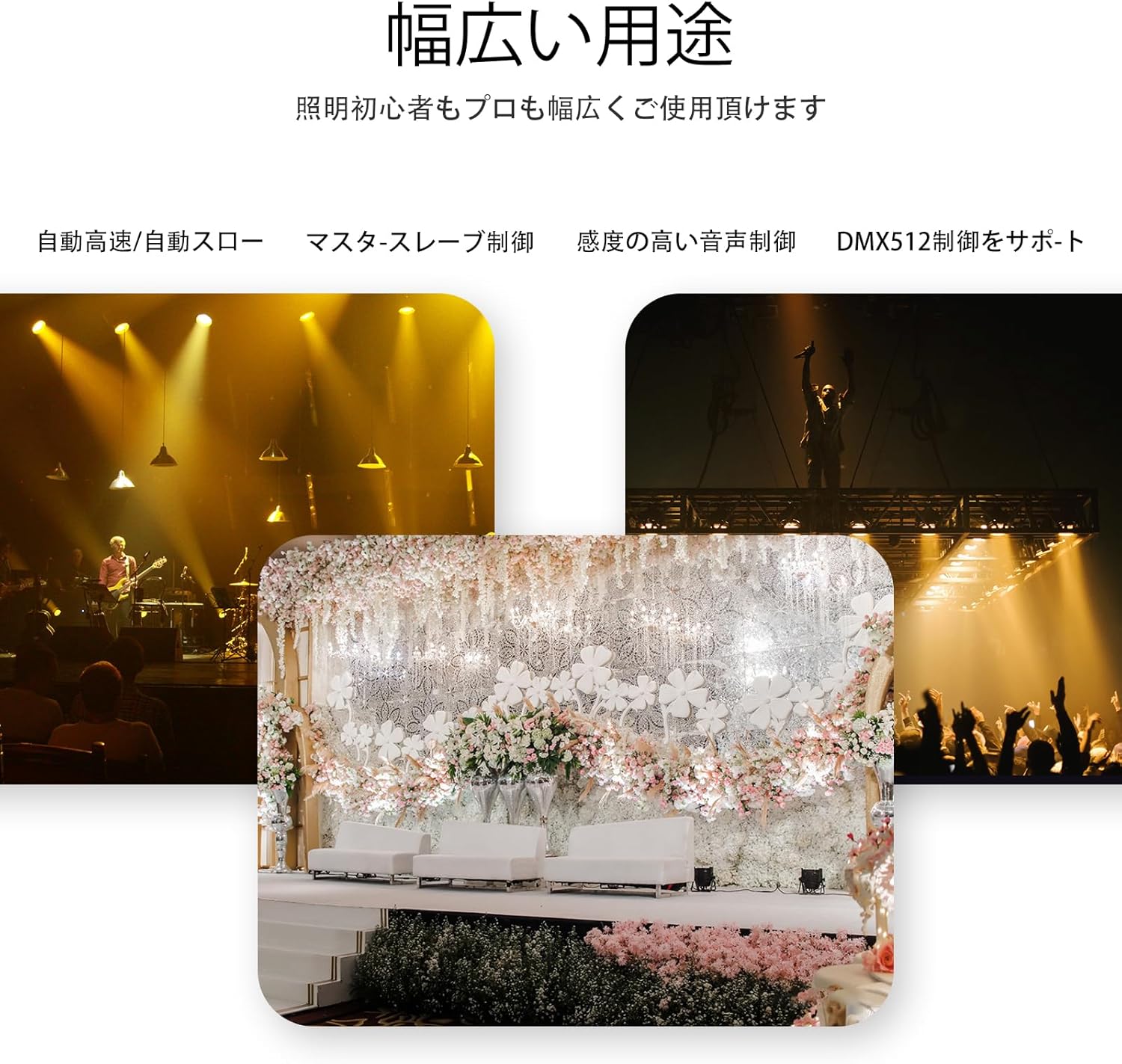
Image: Detailed view of the control panel on the BETOPPER LC001-h, highlighting the digital display, MENU, UP, DOWN, and ENTER buttons, along with power and DMX input/output ports.
- MENU: Cycles through the main menu options.
- UP/DOWN: Navigates through options or adjusts parameter values.
- ENTER: Confirms selection or saves changes.
Operating Modes
The fixture supports various operating modes, including:
- Manual Mode: Adjust brightness and color temperature (warm white/cold white) directly from the control panel.
- DMX Mode: Control the fixture using an external DMX512 controller. Set the DMX address via the control panel. The fixture uses 2 or 4 DMX channels.
- Master-Slave Mode: Link multiple fixtures for synchronized operation without a DMX controller. One fixture acts as the master, controlling the others (slaves).
- Sound-Activated Mode: The light reacts to ambient sound.
- Auto Mode: Pre-programmed light shows.
Refer to the on-screen menu for specific settings and adjustments within each mode.

Image: Visual representation of the different color temperatures achievable with the COB light source: warm white (3200K), cold white (5600K), and a mixed setting.
Maintenance
- Cleaning: Regularly clean the lens and housing with a soft, lint-free cloth. Do not use abrasive cleaners or solvents. Ensure the fixture is powered off and cooled before cleaning.
- Inspection: Periodically check all cables, connections, and mounting hardware for signs of wear or damage. Replace any damaged components immediately.
- Ventilation: Ensure ventilation openings remain clear of dust and debris to maintain optimal thermal performance.
Troubleshooting
| Problem | Possible Cause | Solution |
|---|---|---|
| Fixture does not power on. | No power supply; faulty cable; internal issue. | Check power connection and outlet. Test with a different cable. If problem persists, contact support. |
| Light output is flickering. | Unstable power; DMX signal issue; internal component. | Ensure stable power. Check DMX cable connections and controller settings. If flickering occurs without DMX, contact support. |
| Cannot change brightness/color. | Incorrect operating mode; DMX override. | Verify the fixture is in Manual mode or that DMX signals are correctly configured. |
| Fan is loud. | Normal operation; dust accumulation. | Some fan noise is normal for cooling. Ensure ventilation is clear. If excessively loud or unusual, contact support. |
Specifications
| Feature | Detail |
|---|---|
| Model Number | LC001-h |
| Light Source | 100W COB LED |
| Color Temperature | Warm White (3200K) & Cold White (5600K) |
| Brightness | 4542 Lumens |
| Color Rendering Index (CRI) | RA > 90 |
| Beam Angle | 30 Degrees |
| Input Voltage | AC 100-240V, 50/60Hz |
| Power Consumption | 112W (Rated) |
| DMX Channels | 2/4 Channels |
| Material | Aluminum |
| Dimensions (L x W x H) | 7.87" x 7.87" x 11.02" (200mm x 200mm x 280mm) |
| Item Weight | 3 Pounds (1.36 kg) |

Image: Visual representation of the BETOPPER LC001-h spotlight with key dimensions and a table listing technical specifications such as input voltage, light source, power, DMX channels, beam angle, and product size.
Warranty and Support
For warranty information and technical support, please refer to the manufacturer's official website or contact your retailer. Keep your purchase receipt as proof of purchase.
Manufacturer: BETOPPERDirect


