
1. Product Overview
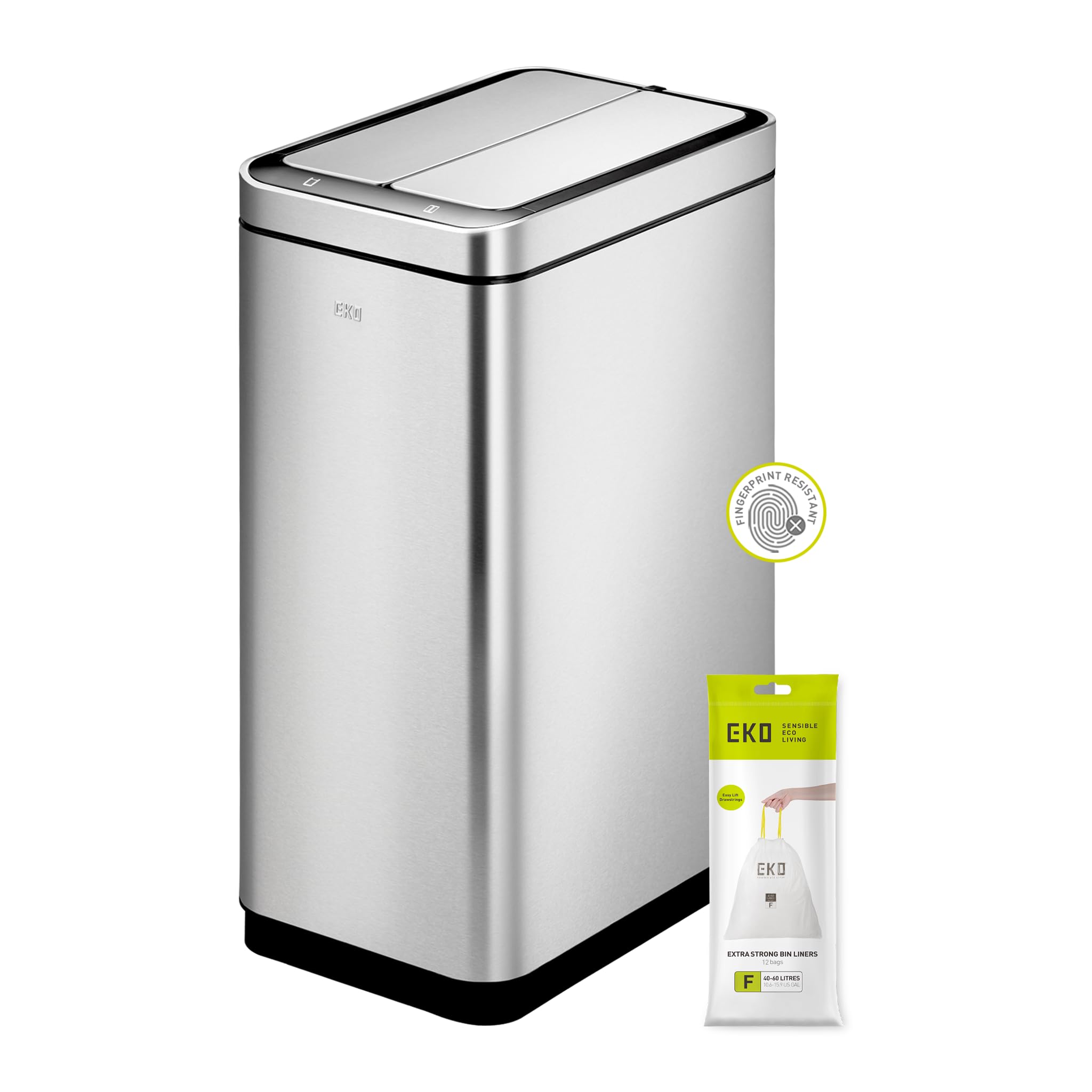
The EKO Deluxe Phantom Motion Sensor Kitchen Trash Can is an automatic, contactless waste disposal solution designed for convenience and hygiene in your kitchen or home. This 45-liter stainless steel bin features an interactive display and a lid that opens automatically with a simple hand wave, offering a faster and cleaner way to manage waste. It is particularly ideal for households seeking minimal effort and reduced mess, or for individuals with disabilities.
Key features include:
- Motion Sensor Operation: The lid opens automatically with a hand wave for touchless waste disposal.
- Effortless Touch Opening: A dedicated button allows the lid to remain open for extended tasks like food preparation.
- Sleek Functionality: Combines smart technology with an elegant design, featuring an interactive display and a removable inner bucket for easy cleaning.
- Space Efficiency: Constructed from high-quality, fingerprint-resistant brushed stainless steel with a dual-opening lid designed to fit flat against walls.
- Durable Construction: Built to last with a sturdy recycled plastic inner bucket and a three-year warranty.
2. Setup Instructions
2.1. Battery Installation
- Locate the battery compartment on the underside of the lid unit.
- Open the battery compartment cover.
- Insert 6 AA batteries (not included) according to the polarity indicators (+/-) inside the compartment.
- Close the battery compartment cover securely.
2.2. Liner Bag Installation
- Remove the inner bucket from the main bin body.
- Place a compatible trash liner (EKO size F liners recommended) into the inner bucket.
- Utilize the integrated trash bag fixer to secure the liner in place, preventing it from slipping.
- Carefully reinsert the inner bucket into the main bin body.
3. Operating Instructions
3.1. Motion Sensor Activation
- Ensure batteries are installed correctly.
- Wave your hand approximately 10-15 cm (4-6 inches) above the sensor located on the lid.
- The lid will open automatically.
- After a few seconds of inactivity, the lid will close automatically.
3.2. Manual Open / Hold Function
- To keep the lid open for longer periods, press the 'Open' button on the interactive display.
- The lid will remain open until you press the 'Close' button or after a prolonged period of inactivity (typically 5 minutes).
- This function is useful for tasks requiring continuous access to the bin.
4. Maintenance and Care
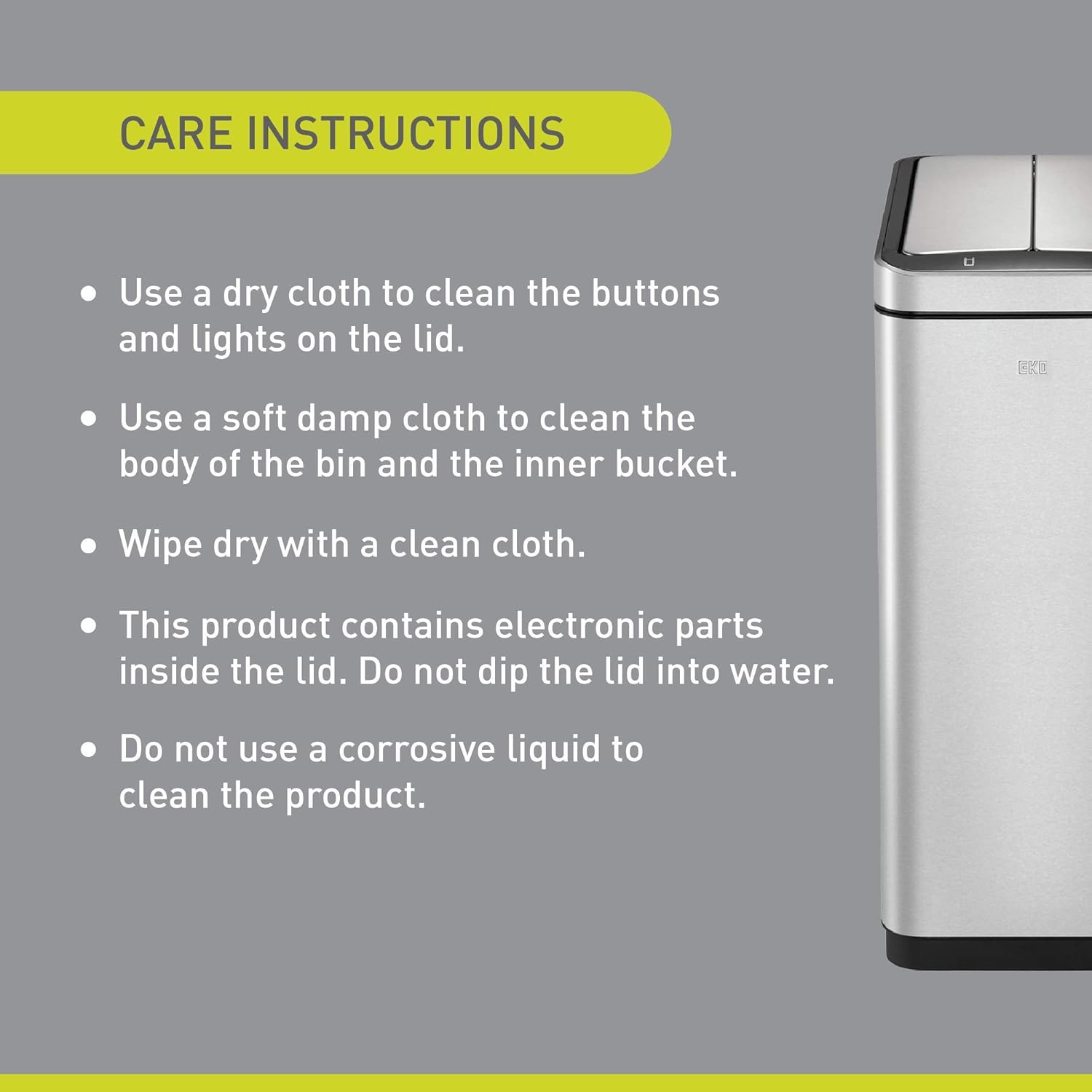
- Cleaning Buttons and Lights: Use a dry cloth to clean the buttons and indicator lights on the lid.
- Cleaning Bin Body and Inner Bucket: Use a soft, damp cloth to clean the stainless steel body of the bin and the removable inner bucket.
- Drying: Always wipe dry with a clean, soft cloth after cleaning to prevent water spots.
- Electronic Parts Warning: The lid contains electronic components. Do not dip the lid into water or expose it to excessive moisture.
- Avoid Corrosive Liquids: Do not use corrosive liquids, abrasive cleaners, or harsh chemicals to clean any part of the product, as this may damage the finish or electronic components.
- Fragrance Capsule: The integrated fragrance capsule holder can be used with EKO fragrance capsules (sold separately) to maintain freshness.
5. Troubleshooting
| Problem | Possible Cause | Solution |
|---|---|---|
| Lid does not open automatically. | 1. Batteries are low or incorrectly installed. 2. Sensor is obstructed or dirty. 3. Sensor range is too far. | 1. Replace batteries with new AA batteries; ensure correct polarity. 2. Clean the sensor window with a dry, soft cloth. 3. Ensure hand is within 10-15 cm (4-6 inches) of the sensor. |
| Lid does not close. | 1. 'Open' button is activated. 2. Obstruction preventing lid closure. 3. Sensor is continuously triggered. | 1. Press the 'Close' button or wait for the auto-close timer. 2. Remove any objects blocking the lid's path. 3. Ensure nothing is continuously hovering over the sensor. |
| Lid opens unexpectedly. | 1. Sensor is too sensitive or in a high-traffic area. 2. Direct sunlight or strong artificial light interfering with sensor. | 1. Relocate the bin to an area with less movement. 2. Adjust the bin's position to avoid direct light sources. |
| Odor persists despite cleaning. | 1. Inner bucket or lid seal needs thorough cleaning. 2. No fragrance capsule or old capsule. | 1. Clean the inner bucket and lid thoroughly. Check the lid seal for debris. 2. Insert a new EKO fragrance capsule into the holder. |
6. Product Specifications

| Feature | Detail |
|---|---|
| Brand | EKO |
| Model Number | EK9287MT-45L |
| Capacity | 45 Liters |
| Product Dimensions (L x W x H) | 45.97 x 26.92 x 66.04 cm (18.1 x 10.6 x 26 inches) |
| Item Weight | 7.26 Kilograms (16 lbs) |
| Material | Stainless Steel (Brushed Finish) |
| Color | Silver |
| Opening Mechanism | Motion Sensor |
| Special Feature | With cord (referring to internal wiring for sensor, not external power cord) |
| Batteries Required | Yes (6 x AA, not included) |
| Included Components | Motion sensor trash can |
7. Warranty and Support
The EKO Deluxe Phantom Motion Sensor Trash Can comes with a free three-year warranty from the date of purchase. This warranty covers manufacturing defects under normal household use.
For warranty claims, technical support, or any inquiries regarding your product, please contact EKO customer service through their official website or the retailer where the product was purchased. Please have your model number (EK9287MT-45L) and proof of purchase available when contacting support.
Spare parts availability information is currently unavailable. Please contact customer support for specific part inquiries.
