
1. Introduction
The LeapFrog Learning Friends 100 Words Book is an interactive electronic learning toy designed to introduce toddlers to new vocabulary in both English and Spanish. Join animal friends Turtle, Tiger, and Monkey as they guide children through colorful pages filled with age-appropriate words, exciting facts, and engaging sound effects.
Key Features:
- Introduces over 100 age-appropriate words selected by learning experts.
- Word categories include pets, animals, food, mealtime, colors, activities, opposites, and outdoor themes.
- Touch-sensitive pages play words, sound effects, and fun facts.
- Light-up star button plays two learning songs.
- Bilingual experience with English and Spanish words, songs, and instructions.
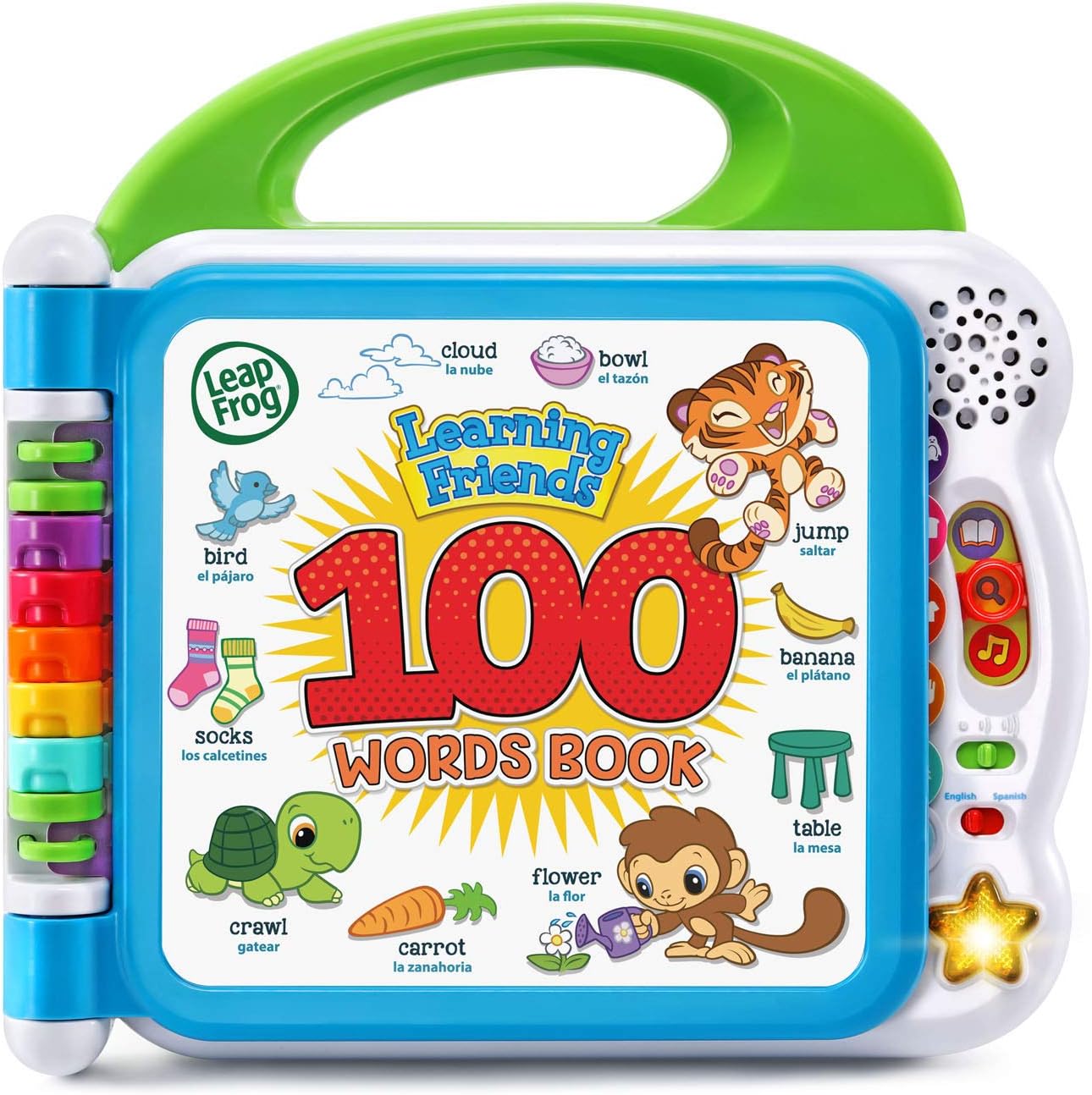
Figure 1: The LeapFrog Learning Friends 100 Words Book, featuring animal characters and a colorful display of words.
2. Setup
Battery Installation:
The LeapFrog Learning Friends 100 Words Book requires 2 AA batteries. Batteries are included for demonstration purposes only. New batteries are recommended for regular use to ensure optimal performance.
- Locate the battery compartment on the back of the book.
- Using a screwdriver, open the battery compartment cover.
- Insert 2 new AA batteries, ensuring correct polarity (+/-).
- Replace the battery compartment cover and secure it with the screw.
3. Operating Instructions
Power On/Off and Volume Control:
- Locate the power/volume switch on the right side of the book.
- Slide the switch to the 'On' position to power on the device.
- The switch also allows you to select between two volume levels: low and high.
- To power off the device, slide the switch to the 'Off' position.
Language Selection:
The book supports both English and Spanish languages.
- Below the power/volume switch, locate the language switch.
- Slide the switch to select either 'English' or 'Spanish' for all audio content.
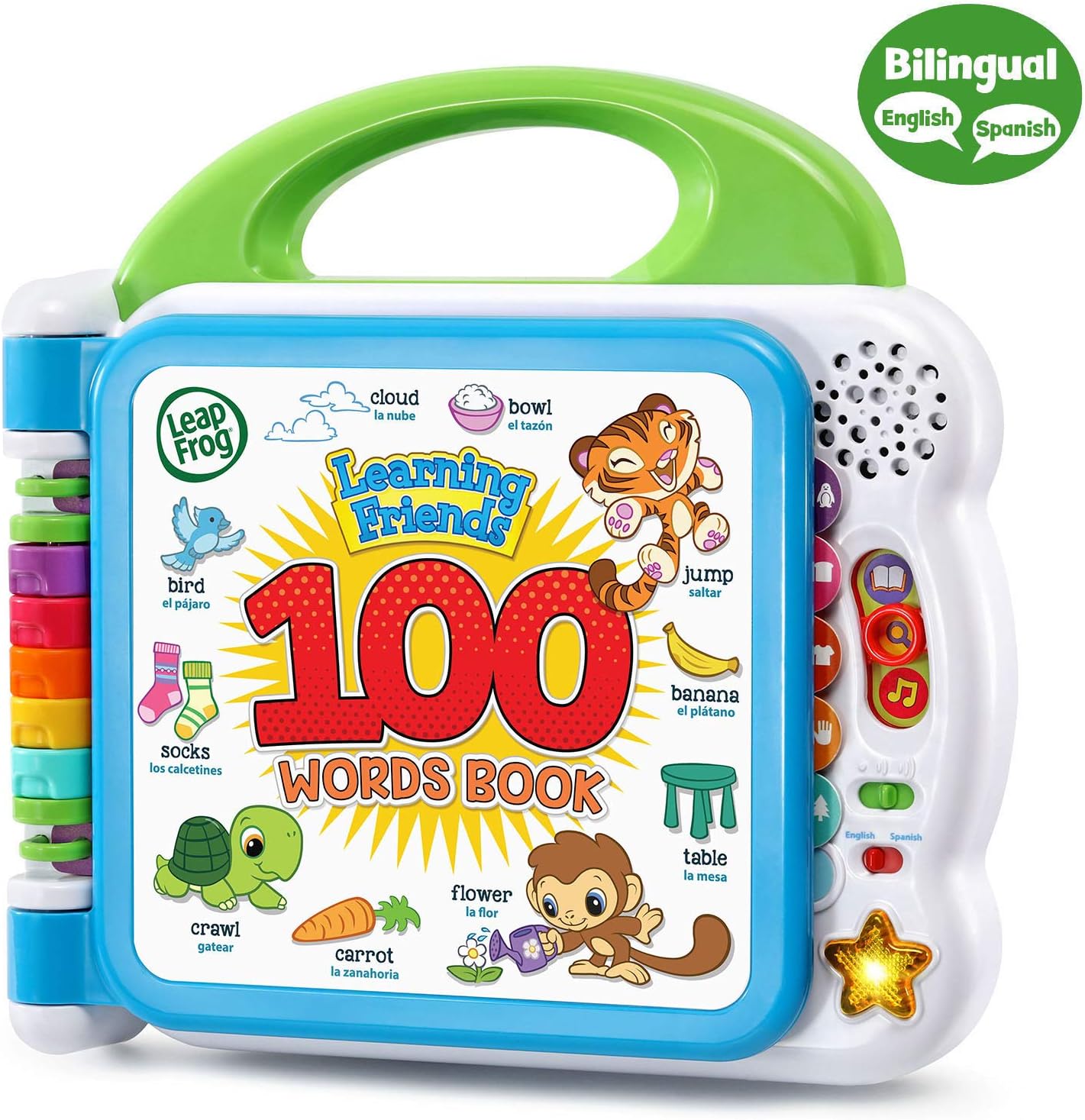
Figure 2: The book displaying the language switch for English and Spanish selection.
Learning Modes:
The book offers three interactive learning modes, selectable via buttons on the right side:
- Words Mode: Touch any picture on the page to hear the corresponding word spoken aloud.
- Fun Facts Mode: Touch any picture to hear an interesting fact or sound effect related to the image.
- Songs Mode: Press the light-up star button on the bottom right to hear two learning songs: the Learning Friends theme song and 'My Favorite Word'.
Interacting with Pages:
The book features multiple colorful pages, each dedicated to a different word category. Simply flip the pages to explore new themes.
- Each page is touch-sensitive. Gently press on any image to activate the audio response based on the selected learning mode.
- The pages are durable and designed for little hands to flip easily.
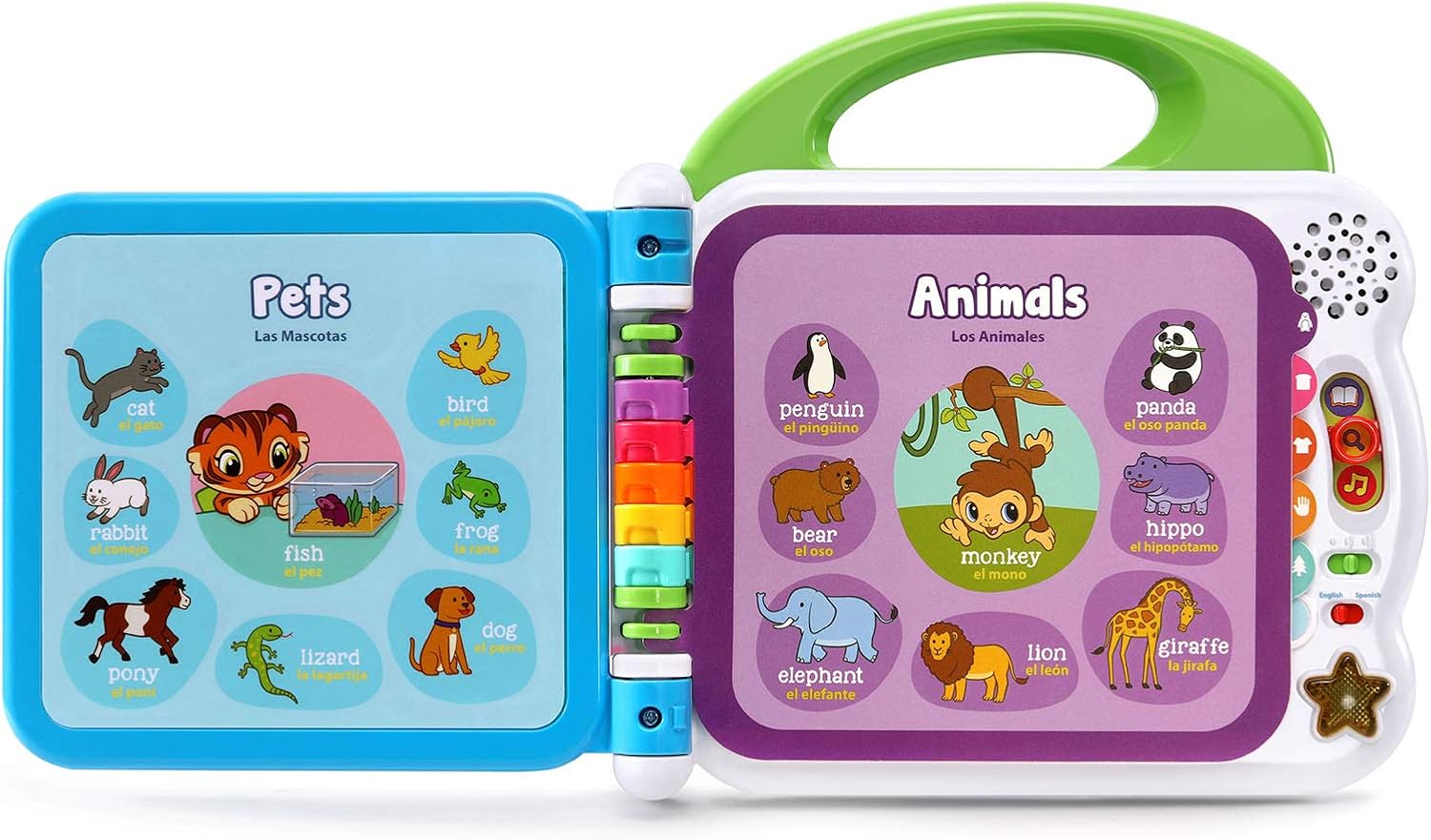
Figure 3: The book open to pages featuring various pets and animals, demonstrating the interactive touch points.
4. Maintenance
Cleaning:
To clean the book, wipe the surfaces with a slightly damp cloth. Do not immerse the book in water or use harsh cleaning agents.
Battery Care:
- Always use fresh AA batteries for optimal performance.
- Remove batteries if the toy will not be used for an extended period to prevent leakage.
- Dispose of used batteries responsibly according to local regulations.
5. Troubleshooting
No Sound or Intermittent Functionality:
- Ensure the power/volume switch is in the 'On' position and not on the lowest volume setting.
- Check the batteries. Replace them with fresh AA batteries if they are low or depleted.
- Verify that the battery compartment cover is securely closed.
- If the issue persists, try turning the device off and on again.
6. Specifications
| Feature | Detail |
|---|---|
| Product Dimensions | 9.17 x 9.37 x 0.1 inches |
| Item Weight | 1.46 pounds |
| Model Number | 80-601540 |
| Recommended Age | 18 months - 4 years |
| Batteries | 2 AA batteries required (included for demo) |
| Manufacturer | VTech |

Figure 4: Product dimensions for the LeapFrog Learning Friends 100 Words Book.
7. Warranty and Support
For warranty information or technical support, please refer to the packaging or contact LeapFrog customer service directly. Contact details can typically be found on the manufacturer's official website or on the product's retail packaging.


