
Introduction
This manual provides instructions for the safe and efficient use of your PKPower AC/DC Adapter. This adapter is designed to provide reliable power to compatible devices, specifically the Konica Minolta Dimage Scan Dual II AF-2820U Film Scanner.
Please read this manual thoroughly before using the product and retain it for future reference.
Safety Information
To ensure safe operation and prevent damage, observe the following precautions:
- Do not expose the adapter to water or excessive moisture.
- Do not disassemble or modify the adapter.
- Ensure the adapter is used within its specified input and output voltage ranges.
- Unplug the adapter during lightning storms or when unused for long periods.
- Keep out of reach of children.
This adapter incorporates multiple protection features:
- OVP (Over Voltage output Protection): Protects against excessive output voltage.
- OCP (Over Current output Protection): Guards against excessive output current.
- SCP (Short Circuit output Protection): Prevents damage from short circuits.

Image: Diagram illustrating the various protection features integrated into the adapter, including over voltage, over current, over temperature, quality microchip, electromagnetic wave protection, and short circuit protection.
Setup
- Inspect the Adapter: Before use, visually inspect the adapter and its cable for any signs of damage. Do not use if damaged.
- Connect to Device: Plug the DC output connector of the adapter into the power input port of your Konica Minolta Dimage Scan Dual II AF-2820U Film Scanner. Ensure a secure connection.
- Connect to Power Outlet: Insert the AC input plug of the adapter into a standard wall power outlet (100-240V AC, 50-60Hz).
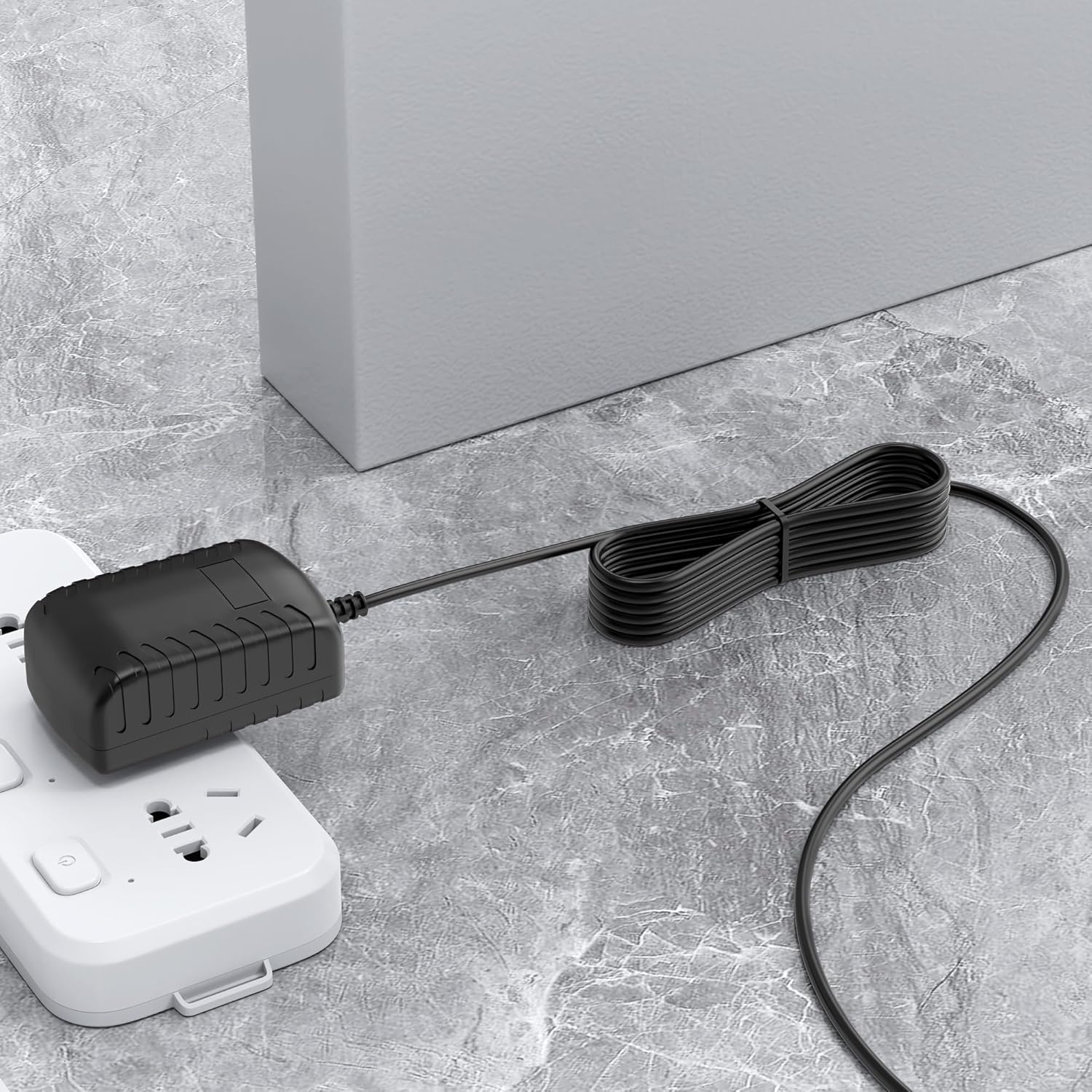
Image: The PKPower AC/DC adapter shown plugged into a power strip, illustrating a typical connection scenario.
Operating Instructions
Once the adapter is correctly connected to both the power outlet and your device, the device should receive power. Refer to your Konica Minolta Dimage Scan Dual II AF-2820U Film Scanner's manual for specific instructions on powering on and operating the scanner.
The adapter is designed for continuous use within its specified parameters. If the adapter becomes excessively hot, disconnect it immediately and allow it to cool before further use or troubleshooting.
Maintenance
- Cleaning: Disconnect the adapter from the power outlet and the device before cleaning. Use a dry, soft cloth to wipe the exterior. Do not use liquid cleaners or solvents.
- Storage: When not in use, store the adapter in a cool, dry place, away from direct sunlight and extreme temperatures. Avoid tightly coiling the cable to prevent damage.
- Cable Care: Do not bend, twist, or pull the cable excessively. Avoid placing heavy objects on the cable.

Image: The PKPower AC/DC adapter with its power cord neatly coiled, demonstrating proper storage to prevent cable damage.
Troubleshooting
| Problem | Possible Cause | Solution |
|---|---|---|
| Device not powering on. | Adapter not properly connected to power outlet or device. No power from outlet. Faulty adapter or device. | Ensure all connections are secure. Test the power outlet with another device. If possible, test the adapter with another compatible device or the device with another compatible adapter. |
| Adapter feels excessively hot. | Overload, poor ventilation, or internal fault. | Disconnect immediately. Ensure the adapter is not covered and has adequate ventilation. Verify the device's power requirements do not exceed the adapter's output. If the issue persists, discontinue use. |
| Intermittent power. | Loose connection, damaged cable, or internal fault. | Check all connections for looseness. Inspect the cable for visible damage. If damage is found, discontinue use. |
Specifications
- Input: 100-240V AC, 50-60Hz
- Certifications: CE, FCC, RoHS
- Special Features: Over Voltage Protection (OVP), Over Current Protection (OCP), Short Circuit Protection (SCP)
- Color: Black
- Connector Type: Auxiliary (DC barrel connector for scanner)
- Power Source: Corded Electric

Image: A diagram illustrating the physical dimensions of the PKPower AC/DC adapter, including its width, depth, height, and the length of its attached cable.
Compatibility
This PKPower AC/DC Adapter is specifically designed for and compatible with the following device:
- Konica Minolta Dimage Scan Dual II AF-2820U Film Scanner
While the product description mentions "Compatible Devices: Speakers" and "Compatible Phone Models: ac adapter", these appear to be generic or incorrect entries in the source data. The primary and intended compatibility is with the Konica Minolta Dimage Scan Dual II AF-2820U Film Scanner as indicated by the product title.
Warranty and Support
PK-Power products are tested by the manufacturer to match and/or exceed OEM specifications. For any inquiries or support, our customer service team is available to assist you.
Customer Service: Our friendly and reliable customer service will respond to you within 24 hours.
For further assistance, please refer to the seller's contact information on the platform where the product was purchased.