Introduction
This manual provides essential instructions for the safe and effective use of your Paladone Super Mario Bros. Mushroom 3D Night Light. This decorative lamp, inspired by the iconic Super Mario game, is designed to provide a soft, ambient glow. Please read this manual thoroughly before initial use and retain it for future reference.
Product Overview
The Super Mario Bros. Mushroom 3D Night Light is a compact, battery-powered decorative item. It features the classic red mushroom design with white spots and a friendly face, standing on a black base with the "Super Mario" logo. It emits a gentle, warm light suitable for various indoor settings.
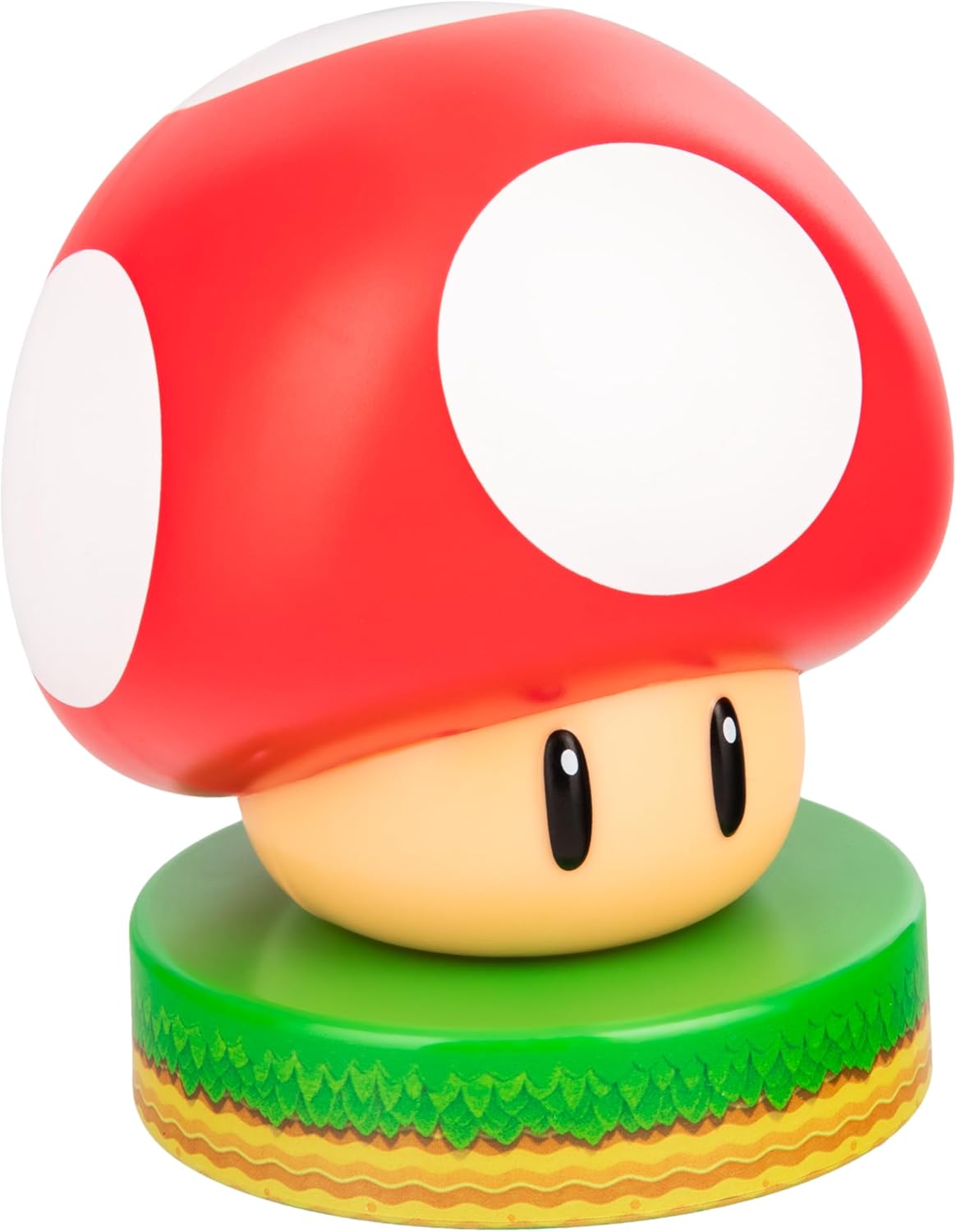
Figure 1: Unlit Paladone Super Mario Bros. Mushroom 3D Night Light.
Setup
- Unpack the Product: Carefully remove the Super Mario Bros. Mushroom 3D Night Light from its packaging.
- Battery Installation:
This device requires two (2) AAA batteries (not included). To install:
- Locate the battery compartment on the underside of the base.
- Using a small Phillips head screwdriver, unscrew the battery compartment cover.
- Insert two AAA batteries, ensuring correct polarity (+/-) as indicated inside the compartment.
- Replace the cover and secure it with the screw.
- Placement: Place the night light on a stable, flat surface indoors. Ensure it is away from direct sunlight, heat sources, and moisture.
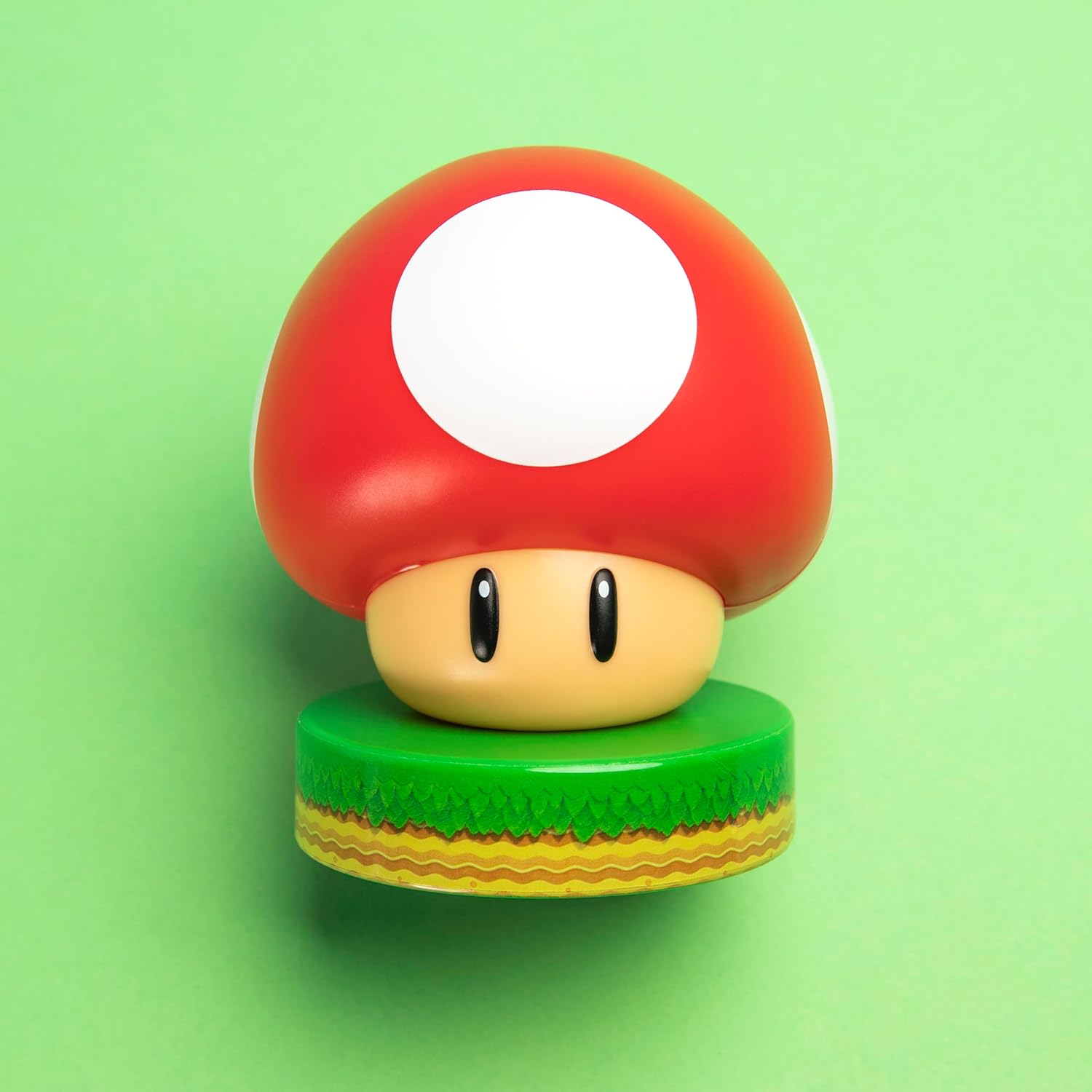
Figure 2: Underside of the night light, where the battery compartment is located.
Operating Instructions
The Super Mario Bros. Mushroom 3D Night Light is operated via a simple push button located on the front of its base.
- To Turn On: Press the "Super Mario" button on the front of the base once. The mushroom will illuminate with a soft, warm glow.
- To Turn Off: Press the "Super Mario" button again. The light will turn off.

Figure 3: The Super Mario Bros. Mushroom 3D Night Light illuminated.
Maintenance
- Cleaning: To clean the night light, gently wipe it with a soft, dry cloth. Do not use abrasive cleaners, solvents, or immerse the unit in water.
- Battery Replacement: When the light dims or stops working, replace both AAA batteries with new ones, following the installation steps in the "Setup" section.
- Storage: If storing the night light for an extended period, remove the batteries to prevent leakage and corrosion. Store in a cool, dry place.
Troubleshooting
| Problem | Possible Cause | Solution |
|---|---|---|
| Light does not turn on. |
|
|
| Light is dim. | Batteries are low. | Replace batteries with new AAA batteries. |
Specifications
- Model Number: PP4375NN
- Brand: Paladone
- Product Dimensions: 3.25"D x 3.25"W x 4.25"H (approximately 10 cm tall)
- Item Weight: 0.08 Kilograms
- Material Type: Plastic
- Power Source: Battery Powered (Requires 2x AAA batteries, not included)
- Light Source Type: LED
- Switch Type: Push Button
- Color: Red
- Indoor/Outdoor Usage: Indoor
- Water Resistance Level: Not Water Resistant
Safety Information
- This product is not a toy. Keep out of reach of small children.
- Do not mix old and new batteries. Do not mix alkaline, standard (carbon-zinc), or rechargeable (nickel-cadmium) batteries.
- Dispose of used batteries properly according to local regulations.
- Do not expose the product to water or extreme temperatures.
- Do not attempt to disassemble or modify the product.
Warranty and Support
For warranty information or product support, please refer to the documentation included with your purchase or contact Paladone customer service directly. Amazon's return policy for this item is typically 30 days from receipt of shipment.


