
Introduction
The Manfrotto Element Traveller Small Tripod is a versatile and compact aluminum tripod kit, featuring a ball head. It is designed for photographers seeking a lightweight and portable support solution for various shooting conditions. This manual provides instructions for its setup, operation, and maintenance.
What's in the Box
- Manfrotto Element Carbon Fiber Small Traveler Tripod (Black)
- Quick Release Plate
- Carrying Bag
Key Features
- 5-section carbon fiber legs and aluminum ball head for travel.
- Maximum height of 56.3 inches with column extended.
- Minimum height of 13.8 inches.
- Folded length of 12.6 inches.
- Telescopic center column for easy height adjustments.
- Twist locks for quick and intuitive leg section operation.
- Padded bag included for storage and transport.
- Convertible monopod leg.
- Ball head with Arca-Swiss compatible quick release plate.
- Integrated bubble levels for precise leveling.
- Hook for adding weight for increased stability.
- Interchangeable feet (rubber feet installed, spikes included).
Setup
1. Unfolding the Tripod
Gently spread the tripod legs outwards until they lock into one of the available angle positions.

Image Description: A Manfrotto Element Traveller Small Tripod with legs partially extended, showing the hinge mechanism.
2. Extending the Legs
Rotate the twist locks on each leg section counter-clockwise to loosen. Extend each leg section to the desired length. Rotate the twist locks clockwise to secure each section. Ensure all sections are firmly locked before use.
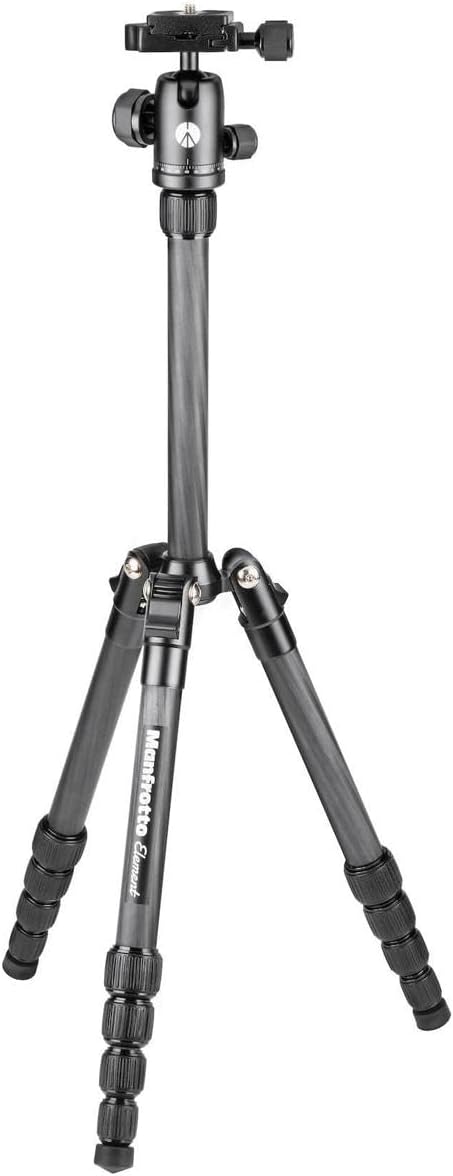
Image Description: A Manfrotto Element Traveller Small Tripod with its legs fully extended, standing upright.
3. Adjusting Leg Angles
Each leg features a mechanism at the top to adjust its angle. Press the release button or lever and move the leg to one of the predefined angles for stability on uneven terrain or for low-angle shots.

Image Description: A Manfrotto Element Traveller Small Tripod viewed from above, showing the legs spread out at different angles.
4. Extending the Center Column
Loosen the locking collar at the base of the center column. Raise the center column to the desired height. Tighten the locking collar to secure the column.
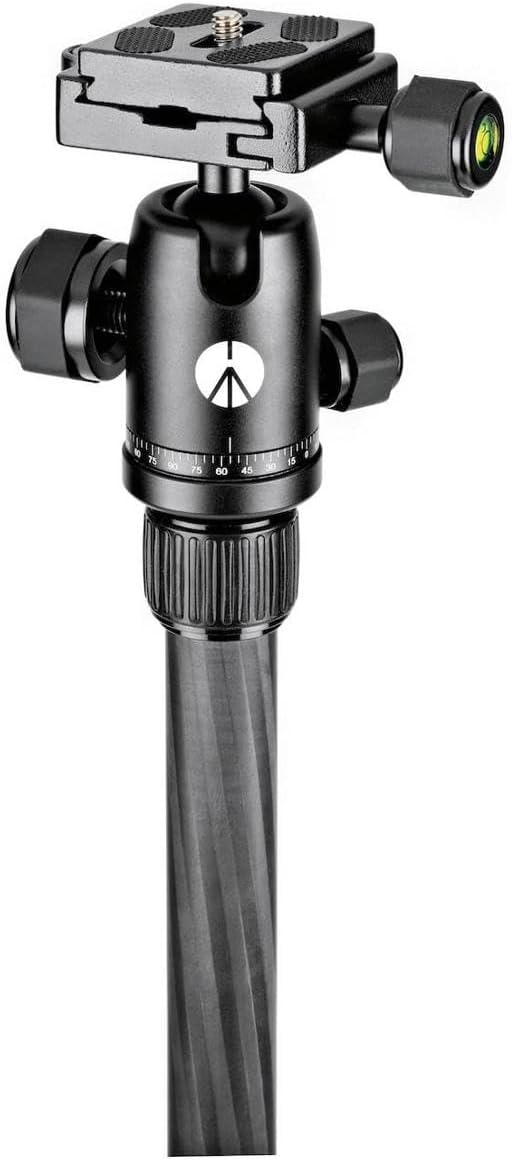
Image Description: Close-up of the Manfrotto Element Traveller Small Tripod's ball head and extended center column.
Operating the Tripod
1. Attaching the Camera
Ensure the quick release plate is securely attached to your camera's tripod mount. Open the clamp on the ball head by turning the locking knob. Slide the quick release plate with your camera into the clamp. Tighten the locking knob firmly to secure the camera.
2. Adjusting the Ball Head
The ball head allows for flexible positioning of your camera. Loosen the main locking knob to adjust the camera's angle. Use the panning knob to rotate the camera horizontally for panoramic shots. Integrated bubble levels assist in achieving a perfectly level horizon.

Image Description: Close-up of the Manfrotto Element Traveller Small Tripod's ball head, showing the quick release plate and adjustment knobs.
3. Portrait and Landscape Orientation
The ball head design allows for quick switching between landscape and portrait orientations by tilting the camera into the designated notch.
Monopod Functionality
One of the tripod legs can be detached and used as a monopod. To convert, unscrew the leg with the padded grip from the tripod's main body. Attach the ball head (or a separate monopod head) to the top of the detached leg.

Image Description: A Manfrotto Element Traveller Small Tripod with one leg detached, illustrating its use as a monopod.
Stability and Accessories
Weight Hook
A retractable hook is located at the bottom of the center column. You can hang a camera bag or other weights from this hook to increase the tripod's stability, especially in windy conditions or when using heavy equipment.
Interchangeable Feet
The tripod comes with rubber feet for general use. For enhanced grip on soft ground or ice, the rubber feet can be unscrewed and replaced with the included spikes.
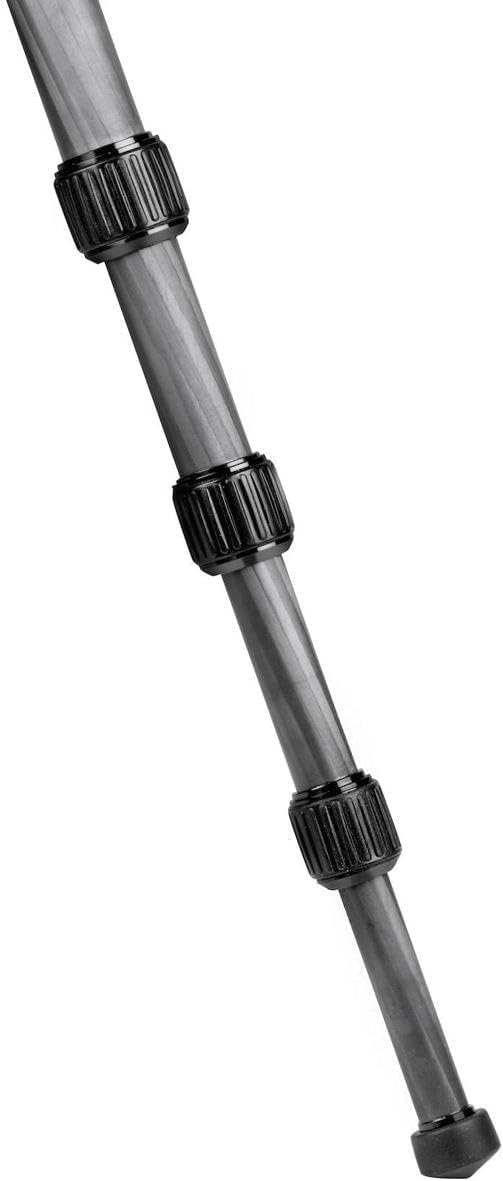
Image Description: Close-up of the Manfrotto Element Traveller Small Tripod's leg with a rubber foot, highlighting the twist lock mechanism.
Maintenance
Regularly clean the tripod legs and locking mechanisms to prevent dust and dirt buildup. Use a soft, damp cloth for cleaning. Avoid harsh chemicals. Ensure all screws and connections are tight before each use. Store the tripod in its padded carrying bag when not in use to protect it from damage.
Troubleshooting
- Tripod instability: Ensure all leg sections and the center column are fully extended and securely locked. Verify that the leg angles are set appropriately for the terrain. Consider using the weight hook for added stability.
- Stiff leg locks: If twist locks become stiff, clean them thoroughly. Avoid over-tightening, which can cause wear.
- Camera not level: Use the integrated bubble levels on the ball head to adjust the camera's position until it is perfectly level.
Specifications
| Feature | Detail |
|---|---|
| Product Dimensions | 4.1 x 4.2 x 15.1 inches |
| Item Weight | 2.31 pounds (1.05 Kilograms) |
| Item Model Number | MKELES5CF-BH |
| Brand | Manfrotto |
| Color | Carbon Fiber |
| Compatible Devices | CSC, Camera |
| Special Feature | Lightweight, Compact, Adjustable |
| Material | Aluminum, Carbon Fiber |
| Weight Limit | 13.2 Pounds |
| Maximum Height | 56.3 inches |
| Tripod Head Type | Ball Heads |
Warranty and Support
For warranty information and customer support, please refer to the official Manfrotto website or contact their customer service directly. Keep your proof of purchase for any warranty claims.