
1. Introduction
This manual provides detailed instructions for the assembly, operation, and maintenance of your Adir Wood Paper Storage Organizer. Please read all instructions carefully before beginning assembly and retain this manual for future reference.
2. Product Overview
The Adir Wood Paper Storage Organizer is designed to provide efficient and stylish storage for various documents, papers, and office supplies. It features multiple compartments for organization and is constructed from durable engineered wood.
2.1 Product Components
- Side Panels (2)
- Top Panel (1)
- Bottom Panel (1)
- Vertical Divider Panels (2)
- Horizontal Shelf Panels (10)
- O-Rings (for securing shelves)
- Instruction Manual

Figure 2.1: All components included in the Adir Wood Paper Storage Organizer package. This image displays the flat-packed engineered wood panels and the bag of O-rings required for assembly.
3. Setup Instructions
Follow these steps to assemble your Adir Wood Paper Storage Organizer. No tools are required for assembly.
3.1 Assembly Video Guide
Video 3.1: Official assembly guide for the AdirOffice Wood Literature Organizer. This video demonstrates the step-by-step process of interlocking the panels and securing them with O-rings to form the complete storage unit.
3.2 Step-by-Step Assembly
- Prepare Components: Unpack all components and verify that all parts listed in Section 2.1 are present.
- Assemble Center Divider: Take one vertical divider panel and one horizontal shelf panel. Interlock them by sliding the slots together to form a cross shape.
- Attach Back Panel: Take the back panel and align its slots with the assembled center divider. Slide the back panel into place.
- Insert Shelves: Begin inserting the horizontal shelf panels into the upper slots of the vertical dividers and side panels. Secure each shelf with the provided O-rings by placing them over the protruding tabs on the side panels. This provides stability during assembly.
- Continue Inserting Shelves: Repeat the process for all remaining horizontal shelf panels, working your way down. Ensure each shelf is fully seated and secured with O-rings.
- Attach Side Panels: Once all shelves are in place, carefully attach the two side panels by aligning their slots with the ends of the horizontal shelves and the vertical dividers. Press firmly to ensure a secure fit.
- Secure Side Panels: Use the remaining O-rings to secure the side panels to the horizontal shelves and vertical dividers. Ensure all tabs are covered by O-rings for maximum stability.
- Attach Top and Bottom Panels: Place the top panel onto the assembled structure, aligning the slots. Then, place the bottom panel, ensuring it is also securely fitted.
- Final Check: Verify that all panels are securely interlocked and all O-rings are in place. The unit should be stable and ready for use.
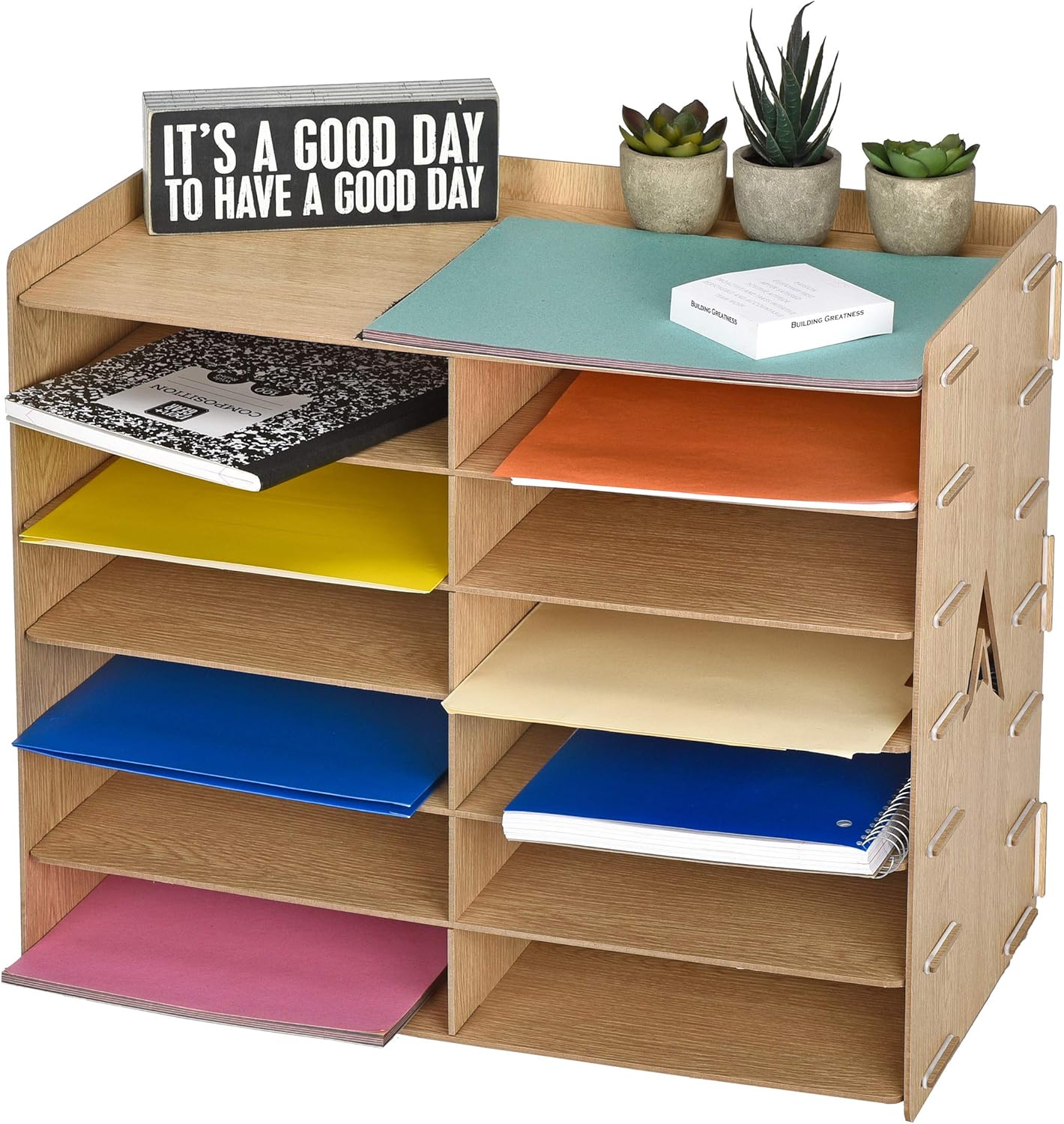
Figure 3.2: A close-up view of the interlocking design and the use of O-rings to secure the shelves and panels during assembly.
4. Operating Instructions
The Adir Wood Paper Storage Organizer is designed for straightforward use. Each compartment is sized to accommodate standard paper sizes and various office supplies.
4.1 Loading the Organizer
- Place paper, folders, or other items into the individual compartments.
- Distribute weight evenly across the shelves to maintain stability.
- The top surface can be used for additional storage of small items like staplers, pen holders, or decorative elements.
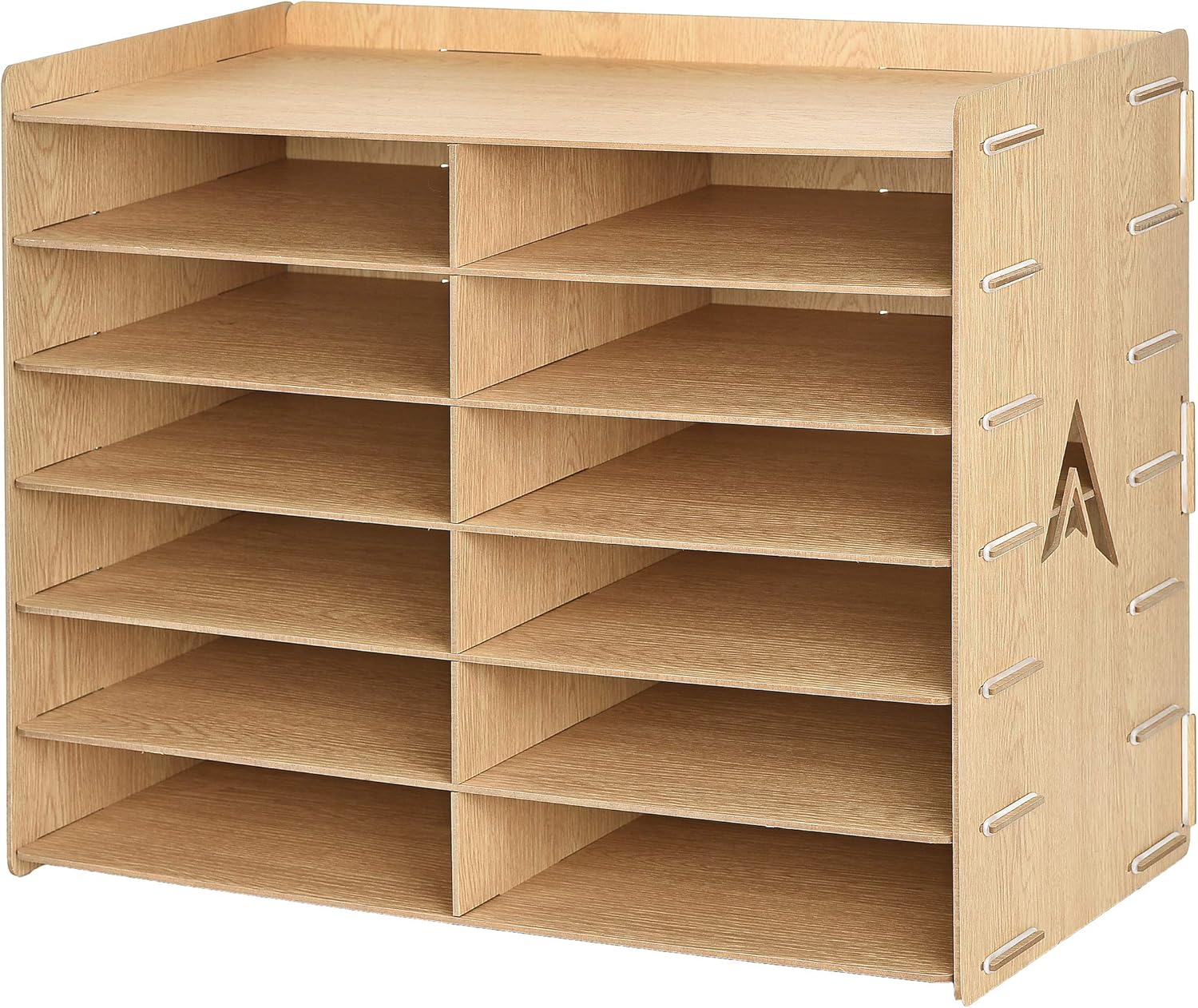
Figure 4.1: The organizer in use, demonstrating its capacity for different paper types and small office accessories.
5. Maintenance
Regular cleaning and proper care will ensure the longevity of your Adir Wood Paper Storage Organizer.
- Cleaning: Wipe the surfaces with a soft, damp cloth. Avoid using abrasive cleaners or harsh chemicals, as they may damage the wood grain finish.
- Dusting: Dust regularly with a dry, soft cloth to prevent buildup.
- Inspection: Periodically check the O-rings and panel connections to ensure they remain secure. Re-seat or replace O-rings if they become loose or damaged.
- Placement: Avoid placing the organizer in direct sunlight or in areas with extreme temperature fluctuations or high humidity, as this can affect the engineered wood material.
6. Troubleshooting
| Problem | Possible Cause | Solution |
|---|---|---|
| Organizer feels wobbly or unstable. | Panels not fully seated or O-rings are loose/missing. | Ensure all panels are firmly interlocked. Check and re-seat all O-rings. Add missing O-rings if necessary. |
| Difficulty inserting panels during assembly. | Misalignment of slots or panels. | Ensure panels are oriented correctly. Apply gentle, even pressure. Refer to the assembly video (Video 3.1) for visual guidance. |
| Scratches or marks on the surface. | Rough handling or abrasive cleaning. | Use soft cloths for cleaning and dusting. Avoid dragging sharp objects across the surface. Minor scratches may be concealed with wood repair markers. |
7. Specifications
- Brand: AdirOffice
- Model Number: 503-12-WOD
- Material Type: Engineered Wood
- Number of Compartments: 12
- Color: Wood Grain
- Item Weight: 9.33 pounds (4.24 Kilograms)
- Product Dimensions: 10 x 12.5 x 21 inches (W x D x H)
- Individual Compartment Dimensions: 10"W x 2.5"H x 12.5"D
- UPC: 819598021515
8. Warranty and Support
For warranty information or technical support, please contact AdirOffice customer service. Details can typically be found on the product packaging or the official AdirOffice website.
You may also visit the AdirOffice Store on Amazon for more product information and support resources.