Introduction
Thank you for choosing the Health o Meter HDL601DQ-53 Glass Weight Tracking Scale. This digital scale is designed to provide accurate weight measurements with ease of use. Its instant-on feature ensures quick readings, and the durable glass platform offers a sleek design. Please read this manual thoroughly before using your scale to ensure proper operation and care.
Setup
Unpacking and Battery Installation
Carefully remove the scale from its packaging. Locate the battery compartment on the underside of the scale. Insert the required batteries (typically AAA, not specified in product details, please check your scale) ensuring correct polarity (+/-). Close the battery compartment cover securely.
Placement
For accurate readings, place the scale on a hard, flat, and stable surface. Avoid placing it on carpets, rugs, or uneven flooring, as this can affect measurement precision.
Operating Instructions
Taking a Measurement
- Ensure the scale is on a hard, flat surface.
- Gently tap the center of the scale with your foot to activate it. The display will show "0.0" or "0.00".
- Once "0.0" or "0.00" appears, step onto the scale with bare feet, standing still and centered on the platform.
- Your weight will be displayed on the easy-to-read 1.2-inch LCD screen. The display will flash or hold the reading when stable.
- Step off the scale. The scale will automatically turn off after a few seconds to conserve battery life.
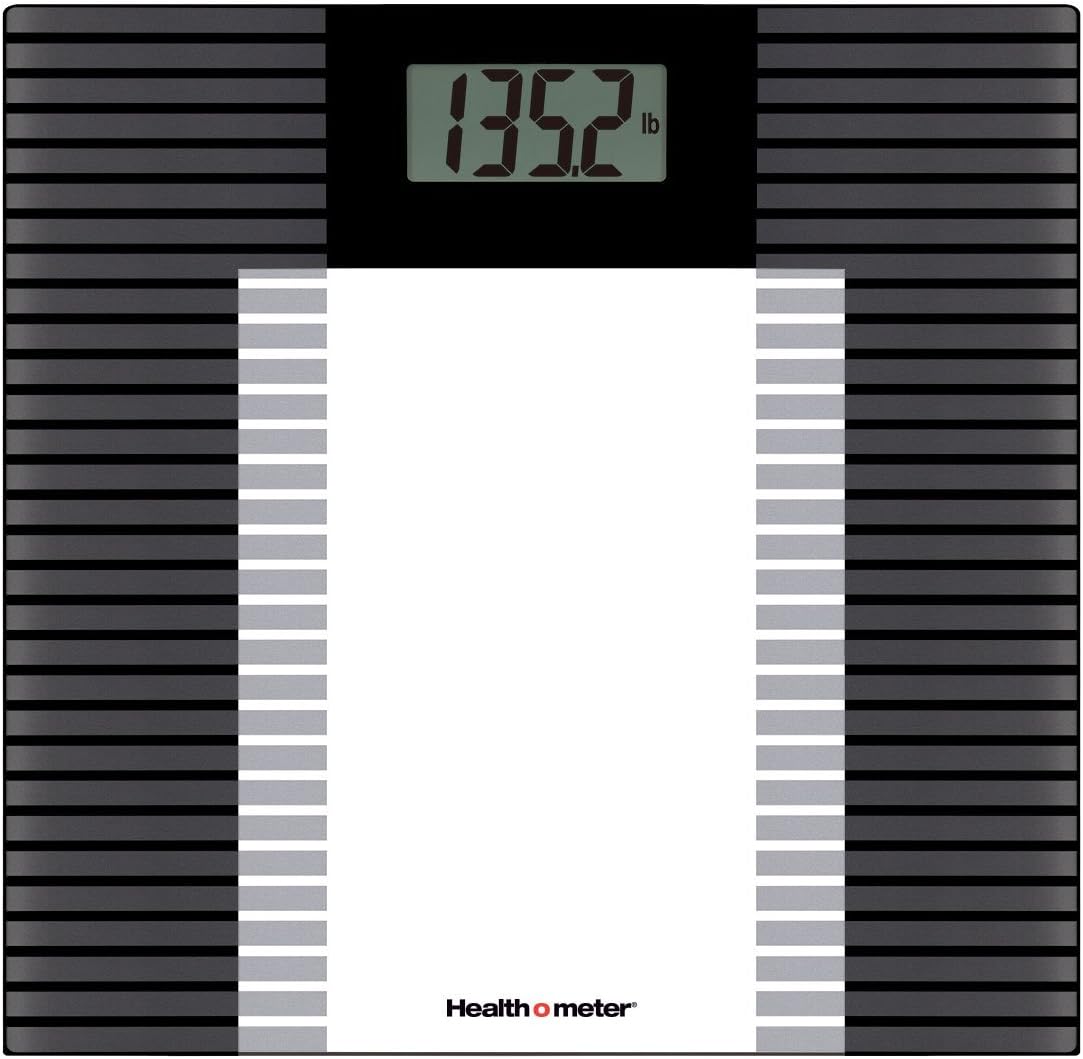
Image: The Health o Meter HDL601DQ-53 scale with its digital display showing a weight of 135.2 lbs. The scale features a black and grey striped pattern on its glass platform.
Important Notes for Accurate Readings
- Always weigh yourself at the same time of day, preferably in the morning before breakfast or exercise.
- Ensure the scale is on a consistent, hard surface. Moving the scale can affect accuracy.
- The scale uses 4-load-cell technology for precise weighing with repeat accuracy.
Maintenance
Cleaning the Scale
To clean the glass platform, use a damp cloth and a mild glass cleaner. Do not use abrasive cleaners or immerse the scale in water. Keep the scale dry to prevent damage to electronic components.
Battery Replacement
If the display shows "Lo" or becomes dim, it is time to replace the batteries. Refer to the "Setup" section for battery installation instructions.
Storage
Store the scale in a cool, dry place. Avoid extreme temperatures and direct sunlight. Do not place heavy objects on the scale when not in use.
Troubleshooting
| Problem | Possible Cause | Solution |
|---|---|---|
| Scale does not turn on / Display is blank | Dead or incorrectly installed batteries. | Check battery polarity or replace batteries. |
| "Lo" displayed | Low battery power. | Replace batteries. |
| "Err" or "O-Ld" displayed | Scale overloaded (weight exceeds 400 lbs). | Step off the scale. Ensure weight is within capacity. |
| Inaccurate or inconsistent readings | Scale not on a hard, flat surface; scale moved; initial calibration issue. | Place scale on a stable, hard surface. Tap to activate, wait for "0.0", then weigh. If moved, allow it to re-calibrate by tapping and waiting for "0.0" before stepping on. |
Specifications
- Model: HDL601DQ-53
- Brand: Health o Meter
- Weight Capacity: Up to 400 lbs (181 kg)
- Measurement Increments: 0.2 lb
- Display: 1.2 inch LCD
- Material: Frosted Glass Platform
- Color: Black
- Technology: 4-load-cell for precise weighing
Warranty Information
This Health o Meter HDL601DQ-53 Glass Weight Tracking Scale comes with a 5-year limited warranty. This warranty covers defects in materials and workmanship under normal use. For specific terms and conditions, please refer to the manufacturer's warranty documentation included with your product or visit the official Health o Meter website.
Customer Support
If you have any questions, require assistance, or need to claim warranty service, please contact Health o Meter customer support. Refer to the product packaging or the official Health o Meter website for the most current contact information.


