
Introduction
The LEWITT LCT441Flex is a versatile 1-inch true condenser microphone designed for studio applications. It features eight selectable polar patterns, including three reverse patterns, offering enhanced flexibility for various recording scenarios. This manual provides essential information for setting up, operating, and maintaining your LCT441Flex microphone.
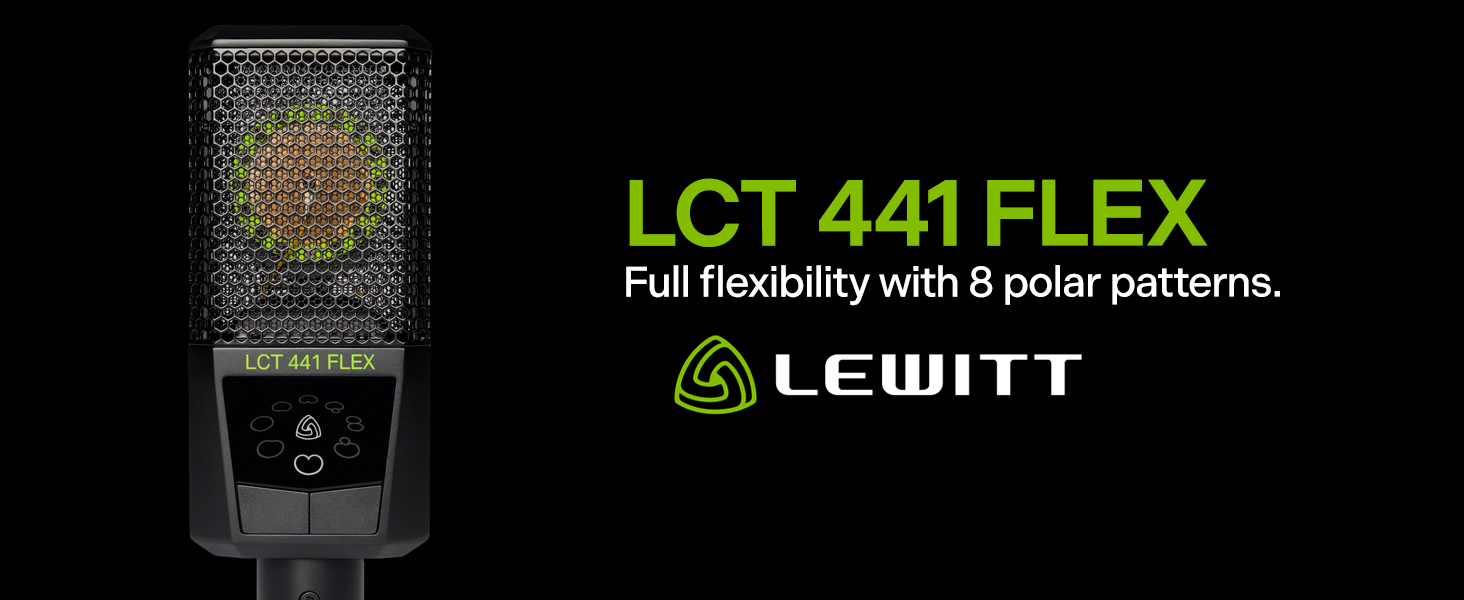
The LEWITT LCT441Flex microphone, highlighting its multi-pattern capability.
What's in the Box
Your LEWITT LCT441Flex package includes the following items:
- LCT441Flex Condenser Microphone
- LCT 40 Wx Windscreen
- LCT 40 SH Shock Mount
- LCT 50 PSx Pop Filter
- DTP 40 Lb Leatherette Bag

All included accessories with the LEWITT LCT441Flex microphone.
Setup
Follow these steps to set up your LCT441Flex microphone:
- Attach the Shock Mount: Secure the LCT 40 SH shock mount to a microphone stand or boom arm. The shock mount helps to isolate the microphone from unwanted vibrations and handling noise.
- Insert the Microphone: Carefully insert the LCT441Flex microphone into the shock mount. Ensure it is firmly seated and oriented correctly with the 'FRONT' label facing the sound source.
- Connect the Pop Filter: Attach the LCT 50 PSx magnetic pop filter to the front of the microphone. This reduces plosive sounds (like 'p' and 'b') for clearer vocal recordings.
- Apply the Windscreen (Optional): For outdoor use or to further reduce wind noise, place the LCT 40 Wx windscreen over the microphone.
- Connect to Audio Interface: Use a high-quality 3-pin XLR cable to connect the microphone to an audio interface or mixer. The LCT441Flex requires 48V phantom power, which must be enabled on your audio interface.

The LCT441Flex microphone with its shock mount and pop filter, ready for use.

Detail of the magnetic pop filter and shock mount for optimal recording quality.
This video provides an overview of a similar LEWITT condenser microphone, demonstrating general setup and features relevant to the LCT441Flex.
Operating
The LCT441Flex offers eight distinct polar patterns, providing exceptional versatility for various recording applications. These patterns can be selected directly on the microphone body.
Selecting Polar Patterns
The microphone features dedicated buttons on its body to cycle through the available polar patterns. Press these buttons to choose the pattern best suited for your recording needs. The available patterns include:
- Cardioid: Most sensitive to sound from the front, rejecting sound from the sides and rear. Ideal for vocals and close-miking instruments.
- Omnidirectional: Picks up sound equally from all directions. Suitable for capturing room ambiance or multiple sound sources.
- Figure-8 (Bidirectional): Picks up sound equally from the front and rear, rejecting sound from the sides. Excellent for interviews or duets.
- Additional intermediate and reverse patterns for enhanced flexibility.

The control panel on the LCT441Flex for selecting polar patterns.

Visual representation of the eight polar patterns offered by the LCT441Flex.

The LCT441Flex in use for vocal recording.

The LCT441Flex positioned for instrument recording.
Maintenance
Proper maintenance ensures the longevity and optimal performance of your LCT441Flex microphone.
Cleaning
- Use a soft, dry cloth to gently wipe the microphone body and grille.
- Avoid using liquid cleaners or solvents, as these can damage the microphone's components.
- Regularly clean the pop filter and windscreen to prevent accumulation of dust or moisture.
Storage
- When not in use, store the microphone in its included DTP 40 Lb leatherette bag to protect it from dust, moisture, and physical damage.
- Store the microphone in a cool, dry place away from extreme temperatures.

The included leatherette bag for safe storage and transport.
Troubleshooting
If you encounter issues with your LCT441Flex, consider the following:
- No Sound: Ensure the XLR cable is securely connected to both the microphone and the audio interface. Verify that 48V phantom power is enabled on your audio interface. Check the input gain level on your audio interface.
- Distorted Sound: Reduce the input gain on your audio interface. Ensure the microphone is not overloaded by excessively loud sound sources.
- Excessive Noise/Hum: Check all cable connections for proper seating. Ensure the microphone is not too close to electronic devices that may cause interference. Verify that the recording environment is adequately treated to minimize room reflections.
- Inconsistent Sound: Confirm that the desired polar pattern is selected on the microphone. Ensure consistent microphone positioning relative to the sound source.
Specifications
| Feature | Specification |
|---|---|
| Microphone Form Factor | Large Diaphragm |
| Polar Pattern | Bidirectional, Omnidirectional, Unidirectional (8 types) |
| Connectivity Technology | Wired |
| Connector Type | Gold plated 3-pin XLR |
| Audio Sensitivity | 10 Decibels |
| Signal-to-Noise Ratio | 60 dB |
| Item Weight | 1.79 Pounds |
| Product Dimensions | 9.65 x 7.48 x 3.54 inches |
| Material | Zinc die cast |
| Manufacturer | Lewitt Audio |
Warranty and Support
For detailed warranty information and technical support, please visit the official Lewitt Audio website or contact their customer service. Keep your proof of purchase for any warranty claims.