
Introduction
The Linksys Velop Intelligent Mesh WiFi System (Model WHW0302B) is designed to provide seamless, full-speed Wi-Fi coverage throughout your home. This Tri-Band system creates a high-range mesh network, eliminating dead zones and ensuring reliable connectivity for all your devices. This manual provides essential information for setting up, operating, maintaining, and troubleshooting your Velop system.
What's in the Box
Your Linksys Velop system package includes the following components:
- Linksys Velop Node (2 units)
- Power adapter (2 units)
- Ethernet Cable
- Quick Start Guide
Setup
Setting up your Linksys Velop system is a straightforward process guided by the Linksys App. It typically takes less than 5 minutes per node.
Initial Setup Steps:
- Download the Linksys App: Search for 'Linksys App' on your mobile device's app store and install it.
- Connect the First Node: Plug one Velop node into a power outlet. Connect the included Ethernet cable from your modem to the WAN port on the Velop node.
- Follow In-App Instructions: Open the Linksys App and follow the on-screen prompts to configure your first Velop node and set up your Wi-Fi network name and password.
- Add Additional Nodes: Once the first node is set up, the app will guide you through adding additional Velop nodes to expand your mesh network coverage. Place additional nodes strategically to ensure optimal signal strength throughout your home.
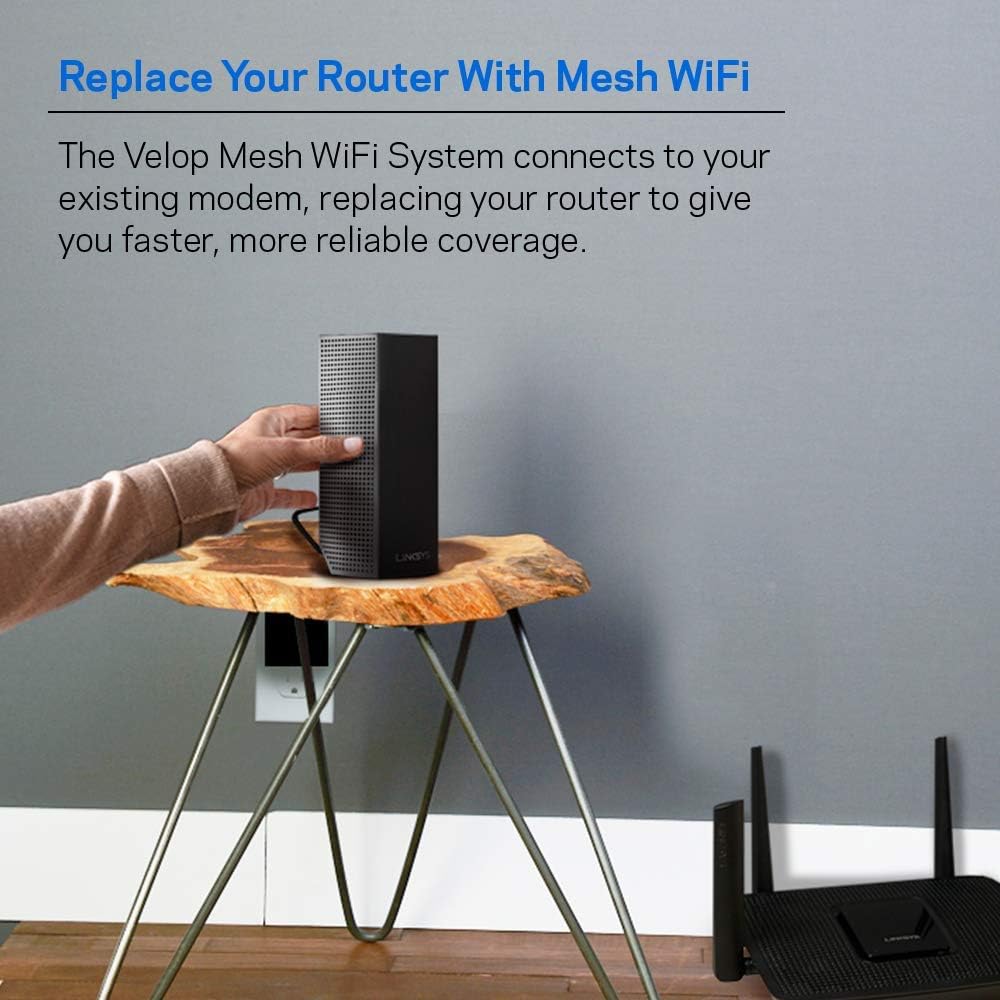
The Linksys Velop system is designed to replace your existing router, connecting directly to your modem for faster, more reliable coverage.

The Linksys App provides a simple and intuitive interface for quick setup and network management.
Operation
The Linksys Velop system creates a seamless mesh Wi-Fi network, ensuring consistent and strong signal throughout your home. Each node works in harmony to provide 100 percent internet speed across the coverage area.
Key Operational Features:
- Whole-Home Coverage: Velop nodes intelligently find the fastest path to the internet, extending Wi-Fi coverage up to 2,000 sq. ft. per node. A 2-pack system can cover up to 4,000 sq. ft.
- Scalability: You can easily add more Velop nodes to expand your mesh network and cover larger homes or areas with weak signals.
- Linksys App Controls: The Linksys App allows you to manage your network from your mobile device. Features include:
- Setting up parental controls
- Creating guest networks
- Prioritizing devices for optimal performance
- Monitoring network status
- Tri-Band Technology: The system utilizes Tri-Band Wi-Fi to ensure high performance and dedicated backhaul for inter-node communication, minimizing speed degradation.
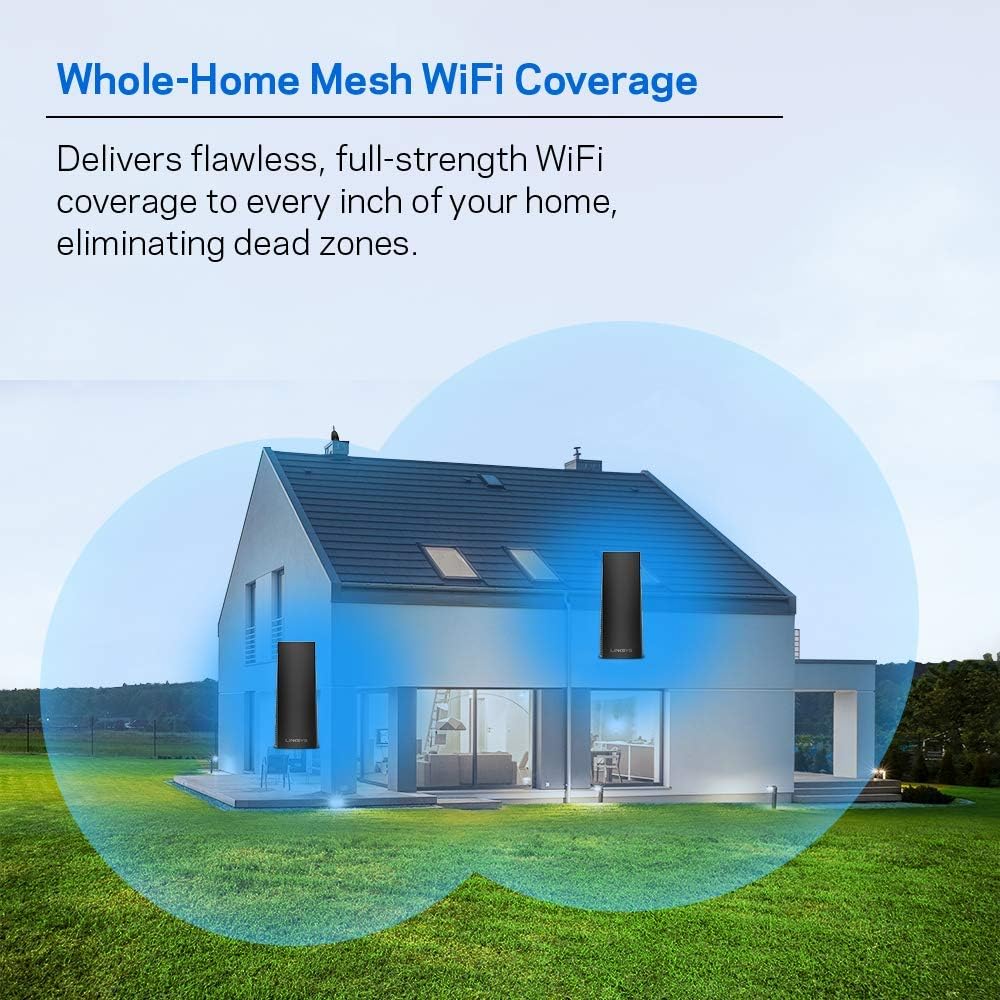
Experience seamless, full-strength Wi-Fi coverage throughout your entire home, eliminating dead zones.
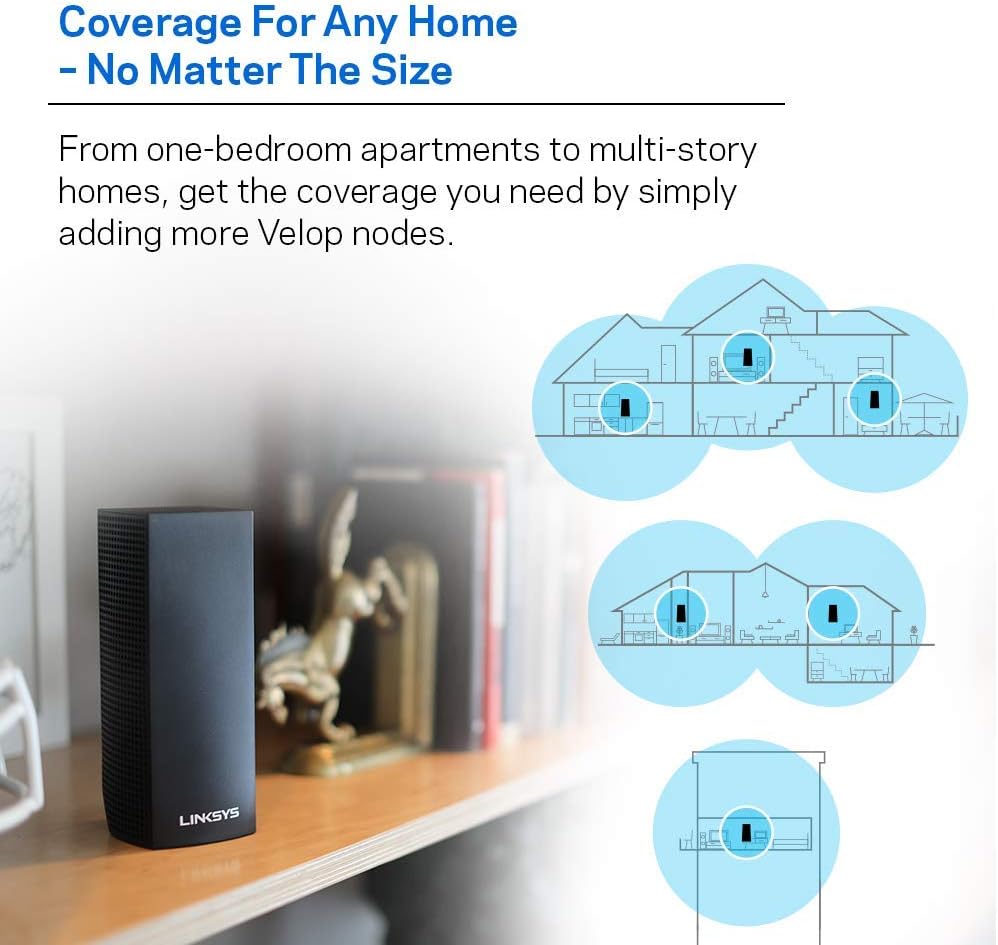
The Velop system is scalable to provide coverage for any home size, from apartments to multi-story houses, by adding more nodes.

Enjoy full-strength Wi-Fi for all your devices, ideal for households with multiple users, 4K streaming, and online gaming.
Maintenance
Regular maintenance helps ensure the optimal performance and longevity of your Linksys Velop system.
- Firmware Updates: The Linksys App will notify you of available firmware updates. It is recommended to install these updates to ensure your system has the latest features, security patches, and performance improvements.
- Rebooting: Periodically rebooting your Velop nodes (unplugging them from power for 10 seconds and plugging them back in) can help resolve minor network issues and refresh connections.
- Auto-Fix Feature: The Linksys App includes an 'Auto-Fix' feature that can help diagnose and resolve common issues with your nodes.
- Cleaning: Keep the Velop nodes clean and free from dust accumulation to prevent overheating and maintain optimal performance. Use a soft, dry cloth for cleaning.
Troubleshooting
If you encounter issues with your Linksys Velop system, consider the following troubleshooting steps:
- No Internet Connection:
- Check if your modem is working correctly.
- Ensure all cables are securely connected to the Velop node and modem.
- Reboot your modem and then your Velop nodes.
- Weak Wi-Fi Signal:
- Relocate Velop nodes to more central locations, away from obstructions like thick walls or large appliances.
- Ensure nodes are within optimal range of each other.
- Consider adding an additional Velop node to expand coverage.
- Device Connectivity Issues:
- Restart the problematic device.
- Forget the Wi-Fi network on your device and reconnect.
- Check the Linksys App for any alerts or network status issues.
- App Not Connecting to Velop:
- Ensure your mobile device is connected to the Velop Wi-Fi network.
- Restart the Linksys App.
- Reboot your primary Velop node.
For more detailed troubleshooting or persistent issues, refer to the Linksys support website or contact customer service.
Specifications
Below are the technical specifications for the Linksys Velop Intelligent Mesh WiFi System (WHW0302B):
| Feature | Specification |
|---|---|
| Model Number | WHW0302B |
| Wireless Type | 802.11ac |
| Frequency Band Class | Tri-Band |
| Frequency | 5 GHz |
| Connectivity Technology | Wireless |
| Hardware Platform | PC |
| Operating System | Linux |
| Product Dimensions (LxWxH) | 3.1 x 3.1 x 7.3 inches |
| Item Weight | 3.01 pounds |
| Color | Black |
| Compatible Devices | Personal Computer |
| Recommended Uses | Home |
Warranty and Support
The Linksys Velop Intelligent Mesh WiFi System (WHW0302B) comes with a 3-Year Warranty and Support. For warranty claims, technical assistance, or additional support resources, please visit the official Linksys support website or contact their customer service.