
Introduction
The Bose Wave Radio AWR1-1W is a high-quality, compact tabletop radio designed to deliver rich, room-filling audio. This manual provides essential information for setting up, operating, and maintaining your Wave Radio.
Key features include an AM/FM Tuner with digital display, dual alarm clock functionality, top-mounted touch controls, and an auxiliary input for external audio sources.
Safety Information
Please read all safety and operating instructions before using your Bose Wave Radio. Retain these instructions for future reference.
- Do not expose the unit to dripping or splashing.
- Do not place objects filled with liquids, such as vases, on the apparatus.
- Ensure proper ventilation and do not block any ventilation openings.
- Use only attachments/accessories specified by the manufacturer.
- Unplug this apparatus during lightning storms or when unused for long periods of time.
- Refer all servicing to qualified service personnel.
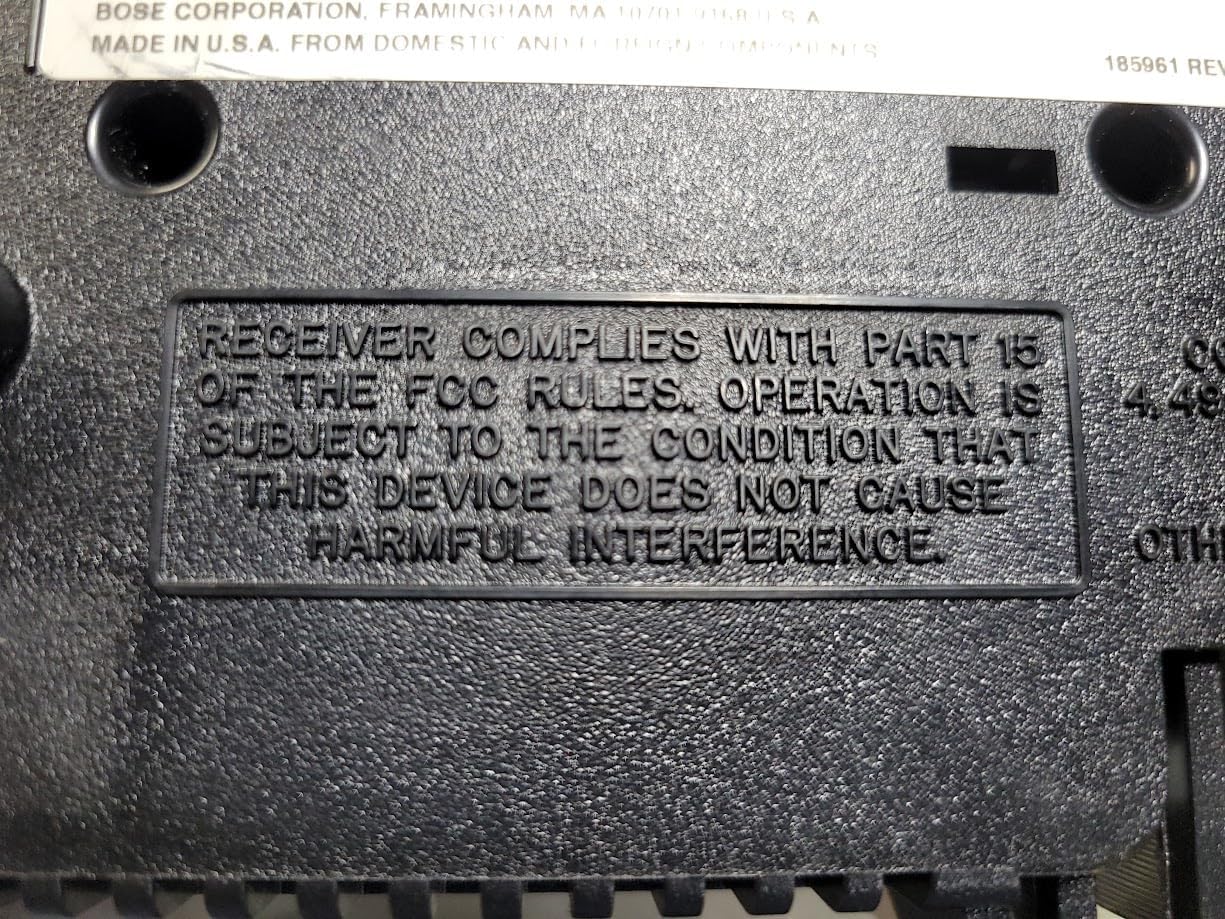 Image: Bottom view of the Bose Wave Radio, displaying the FCC compliance statement. This device complies with Part 15 of the FCC Rules, ensuring it does not cause harmful interference.
Setup
Unpacking
Carefully remove the Wave Radio from its packaging. Check for any signs of damage. Retain the packaging for future transport or storage.
Placement
Place the unit on a stable, level surface. Avoid placing it near heat sources, direct sunlight, or areas with excessive moisture or dust. Ensure adequate space around the unit for ventilation.
Connecting to Power
Connect the power cord to the AC IN jack on the back of the Wave Radio, then plug the other end into a wall outlet.
 Image: Rear view of the Bose Wave Radio, illustrating the connection of the power cord into the AC IN jack and then to a wall outlet. This image also shows the auxiliary input and antenna connections.
Antenna Connection
The Wave Radio has a built-in AM antenna. For FM reception, extend the attached FM wire antenna fully for optimal signal reception. You may also connect an external FM antenna to the dedicated FM antenna jack if desired.
Auxiliary Input
To connect an external audio device (e.g., MP3 player, CD player), use a 3.5mm stereo audio cable (not included) to connect the device's headphone or line-out jack to the AUX IN jack on the back of the Wave Radio.
Operating Instructions
Basic Controls
The primary controls are located on the top surface of the unit. A remote control (if included with your model) provides additional functionality.
 Image: Top view of the Bose Wave Radio, highlighting the integrated control panel with buttons for power, volume, tuning, alarm settings, and presets.
Power On/Off
- Press the Power button on the top panel or remote to turn the unit on or off.
Setting the Clock
- With the unit off, press and hold the Time Set button (if available) or follow the instructions in the display.
- Use the Tune/MP3 buttons to adjust the hour and minute.
- Press Time Set again to confirm.
Tuning to Radio Stations
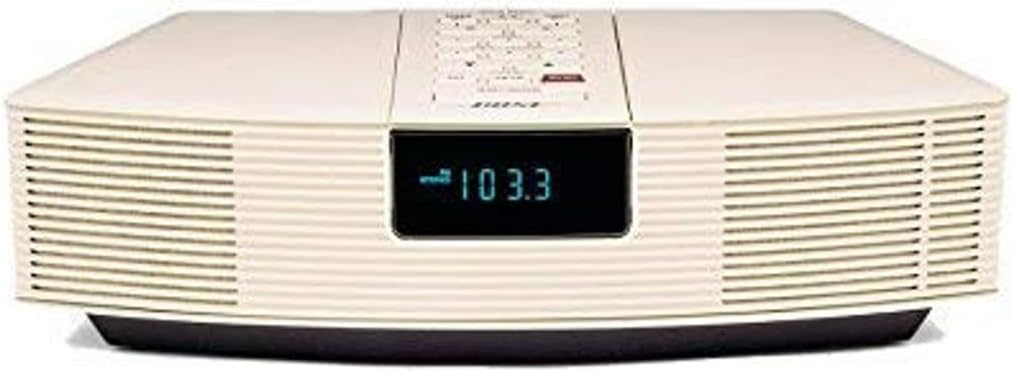 Image: Front view of the Bose Wave Radio, displaying "103.3" on its digital screen, indicating an FM radio frequency. The image highlights the sleek front design and speaker grilles.
- Press the AM/FM button to select the desired band.
- Use the Tune/MP3 buttons to manually tune to a station.
- Press and hold Tune/MP3 to scan for the next strong station.
Setting Alarms
The Wave Radio features dual alarms. Each alarm can be set independently.
- Press the Alarm 1 or Alarm 2 button.
- Use the Tune/MP3 buttons to set the alarm time.
- Press the corresponding Alarm button again to select the alarm source (radio or buzzer) and volume.
- Press the Alarm button one more time to confirm and activate the alarm.
Using the Auxiliary Input
- Connect your external audio device to the AUX IN jack.
- Press the AUX button on the top panel or remote to switch to the auxiliary input.
- Control playback from your connected device.
Maintenance
Cleaning
- Unplug the unit before cleaning.
- Wipe the exterior surfaces with a soft, dry cloth.
- Do not use any liquids, sprays, or chemical cleaners.
Storage
If storing the unit for an extended period, unplug it from the power outlet and store it in a cool, dry place, preferably in its original packaging.
Troubleshooting
| Problem | Possible Cause | Solution |
|---|---|---|
| No power | Power cord not securely connected. | Ensure power cord is firmly plugged into the unit and wall outlet. |
| No sound | Volume is too low or muted. Incorrect source selected. | Increase volume. Press AM/FM or AUX button to select correct source. |
| Poor radio reception | Antenna not properly extended or positioned. Interference from other electronics. | Fully extend and reposition the FM wire antenna. Move unit away from other electronic devices. |
| Alarm does not sound | Alarm not activated or set incorrectly. | Verify alarm time and activation status. Ensure alarm volume is audible. |
If the problem persists, please contact Bose customer support or a qualified service technician.
Specifications
- Model: AWR1RW
- Dimensions (L x W x H): 14 x 8.5 x 3.5 inches
- Weight: 7.8 pounds
- Connectivity: Infrared (for remote control), Auxiliary Input (3.5mm)
- Color: White
- Speaker Type: Stereo
- Tuner: AM/FM
- Power: AC (specific voltage/current not provided, typically indicated on unit)
Warranty and Support
Bose products are designed for durability and performance. For information regarding warranty coverage, please refer to the warranty card included with your product or visit the official Bose website.
For technical support, replacement parts, or service inquiries, please contact Bose customer service:
- Bose Official Website: www.bose.com
- Customer Support: Refer to the website for regional contact information.
Please have your model number (AWR1RW) and serial number ready when contacting support.


