
Introduction
Thank you for choosing Commercial Cool Water Filter Replacements. These filters are designed to provide you with clean, great-tasting water by reducing various contaminants. This manual provides essential information for the proper installation, use, and maintenance of your new water filters.

Image: A woman enjoys a glass of filtered water, highlighting the product's benefit of clean, crisp water.
Product Features
- Enhanced Filtration: These filters utilize a premium BPA-free, all-natural gravity system to help reduce copper, mercury, zinc, cadmium, and other hazardous contaminants from your drinking water.
- Improved Taste and Odor: Effectively reduces the taste and odor of chlorine, providing crisp, refreshing, and crystal-clear water suitable for drinking, cooking, coffee, or tea.
- Wide Compatibility: Designed for use with most standard filtered water pitchers, including popular Brita models such as Classic, Atlantis, Bella, Soho, Space Saver, Chrome, Everyday, Grand, Marina, Monterey, Pacifica, Vintage, Wave, and Ultramax.
- Long-Lasting Supply: A 6-pack provides up to a year's supply for most households, based on a recommended replacement schedule of every 2 months or 60 gallons. This helps save money and reduces plastic waste.

Image: Visual representation of the filter's benefits: clean water, healthier lifestyle, and better value.
Setup and Installation
Follow these steps to properly install your Commercial Cool water filter replacement:
- Prepare the Filter: Soak the new filter in cold water for 10-15 minutes. After soaking, flush it under running cold water for 30 seconds. This helps remove any loose carbon dust.
- Insert into Pitcher: Carefully insert the prepared filter into the designated reservoir of your water pitcher. Press firmly to ensure it is securely seated and no water can bypass the filter.
- Fill with Water: Add cold tap water into the pitcher's reservoir.
- Initial Flush: Allow the water to filter through. For optimal performance and to remove any remaining carbon dust, discard the first two pitchers of filtered water.

Image: Step-by-step visual guide for installing the water filter.
Video: An official product video demonstrating the installation process for replacement water filters.
Operating Instructions
Once the filter is installed and primed, simply fill your compatible water pitcher with cold tap water. The water will slowly filter through the cartridge into the lower reservoir. Wait for the filtration process to complete before pouring. Enjoy your clean, filtered water.
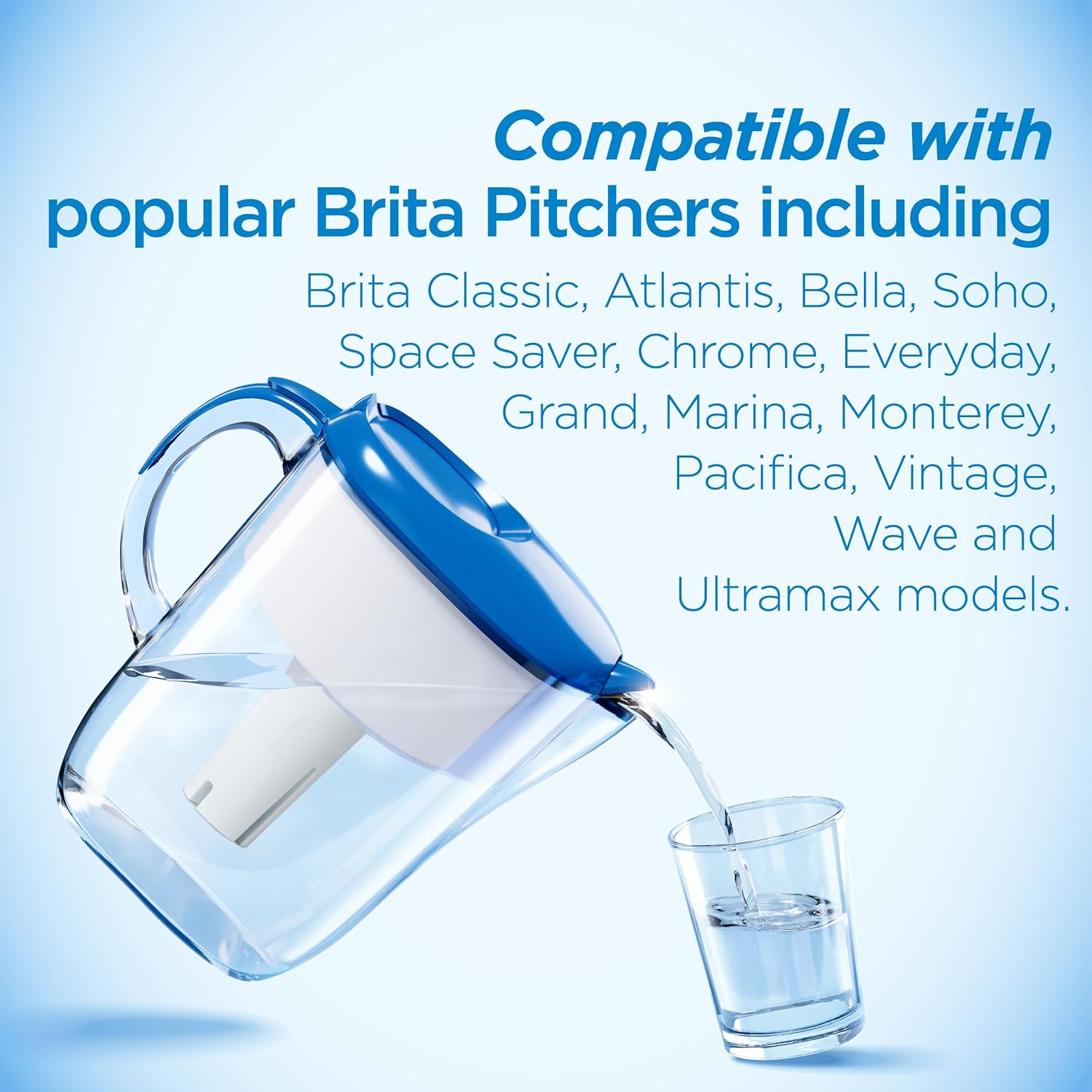
Image: A water pitcher demonstrating the filtration process and pouring clean water.
Maintenance and Filter Replacement
For optimal performance and water quality, it is recommended to replace your Commercial Cool water filter every 60 gallons or approximately two months, whichever comes first. Regular replacement ensures consistent reduction of contaminants and maintains the fresh taste of your water.
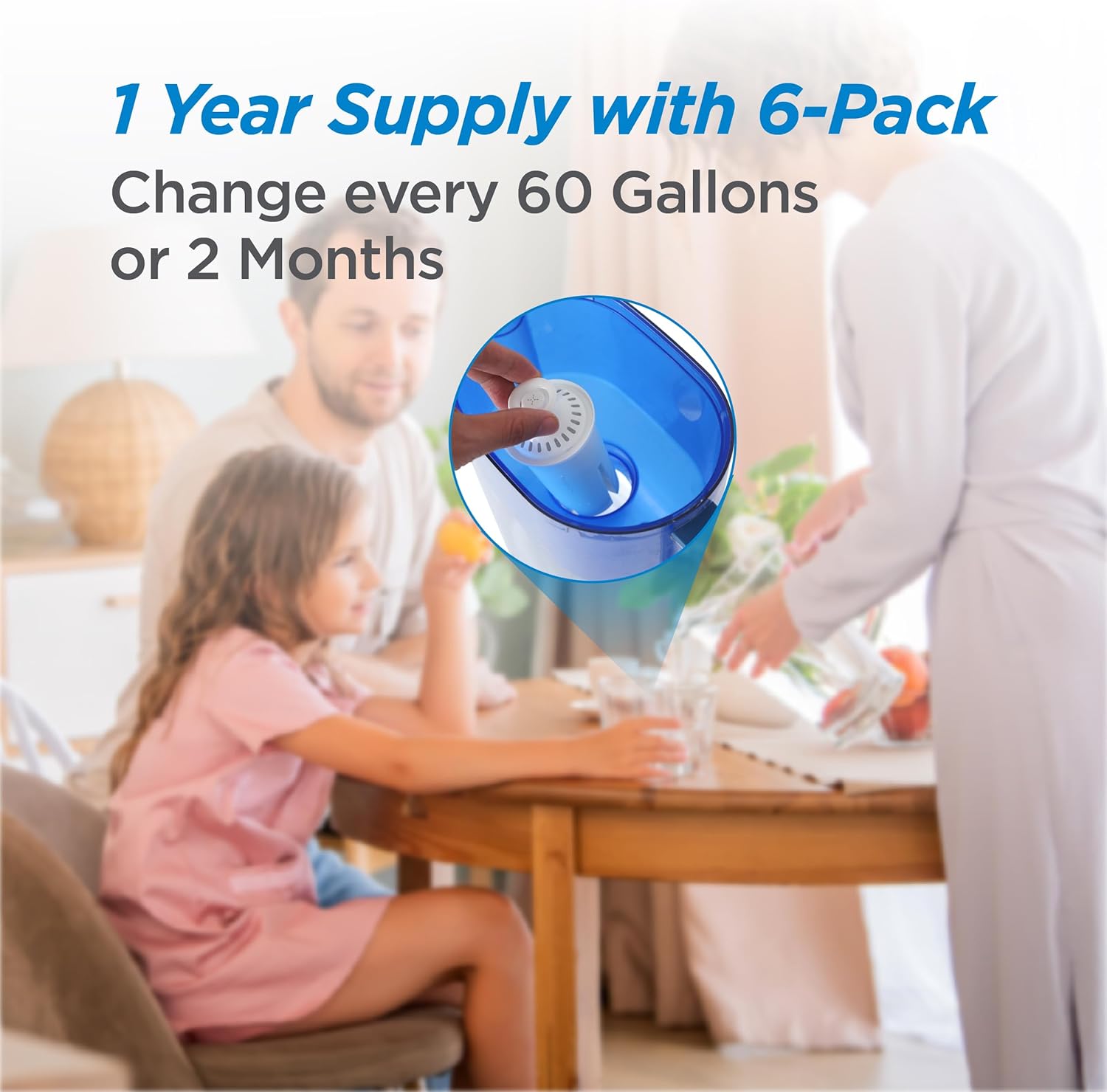
Image: Illustrates the filter replacement frequency and the benefit of a 6-pack supply.
Troubleshooting
- Slow Filtration: If water filters slowly, ensure the filter is properly seated in the reservoir. Sometimes, air bubbles can get trapped; remove the filter, re-soak it, and reinsert it firmly.
- Water Tastes Off or Has Carbon Particles: This can occur with new filters. Ensure you have followed the initial soaking and flushing steps (Step 1 and 4 in Setup). Discarding the first two pitchers of filtered water is crucial to remove any loose carbon dust. If the issue persists after several uses, contact customer support.
- Filter Does Not Fit: Verify that your pitcher model is listed under the compatible models in the Product Features section. Ensure the filter is oriented correctly and pressed firmly into place.
Specifications
| Attribute | Detail |
|---|---|
| Model Number | CCWFB6 |
| Material | Plastic |
| Filter Dimensions (Approx.) | 2.3" Diameter x 4.84" Height |
| External Testing Certification | NSF, WQA (NSF/ANSI standard 42 certified for reduction of chlorine; Meets NSF372 requirements for being Lead-Free) |
| Unit Count | 6 Filters per pack |
| Filter Lifespan | Up to 60 gallons or 2 months |

Image: Detailed dimensions of the Commercial Cool water filter.
Warranty and Support
For any questions, concerns, or support regarding your Commercial Cool water filter replacements, please refer to the product packaging for specific warranty information or contact Commercial Cool customer service. Keep your purchase receipt for warranty claims.


