1. Product Overview
The Philips Sonicare ProtectiveClean 4100 is a rechargeable electric toothbrush designed to provide a gentle yet effective clean. It features sonic technology, a pressure sensor, and smart timers to enhance your brushing experience.

Figure 1: Philips Sonicare ProtectiveClean 4100 Electric Toothbrush and its retail packaging.
Key Features:
- Removes up to 7x more plaque compared to a manual toothbrush.
- Integrated pressure sensor protects teeth and gums from excessive brushing force.
- BrushSync replacement reminder indicates when to replace the brush head for optimal cleaning.
- Quadpacer and Smartimer ensure a dental professional-recommended 2-minute brushing time, guiding you to brush each quadrant of your mouth evenly.
- Battery charge indicator light shows battery status; offers a 2-week battery life on a single charge.
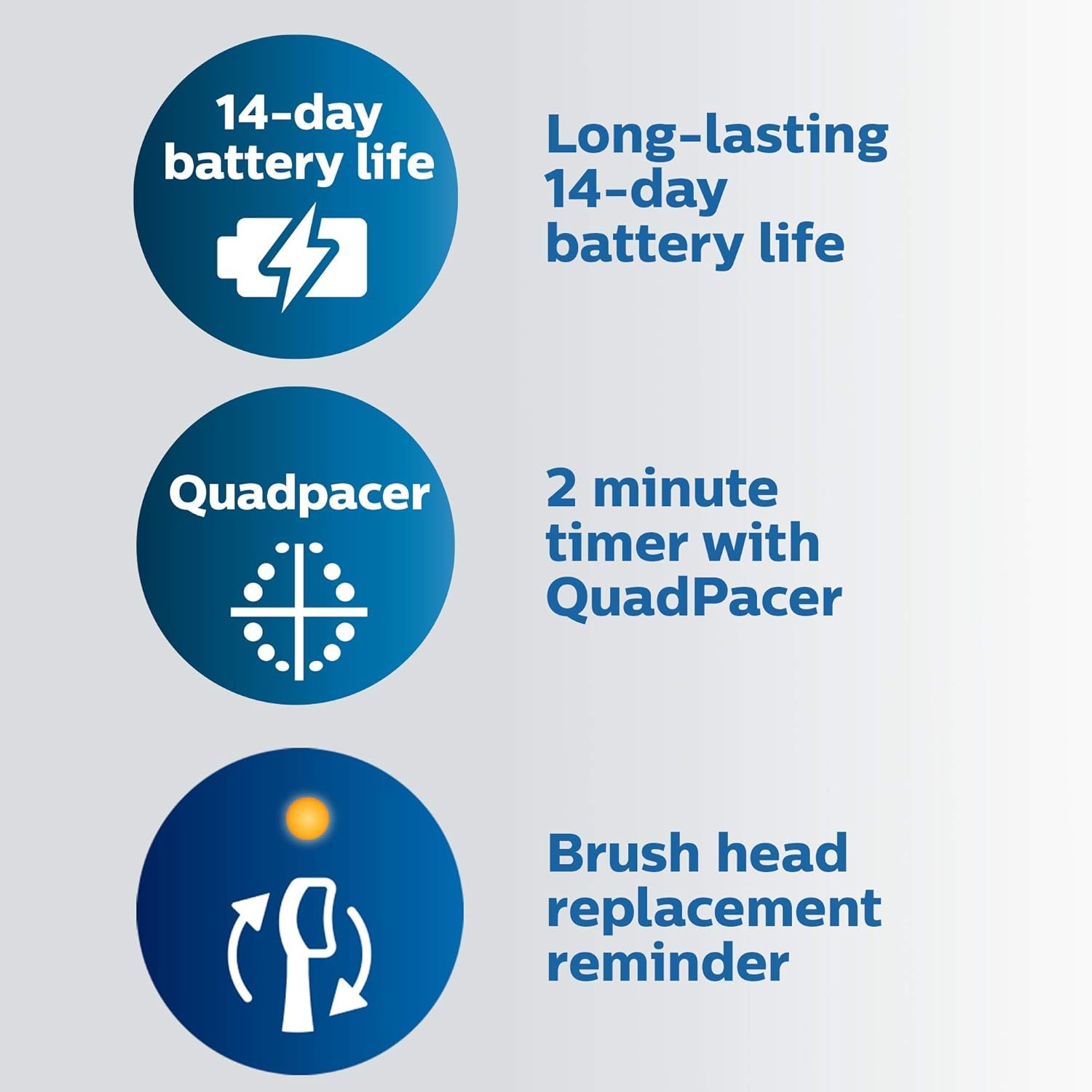
Figure 2: Visual representation of the 14-day battery life, Quadpacer, and brush head replacement reminder features.
2. Setup
2.1 Unpacking and Initial Charge
- Carefully remove all components from the packaging.
- Connect the charger to a power outlet.
- Place the toothbrush handle onto the charger. The battery indicator light will illuminate to show charging status. A full charge typically provides 2 weeks of use.

Figure 3: The Philips Sonicare ProtectiveClean 4100 toothbrush handle and its charging base.

Figure 4: The toothbrush handle placed on its charger, ready for use after charging.
2.2 Attaching the Brush Head
- Align the brush head with the metal shaft on the toothbrush handle.
- Push the brush head down firmly until it clicks into place. Ensure it is securely attached.
Video 1: Demonstration of detaching and attaching the brush head to the Philips Sonicare handle. This process allows for easy cleaning of the handle and replacement of the brush head.
3. Operating Instructions
3.1 Brushing Your Teeth
- Wet the brush head and apply a small amount of toothpaste.
- Place the brush head against your teeth at a slight angle towards the gumline.
- Press the power button to turn on the toothbrush.
- Gently move the brush head slowly across your teeth, allowing the sonic vibrations to clean each tooth surface. Do not scrub.
- The Quadpacer will beep every 30 seconds to indicate when to move to the next quadrant of your mouth. The Smartimer will automatically turn off the toothbrush after 2 minutes, signaling the completion of the recommended brushing time.
- The pressure sensor will alert you with a change in vibration or sound if you are applying too much pressure. Reduce pressure immediately to protect your gums and teeth.

Figure 5: Proper technique for brushing with the Philips Sonicare ProtectiveClean 4100.
Video 2: A demonstration of the Philips Sonicare HX6817 toothbrush in operation, highlighting its sonic vibrations and sound.
3.2 Intensity Settings
The ProtectiveClean 4100 offers two brushing intensities: High and Low. The High intensity provides maximum cleaning power, while the Low intensity offers a gentler clean, suitable for new users or those with sensitive teeth and gums.
- To switch between intensities, press the power button within 2 seconds of turning the brush on.
Video 3: A comparison between the Philips Sonicare 4100 Series and ProtectiveClean 4100, detailing differences in bristle movements, intensity settings, and overall feel during brushing.
4. Maintenance
4.1 Cleaning the Toothbrush
- After each use, rinse the brush head thoroughly under running water.
- Remove the brush head from the handle and rinse both parts separately to remove any toothpaste residue.
- Wipe the handle with a damp cloth. Do not immerse the handle in water.
4.2 Brush Head Replacement
The BrushSync replacement reminder will alert you when it's time to replace your brush head. Typically, brush heads should be replaced every 3 months or sooner if the bristles appear frayed.
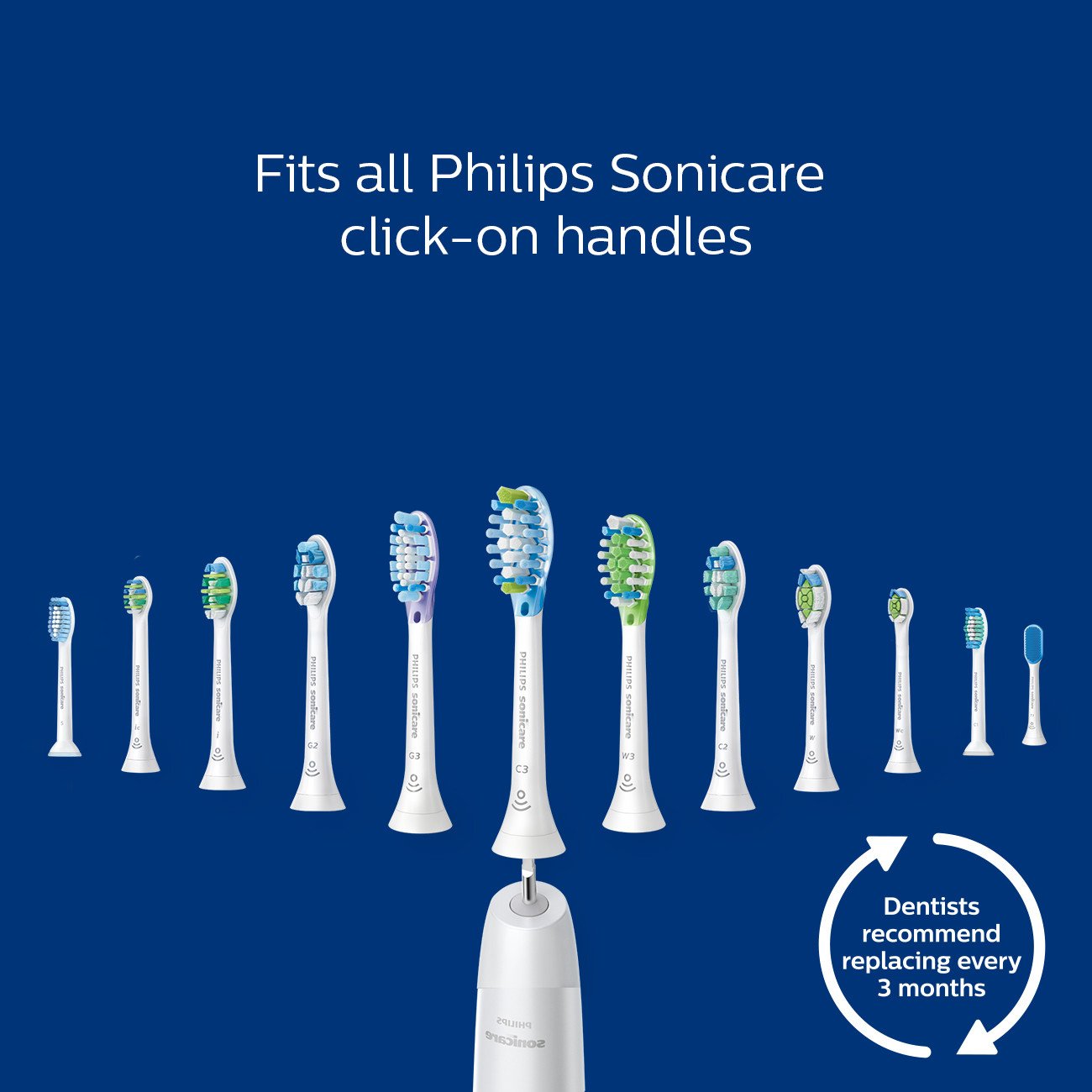
Figure 6: Philips Sonicare click-on brush heads are compatible with the ProtectiveClean 4100 handle.
5. Troubleshooting
5.1 Common Issues and Solutions
- Toothbrush not turning on or holding charge: Ensure the toothbrush is properly seated on the charger and the charger is plugged into a working outlet. Check the battery indicator light. If the issue persists, the battery may need replacement or the unit may require service.
- Excessive noise or loose brush head: If the brush head connection feels loose or produces excessive noise, ensure the brush head is correctly attached. Sometimes, a worn brush head can cause this. Replacing the brush head may resolve the issue.
- Reduced vibration intensity: This could indicate a low battery. Recharge the toothbrush fully. If the problem continues, the brush head might be worn out and require replacement.
6. Specifications
| Feature | Detail |
|---|---|
| Model Number | HX6817/01 |
| Power Source | Battery Powered |
| Battery Type | 1 Lithium Polymer battery (included) |
| Battery Life | Up to 2 weeks |
| Special Features | Brushing Timer, Pressure Sensor, Rechargeable |
| Product Dimensions | 2.56 x 6.81 x 9.33 inches |
| Item Weight | 0.01 ounces |
7. Warranty and Support
For warranty information, product registration, or technical support, please refer to the documentation included in your product packaging or visit the official Philips Sonicare website. Keep your proof of purchase for any warranty claims.


