
1. Introduction
Thank you for choosing the Defunc Plus Wireless Bluetooth Headphones. This manual provides essential information for the proper setup, operation, and maintenance of your device. Please read it thoroughly before use to ensure optimal performance and longevity.

Image 1.1: Front view of the Defunc Plus Wireless Bluetooth Headphones, showcasing the over-ear design and gold finish.
2. Safety Information
- Do not expose the headphones to extreme temperatures, humidity, or liquids.
- Avoid dropping or subjecting the headphones to strong impacts.
- Do not attempt to disassemble or modify the headphones. This may void the warranty and cause damage.
- Keep out of reach of children.
- Listen at moderate volume levels to prevent hearing damage.
- Dispose of the product and its battery responsibly according to local regulations.
3. Package Contents
Verify that all items are present in your Defunc Plus headphone package:
- Defunc Plus Wireless Bluetooth Headphones
- USB Charging Cable
- Audio Cable (3.5mm)
- Instruction Manual

Image 3.1: The retail packaging for the Defunc Plus Wireless Bluetooth Headphones, showing the product inside.
4. Setup
4.1 Charging the Headphones
- Connect the small end of the USB charging cable to the charging port on the headphones.
- Connect the larger end of the USB cable to a USB power adapter (not included) or a computer's USB port.
- The LED indicator light will illuminate to show charging status. Refer to the LED indicator section for details.
- Charging typically takes approximately 2-3 hours for a full charge.
4.2 Powering On/Off
- To Power On: Press and hold the Power button for approximately 3 seconds until the LED indicator flashes.
- To Power Off: Press and hold the Power button for approximately 3 seconds until the LED indicator turns off.
4.3 Bluetooth Pairing
- Ensure the headphones are fully charged and powered off.
- Press and hold the Power button for approximately 5-7 seconds until the LED indicator flashes blue and red alternately, indicating pairing mode.
- On your device (smartphone, tablet, computer), enable Bluetooth and search for available devices.
- Select "Defunc Plus" from the list of found devices.
- Once paired, the LED indicator on the headphones will flash blue periodically.
4.4 Wired Connection
The Defunc Plus headphones can also be used with an audio cable:
- Connect one end of the 3.5mm audio cable to the audio input jack on the headphones.
- Connect the other end of the 3.5mm audio cable to the audio output jack of your device.
- When connected via cable, the Bluetooth function is automatically disabled.
5. Operating the Headphones
5.1 Controls
The headphones feature integrated controls for easy management of audio playback and calls:
- Power Button: Power on/off, enter pairing mode.
- Volume Up (+): Increase volume.
- Volume Down (-): Decrease volume.
- Multi-function Button (often integrated with Power or separate): Play/Pause, Answer/End Call. (Specific functionality may vary, refer to quick start guide for exact button mapping).

Image 5.1: Close-up view of the right ear cup, highlighting the control buttons for volume and playback.
5.2 Wearing the Headphones
Adjust the headband to ensure a comfortable and secure fit. The earcups should fully cover your ears for optimal sound isolation and comfort.
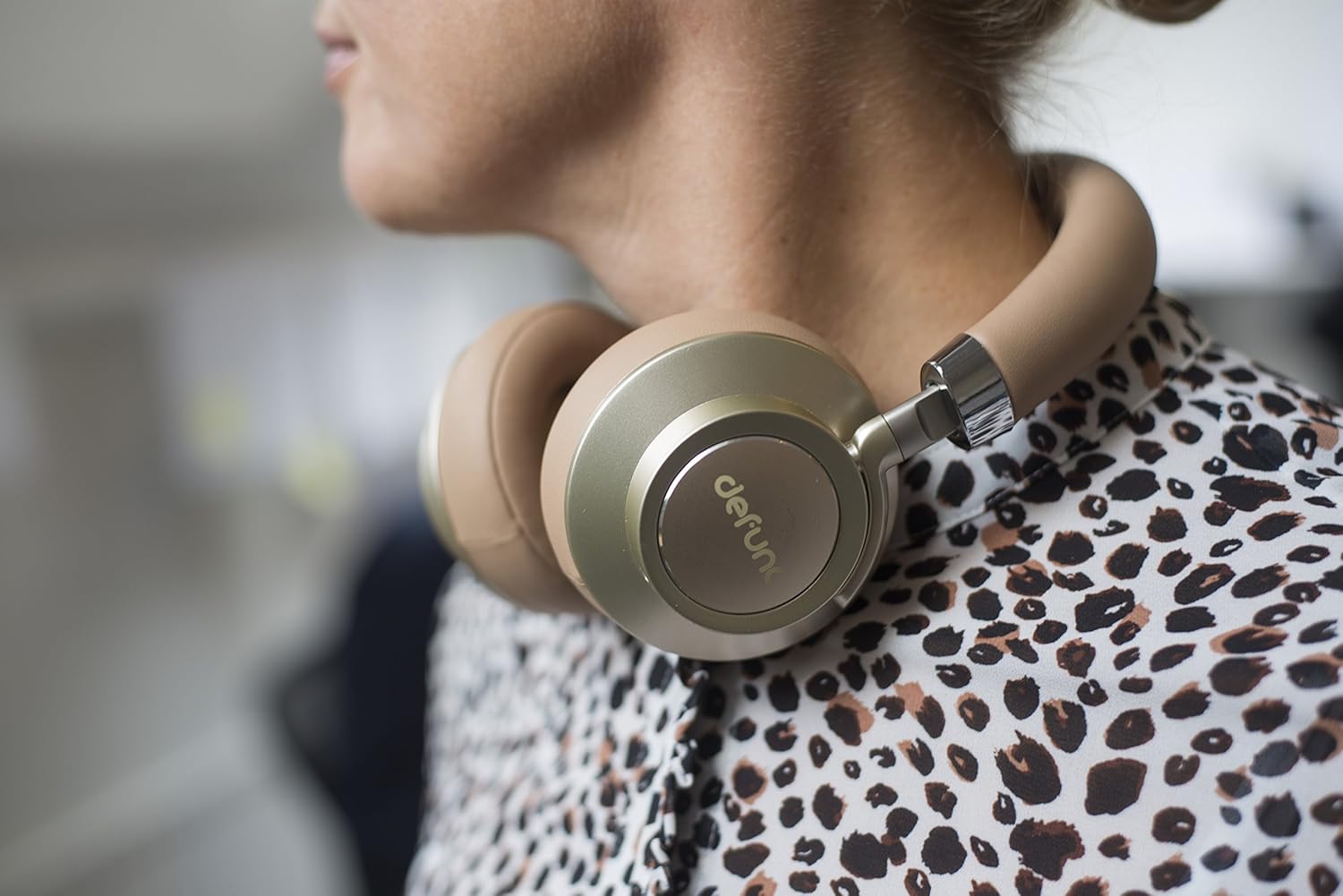
Image 5.2: A person wearing the Defunc Plus headphones, demonstrating the comfortable over-ear fit.
6. Maintenance
6.1 Cleaning
- Use a soft, dry cloth to wipe the exterior of the headphones.
- Do not use abrasive cleaners, alcohol, or chemical solvents.
- Gently clean ear cushions with a slightly damp cloth if necessary, and allow them to air dry completely before use.
6.2 Storage
When not in use, store the headphones in a cool, dry place, away from direct sunlight and extreme temperatures. The flat-folding design allows for compact storage.

Image 6.1: The Defunc Plus headphones resting on a surface, illustrating their design when not in use.
7. Troubleshooting
| Problem | Possible Cause | Solution |
|---|---|---|
| Headphones do not power on | Low battery | Charge the headphones fully. |
| Cannot pair via Bluetooth | Not in pairing mode; device Bluetooth off; too far from device | Ensure headphones are in pairing mode (flashing blue/red). Turn on Bluetooth on your device. Move headphones closer to your device (within 10m). |
| No sound | Volume too low; incorrect audio source; headphones not connected | Increase volume on headphones and device. Check if headphones are properly paired or connected via audio cable. Ensure correct audio output is selected on your device. |
| Poor sound quality | Weak Bluetooth signal; interference; low quality audio file | Move closer to your device. Avoid sources of interference (e.g., Wi-Fi routers). Try a different audio source or file. |
8. Specifications
- Model Number: D1037
- Wireless Communication Technology: Bluetooth 4.0
- Ear Placement: Over Ear
- Connectivity Technology: Wireless (Bluetooth) / Wired (3.5mm audio cable)
- Playtime: Minimum 12 hours (wireless)
- Control Type: Volume Control
- Item Weight: 3.52 ounces (0.1 Kilograms)
- Product Dimensions: 1.97 x 8.66 x 8.66 inches
- Batteries: 1 Lithium Polymer battery (required)
- Manufacturer: DeFunc
9. Warranty and Support
Defunc products are designed and manufactured to the highest quality standards. For information regarding warranty coverage, please refer to the warranty card included with your product or visit the official Defunc website. For technical support or further assistance, please contact Defunc customer service through their official channels.
Online Support: Visit the Defunc Store on Amazon