
Introduction to vívofit 4
The Garmin vívofit 4 is an activity tracker designed for continuous wear, featuring a 1+ year battery life and a customizable color display. It is suitable for 24/7 use, tracking various activities without the need for frequent recharging. The device is water-safe for swimming and showering.
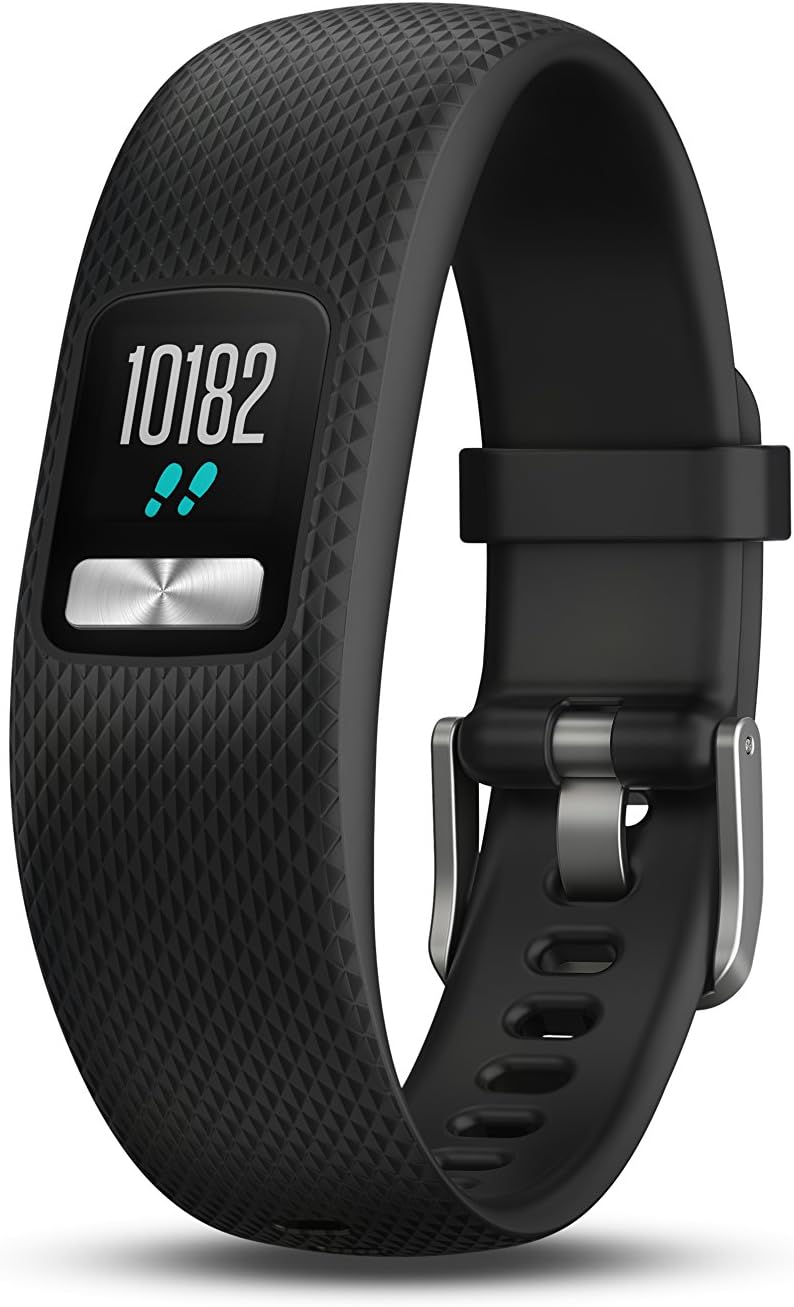
Image: The Garmin vívofit 4 activity tracker, showcasing its black band and digital display. The display shows a step count of 10182.
What's in the Box
- vívofit 4 Activity Tracker
- Documentation (User Manual, User Guide)
Setup
To begin using your vívofit 4, you will need to pair it with the Garmin Connect application on your smartphone. The device is compatible with both iPhone and Android operating systems.
- Download the Garmin Connect app from your smartphone's app store.
- Open the app and follow the on-screen instructions to create an account or log in.
- Select "Garmin Devices" and then "Add Device" to begin the pairing process.
- Follow the prompts on your vívofit 4 display and in the Garmin Connect app to complete pairing.
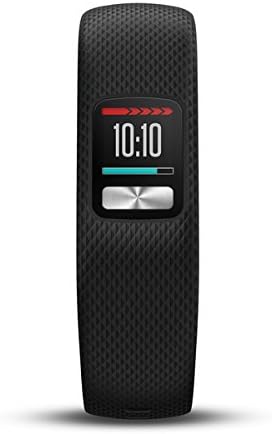
Image: A close-up of the vívofit 4 display, showing the current time as 10:10.
Operating Your vívofit 4
The vívofit 4 features an always-on customizable color display and is operated primarily through its single button. Pressing the button cycles through various data screens.
Activity Tracking Features:
- Step Counter: Tracks your daily steps.
- Distance Traveled: Calculates the distance covered based on your steps.
- Calories Burned: Estimates calories burned throughout the day.
- Sleep Monitoring: Monitors total sleep and periods of movement or restful sleep.
- Auto Goal: Learns your activity level and assigns a personalized daily step goal.
- Move Bar Alert: Displays on the device after a period of inactivity, prompting you to move. Walk for a couple of minutes to reset it.
- Move IQ: Automatically detects and classifies activity types (e.g., walking, running, biking) on Garmin Connect.
The vívofit 4 periodically syncs to Garmin Connect, allowing you to save, plan, and share your activities, and participate in social challenges.

Image: The vívofit 4 display showing the motivational phrase "beat yesterday".
Maintenance
Battery Life and Replacement:
The vívofit 4 boasts a 1+ year battery life, eliminating the need for regular charging. It uses a replaceable CR2 battery. When the battery needs replacement, it can be done by a watch shop or by the user following specific instructions (refer to the full user manual for detailed steps).
Water Resistance:
The device is safe for swimming and showering, ensuring continuous activity tracking even in wet conditions.
Cleaning:
To maintain the device, regularly clean the band and the device itself with a damp cloth. Avoid harsh chemicals or abrasive materials.
Troubleshooting
If you encounter issues with your vívofit 4, consider the following common troubleshooting steps:
- Syncing Issues: Ensure Bluetooth is enabled on your smartphone and the vívofit 4 is within range. Try restarting both the device and the Garmin Connect app.
- Display Not Responding: Press the button firmly. If unresponsive, the battery may be low or depleted.
- Inaccurate Tracking: Ensure the device is worn correctly on your wrist. For persistent issues, check for firmware updates via Garmin Connect.
- Battery Depletion: If the device suddenly stops working, the CR2 battery may need replacement.
For more detailed troubleshooting or specific error messages, refer to the comprehensive user manual or visit the Garmin support website.
Specifications
| Model Name | vívofit |
| Model Number | 010-01847-00 |
| Brand | Garmin |
| Product Dimensions | 7.4 x 0.37 x 0.75 inches |
| Item Weight | 0.96 ounces |
| Screen Size | 0.43 Inches |
| Display Resolution | 88 x 88 pixels |
| Battery Type | 1 CR2 battery (included), Silver Oxide |
| Battery Life | 1+ year |
| Water Rating | Safe for swimming and showering |
| Connectivity | Bluetooth Smart, ANT+ |
| GPS | No GPS |
| Memory Storage | 5 GB |
| Operating System Compatibility | Android, iOS |
Warranty and Support
For information regarding the product warranty, please refer to the official documentation included with your vívofit 4 or visit the Garmin website.
Additional support resources, including the full user manual and user guide, can be found online:
- User Guide (PDF): Download User Guide
- User Manual (PDF): Download User Manual
For further assistance, contact Garmin customer support.