Introduction
This manual provides comprehensive instructions for the AULCMEET XRT020 replacement remote control. This remote is designed to function directly with various VIZIO LED TV models without requiring any programming. Please read this manual carefully to ensure proper use and longevity of your remote control.
Setup
Battery Installation
The AULCMEET XRT020 remote control requires two (2) AAA batteries for operation. Batteries are not included with the remote.
- Locate the battery compartment on the back of the remote control.
- Slide the battery compartment cover downwards or outwards to open it.
- Insert two AAA batteries, ensuring the positive (+) and negative (-) terminals align correctly with the markings inside the compartment.
- Replace the battery compartment cover by sliding it back into place until it clicks securely.
Once batteries are installed, the remote is ready for immediate use with compatible VIZIO LED TVs. No additional programming is required.

Image: The AULCMEET XRT020 remote control, highlighting its direct usability without programming. A couple is shown watching television in the background, illustrating typical use.
Operating Instructions
The AULCMEET XRT020 remote control is designed for straightforward operation with compatible VIZIO LED TVs. Simply point the remote towards your television and press the desired function button.
Key Functions
- Power Button: Turns the TV on or off.
- Input Button: Cycles through available input sources (HDMI, AV, etc.).
- Menu Button: Accesses the TV's main menu for settings adjustments.
- Navigation Buttons (Up, Down, Left, Right, OK): Used to navigate menus and confirm selections.
- Back/Exit Buttons: Returns to the previous screen or exits the current menu.
- Volume Up/Down: Adjusts the television's volume level.
- Channel Up/Down: Changes TV channels.
- Number Pad (0-9): Directly selects TV channels.
- Mute Button: Silences the TV audio.
Compatibility
This remote control is compatible with a wide range of VIZIO LED TV models, including but not limited to:
- D32hn-E0, D43n-E1, D32hn-D0, E280-B1, D32hn-E1, D39hn-E0
- D60n-E3, D50n-E1, D28h-C1, D32h-C0, D32-D1, D24-D1
- D24hn-D1, D40n-E3, D32hn-D1, D55n-E2, D32hnx-E1, E320-B2
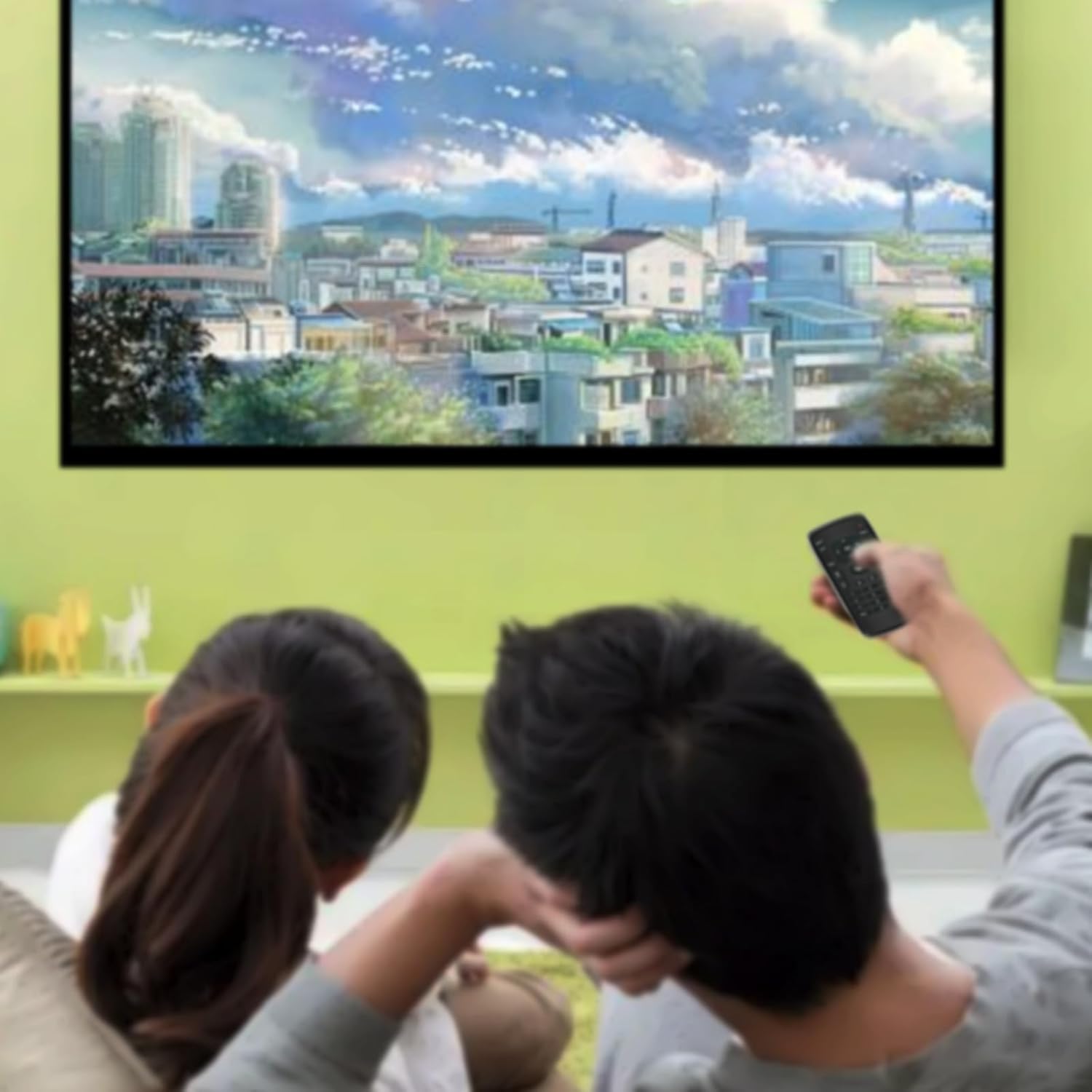
Image: The AULCMEET XRT020 remote control displayed alongside a VIZIO television, illustrating its compatibility with various VIZIO TV models.

Image: The AULCMEET XRT020 remote control, emphasizing its advanced infrared technology for easy use, long distance, and wide-angle control. A person is shown comfortably using the remote to watch TV.
Maintenance
Cleaning the Remote
To maintain the remote control's appearance and functionality, clean it regularly:
- Use a soft, dry cloth to wipe the surface of the remote.
- For stubborn dirt, slightly dampen the cloth with water or a mild, non-abrasive cleaner. Avoid excessive moisture.
- Do not use harsh chemicals, solvents, or abrasive cleaning pads, as these can damage the remote's finish or internal components.
Battery Care
- Replace batteries when the remote's response becomes sluggish or inconsistent.
- If the remote will not be used for an extended period, remove the batteries to prevent leakage and potential damage.
- Dispose of used batteries according to local regulations.
Troubleshooting
If you encounter issues with your AULCMEET XRT020 remote control, please refer to the following common solutions:
- Remote not responding:
- Ensure batteries are correctly installed with the correct polarity (+/-).
- Replace old batteries with new AAA batteries.
- Check for any obstructions between the remote and the TV's infrared sensor. Ensure a clear line of sight.
- Confirm that the remote is pointed directly at the TV.
- Specific buttons not working:
- This remote is a direct replacement and does not require programming. If a button is not working, it might be due to a dirty contact or a malfunction.
- Clean the remote as described in the Maintenance section.
- Verify that your TV model is listed as compatible. While this remote supports many VIZIO models, some specific functions might vary slightly depending on the TV's original remote layout.
- Intermittent operation:
- Weak batteries can cause intermittent functionality. Replace them.
- Ensure there are no strong light sources (like direct sunlight or bright fluorescent lights) interfering with the infrared signal.
Specifications
| Model Number | XRT02-1 |
| Brand | AULCMEET |
| Compatible Devices | VIZIO LED Televisions (various models) |
| Power Source | 2 x AAA Batteries (not included) |
| Product Dimensions | 7.5 x 2 x 0.5 inches (19.05 x 5.08 x 1.27 cm) |
| Item Weight | 1.76 ounces (50 grams) |
| Color | Black |
| Special Feature | Ergonomic design, No programming required |

Image: The AULCMEET XRT020 remote control with its key dimensions, 5.31 inches in length and 2.17 inches in width, clearly indicated.
Warranty Information
Specific warranty details for the AULCMEET XRT020 remote control are not provided in this manual. For information regarding warranty coverage, terms, and conditions, please refer to the product packaging or contact the seller directly. Typically, electronic accessories come with a limited manufacturer's warranty against defects in materials and workmanship.
Customer Support
If you require further assistance, have questions not covered in this manual, or experience issues that cannot be resolved with the troubleshooting steps, please contact the seller or manufacturer of the AULCMEET XRT020 remote control. Please have your product model number (XRT02-1) and purchase details ready when contacting support.
For general inquiries or to find contact information, you may visit the AULCMEET brand page or the platform where the product was purchased.


