
Introduction
This instruction manual provides essential information for the safe and efficient use of your Oviitech 12-Outlet Heavy Duty Metal Power Strip. Please read this manual thoroughly before installation and operation, and retain it for future reference.
Safety Instructions
- Do not exceed the maximum electrical rating of 125V, 15A, 1875W.
- This product is intended for indoor use only. Avoid exposure to moisture or extreme temperatures.
- Do not disassemble or modify the power strip. Refer all servicing to qualified personnel.
- Ensure the power strip is properly grounded. The 3-pin AC plug provides grounding.
- Keep children and pets away from the power strip and connected devices.
- Avoid running the power cord under carpets or in high-traffic areas where it could be damaged.
- If the circuit breaker trips, disconnect some devices before resetting.
Product Features
- 12 AC Outlets: Provides ample power connections for multiple devices.
- Heavy-Duty Metal Construction: Durable and impact-resistant design suitable for workshops and industrial environments.
- 6-Foot Long Extension Cord: Offers flexible placement options.
- Integrated Circuit Breaker: Protects connected devices from overloads.
- Convenient On/Off Switch: Allows for easy power control to all connected devices.
- Mounting Brackets Included: Facilitates secure installation on walls or workbenches.
- ETL Certified: Ensures compliance with recognized safety standards.

Image: Key features of the Oviitech 12-Outlet Power Strip, highlighting the On/Off switch, standard 3-hole sockets, 3-pin AC plug, and heavy-duty power cord.
Setup and Installation
- Choose a Location: Select a dry, indoor location away from heat sources and moisture. Ensure the 6-foot cord can reach the wall outlet without tension.
- Mounting (Optional):
- Use the included mounting brackets to secure the power strip to a wall or workbench.
- Mark the desired mounting points, ensuring the power strip is level.
- Drill pilot holes if necessary and attach the brackets using appropriate screws.
- Slide the power strip onto the mounted brackets until secure.
- Connect to Power: Plug the power strip's 3-pin AC plug into a standard 125V grounded wall outlet.
- Connect Devices: Plug your electronic devices into the 12 AC outlets. Ensure the total wattage does not exceed 1875W.

Image: The Oviitech 12-Outlet Power Strip shown with its included mounting brackets, ready for installation.

Image: An Oviitech 12-Outlet Power Strip mounted on a desk, providing power to a laptop and a smartphone, demonstrating its practical application.
Operating Instructions
- Power On: Press the red On/Off switch to the "On" position. The switch will illuminate, indicating power is supplied to the outlets.
- Power Off: Press the red On/Off switch to the "Off" position to cut power to all connected devices.
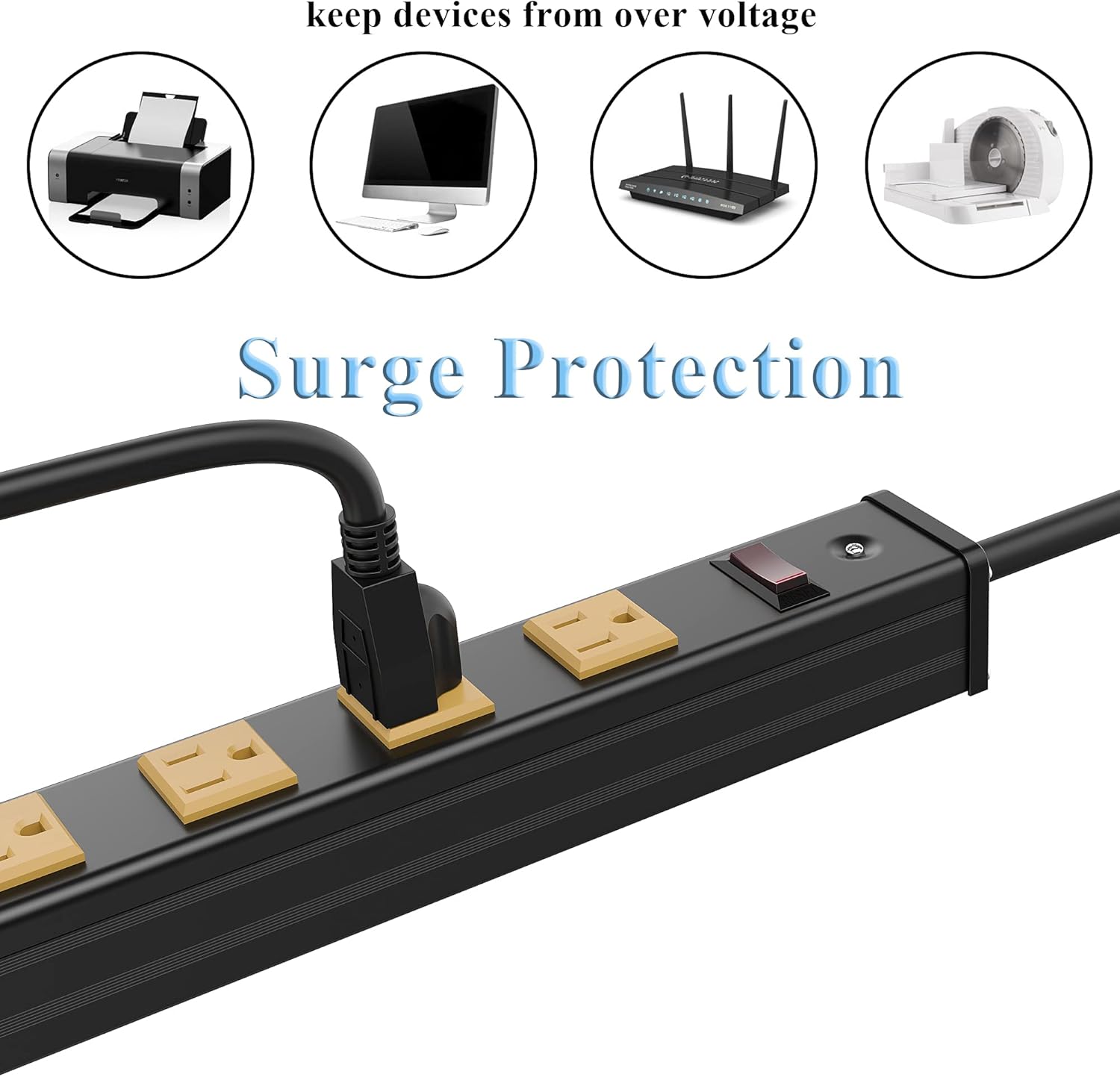
Image: A close-up view of the Oviitech power strip, illustrating the surge protection feature and how devices like printers, monitors, and routers can be connected.
Maintenance
- Regularly inspect the power strip and cord for any signs of damage, fraying, or loose connections.
- Clean the power strip with a dry, soft cloth. Do not use liquid cleaners.
- Ensure ventilation around the power strip is not obstructed.
Troubleshooting
No Power to Devices:
- Check if the power strip's On/Off switch is in the "On" position and illuminated.
- Verify that the power strip is securely plugged into a functioning wall outlet.
- Check the circuit breaker on the power strip. If it has tripped (popped out), disconnect some devices, then push the breaker back in to reset.
- Ensure the wall outlet itself is receiving power by testing it with another device.
Specifications
| Model Number | LTS-12H430-S |
| Total Power Outlets | 12 AC Outlets |
| Voltage Rating | 125V |
| Current Rating | 15A |
| Maximum Wattage | 1875W |
| Cord Length | 6 feet |
| Construction Material | Heavy-Duty Metal |
| Certifications | ETL Certified |
| Product Dimensions | 27.76 x 1.77 x 0.1 inches |
| Item Weight | 2.46 pounds |
Official Product Video
Video: An official overview of the Oviitech Metal Power Strip, demonstrating its features and applications. This video highlights the product's robust construction, multiple outlets, and ease of use in various settings.
Warranty and Support
For warranty information or technical support, please refer to the product packaging or contact Oviitech customer service directly. Contact details can typically be found on the manufacturer's official website or through your point of purchase.