
SNDWAY SW-525A
Contents
SNDWAY SW-525A Digital Sound Level Meter User Manual
Model: SW-525A | Brand: SNDWAY
This manual provides comprehensive instructions for the safe and effective use of your SNDWAY SW-525A Digital Sound Level Meter. Please read this manual thoroughly before operating the device and keep it for future reference.
1. Product Overview
The SNDWAY SW-525A is a versatile digital sound level meter designed for measuring sound intensity across various environments. It is suitable for monitoring noise levels in factories, offices, homes, traffic routes, and for general acoustic analysis. The device features a large LCD display for clear readings and supports wall-mounted installation.

Figure 1.1: Front view of the SNDWAY SW-525A Digital Sound Level Meter showing a reading of 69.9 dB.
2. Safety Precautions
- Do not use the sound level meter in environments with high temperature, high humidity, heavy dust, or chemical gases.
- The device requires a standard DC 5V 1A micro USB power supply. Using a power supply with higher voltage or current can damage the internal circuit board (PCB).
- Before operation, ensure there is no foreign object blockage in the sensor area.
- If the LCD screen does not display when the device is turned on, the sensor may be faulty. Contact customer support for assistance.
3. Product Components
Familiarize yourself with the main components of the SW-525A sound level meter:

Figure 3.1: Labeled diagram of the SW-525A Digital Sound Level Meter.
- LCD Display: Large digital screen for displaying sound level readings.
- Microphone Sensor: Captures ambient sound for measurement.
- Audio Outlet: 3.5mm jack for connecting external speakers.
- USB Outlet: Micro USB port for power supply (DC 5V 1A).
- Buttons: Control various functions including power, alarm settings, and value adjustments.
4. Setup
- Power Connection: Connect the provided micro USB cable to the USB outlet on the device and plug the other end into a standard DC 5V 1A power adapter (not included). The device will automatically power on when connected to power.
- Placement: The SW-525A is designed for wall-mounted installation. Choose a suitable location free from obstructions and excessive vibrations for accurate readings.
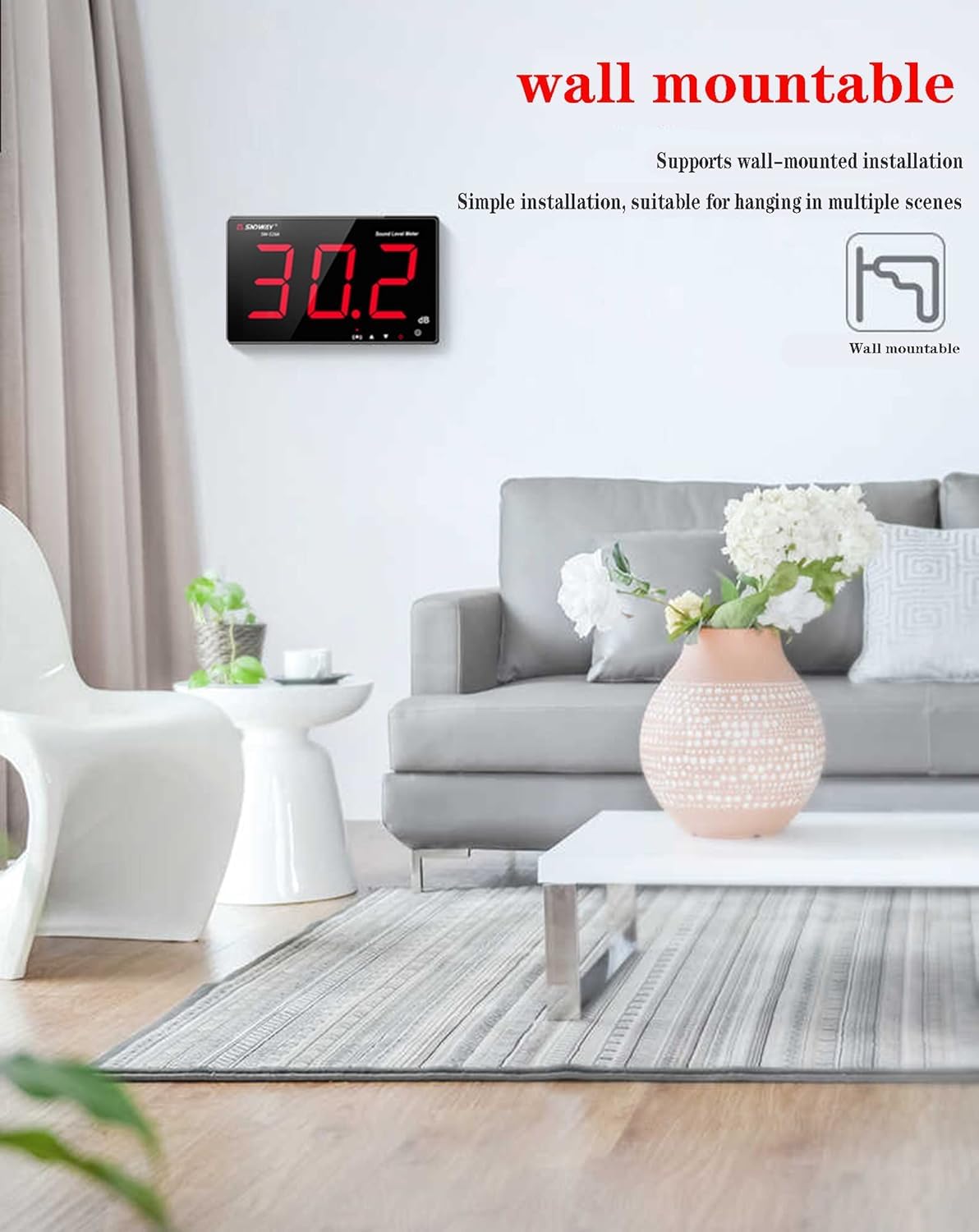
Figure 4.1: The SW-525A is designed for simple wall-mounted installation.
5. Operating Instructions
5.1 Power On/Off
- Power On: The device automatically powers on when connected to a DC 5V 1A power source. Alternatively, long press the power button (labeled with a power symbol) to turn it on.
- Power Off: Short press the power button to turn off the device.
5.2 Sound Measurement
Once powered on, the device will immediately begin displaying real-time sound level readings in decibels (dB) on the LCD screen. The meter features a fast response time for accurate and immediate measurements.

Figure 5.1: The SW-525A features a super fast response time for accurate readings.
5.3 Alarm Setting
The SW-525A includes an alarm function to alert you when sound levels exceed a set threshold.
- Toggle Alarm: Short press the alarm button (labeled with a horn symbol) to turn the alarm sound and red indicator light ON or OFF.
- Set Alarm Value: In normal measurement mode, long press the alarm button to enter the alarm setting mode.
- Use the Up (▲) and Down (▼) keys to adjust the desired alarm threshold value.
- Short press the alarm button again to save the new alarm value. Alternatively, short press the power button to cancel the setting without saving.
- The alarm time is adjustable from 6 to 120 seconds, and the alarm sound has 1-3 adjustable levels.

Figure 5.2: The device provides an over-standard alarm prompt with adjustable settings.
5.4 Connecting External Speakers
The device supports connecting external speakers via its 3.5mm audio output jack for enhanced audio monitoring.

Figure 5.3: Connect external speakers using a 3.5mm audio cable.
6. Maintenance
- Keep the device clean by wiping it with a soft, dry cloth. Do not use abrasive cleaners or solvents.
- Ensure the microphone sensor is free from dust and debris for accurate readings.
- When not in use for extended periods, store the device in a cool, dry place within the specified storage temperature and humidity ranges.
7. Troubleshooting
- LCD Display Issues (Scrambled Characters/Numbers Not Updating): If the LCD screen displays scrambled characters or the numbers do not update correctly, try restarting the device by disconnecting and reconnecting the power, or by long pressing the power button.
- No Display When Powered On: If the device is connected to power but the LCD screen remains blank, the sensor might be faulty. Verify the power supply is 5V 1A. If the issue persists, contact customer support.
- Inaccurate Readings: Ensure the microphone sensor is clean and unobstructed. Avoid using the device in extreme environmental conditions (high temperature, humidity, dust, chemical gases).
- Device Not Powering On: Confirm the power adapter is a DC 5V 1A micro USB type. Check the USB cable for damage and ensure it is securely connected.
8. Specifications
| Feature | Specification |
|---|---|
| Measurement Range | 30 to 130 dB |
| Accuracy | ±1.5 dB (reference sound pressure level, 94 dB @ 1 kHz) |
| Frequency Range | 31.5 Hz to 8.5 kHz |
| Frequency Weighting | A |
| Response Time | Fast |
| Microphone | 6mm Capacitance |
| Display | 3-piece 7.6 cm (9.6 inch) Digital LCD |
| Resolution | 0.1 dB (<100 dB), 1 dB (>100 dB) |
| Alarm Reminder | Sound + Display |
| Alarm Output | Yes |
| Power Supply | Micro USB DC 5V 1A |
| Operating Condition | 0 to 40 °C, 10 to 80% RH |
| Storage Condition | -10 to 60 °C, 10 to 70% RH |
| Dimensions | 210 x 130 x 28 mm |
| Weight | 450 Grams |
| Model Number | 611864734293 |
| UPC | 799789628054 |

Figure 8.1: Product dimensions of the SW-525A.
9. Applications
The SNDWAY SW-525A is suitable for a wide range of noise monitoring applications, including but not limited to:


Figure 9.1: Examples of noise monitoring in various environments such as KTV, factories, libraries, and traffic areas.
10. Support
If you have any questions, encounter issues, or require further assistance with your SNDWAY SW-525A Digital Sound Level Meter, please contact your retailer or the manufacturer's customer support. Refer to your purchase documentation for specific contact details.
Ask a question about this manual
Ask about setup, troubleshooting, compatibility, parts, safety, or missing instructions. Manuals+ will review the question and use this page’s manual context to help answer it.