
1. Introduction
Thank you for choosing the CaseSack Protective Case. This durable and lightweight case is designed to provide optimal protection and organization for your 2x3 portable photo printer and its accessories. It is compatible with various models, including the HP Sprocket, Polaroid Snap Touch, and Zip Mobile Printer.
This manual provides essential information on how to properly use and maintain your case to ensure its longevity and the safety of your devices.
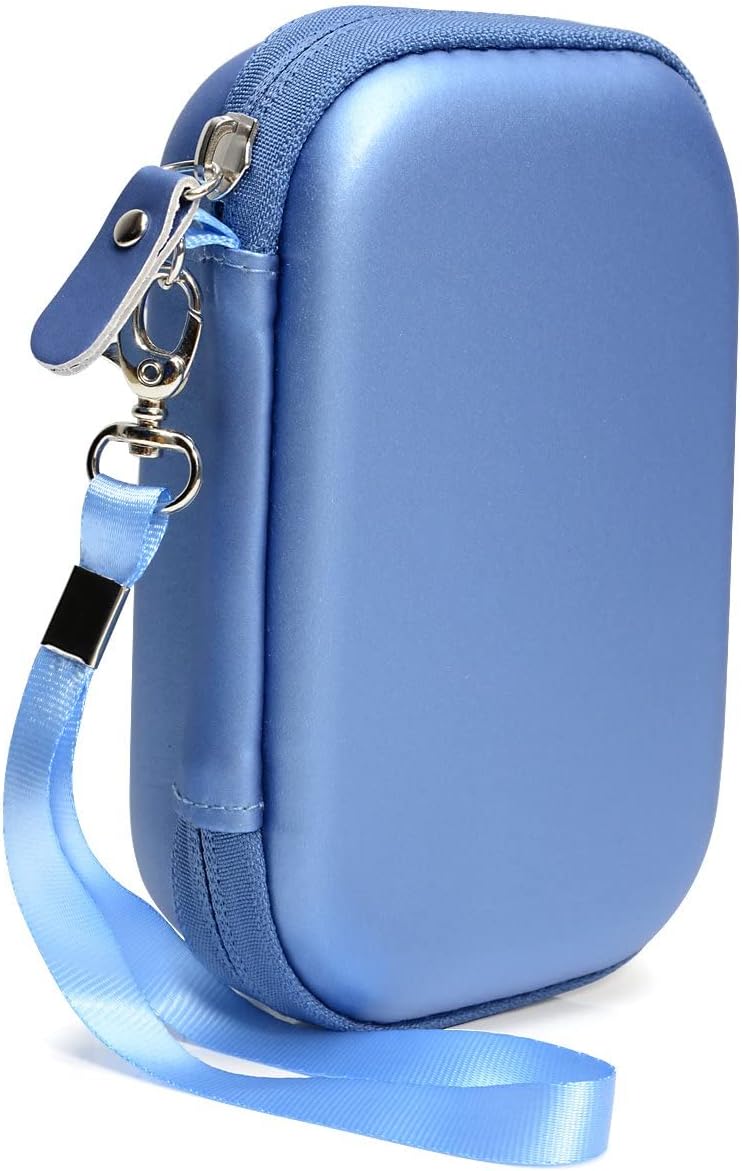
Image 1: The CaseSack protective case in blue, featuring a durable exterior and a convenient wrist strap.
2. Setup and Device Placement
Follow these steps to correctly place your portable photo printer and accessories into the CaseSack protective case:
- Open the Case: Unzip the case completely to reveal the interior compartments.
- Printer Placement: Place your 2x3 portable photo printer into the main compartment. The elastic strap is designed to secure the device firmly in place, preventing movement during transport.
- Accessory Storage: Utilize the mesh pocket located in the lid of the case for storing smaller accessories such as charging cables, extra photo paper packs, or other small items. Ensure items are placed securely within the mesh pocket to prevent them from falling out when the case is opened.
- Close the Case: Once all items are placed, carefully close the zipper. Ensure no items are obstructing the zipper path to prevent damage.

Image 2: The interior of the open CaseSack case, showing the main compartment with an elastic strap and a mesh pocket in the lid.

Image 3: An HP Sprocket printer secured by the elastic strap, with a charging cable stored in the mesh pocket.
3. Operation and Portability
The CaseSack protective case is designed for easy and secure transport of your portable photo printer.
- Secure Closure: Always ensure the case is fully zipped when carrying to prevent contents from falling out.
- Carrying Options: The case features a durable wrist strap for convenient carrying. It can also be easily placed inside a purse, shoulder bag, or suitcase for travel.
- Protection: The semi-hard shell and PEVA materials are engineered to absorb impacts, protect against scratches, and offer water resistance, safeguarding your device from daily wear and tear and minor accidents.

Image 4: The CaseSack protective case with its detachable wrist strap, highlighting its portability.
4. Maintenance and Care
To keep your CaseSack protective case in optimal condition, follow these care instructions:
- Cleaning the Exterior: Wipe the exterior surface with a soft, damp cloth. For stubborn marks, a mild soap solution can be used, followed by wiping with a clean, damp cloth. Avoid abrasive cleaners.
- Cleaning the Interior: The soft interior lining can be gently wiped with a dry or slightly damp cloth. Ensure the interior is completely dry before placing electronic devices inside.
- Storage: Store the case in a cool, dry place away from direct sunlight when not in use.
- Avoid Overfilling: Do not overfill the case, as this can strain the zipper and potentially damage the case or its contents.
5. Troubleshooting
This section addresses common concerns you might encounter with your protective case.
- Zipper Issues: If the zipper becomes stiff, apply a small amount of zipper lubricant or a graphite pencil lead along the teeth. Avoid forcing the zipper.
- Unusual Odor: New cases may have a slight manufacturing odor. If present, leave the case open in a well-ventilated area for a few days to dissipate the smell.
- Fit Issues: Ensure your device is a 2x3 portable photo printer. The case is designed for specific dimensions. Refer to the specifications section for compatible device types.
6. Specifications
| Feature | Detail |
|---|---|
| Model Number | 63031815 |
| Dimensions | 6 x 3.5 x 1.5 inches (15.24 x 8.89 x 3.81 cm) |
| Item Weight | 3.2 ounces (90.7 grams) |
| Material | Semi-hard PEVA exterior, soft interior lining |
| Color | Blue |
| Compatibility | 2x3 portable photo printers (e.g., HP Sprocket, Polaroid Snap Touch, Zip Mobile Printer) |
| Special Features | Heavy Duty Protection, Travel-friendly, Universal fit for specified devices |
7. Warranty Information
CaseSack products are designed for durability and performance. For specific warranty details regarding your protective case, please refer to the product packaging or visit the official CaseSack website. Warranty terms typically cover manufacturing defects under normal use.
8. Customer Support
If you have any questions, concerns, or require assistance with your CaseSack protective case, please contact our customer support team. You can find contact information, including email and phone support, on the official CaseSack website:
Visit the CaseSack Store on Amazon
Please have your product model number (63031815) ready when contacting support for faster service.