Introduction
This manual provides comprehensive instructions for the setup, operation, maintenance, and troubleshooting of your Adesso WKB-4500UB Wireless Ergonomic Desktop Touchpad Keyboard. Please read this manual thoroughly before using the product to ensure proper functionality and longevity.
Safety Information
- Keep the device away from water and other liquids.
- Do not expose to extreme temperatures.
- Avoid dropping or subjecting the device to strong impacts.
- Use only specified battery types (2x AAA).
- Dispose of batteries according to local regulations.
Package Contents
Verify that all items are present in your package:
- Adesso WKB-4500UB Wireless Ergonomic Desktop Touchpad Keyboard
- Wireless USB Receiver
- Instruction Guide
- AAA Batteries (2 included)
Product Overview
The Adesso WKB-4500UB keyboard combines ergonomic design with wireless convenience and an integrated touchpad. Key features include:
- Wireless Technology: Operates up to 30 feet (10 meters) using 2.4GHz Radio Frequency.
- Built-in GlidePoint TouchPad: Replaces a traditional mouse for cursor control.
- Ergonomic Contour Design: Minimizes forearm twisting and promotes natural hand, wrist, and forearm positioning.
- Integrated Palm Rest: Provides comfortable wrist support.
- Split Key Design: Enhances ergonomic posture for typing.
- Full Size Desktop Layout: Offers a complete typing experience.
- Membrane Switch: Provides a quiet and responsive typing experience with a 5 million keystroke lifecycle.
- Auto Sleep and Power On/Off Switch: Extends battery life.
- 2X Large Print Size: Keys feature larger print for improved visibility.

Figure 1: Top-down view of the Adesso WKB-4500UB Wireless Ergonomic Desktop Touchpad Keyboard, showcasing its split key design and integrated touchpad.

Figure 2: Illustration highlighting the 2.4GHz RF wireless connectivity of the Adesso WKB-4500UB keyboard.

Figure 3: Close-up view of the one-touch multimedia hotkeys located at the top of the Adesso WKB-4500UB keyboard.

Figure 4: Side profile of the Adesso WKB-4500UB keyboard, demonstrating its ergonomic contour design.

Figure 5: User's hands positioned on the Adesso WKB-4500UB keyboard, illustrating the integrated palm rest for wrist comfort.

Figure 6: Close-up of the keyboard keys on the Adesso WKB-4500UB, highlighting the large print size for enhanced readability.
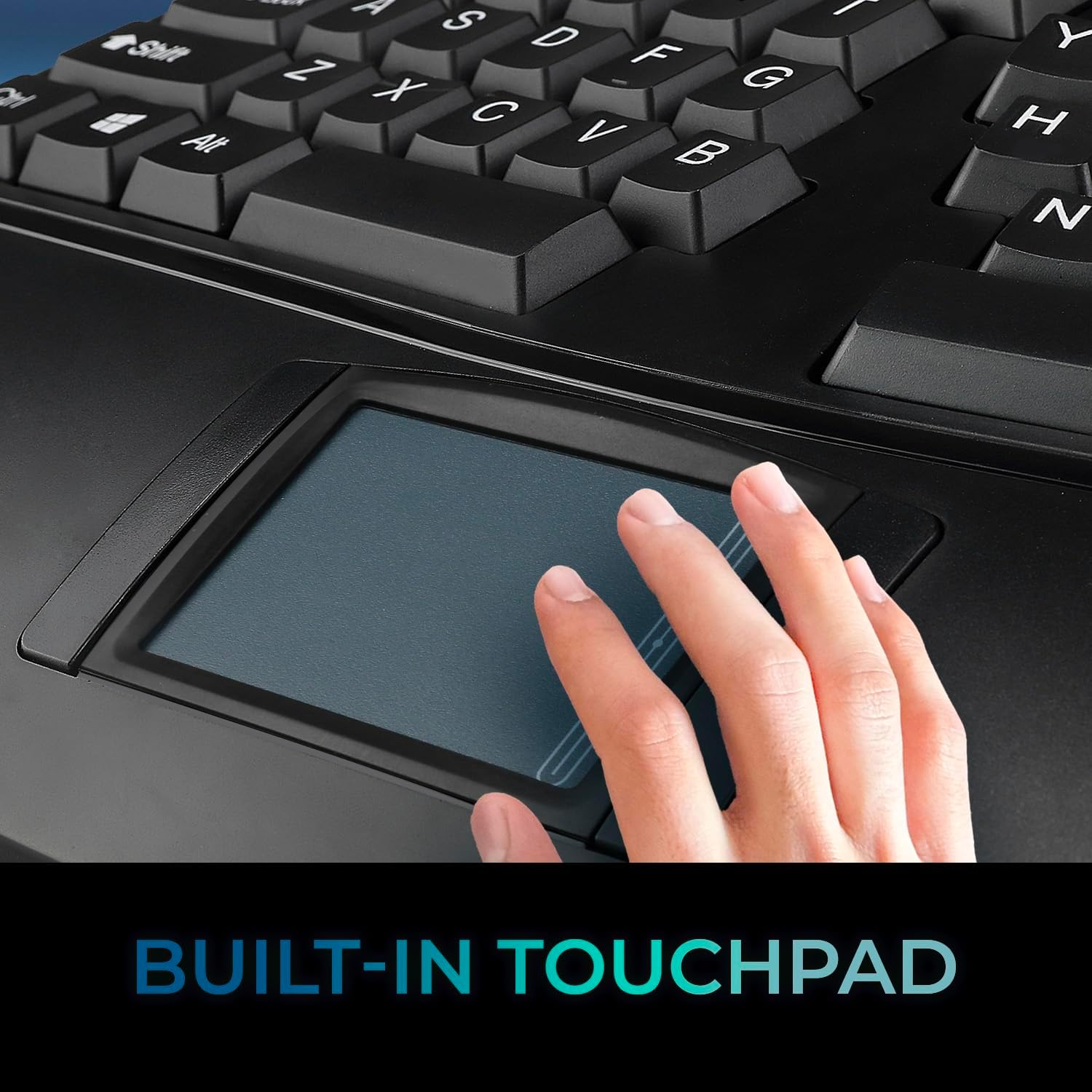
Figure 7: Close-up of the built-in GlidePoint touchpad on the Adesso WKB-4500UB keyboard, showing a finger interacting with its surface.
Setup
1. Battery Installation
- Locate the battery compartment on the underside of the keyboard.
- Open the battery compartment cover.
- Insert two (2) AAA batteries, ensuring correct polarity (+/-).
- Close the battery compartment cover securely.
2. Connecting the Wireless Receiver
- Locate an available USB port on your computer (Laptop/Desktop PC).
- Plug the wireless USB receiver into the USB port.
- The operating system (Windows 10 / 8 / 7 or Linux) will automatically detect and install the necessary drivers. This process may take a few moments.
- Turn on the keyboard using the Power On/Off switch, usually located on the underside or side of the keyboard.
- The keyboard should now be ready for use.
Operating Instructions
Basic Typing
The keyboard features a standard 105-key US layout with a split key design for ergonomic comfort. Simply begin typing as you would with any standard keyboard.
Using the Integrated GlidePoint Touchpad
The built-in touchpad functions as a mouse. Use your finger to navigate the cursor on the screen. The touchpad supports standard mouse functions:
- Tap: Single tap for left-click.
- Double Tap: For double-click.
- Two-Finger Scroll: Drag two fingers vertically or horizontally to scroll.
- Left/Right Click Buttons: Dedicated buttons below the touchpad provide traditional left and right click functionality.
Multimedia Hotkeys
The keyboard includes 7 dedicated multimedia hotkeys for quick access to media controls:
- Play/Pause
- Previous Track
- Next Track
- Volume Up
- Volume Down
- Mute
- Eject
Windows Hotkeys
13 Windows-specific hotkeys are provided for enhanced productivity:
- Home
- Back
- Forward
- Refresh
- Search
- Favorites
- Sleep
- Wake Up
- Power Off
- Calculator
- My Computer
- Music
Power Management
The keyboard features an Auto Sleep function to conserve battery power during periods of inactivity. To manually save power, use the Power On/Off switch located on the keyboard.
Maintenance
Cleaning
To clean the keyboard, gently wipe the surface with a soft, damp cloth. Avoid using harsh chemicals or abrasive cleaners. For the touchpad, use a lint-free cloth. Ensure the keyboard is powered off before cleaning.
Battery Replacement
When the low battery indicator illuminates, replace the two (2) AAA batteries. Follow the battery installation steps outlined in the "Setup" section. Dispose of old batteries responsibly.
Troubleshooting
| Problem | Possible Cause | Solution |
|---|---|---|
| Keyboard is unresponsive or keys are not registering. |
|
|
| Touchpad is not working or is erratic. |
|
|
| Keystrokes are delayed or repeated unexpectedly. |
|
|
Specifications
| Feature | Detail |
|---|---|
| Brand | ADESSO |
| Model Number | WKB-4500UB |
| Key Layout | 105-Key US Layout |
| Key Type | Membrane |
| Connection | 2.4GHz Radio Frequency Wireless Technology |
| Working Range | Up to 30 ft (10m) |
| Battery Type | (2) AAA |
| Touchpad | Built-in GlidePoint Touchpad |
| Indicators | Num Lock, Caps Lock, Low Battery |
| Windows Hotkeys | 13 (Home, Back, Forward, Refresh, Search, Favorites, Sleep, Wake Up, Power Off, Calculator, My Computer, Music, Email) |
| Multimedia Hotkeys | 7 (Play/Pause, Previous Track, Next Track, Volume Up, Volume Down, Mute, Eject) |
| Dimensions (LxWxH) | 20.5 x 9.3 x 1.5 inches (521 x 235 x 38 mm) |
| Weight | 1.87 lbs (844 g) |
| Operating System Compatibility | Windows® 10 / 8 / 7, Linux |
| Connectivity Interface | USB port for wireless receiver |
| Material | Acrylonitrile Butadiene Styrene |
Warranty and Support
For warranty information and technical support, please refer to the official Adesso website or contact their customer service directly. The product typically comes with a manufacturer's warranty covering defects in materials and workmanship. Keep your purchase receipt for warranty claims.
You can visit the ADESSO Store on Amazon for more product information and support resources.


