
Introduction
This manual provides essential information for the proper setup, operation, and maintenance of your Greater Goods Digital Kitchen Food Scale Model 0753. Please read these instructions carefully before using the device.
Key Features
- Compact Design: Slim and portable for easy storage and daily use.
- High Precision: Four precision sensors ensure accuracy from 2g to 11lb (5kg) with 1g increments.
- Multiple Units: Easily switch between grams (g), ounces (oz), pounds (lb), and milliliters (ml).
- Easy Tare Function: One-touch tare button to reset the scale to zero, allowing for measurement of multiple ingredients in one container.
- Clear LCD Display: Large, easy-to-read screen for clear visibility.
- Durable Construction: Made from sturdy, BPA-free plastic with a smooth, easy-to-clean surface.
- Battery Operated: Powered by a CR2032 battery (pre-installed).
Setup
- Unpacking: Carefully remove the scale from its packaging.
- Battery Installation: The scale comes with a pre-installed CR2032 battery. Locate the battery compartment on the underside of the scale. Remove the protective pull tab to activate the battery. If replacing the battery, open the compartment, insert a new CR2032 battery with the positive (+) side facing up, and close the compartment securely.
- Initial Power On: Place the scale on a flat, stable surface. Press the "ZERO/POWER" button to turn on the scale. The display will show "1888.8" briefly, then "0.0".
- Temperature Consideration: If the scale is exposed to cold temperatures during shipping, allow it to warm up to room temperature before first use to ensure optimal battery performance and accurate readings.
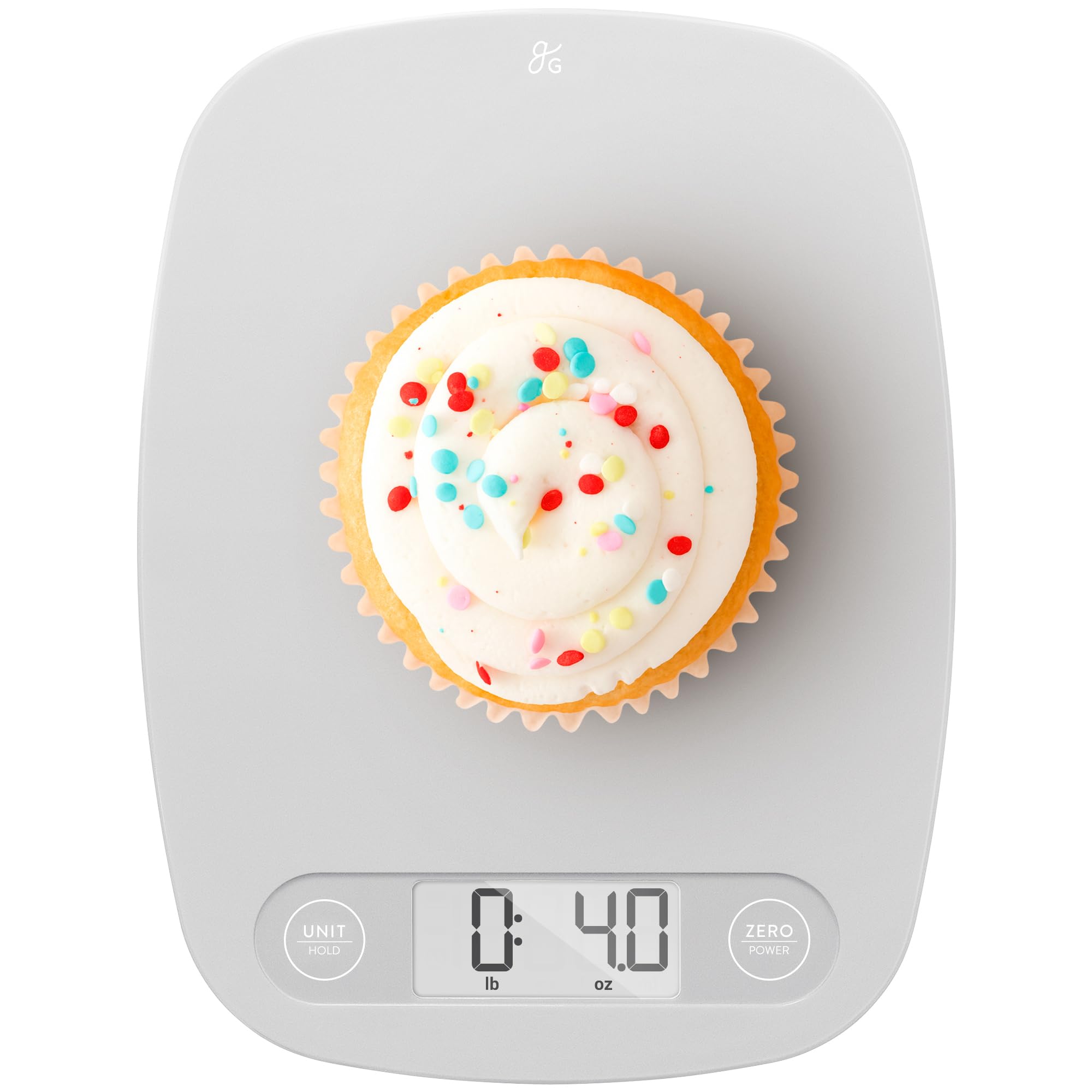
Image: The Greater Goods Digital Kitchen Food Scale in Ash Gray, ready for use.
Operating Instructions
- Power On/Off:
- To turn on: Press the "ZERO/POWER" button.
- To turn off: Press and hold the "ZERO/POWER" button for a few seconds. The scale will also automatically shut off after a period of inactivity to conserve battery.
- Unit Conversion:
- Press the "UNIT/HOLD" button to cycle through available measurement units: grams (g), ounces (oz), pounds (lb), and milliliters (ml).
- Tare Function (Zeroing):
- Place an empty container on the scale. The display will show its weight.
- Press the "ZERO/POWER" button. The display will reset to "0.0", effectively subtracting the container's weight.
- You can now add ingredients to the container, and the scale will display only the weight of the added ingredients.
- Weighing Items:
- Ensure the scale is on and displaying "0.0".
- Place the item(s) directly on the scale platform or in a tared container.
- Read the weight displayed on the LCD screen.

Image: Place your bowl on the scale before pressing the zero button.

Image: Press the zero button to tare the weight of the container.

Image: Add your ingredients to the tared bowl to measure their weight accurately.
Video: Demonstrates the low-profile design and unit conversion of the Greater Goods Kitchen Scale.
Maintenance
- Cleaning: The scale features a smooth, BPA-free plastic surface that is easy to clean. Wipe the scale with a damp cloth and mild detergent. Do not immerse the scale in water or use abrasive cleaners.
- Storage: Its slim and compact design allows for easy storage in drawers or cabinets when not in use.
- Battery Care: Replace the CR2032 battery when the low battery indicator appears on the display.

Image: The scale is ideal for precise measurements in baking.
Troubleshooting
| Problem | Solution |
|---|---|
| Scale does not turn on or display is blank. | Check if the battery pull tab has been removed. Ensure the CR2032 battery is correctly installed with the positive (+) side up. Replace the battery if it is depleted. |
| Inaccurate readings. | Ensure the scale is placed on a flat, stable, and level surface. Avoid placing it near vibrating appliances or in direct sunlight/drafts. Recalibrate by turning off and on, then taring. |
| Display shows "Lo" or "Err". | "Lo" indicates low battery; replace the CR2032 battery. "Err" may indicate an overload; remove items immediately to prevent damage. |
Specifications
- Brand: Greater Goods
- Model: 0753
- Color: Ash Gray
- Weight Capacity: 11 Pounds (5 kg)
- Readout Accuracy: 1 Gram
- Units of Measurement: Grams (g), Ounces (oz), Pounds (lb), Milliliters (ml)
- Display Type: LCD
- Special Features: Auto Shut Off, Large Display, Lightweight, Precision Balanced, Tare Function
- Material Type: Glass (platform) / BPA-free Plastic (body)
- Item Weight: 0.44 Pounds
- Power Source: 1 x CR2032 Battery (included)
Warranty and Support
Your Greater Goods Digital Kitchen Food Scale is warranted by the manufacturer against defects in materials and workmanship for five (5) years from the original purchase date. Proof of purchase is required for warranty claims.
For product information and support, please visit the official Greater Goods website: GREATERGOODS.COM/0480
