Introduction
Thank you for choosing the SYSKA 7-Watt Smart LED Bulb. This smart bulb offers a wide range of features including 16 million color options, adjustable brightness, and compatibility with voice assistants like Amazon Alexa and Google Assistant. This manual provides detailed instructions for installation, setup, operation, and maintenance to ensure optimal performance and a seamless smart home experience.

The SYSKA Smart LED Bulb offers 16 million color options to customize your lighting experience.
Safety Information
- Ensure the power is turned off before installing or removing the bulb.
- Do not use in fully enclosed fixtures as this may reduce bulb lifespan.
- This bulb is designed for indoor and outdoor use, but ensure the fixture itself is suitable for the environment.
- Avoid exposing the bulb to direct water or extreme humidity unless specifically rated for such conditions.
- Do not disassemble or modify the bulb.
Package Contents
Verify that all items are present in your package:
- 1N Smart Bulb
- User Manual cum Warranty Card

The package includes one SYSKA Smart LED Bulb and its user manual.
Setup
1. Physical Installation
- Ensure the power supply to the light fixture is turned OFF.
- Carefully screw the SYSKA Smart LED Bulb into a standard B22D pin type socket.
- Turn ON the power supply to the light fixture. The bulb should light up.
2. App Installation and Pairing
- Download the 'Syska Smart Home' app from your smartphone's app store (Android 4.3 and above, iOS 6 and above).
- Register or log in to your Syska account.
- To put the bulb into pairing mode, turn the bulb ON for 10 seconds, then turn it OFF and ON rapidly a couple of times. The bulb will start blinking continuously, indicating it is ready for setup.
- In the app, tap 'Add Device' or the '+' icon, then select 'Smart Light'.
- Confirm that the light is rapidly blinking in the app.
- Enter your Wi-Fi network name and password. Ensure your Wi-Fi is 2.4 GHz only, as the bulb does not support 5 GHz networks.
- The app will connect to the bulb. Once connected, you can rename the bulb for easier control.

Control colors, adjust brightness, and set timers directly from your smartphone using the Syska Smart Home app.
Watch this video for a visual guide on installing and setting up your SYSKA Smart LED Bulb with the mobile application.
Operating Instructions
1. Basic Control via App
- On/Off: Tap the light icon in the app to turn the bulb on or off.
- Brightness: Use the brightness slider to adjust the light intensity from 1% to 100%.
- Color Change: Select from 16 million colors using the color wheel in the app.
- Color Temperature: Adjust the white light from warm to cool tones.
2. Scene Modes
The app offers various pre-set scene modes to match different moods and occasions, such as Night, Reading, Party, Leisure, Soft, Rainbow, Shine, and Gorgeous. Select a scene to instantly change the ambiance of your room.
3. Timers and Schedules
Utilize the alarm clock feature to set daily schedules for your bulb. You can program the bulb to turn on/off at specific times, or even simulate sunrise/sunset effects.
4. Voice Control
The SYSKA Smart LED Bulb is compatible with Amazon Alexa and Google Assistant. To enable voice control:
- Open your Amazon Alexa or Google Home app.
- Go to 'Devices' and select 'Add Device'.
- Search for 'Syska' and follow the on-screen instructions to link your Syska Smart Home account.
- Once linked, you can use voice commands such as "Alexa, turn on the living room light" or "Hey Google, set the bedroom light to blue."

Experience revolutionary voice control with Google Assistant for hands-free operation.
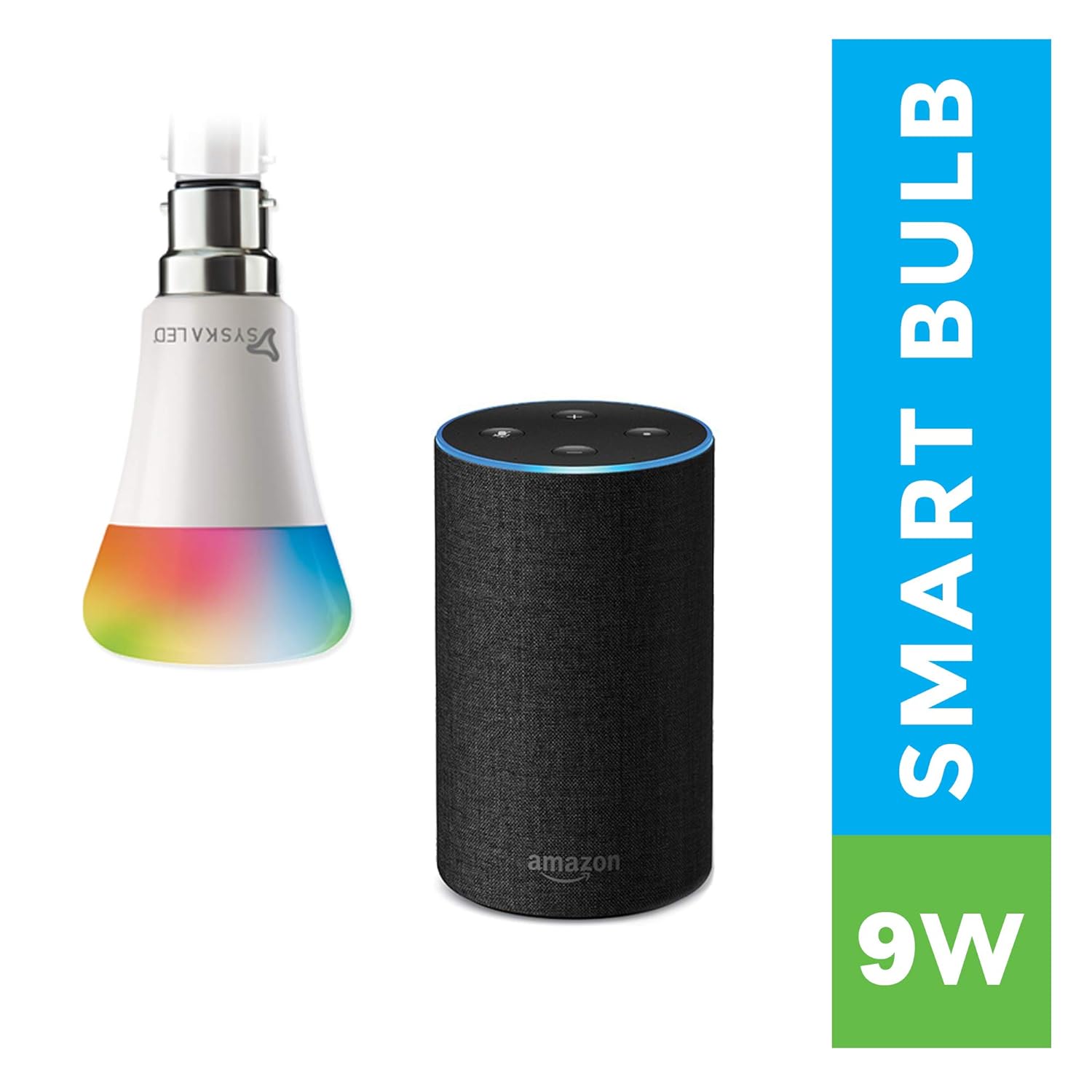
The smart bulb seamlessly integrates with Amazon Alexa for convenient voice commands.
Maintenance
- To clean the bulb, ensure the power is off and the bulb is cool. Wipe gently with a soft, dry cloth.
- Do not use liquid or abrasive cleaners.
- Store the bulb in a cool, dry place if not in use for an extended period.
Troubleshooting
- Bulb not blinking for setup: Turn the bulb ON for 10 seconds, then turn it OFF and ON rapidly a couple of times until it starts blinking.
- Cannot connect to Wi-Fi: Ensure your Wi-Fi router is operating on a 2.4 GHz frequency. The bulb does not support 5 GHz networks. Also, ensure your phone is connected to the same 2.4 GHz network during setup.
- Bulb turns on after power cut: This is normal behavior. A power cut is considered a switch-off event. When power is restored, the bulb will turn on.
- Voice control not working: Verify that your Syska Smart Home account is correctly linked in the Alexa or Google Home app. Check your internet connection and ensure your voice assistant device is online.
- Low brightness in color mode: The maximum lumen output is achieved in white light. Color modes may appear less bright due to the nature of RGB LEDs.
Specifications
| Feature | Detail |
|---|---|
| Brand | SYSKA |
| Model Name | SSK-SMW-7W |
| Light Type | LED |
| Wattage | 7 Watts |
| Bulb Base | B22D |
| Light Colour | Cool Day Light (16 Million Color Options) |
| Voltage | AC 220-240V |
| Colour Temperature | 6500 Kelvin |
| Brightness | 480 Lumens |
| Lifespan | Up to 25,000 hours |
| Material | Polycarbonate (PC) |
| Control Method | App, Voice |
| Supported OS | Android 4.3 and above, iOS 6 and above |
| Connectivity | Wi-Fi (2.4 GHz only) |

Detailed specifications for the SYSKA 7-Watt Smart LED Bulb.
Warranty and Support
The SYSKA 7-Watt Smart LED Bulb comes with a 2-year manufacturer warranty. For any support, queries, or warranty claims, please contact SYSKA customer service.
Toll Free No: 1800-102-8787


