
1. Introduction
This manual provides instructions for the MoKo 10-11 Inch Tablet Felt Sleeve Case, Model P736313027501. This sleeve is designed to protect your tablet or ultrabook from daily wear and minor impacts. Please read this manual thoroughly to ensure proper use and care of your product.
2. Compatibility
The MoKo Felt Sleeve is designed to fit a range of 10-11 inch tablets and ultrabooks. Compatible devices include, but are not limited to:
- iPad 7th Generation 10.2" (2019)
- iPad Air (3rd Gen) 10.5 Inch (2019)
- Microsoft Surface 3 (2015)
- New MacBook 12"
- Lenovo Yoga Book (10.1 Inch)
- iPad Pro 11" (2018)
- Surface Go 10 Inch (2018 Release)
- Surface Go 2 10.5" (2020)
Please verify your device's dimensions against the sleeve's internal dimensions for optimal fit.

Image: MoKo Felt Sleeve Case with external dimensions (31cm x 21cm) and internal dimensions (11.4" x 7.5" / 290mm x 190mm). Also shows compatible devices like iPad Pro 11" M1 2021, iPad 9th Gen 10.2-inch 2021, iPad Air 4 2020, and other 9-11 inch tablets.
3. Product Features
- High-Quality Material: Constructed from durable felt exterior and soft flannel interior. This material is environmentally friendly, sustainable, renewable, and biodegradable.
- Multi-Pocket Design: Features one main compartment for your tablet/laptop, a second compartment for magazines or books, and two back pockets lined with flannel for smaller items like cellphones, earphones, wallets, or keys.
- Full Protection: The lining material is mold-proof and wear-resistant, providing protection against scratches and minor impacts.
- Secure Closure: Equipped with a synthetic leather hook and loop closure for secure fastening.
- Lightweight and Portable: Designed for easy carrying without adding bulk.

Image: The MoKo Felt Sleeve Case opened, revealing a large main pocket for a tablet and a smaller additional pocket for other necessities like a phone or cash.

Image: Close-up of the MoKo Felt Sleeve Case's synthetic leather hook and loop (Velcro) closure, demonstrating its secure fastening mechanism.

Image: Detail of the MoKo Felt Sleeve Case's premium felt material, highlighting its soft yet durable texture.
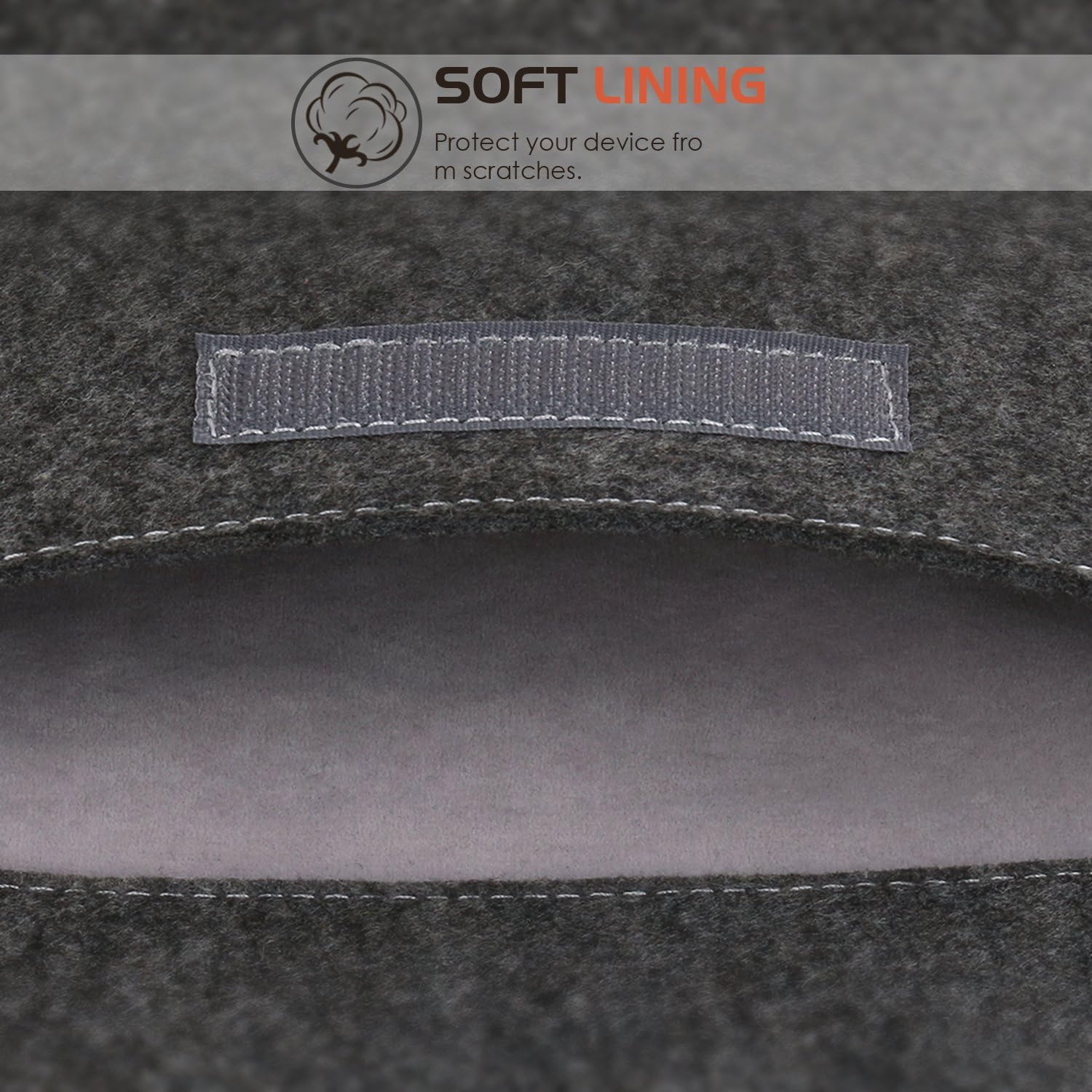
Image: Close-up of the soft flannel lining inside the MoKo Felt Sleeve Case, designed to protect devices from scratches.
4. Usage Instructions
4.1 Inserting Your Device
- Open the synthetic leather hook and loop closure flap.
- Gently slide your tablet or ultrabook into the main compartment. Ensure it fits snugly without excessive force.
- Close the flap, securing it with the hook and loop fasteners.
4.2 Using the Pockets
- The second, larger compartment can be used for documents, notebooks, or a smaller tablet.
- The two flannel-lined back pockets are suitable for small personal items such as a smartphone, earphones, keys, or a wallet.

Image: A person holding the MoKo Felt Sleeve Case, demonstrating its lightweight and portable design for everyday carry.
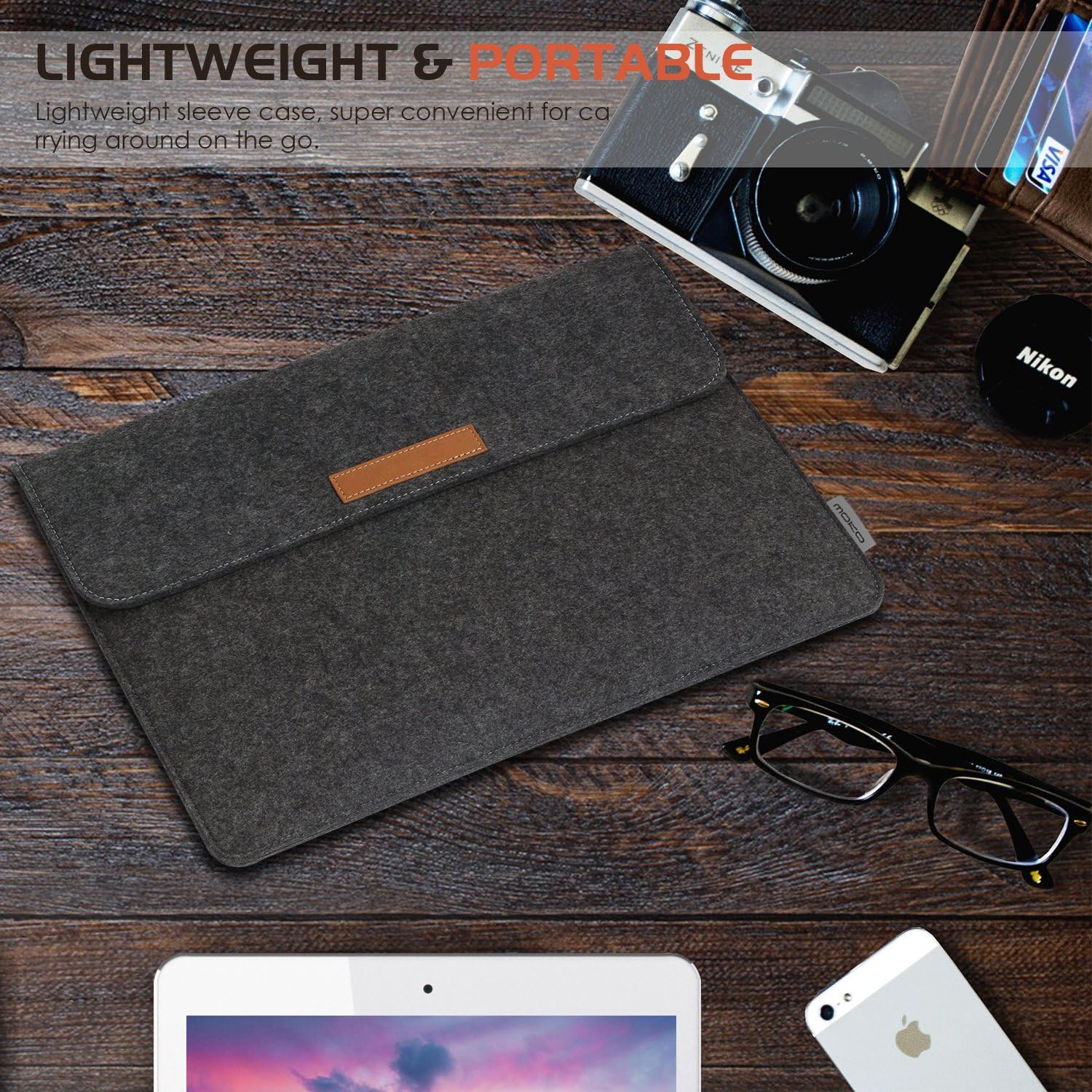
Image: The MoKo Felt Sleeve Case placed on a wooden desk alongside a tablet, smartphone, glasses, and camera, illustrating its practical use and portability.
5. Care and Maintenance
- Cleaning: For minor dirt or dust, gently wipe the felt exterior with a soft, dry cloth. For more stubborn stains, use a slightly damp cloth with mild soap, then air dry completely. Avoid excessive moisture.
- Storage: Store the sleeve in a dry place away from direct sunlight and extreme temperatures when not in use.
- Avoid Liquids: The felt material is not waterproof. Avoid exposing the sleeve to liquids to prevent damage to the material and your device.
- Avoid Sharp Objects: Do not place sharp objects inside the sleeve that could puncture or tear the material.
6. Troubleshooting
6.1 Device Does Not Fit
Ensure your device's dimensions are within the sleeve's internal dimensions (11.4" x 7.5" / 290mm x 190mm). This sleeve is designed for 10-11 inch tablets. If your device is larger, it may not fit properly.
6.2 Sleeve Appears Loose
If your device is on the smaller end of the 10-11 inch range, the fit might be slightly less snug. This is normal and still provides protection. The hook and loop closure ensures the device remains secure.
6.3 Material Wear and Tear
Felt is a durable material, but prolonged friction or exposure to rough surfaces can cause pilling or wear. Regular cleaning and careful handling can extend the product's lifespan.
7. Product Specifications
| Brand | MoKo |
| Model Number | P736313027501 |
| Material | Felt (exterior), Flannel (interior) |
| Color | Dark Grey |
| External Dimensions | 36 x 23.5 x 0.6 cm (approximately) |
| Internal Dimensions | 11.4" x 7.5" (290mm x 190mm) |
| Closure Type | Synthetic Leather Hook and Loop |
| Special Features | Multi-pocket design, Heavy Duty Protection (scratch resistance) |
8. Warranty and Support
8.1 Warranty Information
MoKo products are manufactured with quality in mind. For specific warranty details regarding your MoKo Felt Sleeve Case, please refer to the warranty information provided at the time of purchase or visit the official MoKo website. Keep your proof of purchase for warranty claims.
8.2 Customer Support
If you encounter any issues or have questions about your MoKo Felt Sleeve Case, please contact MoKo customer support through the retailer where the product was purchased or via the contact information available on the official MoKo website. Please have your model number (P736313027501) ready when contacting support.