
1. Introduction
Thank you for choosing the Karlsson KA5642BK Flip Box Table Clock. This manual provides essential information for the safe and efficient use of your new clock. Please read these instructions carefully before operating the device and retain them for future reference.

Figure 1: Front view of the Karlsson KA5642BK Flip Box Table Clock.
2. Safety Information
- Keep the clock away from water and high humidity.
- Do not expose the clock to direct sunlight or extreme temperatures.
- Use only the specified battery type (not included). Incorrect battery usage may cause leakage or explosion.
- Keep batteries out of reach of children.
- Do not attempt to disassemble or repair the clock yourself. Contact qualified personnel for service.
- Clean the clock with a soft, dry cloth. Do not use abrasive cleaners or solvents.
3. Package Contents
Please check that all items are present and in good condition:
- Karlsson KA5642BK Flip Box Table Clock
- User Manual (this document)
Note: Batteries are not included and must be purchased separately.
4. Setup
4.1 Battery Installation
The Karlsson KA5642BK Flip Box Table Clock requires 1 x D battery (not included) for operation. Follow these steps to install the battery:
- Locate the battery compartment cover on the back or bottom of the clock.
- Carefully remove the battery compartment cover.
- Insert one D battery, ensuring the positive (+) and negative (-) terminals match the markings inside the compartment.
- Replace the battery compartment cover securely.
The clock should now begin to operate, and the time display will start flipping.
4.2 Setting the Time
To set the correct time on your flip clock:
- Locate the time adjustment knob, usually found on the right side of the clock.
- Gently turn the knob clockwise to advance the time. The minute and hour flaps will flip forward.
- Continue turning until the desired time is displayed.
- Avoid turning the knob counter-clockwise as this can damage the internal mechanism.
- Allow the clock to run for a few minutes to ensure it is functioning correctly.

Figure 2: Angled view of the clock, illustrating its design and potential location of the time adjustment knob.
5. Operating the Clock
Once the battery is installed and the time is set, the Karlsson KA5642BK Flip Box Table Clock operates automatically. The internal mechanism will cause the minute and hour flaps to flip at the appropriate intervals, displaying the current time. This clock features a silent mechanism, ensuring quiet operation.
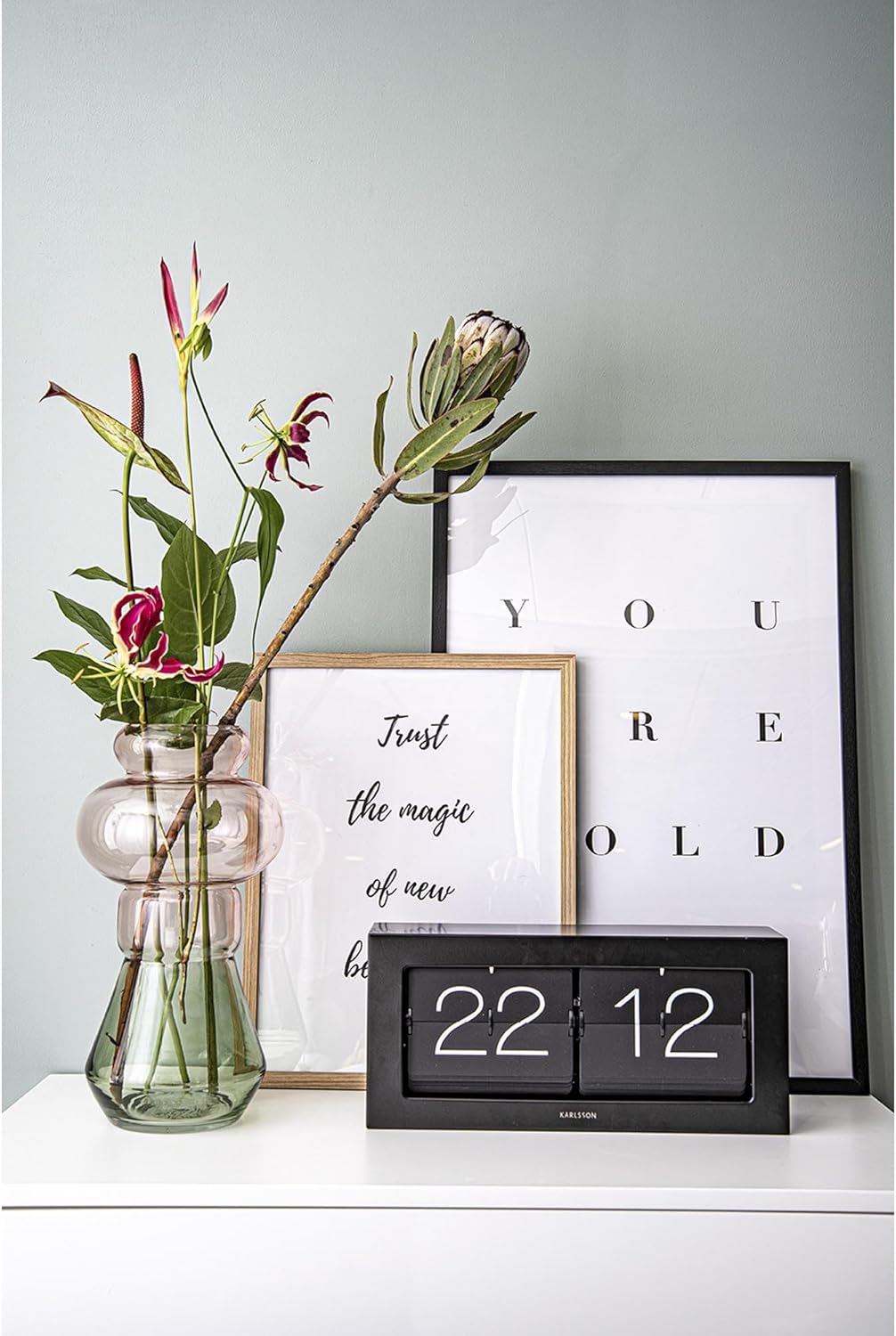
Figure 3: The Karlsson KA5642BK clock integrated into a living space.
6. Maintenance
6.1 Cleaning
To maintain the appearance of your clock:
- Wipe the exterior surfaces with a soft, dry, lint-free cloth.
- Do not use liquid cleaners, sprays, or abrasive materials, as these can damage the finish or internal components.
6.2 Battery Replacement
When the clock starts to lose time or the flaps stop flipping consistently, it is an indication that the battery needs to be replaced. Follow the steps in Section 4.1 "Battery Installation" to replace the D battery. Always dispose of used batteries responsibly according to local regulations.
7. Troubleshooting
| Problem | Possible Cause | Solution |
|---|---|---|
| Clock is not running or flaps are not flipping. |
|
|
| Clock is losing time or running slow. |
|
|
| Flaps are stuck or not flipping smoothly. |
|
|
8. Specifications
| Model Number | KA5642BK |
| Brand | Karlsson |
| Color | Black |
| Material | Metal |
| Shape | Rectangular |
| Special Feature | Silent Clock |
| Item Weight | 2.14 Kilograms |
| Display Width (approx.) | 40.25 Centimeters (based on "Screen Size" specification) |
| Batteries Required | 1 x D battery (not included) |
9. Warranty and Support
Karlsson products are manufactured to high-quality standards. For information regarding warranty coverage, please refer to the warranty card included with your purchase or visit the official Karlsson website. If you encounter any issues or require technical assistance, please contact Karlsson customer support through their official channels.
Website: www.karlssonclocks.com (Example link, actual link may vary)


