
ATOTO AC-44F5
Contents
ATOTO AC-44F5 Wireless Remote Control User Manual
Model: AC-44F5 | Brand: ATOTO
Introduction
The ATOTO AC-44F5 is a watchband-style wireless remote control designed to enhance safety and convenience while operating compatible ATOTO car stereos. It allows users to manage various functions without diverting attention from the road, especially useful for vehicles lacking integrated steering wheel controls. The remote features luminous buttons for improved visibility during night driving.
Compatibility
This remote control is specifically designed for and only compatible with ATOTO F7 and S8 series car stereos (excluding S8 PN, S8 UN, and S8 MS models). It is not compatible with ATOTO A5, A6, P5, P8, P9 series, or car stereos from other brands. Ensure compatibility before installation to avoid potential issues.
Features
The AC-44F5 remote control offers 5 buttons and 1 rotary knob, providing 11 distinct functions for controlling your ATOTO car stereo:
- Voice Command: Activate voice control for hands-free operation.
- Volume Up/Down: Adjust audio volume using the rotary knob.
- Skip Forward/Answer: Navigate tracks forward or answer incoming calls.
- Skip Backward/Hang Up: Navigate tracks backward or end calls.
- Pause & Play/Launch Front Cam App: Control media playback or quickly access the front camera application.
- Mute/Launch Rear Cam App: Mute audio or quickly access the rear camera application.
All buttons are made of luminous materials, providing visibility and ease of use during night driving conditions.

Figure 1: Overview of AC-44F5 Button Functions.
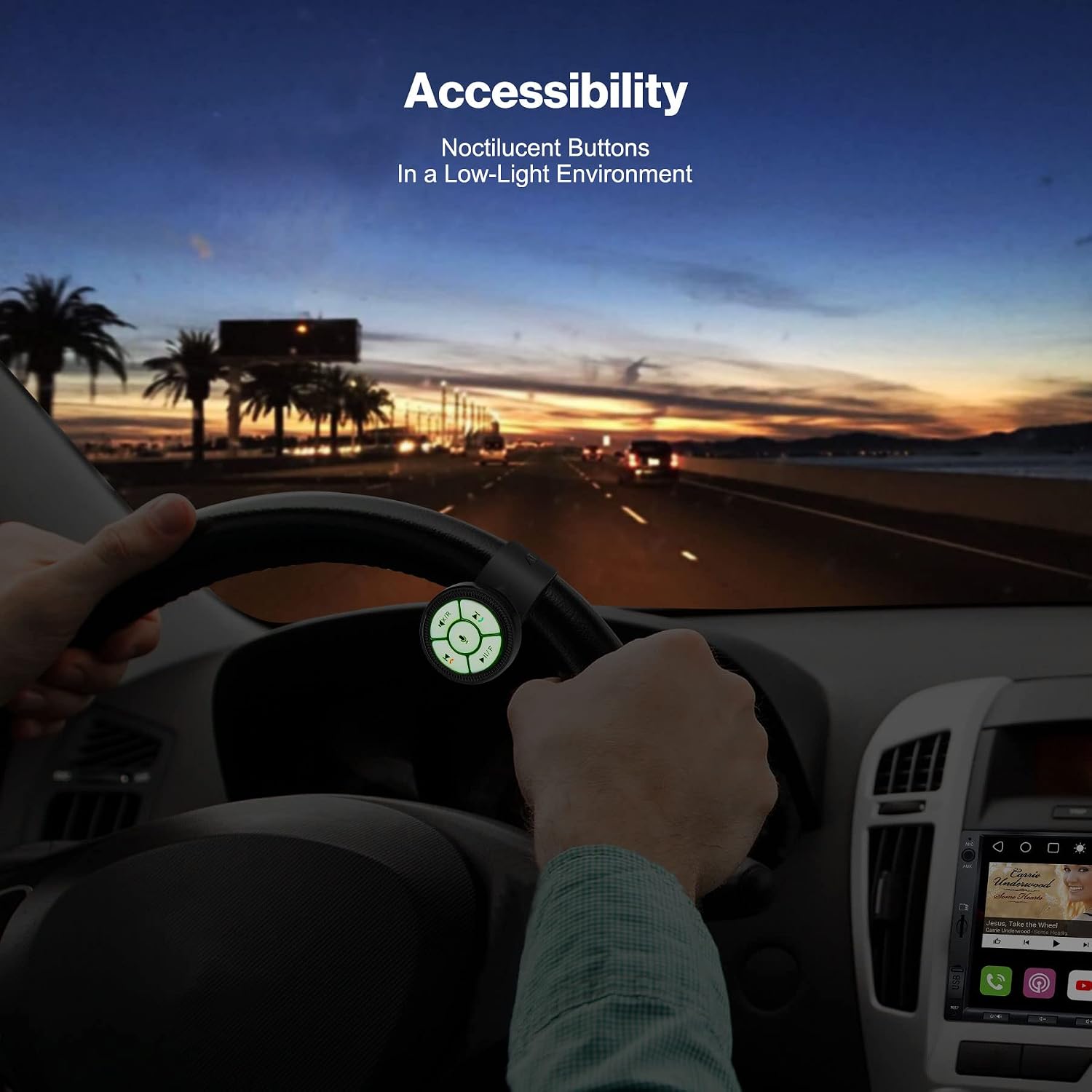
Figure 2: Luminous buttons for enhanced visibility in low-light environments.
Setup
1. IR Receiver Connection
Before powering on your car stereo, ensure the IR receiver is securely plugged into the Steering Wheel Control (SWC) 3.5mm jack socket on the back of the car stereo. Failure to do so may result in damage to the IR receiver. It is recommended to connect the receiver before installing the car stereo to avoid the need for re-removal.

Figure 3: Proper placement of the IR receiver to avoid signal blocking.
2. Mounting the Remote Control
The AC-44F5 offers flexible mounting options:
- Steering Wheel Attachment: Use the included watchband to securely wrap the remote around your steering wheel.
- Adhesive Mounting: Alternatively, use the adhesive pad to stick the remote in any convenient location within your vehicle. The remote unit can be easily detached from its mount via a magnetic connection.

Figure 4: Various mounting methods for the AC-44F5 remote control.
3. Battery Installation
The remote control uses a CR2032 lithium battery. To install or replace the battery, carefully open the remote control unit. Ensure the battery is inserted with the correct polarity. The remote is designed for plug-and-play operation once the receiver is connected and the battery is installed.
Operating Instructions
Once the AC-44F5 remote control is properly set up and connected to your compatible ATOTO car stereo, you can use its buttons and rotary knob to control various functions:
- Rotary Knob: Rotate clockwise to increase volume, counter-clockwise to decrease volume.
- Voice Command Button (Microphone icon): Press to activate the voice command feature on your car stereo.
- Skip Forward / Answer Call Button (Right arrow / Green phone icon): Press to skip to the next track. When a call comes in, press to answer the call.
- Skip Backward / Hang Up Call Button (Left arrow / Red phone icon): Press to skip to the previous track. During a call, press to hang up.
- Play/Pause / Front Camera Button (Play/Pause icon / 'F' icon): Press to play or pause media. Long press to launch the front camera application (if available and configured).
- Mute / Rear Camera Button (Mute icon / 'R' icon): Press to mute or unmute audio. Long press to launch the rear camera application (if available and configured).
The specific mapping of some functions (like camera app launch) may depend on your car stereo's settings and installed applications.
Maintenance
To ensure the longevity and optimal performance of your ATOTO AC-44F5 remote control, follow these maintenance guidelines:
- Cleaning: Wipe the remote control with a soft, dry cloth. Avoid using abrasive cleaners, solvents, or strong chemicals, as these can damage the surface and internal components.
- Storage: When not in use for extended periods, store the remote in a cool, dry place away from direct sunlight and extreme temperatures.
- Battery Replacement: Replace the CR2032 battery when the remote's responsiveness decreases or if the luminous buttons appear dim. Dispose of old batteries responsibly.
- Avoid Impact: Protect the remote from drops or strong impacts, which can damage the internal circuitry or casing.
Troubleshooting
If you encounter issues with your ATOTO AC-44F5 remote control, please refer to the following common troubleshooting steps:
- Remote Not Responding:
- Check the battery: Ensure the CR2032 battery is correctly installed and has sufficient charge. Replace if necessary.
- Verify receiver connection: Confirm that the IR receiver is securely plugged into the SWC 3.5mm jack on the car stereo.
- Check receiver placement: Ensure the IR receiver is not obstructed or placed behind metal objects that could block the signal. Refer to Figure 3 for optimal placement.
- Confirm compatibility: Double-check that your ATOTO car stereo model is listed as compatible with the AC-44F5 (F7 and S8 series, excluding S8 PN, S8 UN, and S8 MS).
- Buttons Not Luminous:
- The luminous feature relies on ambient light absorption. Ensure the remote has been exposed to light to charge its luminous material.
- Check battery level, as low battery can affect luminosity.
- Intermittent Functionality:
- Ensure there are no strong light sources or other infrared devices interfering with the signal.
- Maintain a clear line of sight between the remote and the IR receiver.
If issues persist after following these steps, please contact ATOTO customer support for further assistance.
Specifications
| Feature | Detail |
|---|---|
| Model Number | AC-44F5 |
| Connectivity Technology | Infrared |
| Special Features | Ergonomic, Luminous Buttons |
| Power Source | CR2032 Lithium Battery (3V) |
| Item Weight | 2.89 ounces |
| Package Dimensions | 2.83 x 2.8 x 1.93 inches |
| Max Number of Supported Devices | 1 |
| Compatible ATOTO Devices | ATOTO F7, S8 (excluding S8 PN, S8 UN, S8 MS) |
Warranty and Support
ATOTO provides comprehensive product care for the AC-44F5 remote control. Your product is covered by a standard 12-month warranty, with an additional 6 months available upon registration, totaling up to 18 months of product care.
For any technical assistance, troubleshooting, or warranty claims, please contact ATOTO customer support. You can typically find support options via your order center on the platform where you purchased the product, or by visiting the official ATOTO website for contact information (e.g., email support@atotoglobal.com).
For more information and updates, you may also check the ATOTO App Store (FindApps) and GPS Tracking App (TrackHU) if applicable to your car stereo system.
Documents and downloads
Ask a question about this manual
Ask about setup, troubleshooting, compatibility, parts, safety, or missing instructions. Manuals+ will review the question and use this page’s manual context to help answer it.