
1. Introduction
The PROALLER Sleep Sound Machine is designed to create a peaceful environment for sleep, relaxation, or concentration by providing a selection of soothing natural sounds and white noise. This manual will guide you through the setup, operation, and maintenance of your device.

Image: Top view of the PROALLER Sleep Sound Machine, displaying the speaker grille and control panel with various buttons and a volume knob.
2. Safety Information
- Do not expose the device to water or excessive moisture.
- Avoid placing the device near heat sources or in direct sunlight.
- Use only the provided or a certified USB power adapter for charging.
- Keep out of reach of children and pets.
- Do not attempt to disassemble or repair the device yourself. Contact customer support for assistance.
3. Package Contents
Please check the package for the following items:
- PROALLER Sleep Sound Machine (Model: sdthjk)
- USB Charging Cable
- User Manual
4. Product Overview
The PROALLER Sleep Sound Machine features an intuitive control panel and a soft night light. Familiarize yourself with the components:
Control Panel
Image: Detailed view of the control panel, highlighting buttons for power, timer settings, volume control knob, and individual buttons for sound selection.
- Power Button: Turns the device on or off.
- Timer Button: Sets the auto-off timer (15, 30, 45, 60 minutes).
- Volume Knob: Adjusts the sound volume.
- Sound Selection Buttons: Dedicated buttons for each of the 8 soothing sounds.
- Night Light Button: Controls the night light and its brightness settings.
Night Light Feature
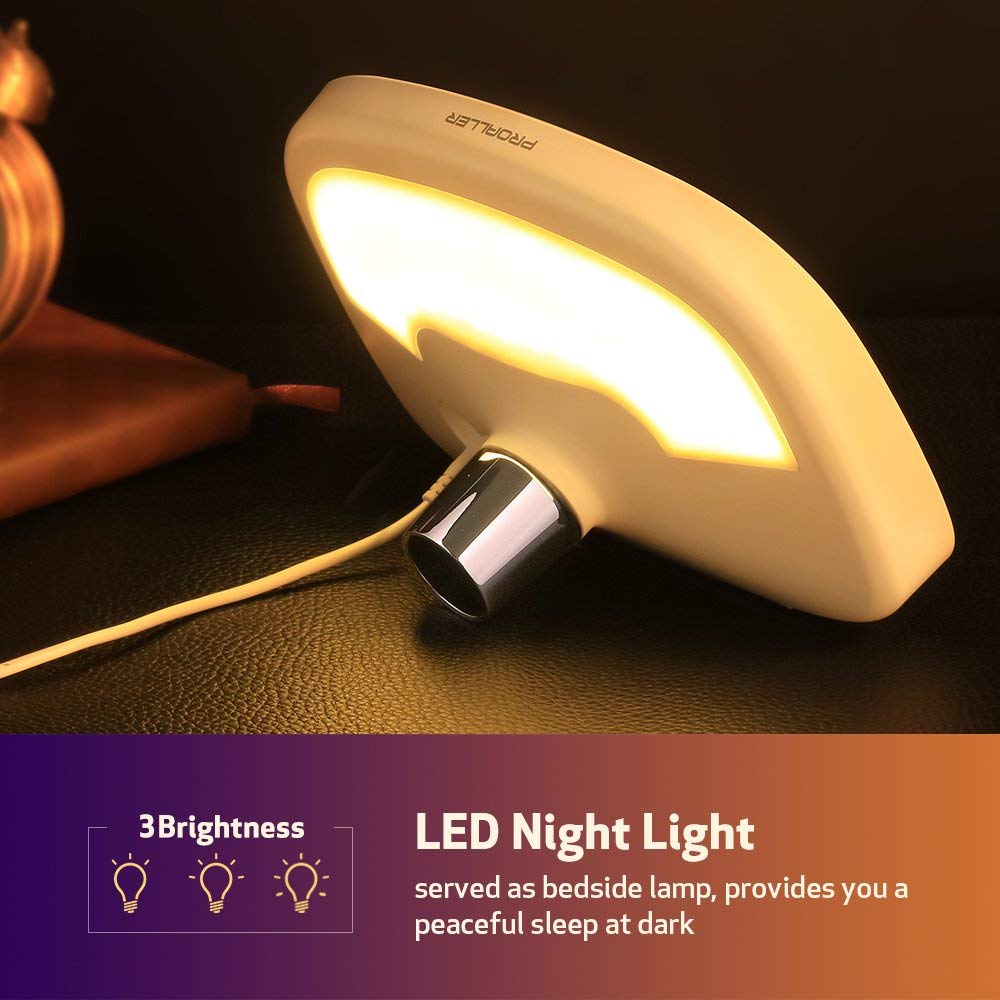
Image: The PROALLER Sleep Sound Machine with its integrated LED night light glowing softly, suitable for a bedside lamp.
The device includes a soft LED night light with multiple brightness settings, providing gentle illumination without disturbing sleep.
Available Sounds
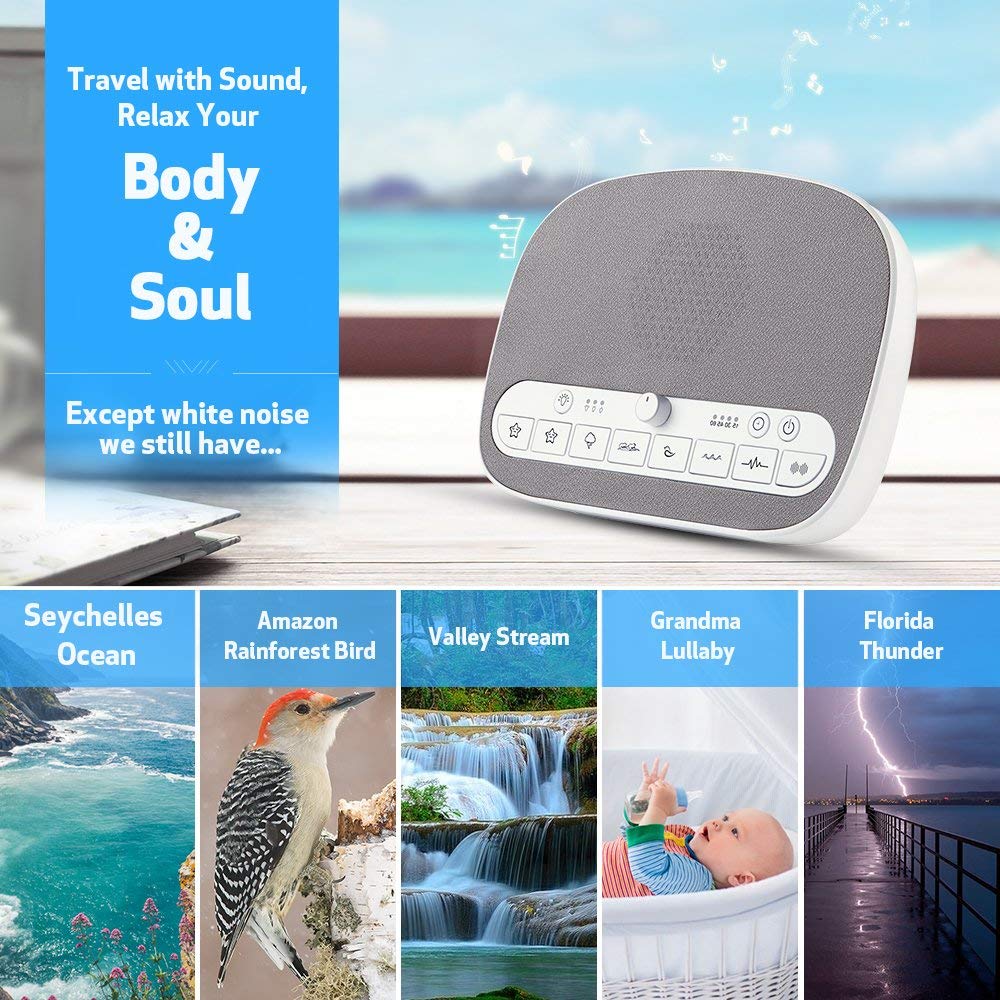
Image: A visual representation of the various natural sounds available on the machine, including ocean waves, birds, streams, lullabies, and thunder.
The machine offers 8 distinct soothing sounds:
- White Noise
- Brown Noise
- Seychelles Ocean
- Valley Stream
- Amazon Rainforest Bird
- Florida Thunder
- Lullaby 1
- Lullaby 2
5. Setup
Charging the Device
- Connect the provided USB charging cable to the USB port on the PROALLER Sleep Sound Machine.
- Plug the other end of the USB cable into a compatible USB power adapter (not included) or a computer's USB port.
- Allow the device to charge fully before first use. The charging indicator light will show the charging status.
Placement
Place the sound machine on a stable, flat surface away from direct sunlight, heat sources, and moisture. For optimal sound distribution, position it in the center of the room or near your sleeping area.
6. Operating Instructions
Power On/Off
- To turn on the device, press the Power Button.
- To turn off the device, press the Power Button again.
Sound Selection
Press the dedicated buttons for each sound to select your desired audio. The device will begin playing the selected sound immediately.
Volume Adjustment
Rotate the Volume Knob clockwise to increase the volume and counter-clockwise to decrease it.
Timer Function

Image: The sound machine displaying its auto-off timer options and indicating a non-stop playing mode for continuous sound.
The auto-off timer allows you to set the device to turn off automatically after a specified duration:
- Press the Timer Button repeatedly to cycle through the available timer settings: 15 minutes, 30 minutes, 45 minutes, 60 minutes.
- An indicator light will illuminate next to the selected time.
- To disable the timer and enable non-stop playing, press the Timer Button until no timer indicator light is active.
Night Light Operation
The integrated night light offers adjustable brightness:
- Press the Night Light Button to turn on the light at its lowest brightness.
- Press again to cycle through higher brightness levels.
- Press a final time to turn off the night light.
Memory Function
The device features a memory function that automatically recalls your last set volume, sound track, and timer settings when powered on again.
7. Maintenance
Cleaning
- Ensure the device is powered off and unplugged before cleaning.
- Wipe the exterior with a soft, dry cloth.
- Do not use abrasive cleaners, solvents, or immerse the device in water.
Storage
When not in use, store the sound machine in a cool, dry place away from direct sunlight and extreme temperatures.
8. Troubleshooting
| Problem | Possible Cause | Solution |
|---|---|---|
| Device does not turn on. | Low battery or no power connection. | Ensure the device is charged or connected to a power source. Press the Power Button firmly. |
| No sound or low volume. | Volume is too low or muted. Incorrect sound selected. | Rotate the Volume Knob clockwise to increase volume. Ensure a sound is selected. |
| Night light not working. | Light is off or at lowest setting. | Press the Night Light Button repeatedly to cycle through brightness levels and turn it on. |
| Timer not functioning as expected. | Incorrect timer setting selected. | Press the Timer Button to select the desired duration. Ensure a timer light is illuminated. |
9. Specifications
| Brand | PROALLER |
| Model Number | sdthjk |
| Product Dimensions | 21.84 x 13.97 x 8.89 cm |
| Item Weight | 567 g |
| Power Source | USB Rechargeable |
| UPC | 713752496051 |
| Sounds Available | 8 (White Noise, Brown Noise, Ocean, Stream, Bird, Thunder, Lullaby 1, Lullaby 2) |
| Timer Options | 15, 30, 45, 60 minutes, Non-stop |
10. Warranty and Support
The PROALLER Sleep Sound Machine comes with a 90-day warranty from the date of purchase. Additionally, PROALLER provides lifetime service for this product.
For any questions, technical support, or warranty claims, please contact PROALLER customer service. Refer to your purchase documentation for specific contact details or visit the official PROALLER website.
When contacting support, please have your model number (sdthjk) and proof of purchase ready.