1. Introduction
Thank you for choosing the Honeywell Air Touch A5 Air Purifier. This manual provides essential information for the safe and efficient operation, maintenance, and troubleshooting of your device. Please read these instructions carefully before use and retain them for future reference.
The Honeywell Air Touch A5 is designed to improve indoor air quality by effectively removing various airborne pollutants, providing a cleaner and healthier environment.
2. Safety Information
To reduce the risk of fire, electric shock, or injury, please observe the following safety precautions:
- Always unplug the air purifier before moving, cleaning, or performing any maintenance.
- Do not operate the unit with a damaged cord or plug. If the cord or plug is damaged, contact customer support.
- Keep the power cord away from heated surfaces.
- Do not use the air purifier in wet or damp environments, such as bathrooms.
- Ensure the air inlet and outlet are not blocked. Maintain at least 20 cm (8 inches) clearance from walls and furniture.
- This appliance is not intended for use by persons (including children) with reduced physical, sensory, or mental capabilities, or lack of experience and knowledge, unless they have been given supervision or instruction concerning use of the appliance by a person responsible for their safety.
- Do not insert fingers or foreign objects into the air inlets or outlets.
- Use only genuine Honeywell replacement filters.
3. Product Overview
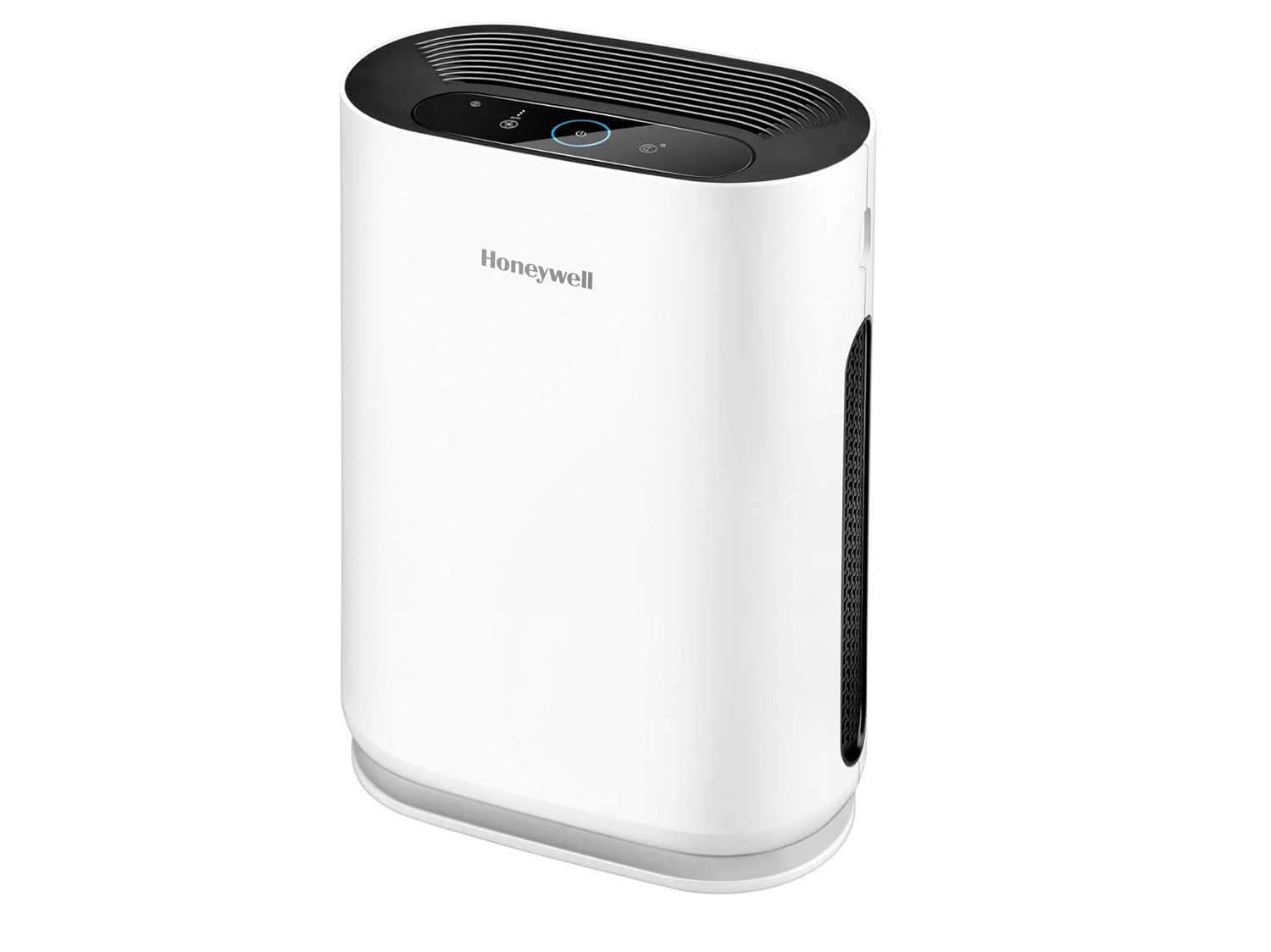
The Honeywell Air Touch A5 Air Purifier features a sleek design and advanced filtration system to deliver clean air.
Key Features:
- Three-Stage Advanced Filtration: Removes pollutants with over 99% efficiency.
- Washable Pre-filter: Captures larger particles like dust, lint, and pet hair.
- High-efficiency HEPA Filter: Removes 99.99% of microscopic pollutants above 0.1 microns, including PM2.5 and pollen.
- Activated Carbon Filter: Absorbs formaldehyde, odors, toxic gases, and VOCs.
- Ozone-Free Operation: Does not emit harmful gases.
- 3D Air Flow Design: Ensures optimized air circulation.
- Coverage Area: Up to 30 sq.m for rooms with 2.74m height.
- CADR (Clean Air Delivery Rate): 250 cu m/hr.
Product Components:


4. Setup Instructions
Follow these steps to set up your air purifier:
- Unpack the Unit: Carefully remove the air purifier from its packaging. Ensure all packing materials are removed.
- Remove Filter Packaging: Open the filter compartment cover. Remove all filters and discard their protective plastic packaging.
- Install Filters: Insert the filters back into the unit in the correct order. Typically, the pre-filter goes in first, followed by the HEPA filter, and then the activated carbon filter. Refer to the diagram below for guidance.

- Close Cover: Securely close the filter compartment cover.
- Placement: Place the air purifier on a firm, level surface. Ensure there is at least 20 cm (8 inches) of clear space around all sides for optimal airflow. Avoid placing it near heat sources or in direct sunlight.
- Connect Power: Plug the power cord into a standard electrical outlet.
5. Operating Instructions
Your Honeywell Air Touch A5 Air Purifier is designed for user-friendly operation.
Control Panel Functions:
- Power Button (O): Press to turn the unit ON or OFF.
- Fan Speed Button (F): Cycles through different fan speeds (Low, Medium, High).
- Auto Mode Button (AUTO): Activates automatic operation, where the fan speed adjusts based on detected air quality.
- Sleep Mode Button (Zz): Sets the unit to its quietest operation with dimmed indicator lights for undisturbed sleep.
- Timer Button (Timer Icon): Sets the operating duration (e.g., 1, 2, 4, 8 hours).
- Filter Reset Indicator (Filter Icon): Illuminates when it's time to check or replace filters.
Air Quality Indicator:
The air purifier features a color-coded air quality indicator that provides real-time feedback on your indoor air quality:
- Green: Good air quality.
- Amber/Orange: Moderate air quality.
- Red: Poor air quality.
6. Maintenance
Regular maintenance ensures optimal performance and extends the lifespan of your air purifier.
Filter Replacement:
The air purifier uses a multi-stage filtration system. The filter life depends on usage and air quality. The filter reset indicator light will illuminate when it's time to check or replace the filters.
- Pre-filter: This filter is washable. Clean it every 2-4 weeks or as needed. Allow it to dry completely before reinstallation.
- HEPA and Activated Carbon Filters: These filters are typically replaced every 3-6 months, depending on usage and air quality. They are not washable and must be replaced.
To replace filters:
- Unplug the air purifier.
- Open the filter compartment cover.
- Remove the old filters.
- Insert new genuine Honeywell filters, ensuring correct orientation.
- Close the filter compartment cover.
- Plug in the unit and press the Filter Reset button (if available, or hold the power button for 3-5 seconds) to reset the filter life indicator.
Cleaning the Unit:
- Wipe the exterior of the air purifier with a soft, dry cloth.
- Do not use abrasive cleaners or solvents.
- Ensure no water enters the unit.
7. Troubleshooting
If you encounter issues with your air purifier, refer to the following common problems and solutions:
| Problem | Possible Cause | Solution |
|---|---|---|
| Unit does not turn on | No power supply; Power cord not properly plugged in; Filter cover not closed securely. | Check power outlet; Ensure power cord is firmly plugged in; Close filter cover completely. |
| Airflow is weak or air quality not improving | Filters are dirty or clogged; Air inlets/outlets are blocked; Room size exceeds capacity. | Clean or replace filters; Ensure clear space around the unit; Verify room size is within specifications. |
| Unusual noise | Foreign object inside; Unit not on a level surface; Filters not installed correctly. | Unplug and check for obstructions; Place on a stable, flat surface; Reinstall filters properly. |
| Filter indicator light remains on after filter change | Filter reset not performed. | Refer to "Filter Replacement" section to reset the indicator. |
If the problem persists after attempting these solutions, please contact customer support.
8. Specifications
| Model Number | Air Touch A5 (HAC25M1201W) |
| Colour | White |
| Floor Area Coverage | 30 Square Meters |
| CADR (Clean Air Delivery Rate) | 250 cu m/hr |
| Specification Met | HEPA |
| Noise Level | 63 dB |
| Particle Retention Size | 0.3 Micrometer |
| Controller Type | Touch Control |
| Wattage | 46 Watts |
| Item Weight | 6 kg 500 g |
| Item Dimensions (LxWxH) | 20.7 x 38.2 x 48.6 Centimeters |
| Included Components | 1 Air Purifier, Set of 2 filters, Product manual |
9. Warranty and Support
Your Honeywell Air Touch A5 Air Purifier comes with a 1 Year Warranty from the date of purchase. Please retain your purchase receipt as proof of warranty.
Customer Support:
For assistance, technical support, or warranty claims, please contact Honeywell customer service:
- Phone: 022-238 535 35 (Monday to Friday, 10 AM to 7 PM)
- Email: Support@honeywellconnection.com