
1. Introduction
Welcome to the world of baking with the Barbie Bakery Chef Playset! This playset allows children to engage in imaginative play, featuring an interactive oven that makes cakes rise and cupcakes change color. Follow these instructions to ensure a fun and safe play experience.
2. Safety Information
- CHOKING HAZARD: Small parts. Not for children under 3 years.
- Adult supervision is recommended during play.
- Keep all packaging materials away from children.
3. Package Contents
Verify that all the following items are included in your Barbie Bakery Chef Playset:
- 1x Barbie Doll (wearing bakery chef fashion, apron, headband, and sneakers)
- 1x Oven Playset (with working features)
- 1x Pound Cake (with rising feature)
- 1x Cupcake Pan (with rising and color-change icing features)
- 1x Mixing Bowl
- 1x Spoon
- 1x Box of Cake Mix (toy accessory)
- 1x Spatula
- 1x Oven Mitt
- 1x Piping Bag (for color-change feature)

Image 3.1: Complete Barbie Bakery Chef Playset as packaged.

Image 3.2: Detailed view of the baking accessories included in the playset.
4. Setup Instructions
- Unpack Components: Carefully remove all items from the packaging. Discard all plastic bags and ties responsibly.
- Position Oven: Place the oven playset on a flat, stable surface.
- Arrange Accessories: The oven features plug-and-play pockets to hold smaller accessories like the mixing bowl, spoon, and cake mix box in place on the countertop.

Image 4.1: Accessories placed on the oven playset countertop.
5. Operating Instructions
5.1 Baking the Pound Cake
- Place Pound Cake: Open the oven door. Place the pound cake accessory into the oven.
- Set Timer: Close the oven door. Turn the timer knob on the oven to the right.
- Observe Rising: The oven will make a ding sound, and the pound cake will pop up, simulating a baked cake.
- Remove Cake: Open the oven door and carefully remove the baked pound cake.

Image 5.1: Turning the oven timer to bake the pound cake.
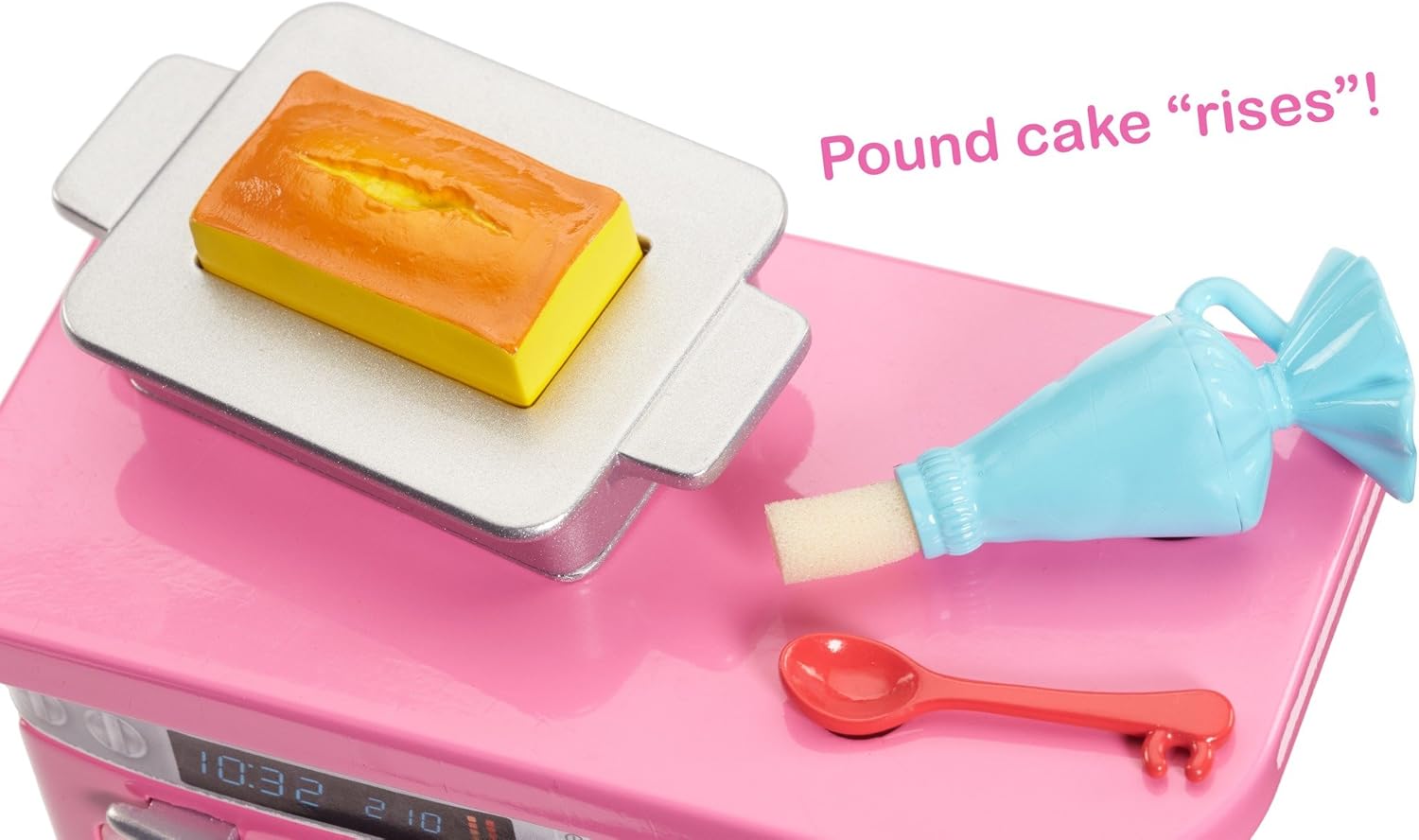
Image 5.2: The pound cake 'rises' after the timer dings.
5.2 Baking the Cupcakes
- Place Cupcakes: Open the oven door. Place the cupcake pan accessory into the oven.
- Set Timer: Close the oven door. Turn the timer knob on the oven to the right.
- Observe Rising: The oven will make a ding sound, and the cupcakes will pop up, simulating baked cupcakes.
- Remove Cupcakes: Open the oven door and carefully remove the baked cupcake pan.

Image 5.3: Cupcakes ready for baking in the oven.

Image 5.4: The cupcakes 'rise' and change color after baking.
5.3 Decorating Cupcakes (Color-Change Feature)
- Prepare Piping Bag: Dip the tip of the piping bag accessory into water.
- Apply to Cupcakes: Gently apply the wet tip of the piping bag to the tops of the baked cupcakes.
- Observe Color Change: The cupcake tops will change color, revealing decorative icing patterns.

Image 5.5: Decorating cupcakes with the color-change piping bag.
5.4 General Play
Use the Barbie doll and all accessories to create various baking scenarios. The oven mitt can be placed on Barbie's hand for realistic play. The mixing bowl, spoon, and spatula are ideal for pretend mixing activities.
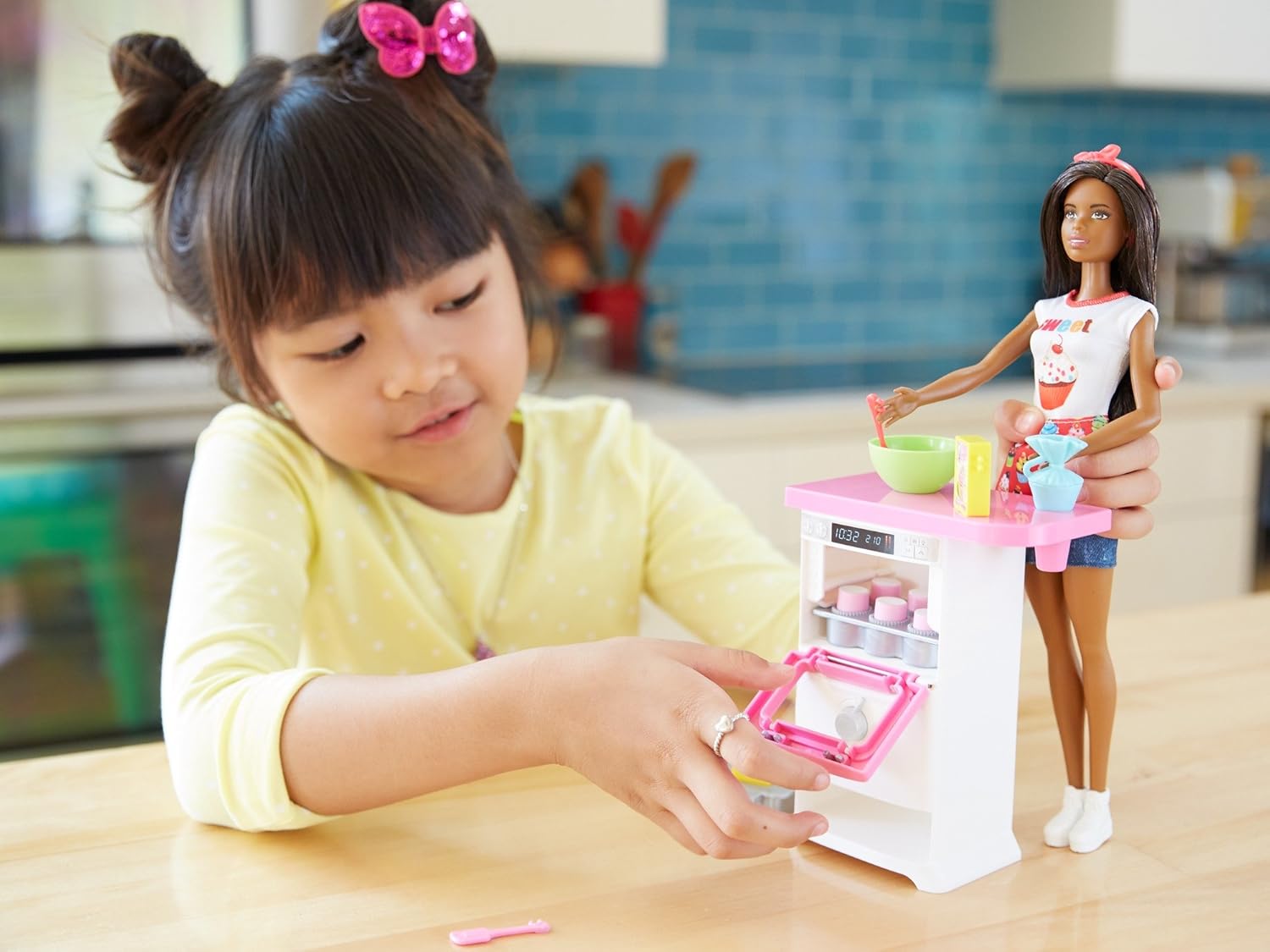
Image 5.6: Child interacting with the oven playset.
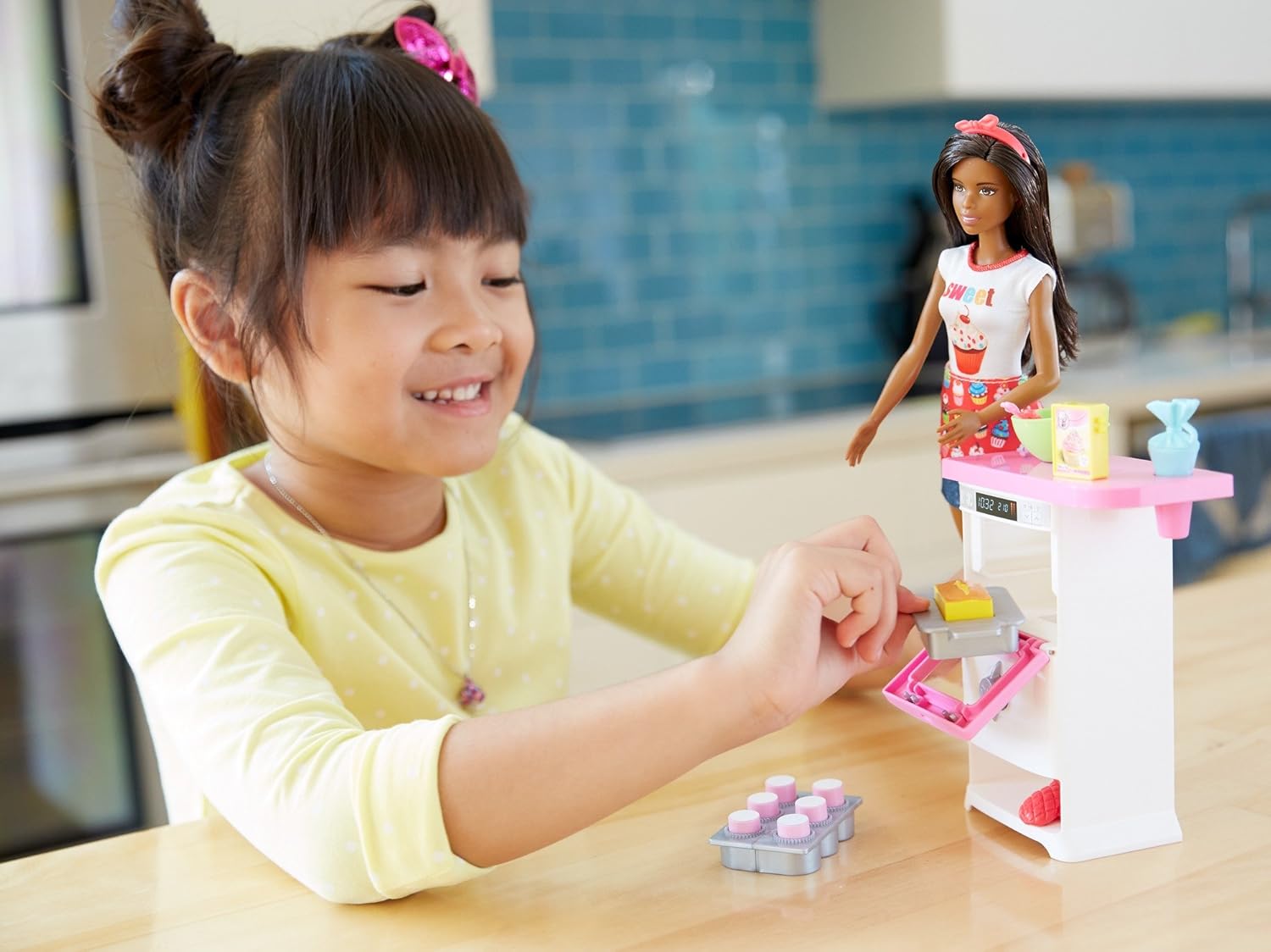
Image 5.7: Child opening the oven door during play.
Video 5.8: Official product video demonstrating the features of the Barbie Bakery Chef Playset.
6. Maintenance
- Cleaning: Wipe all plastic parts with a damp cloth. Do not immerse the oven playset in water.
- Storage: Store the playset and accessories in a clean, dry place away from direct sunlight when not in use.
7. Troubleshooting
- Cakes/Cupcakes Not Rising: Ensure the cake or cupcake pan is correctly seated in the oven and the timer knob is fully turned.
- Cupcakes Not Changing Color: Ensure the piping bag tip is adequately wet before applying to the cupcake tops.
8. Specifications
| Brand | Barbie |
| Model Number | FLN97 |
| Age Range | 3 years and up |
| Item Dimensions | 2.75 x 9 x 12.75 inches |
| Item Weight | 1 Pound |
| Manufacturer | Mattel |
| UPC | 887961563825 |
9. Warranty and Support
This product comes with a 1-year warranty against manufacturer defects.
For further assistance, please contact Mattel Customer Service. Refer to the contact information provided on the product packaging or visit the official Barbie website for support details.