
1. Product Overview
The T POWER 12V AC/DC Adapter is designed to provide reliable power to compatible Owl Labs Meeting Owl video conference cameras. It converts standard AC wall power to the required 12V DC power for your device.

Image 1.1: The T POWER 12V AC/DC Adapter, showing the main unit and attached power cord.
2. Safety Information
Please observe the following safety precautions to prevent injury or damage to the product and connected devices:
- Voltage Compatibility: Ensure the input voltage range (AC 100V - 240V) is suitable for your region's electrical outlets.
- Device Compatibility: Important: Verify that your Owl Labs Meeting Owl model or part number matches the compatibility list provided in this manual before connecting the adapter. Using an incompatible adapter may damage your device.
- Indoor Use Only: This adapter is designed for indoor use. Do not expose it to rain, moisture, or extreme temperatures.
- Ventilation: Ensure adequate ventilation around the adapter. Do not cover it or place it in an enclosed space during operation.
- Cable Care: Avoid bending, twisting, or pinching the power cord. Do not place heavy objects on the cord.
- Disconnection: Always grasp the plug, not the cord, when disconnecting from the power outlet or device.
- Certifications: This product is CE and RoHS certified, indicating compliance with European safety, health, and environmental protection standards.

Image 2.1: The adapter features multiple safety protections including over-current, over-temperature, over-voltage, and short circuit protection.
3. Package Contents
Your package should contain the following items:
- 1 x T POWER 12V AC/DC Adapter
- 1 x AC Power Cord (integrated or detachable, depending on model)
4. Setup Instructions
- Connect to Owl Labs Device: Insert the barrel connector of the T POWER adapter into the power input port of your Owl Labs Meeting Owl camera. Ensure a firm connection.
- Connect to Power Outlet: Plug the AC power cord into a standard wall outlet (AC 100V - 240V).
- Power On: Your Owl Labs device should now receive power. Refer to your Owl Labs device's manual for specific power-on procedures.


Image 4.1: Examples of Owl Labs Meeting Owl cameras that are compatible with this adapter.
5. Operating Instructions
The T POWER AC/DC Adapter operates automatically once connected to a power source and a compatible device. It provides a stable 12V DC output to power your Owl Labs Meeting Owl camera.
- No user interaction is required for the adapter's operation beyond proper connection.
- The adapter is designed for continuous operation within its specified limits.
6. Compatibility
This T POWER adapter is compatible with the following Owl Labs Meeting Owl models:
- Owl Labs Meeting Owl 1
- Owl Labs Meeting Owl 2
- Owl Labs Meeting Owl 3 (MTW300-1000, MTW300)
- Owl Labs Meeting Owl Pro (MTW100, MTW200-1000, MTW200)
- Part Numbers: ADS-40SI-12-2, 12036E, ADS40SI122
Always cross-reference your device's model number or part number with this list to ensure compatibility.
7. Maintenance
To ensure the longevity and optimal performance of your T POWER adapter:
- Cleaning: Disconnect the adapter from power before cleaning. Use a dry, soft cloth to wipe the surface. Do not use liquid cleaners or solvents.
- Storage: Store the adapter in a cool, dry place when not in use. Avoid extreme temperatures.
- Cable Management: Avoid sharp bends or kinks in the power cord. The cable is designed for durability, tested to withstand up to 10,000 bends, but proper care extends its lifespan.
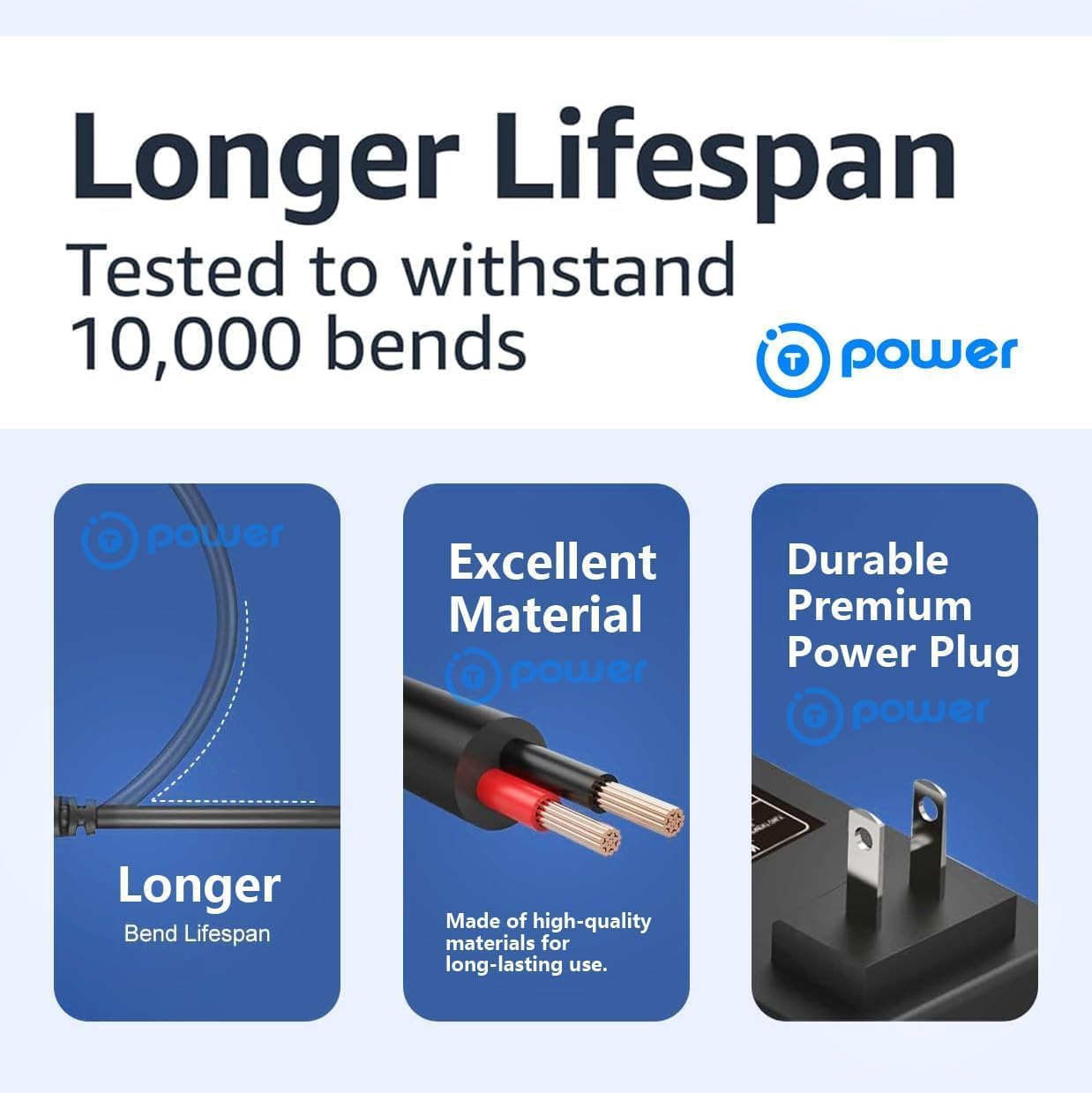
Image 7.1: The power cord is constructed with durable materials for a longer lifespan and resistance to bending.
8. Troubleshooting
| Problem | Possible Cause | Solution |
|---|---|---|
| Device not powering on. |
|
|
| Intermittent power to device. |
|
|
9. Specifications
| Feature | Detail |
|---|---|
| Brand | T POWER |
| Model Number | TP- Owl Labs MTW100 MTW200 MTW300 |
| Input Voltage Range | AC 100V - 240V |
| Output Voltage | 12 Volts (DC) |
| Amperage | 5 Amps |
| Connector Type | Barrel Connector |
| Material | Metal, Plastic |
| Item Weight | 4 Ounces |
| Item Dimensions | 4 x 4 x 2 inches |
| Certifications | CE, RoHS |
10. Warranty and Support
- Manufacturer Warranty: This T POWER product comes with a 1-year manufacturer warranty from the date of purchase, covering defects in materials and workmanship.
- Return Policy: A 30-day return policy is available for undamaged products in their original packaging.
- Technical Support: For technical assistance, warranty claims, or inquiries regarding compatibility, please contact T POWER customer support. Refer to the product packaging or the seller's website for specific contact details.