
1. Introduction
This manual provides essential information for the safe installation, operation, and maintenance of your Hot Spring 73791 No Fault PDR Titanium 4kW Heater. This heater is designed for use with specific Hot Spring, Tiger River, and Limelight hot tub models manufactured from 2003 to the current year that utilize 4kW heaters. Please read this manual thoroughly before installation or use to ensure proper function and longevity of your heater.
2. Safety Information
WARNING: Risk of Electric Shock. Installation and servicing must be performed by a qualified electrician or authorized service technician.
- Always disconnect power to the hot tub before attempting any service or installation.
- Ensure all electrical connections are made according to local and national electrical codes.
- Do not operate the hot tub if the heater or any electrical component is damaged.
- Keep children away from the hot tub and electrical components during installation and maintenance.
- This heater is designed for specific hot tub models. Using it with incompatible systems may result in damage or injury.
3. Setup and Installation
Proper installation is crucial for the safe and efficient operation of your heater. It is strongly recommended that installation be performed by a certified hot tub technician or a qualified electrician.
3.1 Pre-Installation Checks
- Verify that the new heater matches the specifications of the original heater being replaced.
- Ensure the hot tub is completely drained and disconnected from all power sources.
- Inspect the heater for any visible damage from shipping. Do not install if damaged.
3.2 Installation Steps (General)
- Locate the existing heater assembly within the hot tub equipment compartment.
- Carefully disconnect the electrical wiring and plumbing connections from the old heater. Note the orientation and connection points.
- Remove the old heater.
- Install the new Hot Spring 73791 heater in the same position, ensuring all gaskets and seals are correctly seated to prevent leaks.
- Reconnect the plumbing and electrical wiring. Ensure all connections are tight and secure.
- Refill the hot tub with water and check for leaks before restoring power.
- Once filled, restore power and test the heater's functionality.
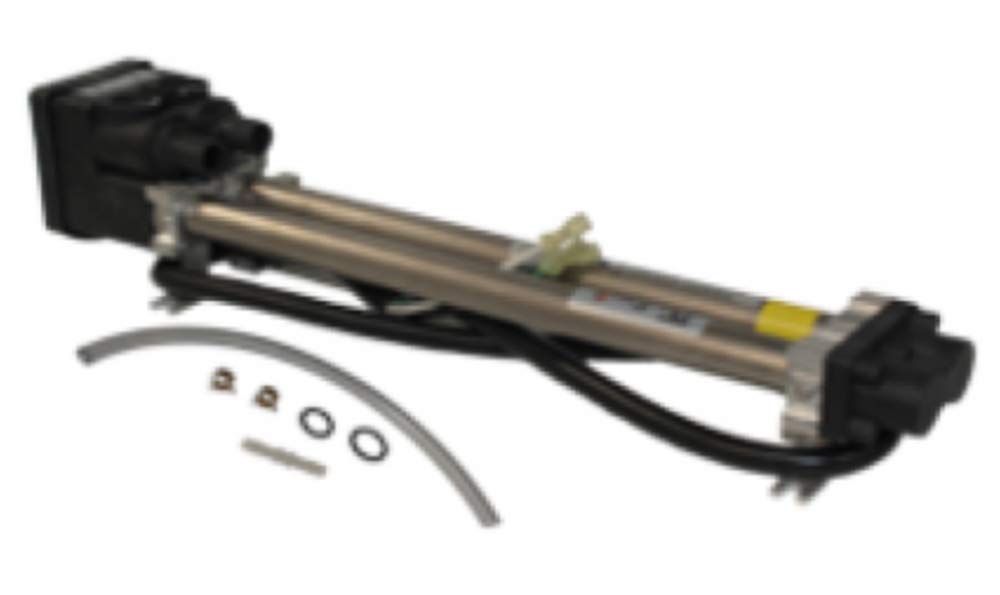
An image showing the Hot Spring 73791 No Fault PDR Titanium 4kW heater, designed for Hot Spring, Tiger River, and Limelight hot tubs. This heater features a compact design with electrical terminals and plumbing connections visible.
4. Operating Instructions
The Hot Spring 73791 heater operates in conjunction with your hot tub's control system. Refer to your hot tub's primary owner's manual for detailed instructions on setting water temperature and operating cycles.
4.1 Initial Power-Up
- After installation and refilling the hot tub, ensure all air is purged from the plumbing system by running the jets on high for several minutes.
- Restore power to the hot tub. The control panel should illuminate.
- Set your desired water temperature using the hot tub's control panel. The heater will automatically activate to reach and maintain this temperature.
4.2 Normal Operation
The heater will cycle on and off as needed to maintain the set temperature. Indicators on your hot tub's control panel will typically show when the heater is active.
5. Maintenance
Regular maintenance helps ensure the longevity and efficiency of your heater and hot tub system.
5.1 Periodic Checks
- Water Flow: Ensure adequate water flow through the heater. Low flow can cause the heater to trip or fail prematurely. Regularly clean your hot tub filters.
- Electrical Connections: Periodically inspect electrical connections for corrosion or looseness (with power disconnected).
- Leaks: Check for any signs of water leaks around the heater assembly. Address any leaks immediately.
5.2 Winterization
If you plan to winterize your hot tub, ensure the heater is completely drained of water to prevent freezing and damage. Follow your hot tub manufacturer's winterization guidelines.
6. Troubleshooting
Before contacting service, review these common issues. Always disconnect power before inspecting components.
| Problem | Possible Cause | Solution |
|---|---|---|
| Heater not heating | No power to hot tub Low water flow Thermostat setting too low Heater element failure High-limit switch tripped | Check circuit breaker Clean filters, check pump Adjust temperature setting Contact service technician Reset power, check water level/flow |
| Heater trips circuit breaker | Short circuit in heater Improper wiring Ground fault | Contact service technician Verify wiring connections Contact service technician |
| Error code on control panel | Specific system fault | Refer to your hot tub's owner's manual for specific error code meanings and solutions. |
If troubleshooting steps do not resolve the issue, or if you suspect a major component failure, contact a qualified hot tub service technician.
7. Specifications
- Model: 73791 No Fault PDR Titanium Heater
- Power: 4kW
- Compatibility: Hot Spring, Tiger River, Limelight models (2003-Current)
- Product Dimensions: 15 x 6 x 6 inches
- Item Weight: 5 pounds
- Manufacturer: Watkins
8. Warranty and Support
This Hot Spring 73791 No Fault Heater is covered by a manufacturer's warranty. Please refer to the warranty documentation provided with your purchase for specific terms, conditions, and duration. Keep your proof of purchase for warranty claims.
8.1 Customer Support
For technical assistance, warranty claims, or to locate an authorized service center, please contact your original dealer or the Hot Spring customer support line. Contact information can typically be found on the manufacturer's official website or in your hot tub's owner's manual.
Note: Unauthorized repairs or modifications may void your warranty.


