
Logitech M170
Logitech M170 Wireless Mouse User Manual
Model: M170
Product Overview
The Logitech M170 Wireless Mouse offers a reliable and hassle-free wireless connection for various computing devices. Designed for comfort and portability, this ambidextrous mouse provides smooth and accurate cursor control, making it suitable for everyday use and professional tasks.
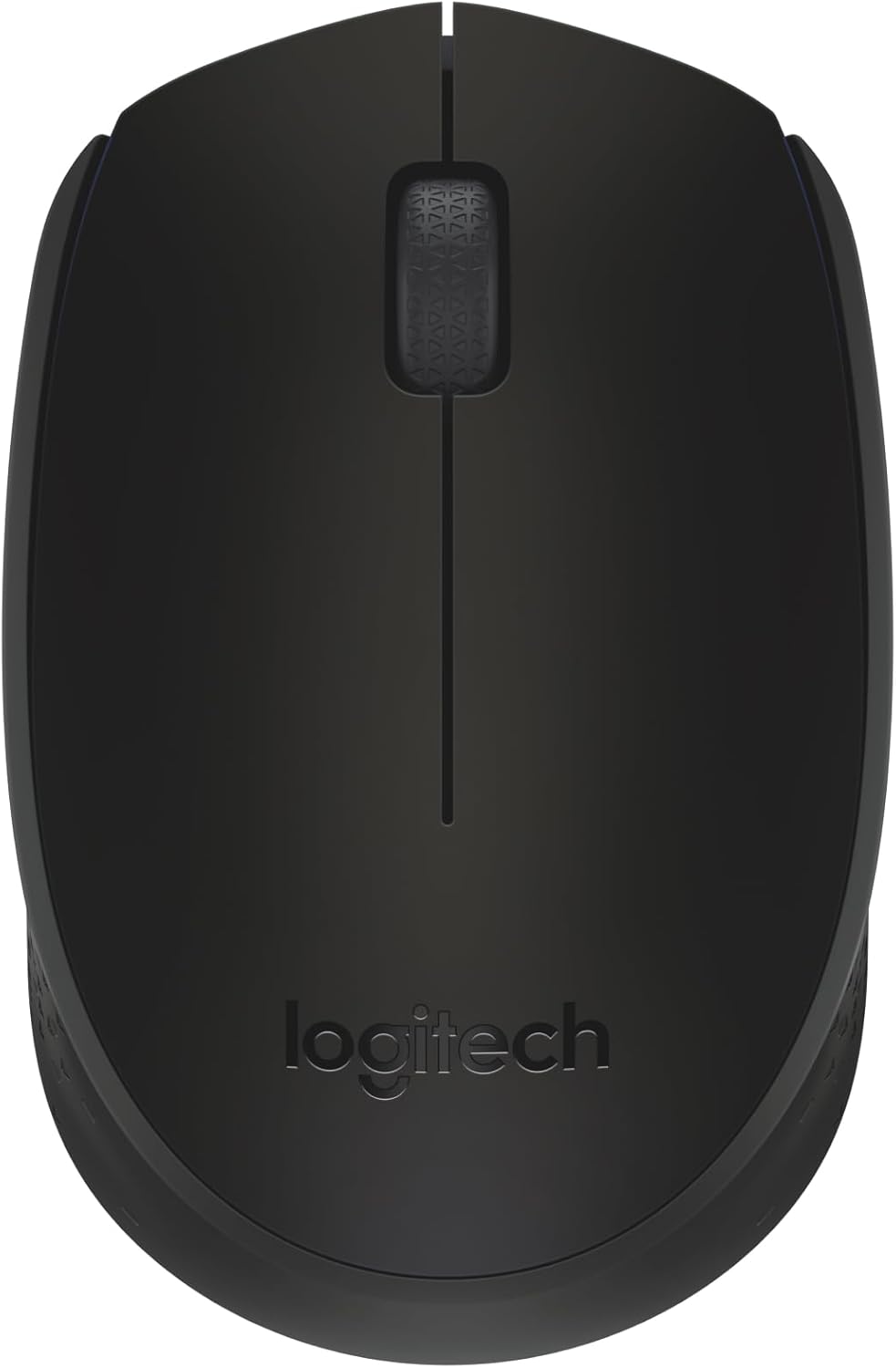
Figure 1: Top view of the Logitech M170 Wireless Mouse.
Key Features:
- Plug-and-Play Connection: Connects quickly via a strong, reliable USB receiver.
- Comfortable and Mobile: Ambidextrous design fits comfortably in either hand and is compact for portability.
- Power-Saving Features: Features a 12-month battery life and auto-sleep function to conserve power.
- Reliable Wireless: Operates up to 10 meters (33 ft) away from your computer.
- Easy Navigation: Provides smooth and accurate cursor control with optical tracking.
- Wide Compatibility: Compatible with Windows, macOS, Linux, Chrome OS, iPadOS, and Android operating systems.
Setup Guide
Follow these steps to set up your Logitech M170 Wireless Mouse:
- Insert Battery: The mouse comes with one AA battery included. Open the battery compartment cover on the underside of the mouse and insert the AA battery, ensuring correct polarity. Close the cover securely.
- Locate USB Receiver: The USB mini receiver is typically stored inside the battery compartment of the mouse for safe keeping during transport. Carefully remove it.
- Connect Receiver: Plug the USB mini receiver into an available USB port on your computer (PC, Mac, Laptop, etc.).
- Power On: Turn on the mouse using the On/Off switch located on the underside of the mouse.
- Automatic Connection: The mouse should automatically connect to your computer within a few seconds. No additional software or drivers are typically required for basic functionality.

Figure 2: Plug-and-play wireless connection setup.
For optimal performance, ensure the mouse is within 10 meters (33 feet) of the USB receiver.
Operating Instructions
The Logitech M170 Wireless Mouse is designed for intuitive use. Here are the basic operating functions:
- Left Click: Press the left mouse button to select items, open files, or activate functions.
- Right Click: Press the right mouse button to open context menus or access additional options.
- Scroll Wheel: Roll the scroll wheel up or down to navigate through documents, web pages, or applications. The scroll wheel also functions as a middle button when pressed.
- Optical Tracking: The mouse uses optical tracking for precise cursor movement on most surfaces. For best results, use on a mouse pad or a non-reflective, uniform surface.
- Ambidextrous Design: The symmetrical shape of the M170 mouse allows for comfortable use by both left-handed and right-handed users.

Figure 3: The ambidextrous design ensures comfortable use for all users.

Figure 4: The compact and portable design of the mouse.
Maintenance
Proper maintenance ensures the longevity and optimal performance of your Logitech M170 Wireless Mouse.
Battery Replacement:
The Logitech M170 mouse uses one AA battery. When the mouse performance degrades or the indicator light (if present) signals low battery, it's time to replace it.
- Turn off the mouse using the On/Off switch on the underside.
- Open the battery compartment cover.
- Remove the old AA battery.
- Insert a new AA battery, observing the correct polarity (+/-).
- Close the battery compartment cover securely.
- Turn the mouse back on.
Note: Battery life may vary based on user and computing conditions.
Cleaning:
To clean your mouse, use a soft, lint-free cloth lightly dampened with water or a mild cleaning solution. Avoid using harsh chemicals or abrasive materials. Do not immerse the mouse in water.
Troubleshooting
If you encounter issues with your Logitech M170 Wireless Mouse, try the following solutions:
| Problem | Solution |
|---|---|
| Mouse not responding / No cursor movement |
|
| Erratic or jumpy cursor |
|
| Short wireless range |
|
Specifications
| Feature | Detail |
|---|---|
| Brand | Logitech |
| Model | M170 |
| Connectivity Technology | Radio Frequency, USB |
| Wireless Type | 2.4 GHz (802.11a) |
| Movement Detection | Optical |
| Number of Buttons | 2 (Left, Right) + Scroll Wheel (clickable) |
| Scroller Type | Scroll Wheel |
| Ergonomic Fit | Symmetrical / Ambidextrous |
| Wireless Range | Up to 10 meters (33 feet) |
| Battery Type | 1 x AA battery (included) |
| Battery Life | Up to 12 months (may vary) |
| Dimensions (LxWxH) | 97.7 mm (3.8 in) x 61.5 mm (2.4 in) x 35.2 mm (1.4 in) |
| Weight (with battery) | 79.5 g (2.49 oz) |
| Supported Operating Systems | Windows, macOS, Linux, Chrome OS, iPadOS, Android |
| Material | Plastic parts include certified post-consumer recycled plastic (minimum 59% for Black) |
| Carbon Footprint | 4.05 kg CO2e |

Figure 5: Physical dimensions of the Logitech M170 Wireless Mouse.
Warranty and Support
For warranty information and further support, please refer to the official Logitech website or the documentation provided with your product. You can also find additional resources and FAQs on the Logitech support page.
A digital version of the user manual is available for download:
Related documentsM170


Ask a question about this manual
Ask about setup, troubleshooting, compatibility, parts, safety, or missing instructions. Manuals+ will review the question and use this page’s manual context to help answer it.