
1. Product Overview
Thank you for choosing the Dorcy 425-Lumen Ultra HD Series Flashlight. This durable flashlight is constructed from thick gauge, aircraft-grade aluminum and features True Spot Technology for an extended beam distance. It is designed for reliable performance in various conditions.
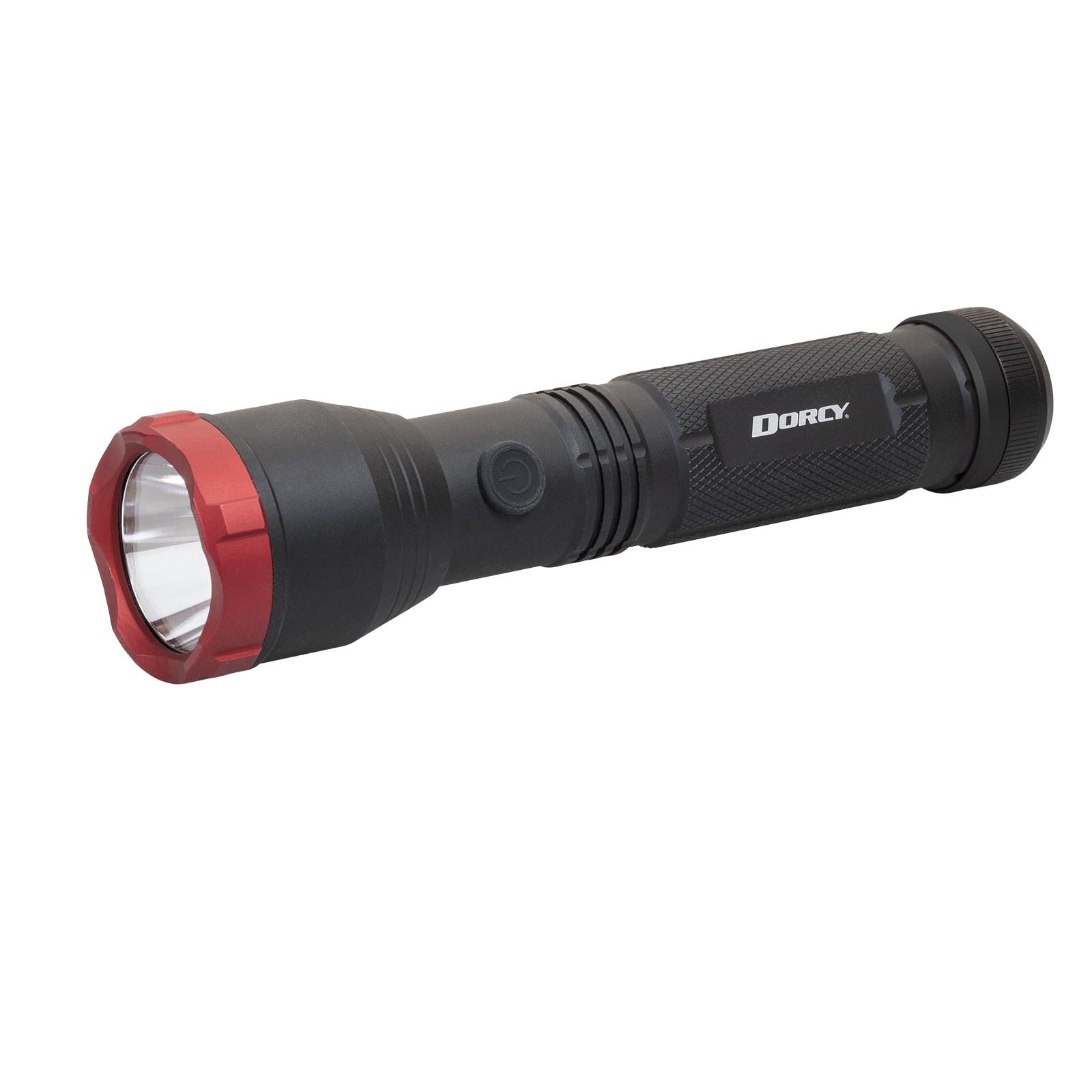
Figure 1: Dorcy 425-Lumen Ultra HD Series Flashlight, main product view.
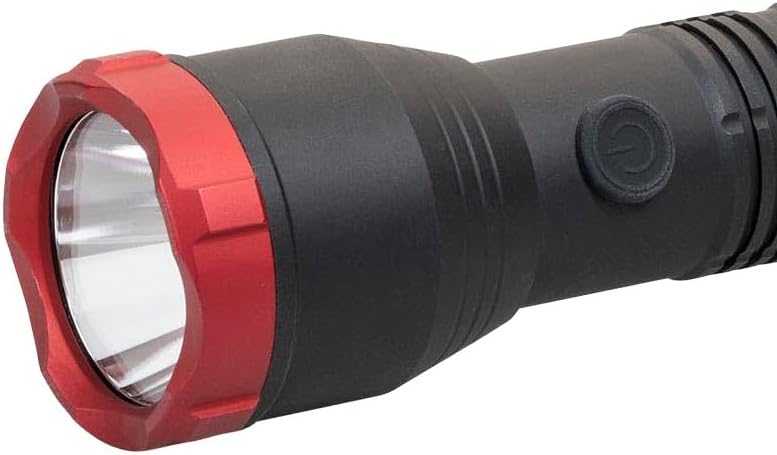
Figure 2: Front view of the Dorcy 425-Lumen Ultra HD Series Flashlight.
2. Setup and Battery Installation
Your Dorcy flashlight requires 4 AA batteries for operation. These batteries are included with your purchase. Follow these steps to install or replace the batteries:
- Unscrew the tail cap of the flashlight by turning it counter-clockwise.
- Insert four (4) AA batteries into the battery compartment, ensuring the correct polarity (+/−) as indicated inside the flashlight body.
- Screw the tail cap back on by turning it clockwise until it is securely tightened.

Figure 3: Close-up view of the flashlight's tail cap, which unscrews for battery access.
Important Battery Information:
- Do not mix old and new batteries.
- Do not mix alkaline, standard (carbon-zinc), or rechargeable (nickel-cadmium) batteries.
- Remove batteries if the flashlight will not be used for an extended period to prevent leakage and corrosion.
3. Operating Instructions
The Dorcy 425-Lumen Flashlight features a rubber-booted tail cap switch for power control and mode selection.
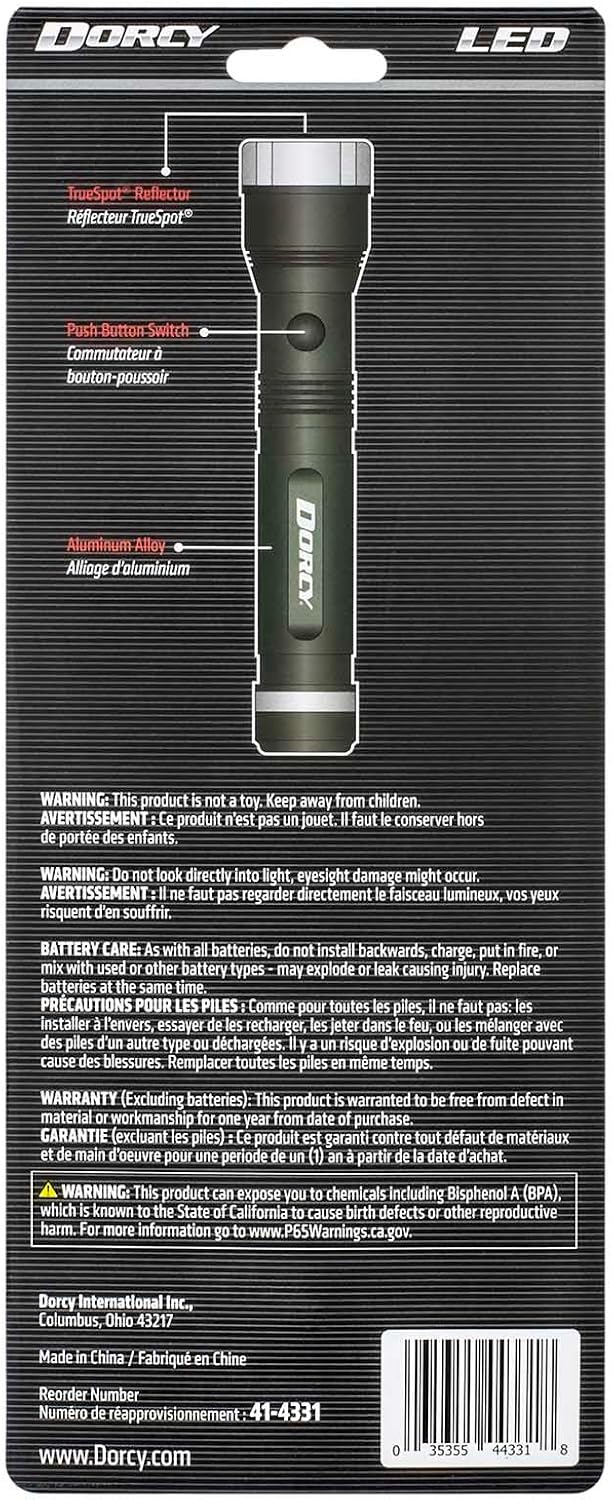
Figure 4: Flashlight head showing the power button and red bezel.
Power On/Off:
- To turn the flashlight ON, fully press the tail cap switch until it clicks.
- To turn the flashlight OFF, fully press the tail cap switch again until it clicks.
Mode Selection:
This flashlight offers multiple light modes: High, Low, and Strobe.
- With the flashlight ON, lightly press the tail cap switch (without clicking) to cycle through the modes. Each light press will advance to the next mode.
- The sequence is typically: High → Low → Strobe → High.
- To select a mode, stop pressing the switch when the desired mode is active.

Figure 5: The flashlight's beam illuminating a dark area, demonstrating its light output.
4. Maintenance
Cleaning:
To maintain the flashlight's appearance and performance, wipe the exterior with a soft, damp cloth. Do not use abrasive cleaners or solvents.
Battery Care:
- Always use fresh, high-quality AA alkaline batteries.
- If the flashlight will not be used for an extended period (e.g., more than one month), remove the batteries to prevent potential leakage and corrosion, which can damage the device.
- Inspect battery contacts periodically for any signs of corrosion and clean if necessary.
5. Troubleshooting
| Problem | Possible Cause | Solution |
|---|---|---|
| Flashlight does not turn on. |
|
|
| Light is dim or flickers. |
|
|
6. Specifications
| Model Number | 41-4331 |
| Light Output | 425 Lumens |
| Beam Distance | 328 Meters (1076 feet) |
| Run Time | 1 hour, 15 minutes (on High mode) |
| Light Modes | High, Low, Strobe |
| Power Source | 4 x AA Alkaline Batteries (included) |
| Light Source Type | LED |
| Material | Aircraft-grade Aluminum |
| Color | Black |
| Dimensions (D x W x H) | 8" x 2" x 2" (approximate) |
| Item Weight | 14 ounces |

Figure 6: Side view of the Dorcy 425-Lumen Ultra HD Series Flashlight, highlighting its aluminum construction.
7. Warranty Information
This Dorcy flashlight is warranted to be free from defects in material or workmanship for one year from the date of purchase. This warranty does not cover damage resulting from misuse, abuse, or normal wear and tear.
8. Customer Support
For further assistance, technical support, or warranty claims, please contact Dorcy customer service. Refer to the product packaging or the official Dorcy website for the most current contact information.