
Razor 13011702
Razor Tekno Kick Scooter
User Manual
1. Introduction
Welcome to the Razor Tekno Kick Scooter user manual. This document provides essential information for the safe assembly, operation, and maintenance of your new scooter. The Razor Tekno Kick Scooter is designed for recreational use, featuring a durable steel frame, urethane wheels, and vibrant blue LED lights for an enhanced riding experience.
Please read this manual thoroughly before initial use to ensure proper function and safety. Keep this manual for future reference.
Safety Warnings
- Recommended for ages 6 and up.
- Maximum rider weight: 64.9 kilograms (143 pounds).
- Always wear appropriate safety gear, including a helmet, knee pads, and elbow pads.
- Ride in safe, open areas away from traffic and pedestrians.
- Adult supervision is recommended for young riders.
- Do not ride at night without adequate lighting.

Figure 1: The Razor Tekno Kick Scooter, showcasing its sleek black design and blue light-up deck.
2. Setup and Assembly
Your Razor Tekno Kick Scooter requires some minor assembly before use. Follow these steps carefully:
- Unpack Components: Carefully remove all parts from the packaging. Ensure all components are present: scooter deck, handlebar assembly, and any included tools.
- Attach Handlebar: Insert the handlebar assembly into the main steering tube on the scooter deck. Ensure the handlebar is fully seated and the locking mechanism (if present) is securely fastened. Refer to the image below for handlebar attachment.
- Install Batteries for LED Lights: The scooter's light-up feature requires two (2) CR2032 lithium batteries. Locate the battery compartment, typically on the underside or top of the deck near the rear wheel. Open the compartment, insert the batteries with the correct polarity (+/-), and securely close the cover.
- Perform Safety Checks: Before riding, ensure all bolts and fasteners are tight. Check that the wheels spin freely and the brake functions correctly.

Figure 2: Detail of the handlebar, showing the foam grips for comfortable handling.

Figure 3: The battery compartment switch, located on the scooter deck near the rear wheel, used to activate the LED lights.
3. Operating Instructions
Once assembled and checked, your Razor Tekno Kick Scooter is ready for use. Follow these guidelines for a safe and enjoyable ride:
- Riding Stance: Place one foot firmly on the scooter deck. Use your other foot to push off the ground, generating momentum. Once moving, place both feet on the deck, one behind the other, or side-by-side if comfortable.
- Steering: Lean gently in the direction you wish to turn. The handlebar provides additional control for precise steering.
- Braking: To slow down or stop, apply pressure to the rear fender brake with your foot. Practice braking at low speeds before riding faster.
- Activating LED Lights: To turn on the blue LED lights, locate the switch on the scooter deck (refer to Figure 3). Toggle the switch to the 'ON' position. The lights will illuminate, providing a distinctive visual effect. Toggle to 'OFF' when not in use to conserve battery life.

Figure 4: Proper foot placement on the scooter deck, highlighting the illuminated blue LED pattern.
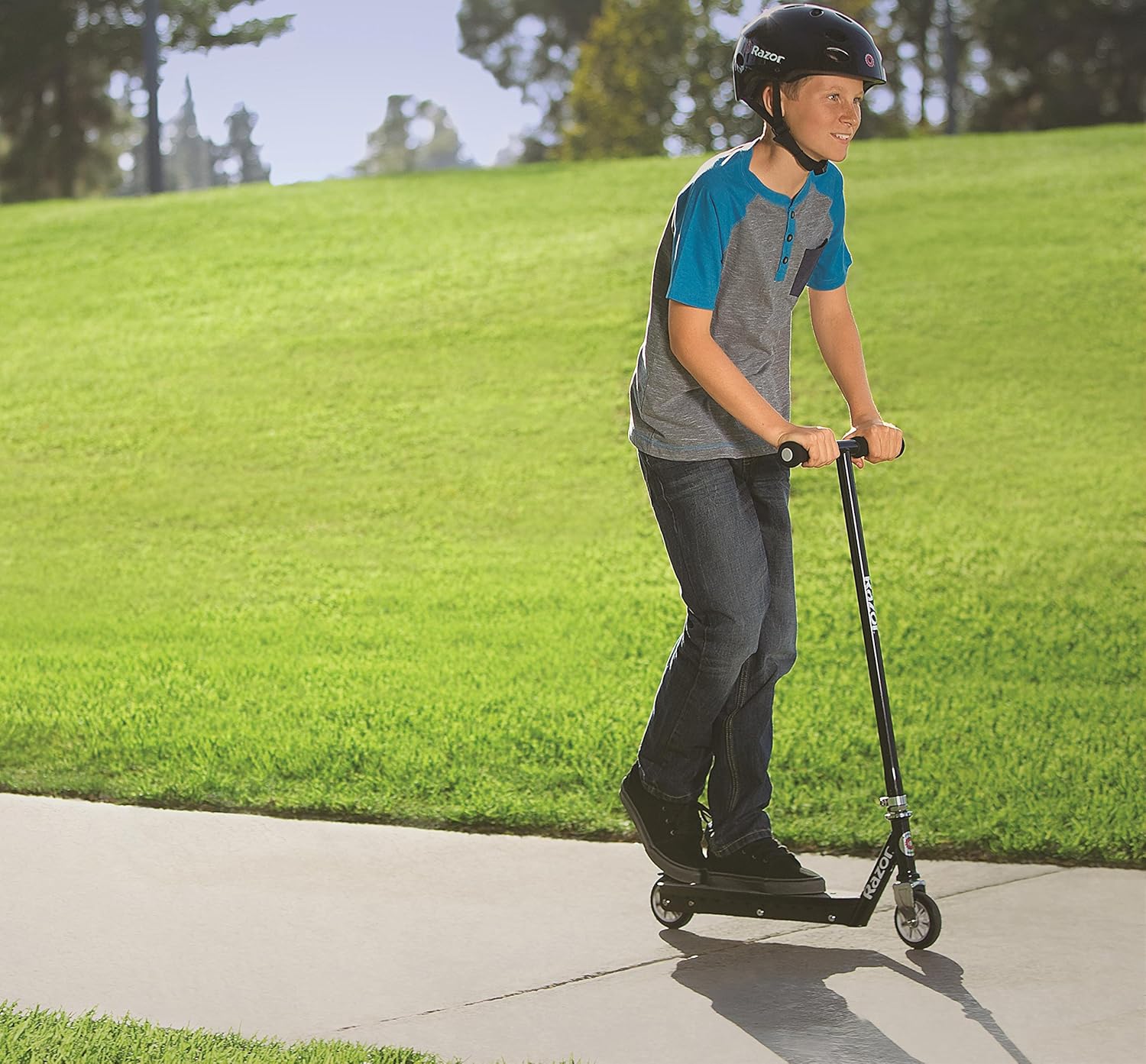
Figure 5: A rider demonstrating the use of the Razor Tekno Kick Scooter in an outdoor setting.
4. Maintenance
Regular maintenance will extend the life of your Razor Tekno Kick Scooter and ensure safe operation:
- Cleaning: Wipe the scooter with a damp cloth to remove dirt and debris. Do not use harsh chemicals or abrasive cleaners. Avoid direct water spray on electronic components.
- Wheel Inspection: Periodically check the wheels for wear and tear. Ensure they spin freely and are securely attached.
- Fastener Check: Regularly inspect all bolts, nuts, and fasteners to ensure they are tight. Tighten any loose components.
- Battery Replacement: If the LED lights dim or stop working, replace the two CR2032 lithium batteries. Follow the instructions in Section 2 for battery installation. Dispose of old batteries responsibly.
- Storage: Store the scooter in a dry, cool place away from direct sunlight and moisture.
5. Troubleshooting
Here are solutions to common issues you might encounter:
| Problem | Possible Cause | Solution |
|---|---|---|
| LED lights not working | Batteries are dead or incorrectly installed. | Replace CR2032 batteries, ensuring correct polarity. Check battery compartment switch is in 'ON' position. |
| Scooter does not roll smoothly | Wheels are dirty or bearings are worn. | Clean wheels and axles. If issue persists, consider replacing worn bearings or wheels. |
| Handlebar feels loose | Locking mechanism is not fully engaged or bolts are loose. | Ensure handlebar is fully inserted and the locking mechanism is secure. Tighten any visible bolts. |
6. Specifications
- Brand: Razor
- Model Number: 13011702
- Color: Black
- Special Feature: Lights (Blue LED)
- Number of Wheels: 2
- Wheel Material: Polyurethane
- Item Weight: 2.59 kilograms (5.72 pounds)
- Product Dimensions (L x W x H): 59.69 x 28.45 x 83.57 cm (23.5 x 11.2 x 32.9 inches)
- Recommended Age: 6 years and up
- Max Rider Weight: 64.9 kilograms (143 pounds)
- Battery Type: 2 x CR2032 Lithium Batteries (for LED lights)
- UPC: 845423019808
7. Warranty and Support
For warranty information or technical support, please refer to the documentation included with your purchase or visit the official Razor website. Contact information for customer service is typically available on the product packaging or the manufacturer's website.
Always ensure you have your model number (13011702) and proof of purchase available when contacting support.
Related documents13011702


Ask a question about this manual
Ask about setup, troubleshooting, compatibility, parts, safety, or missing instructions. Manuals+ will review the question and use this page’s manual context to help answer it.