
Introduction
This manual provides detailed instructions for the installation, operation, and maintenance of your Weiser San Clemente x Halifax Front Door Handleset with Deadbolt. Please read these instructions carefully before beginning installation to ensure proper function and security. Keep this manual for future reference.

Image: Overview of the Weiser San Clemente x Halifax Handleset in Matte Black, showing the exterior handle, deadbolt, and interior lever.
Product Overview and Features
The Weiser San Clemente x Halifax Handleset is designed for exterior doors requiring keyed entry and enhanced security. It features a modern aesthetic with a low-profile deadbolt and a reversible interior lever.
Key Features:
- Modern Handleset with Low-Profile Deadbolt: Features a sleek, geometric design with a 1-inch deadbolt throw and a 1/2-inch exterior depth for a contemporary look.
- Easy Installation: Designed for straightforward installation in minutes using a screwdriver.
- SmartKey Security Technology: Provides advanced protection against break-in techniques and allows for re-keying the lock in seconds.
- Adjustable Handle Height: Features an adjustable bottom through-bolt for compatibility with pre-drilled doors, offering 8-13/32" through 9-11/16" height adjustment.
- Reversible Design: Can be installed on both right-handed and left-handed doors.
What's in the Box:
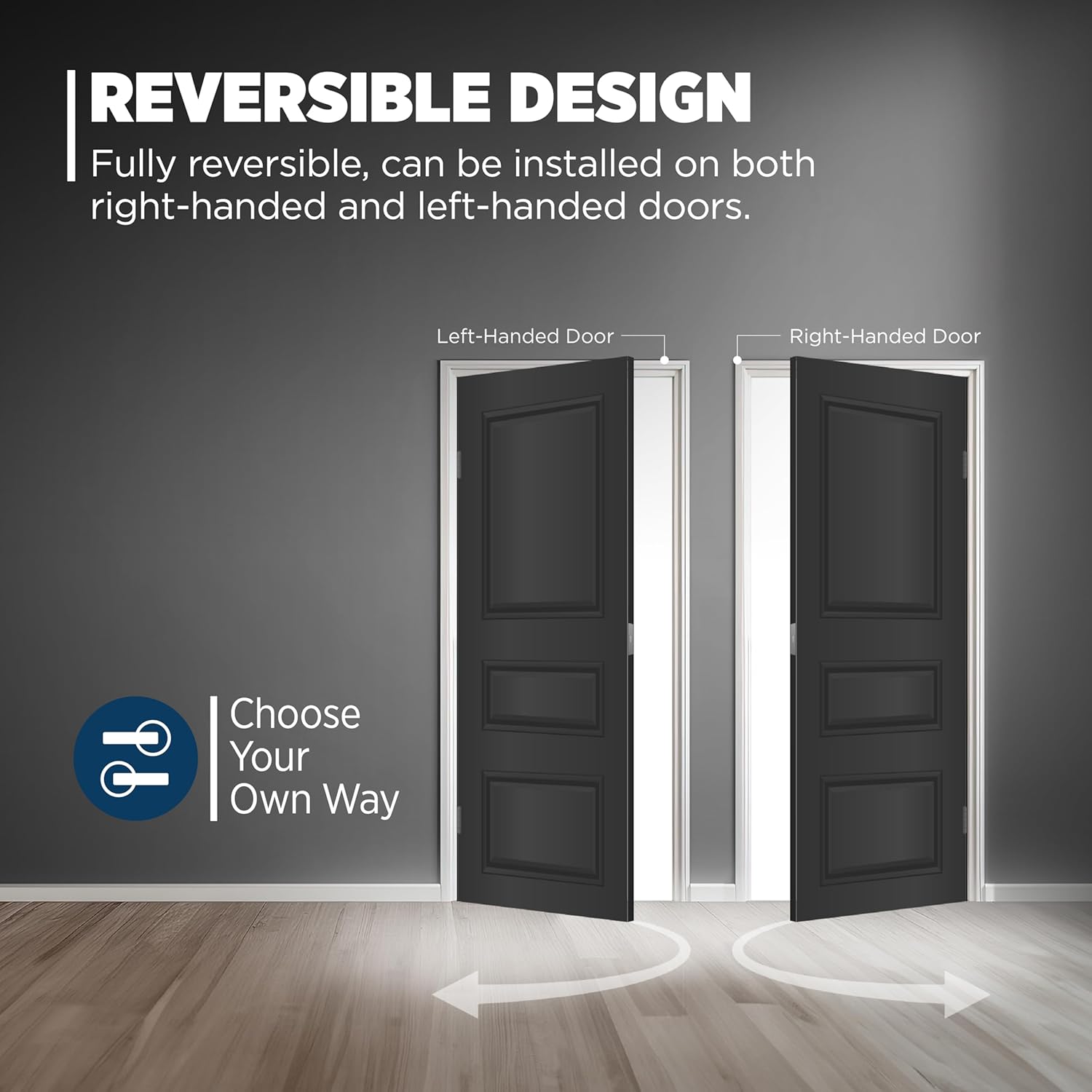
Image: Detailed illustration of all components included in the product packaging, such as the exterior deadbolt face, interior thumb turn, handleset grip, interior lever, adjustable latches, deadbolt strike, full lip corner lever strike, installation hardware, Weiser keys, and SmartKey tool.
- Exterior Deadbolt Face
- Interior Thumb Turn
- Handleset Grip
- Interior Lever
- Adjustable Latches (with square front option or a drive-in collar)
- Deadbolt Strike
- Full Lip Corner Lever Strike
- Installation Hardware
- 2 Weiser Keys
- SmartKey Tool
Setup and Installation
Follow these steps for a successful installation. A screwdriver is the only tool required for most installations.
Door Preparation:
- Ensure your door has a cross bore of 2-1/8 inches.
- The door thickness should be between 1-3/8 inches and 1-3/4 inches.
- Verify the backset is adjustable to either 2-3/8 inches or 2-3/4 inches to fit standard door operations.

Image: Illustration demonstrating how the handleset fits standard doors with adjustable latch backset options.
Installation Steps:

Image: Visual guide detailing the installation process, including installing latches, deadbolt, handleset, interior lever, and strikes.
- Install Top and Bottom Latches: Insert the latches into the door edge.
- Place Deadbolt on Door and Secure with Screws: Position the deadbolt assembly and fasten it with the provided screws.
- Place Handleset on Door: Ensure the handleset aligns with the existing or newly drilled holes. The adjustable through-bolt allows for flexibility.
- Install Interior Lever and Secure with Washer, Screw, and Screw Cover: Attach the interior lever assembly and secure it.
- Install Top and Bottom Strikes: Mount the strike plates on the door frame, aligning them with the latches and deadbolt.
Adjustable Through-Bolt:
The handleset features an adjustable bottom through-bolt connection point, providing 1-1/2 inches of adjustment. This allows the handle to fit most pre-existing door configurations by sliding vertically and horizontally for easy and accurate installation.

Image: Close-up view of the adjustable through-bolt mechanism, illustrating its full range of motion and how it can be positioned (top, middle, bottom).
Operation
The San Clemente x Halifax handleset offers secure and convenient operation.
Locking and Unlocking:
- From the Outside: The handleset can be locked or unlocked using a key.
- From the Inside: The handleset can be locked or unlocked using the interior thumb turn or a key.
SmartKey Re-keying:
The SmartKey Security feature allows you to re-key your lock yourself in seconds, making lost or unreturned keys obsolete and providing protection against advanced break-in techniques.

Image: Diagram illustrating the SmartKey re-keying process, showing where the reset tool is inserted and the benefits of re-keying (e.g., for lost keys, multiple doors).
To re-key your lock:
- Insert your functioning key and turn it 90 degrees clockwise.
- Insert the SmartKey reset tool fully into the small hole next to the keyway.
- Remove the reset tool and the functioning key.
- Insert your new key fully and turn it 180 degrees counter-clockwise.
- Your lock is now re-keyed to the new key. Test the new key to ensure proper operation.
Maintenance
Proper maintenance ensures the longevity and smooth operation of your handleset.
- Cleaning: Clean the handleset regularly with a soft, damp cloth. Avoid abrasive cleaners, solvents, or harsh chemicals, as these can damage the matte black finish.
- Lubrication: Periodically apply a silicone-based lubricant to the latch and deadbolt mechanisms to ensure smooth operation. Do not use oil-based lubricants.
- Inspection: Routinely check all screws and components for tightness. Tighten any loose screws to prevent wear and ensure security.
Troubleshooting
If you encounter issues with your handleset, refer to the following common troubleshooting tips:
| Problem | Possible Cause | Solution |
|---|---|---|
| Key does not turn or is stiff. | Incorrect key; debris in keyway; worn key; lock mechanism needs lubrication. | Ensure you are using the correct key. Clean keyway with compressed air. Try a new key if yours is worn. Apply silicone-based lubricant to the keyway. |
| Deadbolt or latch does not extend/retract fully. | Misalignment with strike plate; loose screws; debris in mechanism. | Check alignment of strike plate on door frame and adjust if necessary. Tighten all mounting screws. Clean any debris from the latch/deadbolt mechanism. |
| Handleset feels loose. | Mounting screws are loose. | Tighten all visible mounting screws, including those for the interior lever and exterior handleset. |
| SmartKey re-keying fails. | Incorrect procedure; reset tool not fully inserted; new key not fully inserted. | Review the SmartKey re-keying steps carefully. Ensure the reset tool and keys are fully inserted and turned to the correct angles. |
Specifications
Detailed specifications for the Weiser San Clemente x Halifax Handleset.
| Attribute | Detail |
|---|---|
| Model Number | 9GLA84710-002 |
| Brand | Weiser |
| Style | San Clemente x Halifax |
| Color | Matte Black |
| Material | Metal (Handle Material: Iron) |
| Product Dimensions | 8 x 5.5 x 5.5 cm |
| Item Weight | 2.78 kg |
| Cross Bore | 2-1/8 inches |
| Door Thickness | 1-3/4 inches (standard fitment 1-3/8" to 1-3/4") |
| Handle Type | Lever |
| Included Components | Deadbolt, Exterior Handle, Latches, Interior Lever, Strikes |
| Power Source | Hand Powered |
| Certification | BHMA Grade 2 Certified (Security, Durability, Finish) |

Image: Technical drawing illustrating the precise dimensions of the Weiser San Clemente Handleset and Deadbolt, including handle height and backset.
Warranty and Support
Weiser provides a Limited Lifetime Warranty for this product.
- Warranty Description: Limited Lifetime Warranty.
- For warranty claims or technical support, please contact Weiser customer service. Refer to the official Weiser website for current contact information.

