
1. Introduction
This manual provides essential instructions for the safe installation, operation, and maintenance of your Malibu ML121RT 121 Watt Low Voltage Power Pack Transformer. This unit is designed to convert standard household voltage to a safe low voltage for outdoor landscape lighting systems. Please read this manual thoroughly before installation and retain it for future reference.
The Malibu ML121RT features a durable, water-resistant housing with a black matte finish, a manual geared timer, and a manual on/off override switch, providing reliable control for your outdoor lighting.
2. Important Safety Instructions
WARNING: RISK OF FIRE. Read all installation instructions before wiring. Failure to follow these instructions may result in fire, electrical shock, or serious injury.
- Use 16 AWG MINIMUM low voltage outdoor cable.
- Do NOT mix solid and stranded type wires under one screw.
- Do NOT place insulation under terminal plate.
- Firmly tighten terminal screws.
- Check connection after installation.
- Only use up to a total lamp wattage of 121 watts.
- Add all lamp wattages up to or less than a maximum of 121 watts.
- Ensure the lid is closed and the transformer is mounted on a wall, away from sprinklers, as per manufacturer instructions, to maintain water resistance.
- This transformer is for outdoor use only.
- Do not immerse the transformer in water.
- Disconnect power at the source before servicing or making any adjustments.

Figure 2.1: Rear view of the transformer, highlighting the wiring compartment and critical safety warning label regarding wiring and wattage limits.
3. Product Overview
The Malibu ML121RT transformer is designed for reliable operation of low voltage outdoor lighting. Key components include:
- Durable Housing: Black matte finish, water-resistant.
- Timer Dial: Geared timer for setting automatic on/off cycles.
- Manual Override Switch: Allows for immediate on/off control, bypassing the timer.
- Low Voltage Terminals: For connecting low voltage landscape lighting cables.
- Power Cord: For connecting to a standard 120V AC outdoor GFCI outlet.

Figure 3.1: Top view of the Malibu ML121RT transformer, showcasing its compact design and branding.
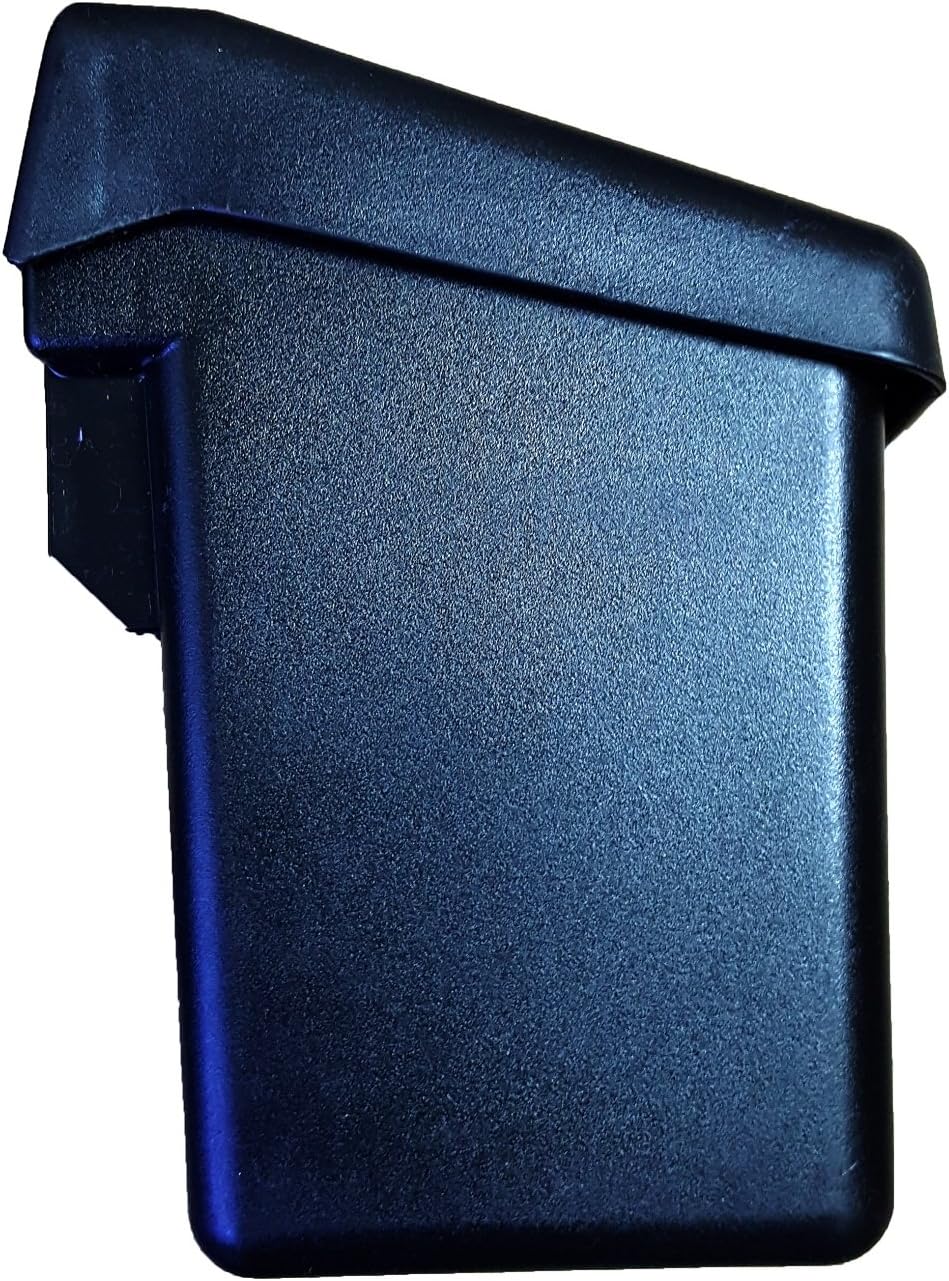
Figure 3.2: Side profile of the Malibu ML121RT transformer, showing its robust casing.
4. Setup and Installation
4.1 Mounting the Transformer
- Select a suitable outdoor location for mounting the transformer. It should be mounted on a wall, away from direct water spray from sprinklers, and in a location that allows the lid to be fully closed.
- The transformer has three mounting holes on the back. Note that only the two holes on the left are active for mounting; the rightmost hole is inactive.
- Use the provided mounting screws to securely attach the transformer to the wall. Ensure it is level and firmly fixed.
4.2 Wiring the Low Voltage Cable
Before wiring, ensure the transformer is NOT plugged into a power outlet.
- Prepare your 16 AWG (minimum) low voltage outdoor cable. Strip approximately 3/8 inch (9.5 mm) of insulation from the ends of the cable.
- Locate the low voltage terminal screws inside the wiring compartment of the transformer (refer to Figure 2.1).
- Insert one stripped end of the low voltage cable under each terminal screw. Ensure that no insulation is caught under the terminal plate.
- Firmly tighten the terminal screws to secure the wires. Do not overtighten.
- Verify that the connections are secure and that there are no loose strands of wire.
- Connect your low voltage landscape lights to the other end of the cable, ensuring the total wattage of all connected lamps does not exceed 121 watts.
5. Operation
5.1 Setting the Timer
The ML121RT features a manual geared timer for automatic operation. The transformer comes with one set of trippers.

Figure 5.1: Detailed view of the timer dial and manual override switch.
- Set Current Time: Rotate the outer dial clockwise until the current time aligns with the "TIME OF DAY" arrow. The dial is marked with AM/PM indicators.
- Insert Trippers: Insert the provided trippers into the slots on the timer dial at the desired ON and OFF times. Typically, one tripper is for ON and another for OFF.
- Verify Settings: Ensure the trippers are securely in place and correspond to your desired lighting schedule.
5.2 Manual On/Off Override
The transformer includes a manual override switch, typically located near the timer dial (refer to Figure 5.1). This switch allows you to turn the lights on or off immediately, bypassing the programmed timer settings. Return the switch to the "Timer" position for automatic operation.
6. Maintenance
- Cleaning: Periodically wipe the exterior of the transformer with a damp cloth to remove dirt and debris. Do not use abrasive cleaners or solvents.
- Lid Closure: Always ensure the transformer lid is securely closed to maintain its water-resistant properties.
- Wiring Inspection: Annually inspect the low voltage wiring connections for corrosion or looseness. Tighten terminal screws if necessary.
- Wattage Check: If adding or removing lights, re-calculate the total wattage to ensure it does not exceed the 121-watt maximum capacity.
7. Troubleshooting
| Problem | Possible Cause | Solution |
|---|---|---|
| Lights do not turn on. |
|
|
| Lights flicker or are dim. |
|
|
| Timer not working. |
|
|
8. Specifications
| Feature | Detail |
|---|---|
| Model Number | ML121RT |
| Brand | Malibu |
| Power Source | Corded Electric |
| Output Voltage | 12V AC |
| Maximum Wattage | 121 Watts |
| Mounting Type | Wall Mount |
| Timer Type | Manual Geared Timer with ON/OFF override |
| Housing Material | Durable, water-resistant housing |
| Finish | Black Matte |
| Parcel Dimensions | 26 x 19 x 15 cm |
| Weight | 2.82 kg |
9. Warranty and Support
The manufacturer aims for customer satisfaction. While specific warranty details are not provided in this manual, if you encounter any issues or require technical assistance with your Malibu ML121RT transformer, please contact the retailer or the manufacturer's customer support for guidance. Ensure you have your model number (ML121RT) and purchase information available when contacting support.


