1. Product Overview
The mophie power boost is a compact and portable external battery designed to provide reliable power for smartphones, tablets, and other USB-compatible devices. Its durable construction and advanced power management system ensure efficient and safe charging on the go. The integrated LED status indicator allows for easy monitoring of battery levels and charge status.

Figure 1: Front view of the mophie Power Boost, showing its sleek black design and LED battery indicators.
2. What's in the Box
- mophie Power Boost portable charger
- Micro USB cable
- Quick start guide
3. Setup and Charging the Power Boost
Before using your mophie Power Boost to charge other devices, ensure the power bank itself is fully charged. The device comes with a micro USB cable for charging.
- Connect the Micro USB Cable: Insert the micro USB connector of the provided cable into the input port on the mophie Power Boost.
- Connect to Power Source: Plug the standard USB-A end of the cable into a compatible USB wall adapter (not included) or a computer's USB port.
- Monitor Charge Status: The LED indicator lights on the side of the power boost will illuminate to show the charging progress. Four solid lights indicate a full charge.

Figure 2: Top view of the mophie Power Boost, highlighting the charging ports and LED indicators.
4. Operating Instructions
The mophie Power Boost features two high-output USB charging ports (3.1A total output) allowing for simultaneous charging of two devices.
- Connect Your Device: Use your device's charging cable (USB-A to your device's connector) and plug the USB-A end into one of the output ports on the mophie Power Boost.
- Initiate Charging: The mophie Power Boost should automatically begin charging your connected device. If not, press the power button located near the LED indicators to activate charging.
- Monitor Device Charge: Your device's screen will indicate that it is charging. The LED lights on the power boost will show its remaining battery capacity.
- Charge Multiple Devices: Connect a second device to the other USB-A output port for simultaneous charging.
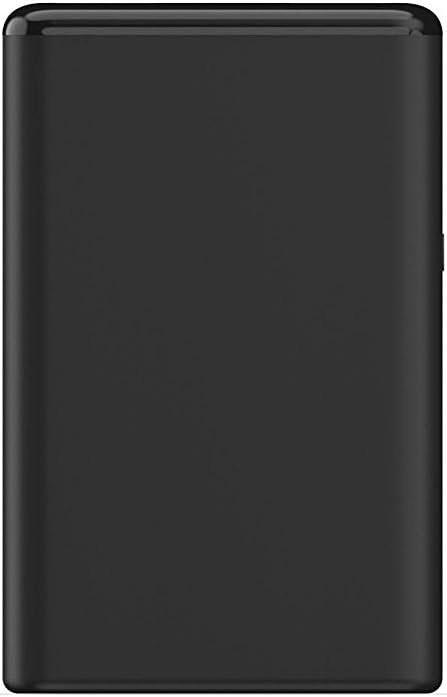
Figure 3: Side view of the mophie Power Boost, illustrating the power button and LED indicators for checking battery status.
5. Maintenance and Care
- Keep the power boost dry and away from moisture.
- Avoid extreme temperatures.
- Do not disassemble or attempt to repair the device.
- Clean with a soft, dry cloth. Do not use harsh chemicals or abrasive materials.
- Store in a cool, dry place when not in use for extended periods.
6. Troubleshooting
| Problem | Possible Cause | Solution |
|---|---|---|
| Device not charging from Power Boost. | Power Boost battery is depleted; cable is faulty; device is not properly connected. | Recharge the Power Boost; try a different charging cable; ensure cable is securely connected to both the Power Boost and your device; press the power button on the Power Boost. |
| Power Boost not charging. | Charging cable is faulty; power adapter is not working; power source issue. | Try a different micro USB cable; try a different USB wall adapter or power source. |
| LED indicators not lighting up. | Power Boost is completely discharged; power button not pressed. | Connect the Power Boost to a power source for charging; press the power button to check battery status. |
7. Specifications
| Model Number: | 4057_PWR-BOOST-5.2K-BLK |
| Battery Capacity: | 5200 Milliamp Hours (5,200mAh) |
| Battery Type: | Lithium Polymer (3 batteries included) |
| Output Ports: | Two high-output USB charging ports (USB-A) |
| Total Output: | Up to 3.1A |
| Input Port: | Micro USB |
| Dimensions (L x W x H): | 2.24 x 0.87 x 3.54 inches |
| Item Weight: | 0.5 ounces |
| Color: | Black |
| Manufacturer: | Mophie, Inc. |
| Date First Available: | July 14, 2017 |
8. Warranty and Support
For detailed warranty information and customer support, please refer to the quick start guide included with your mophie Power Boost or visit the official mophie website. Keep your proof of purchase for warranty claims.


