
Introduction
The Beurer EM44 TENS Unit Muscle Stimulator is designed to provide comfortable and portable muscle pain relief. This device utilizes Transcutaneous Electrical Nerve Stimulation (TENS) technology to help alleviate muscle aches in various body parts. It features multiple programs and intensity levels to cater to individual needs.
Safety Information
Important Safety Notice:
This product is not recommended for use on any part of the body that has a metal implant, such as knee replacements that contain metal components. Always consult with a healthcare professional before using this device, especially if you have pre-existing medical conditions.
What's Included
Your Beurer EM44 TENS Unit package includes the following components:
- Beurer EM44 TENS Unit
- 4 Adhesive TENS Pads Electrodes
- Belt Clip
- 3 AAA Batteries (included)

Image: All components included in the Beurer EM44 TENS Unit package.
Setup
- **Insert Batteries:** Open the battery compartment and insert the 3 AAA batteries, ensuring correct polarity.
- **Attach Electrode Pads:** Connect the electrode pads to the device using the provided cables.
- **Prepare Skin:** Ensure the skin where the pads will be placed is clean, dry, and free of lotions or oils.
- **Apply Pads:** Carefully peel the protective film from the adhesive side of the electrode pads and firmly place them on the desired treatment area. Refer to the on-screen electrode position guide for optimal placement.

Image: The Beurer EM44 TENS Unit with connected electrode pads.
Operating Instructions
The Beurer EM44 TENS Unit offers a variety of programs and intensity levels for personalized pain relief. Follow these steps to operate your device:
1. Power On/Off
- Press and hold the power button (usually the central button) to turn the device on or off.
- The device features a safety auto switch-off function to conserve battery and ensure safe operation.
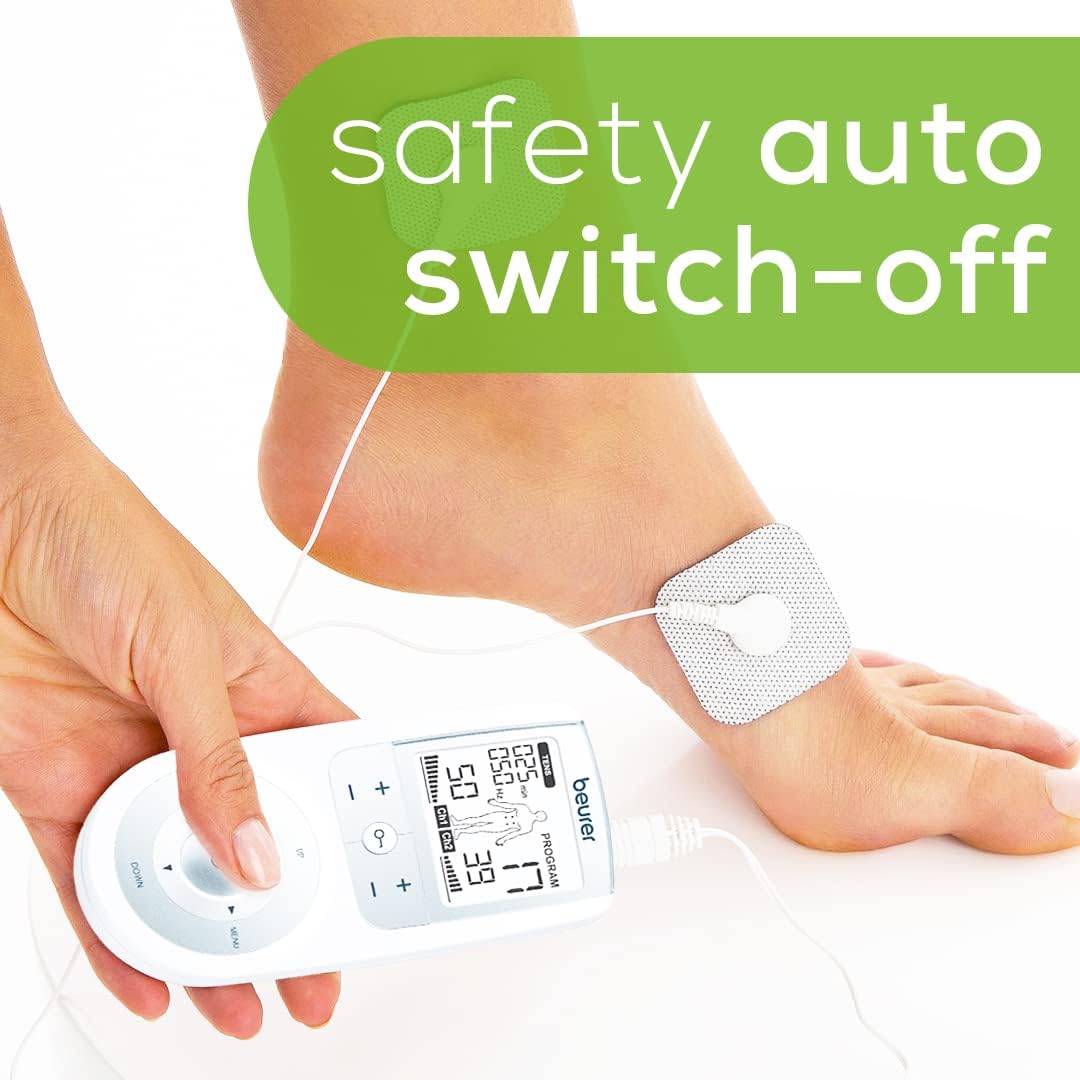
Image: The Beurer EM44 TENS Unit demonstrating its safety auto switch-off feature.
2. Program Selection
- The device comes with 15 pre-set programs and 3 customizable programs.
- Use the "MENU" button and navigation arrows to browse and select your desired program.
- The digital LCD display will show the selected program number and other relevant information.

Image: The digital LCD display of the Beurer EM44 TENS Unit, showing program and intensity settings.
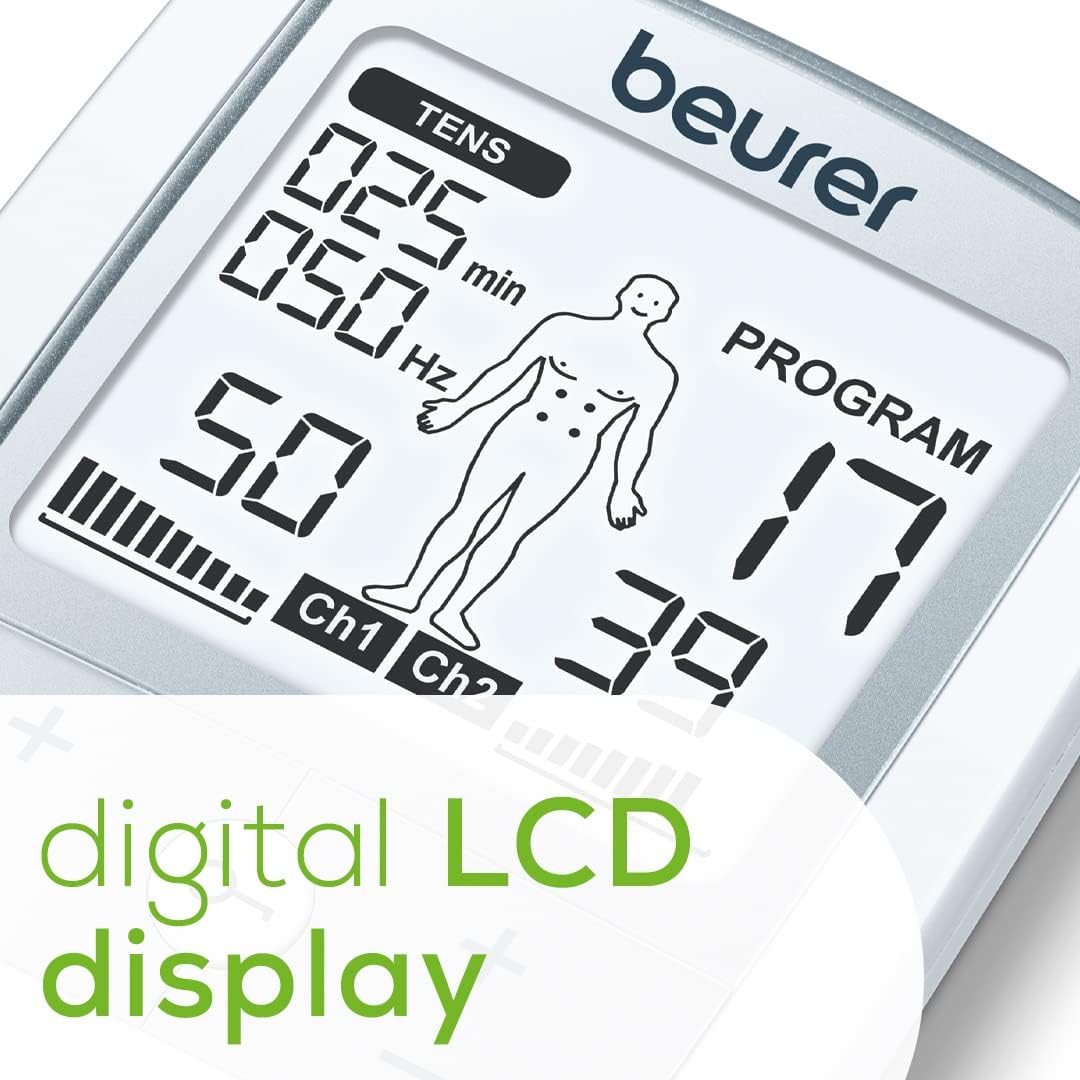
Image: The digital LCD display of the Beurer EM44 TENS Unit, indicating its timer function.
3. Adjusting Intensity
- The device offers 50 intensity levels.
- Use the '+' and '-' buttons to increase or decrease the intensity to a comfortable level.
4. Electrode Placement Guide
The TENS machine features an on-screen electrode position guide. The best electrode placement for treatment will light up on the digital body map, assisting you in targeting specific areas for pain relief.

Image: The Beurer EM44 TENS Unit is ideal for targeted pain relief on the lower back, shoulders, elbows, thighs, knees, calves, and ankles.

Image: Four self-adhesive electrode gel pads are included for application.

Image: Targeted pain relief is achieved using TENS technology.

Image: The device comes with a convenient belt clip for easy portability.
Product Overview Video
Video: An official overview of the Beurer EM44 TENS Unit, demonstrating its features and how it provides targeted pain relief using TENS technology. This video highlights the device's programs, intensity levels, electrode placement, and portability.
Maintenance
- **Cleaning:** Wipe the device and electrode pads with a soft, damp cloth. Do not use abrasive cleaners or immerse the device in water.
- **Pad Care:** Ensure electrode pads are clean and stored properly after each use to maintain their adhesive quality. Replace pads when they lose their stickiness.
- **Battery Replacement:** Replace batteries when the low battery indicator appears on the display. Use 3 AAA batteries.
- **Storage:** Store the device in a cool, dry place away from direct sunlight and extreme temperatures.
Troubleshooting
| Problem | Possible Cause | Solution |
|---|---|---|
| Device does not turn on. | Low or dead batteries; incorrectly inserted batteries. | Replace batteries with new ones; ensure batteries are inserted with correct polarity. |
| No sensation or weak sensation. | Pads not properly adhered; low intensity setting; worn-out pads. | Press pads firmly onto skin; increase intensity gradually; replace old pads with new ones. |
| Pads not sticking. | Skin is oily or dirty; pads are old/dry. | Clean and dry skin thoroughly before application; replace pads. |
Specifications
- **Product Dimensions:** 4.8 x 0.9 x 2.3 inches
- **Item Weight:** 12.8 ounces
- **Model Number:** EM44
- **Batteries:** 3 AAA batteries (included)
- **Intensity Levels:** 50
- **Programs:** 15 pre-set, 3 customizable
- **Material:** Plastic
- **Color:** White
- **Manufacturer:** Beurer North America LP
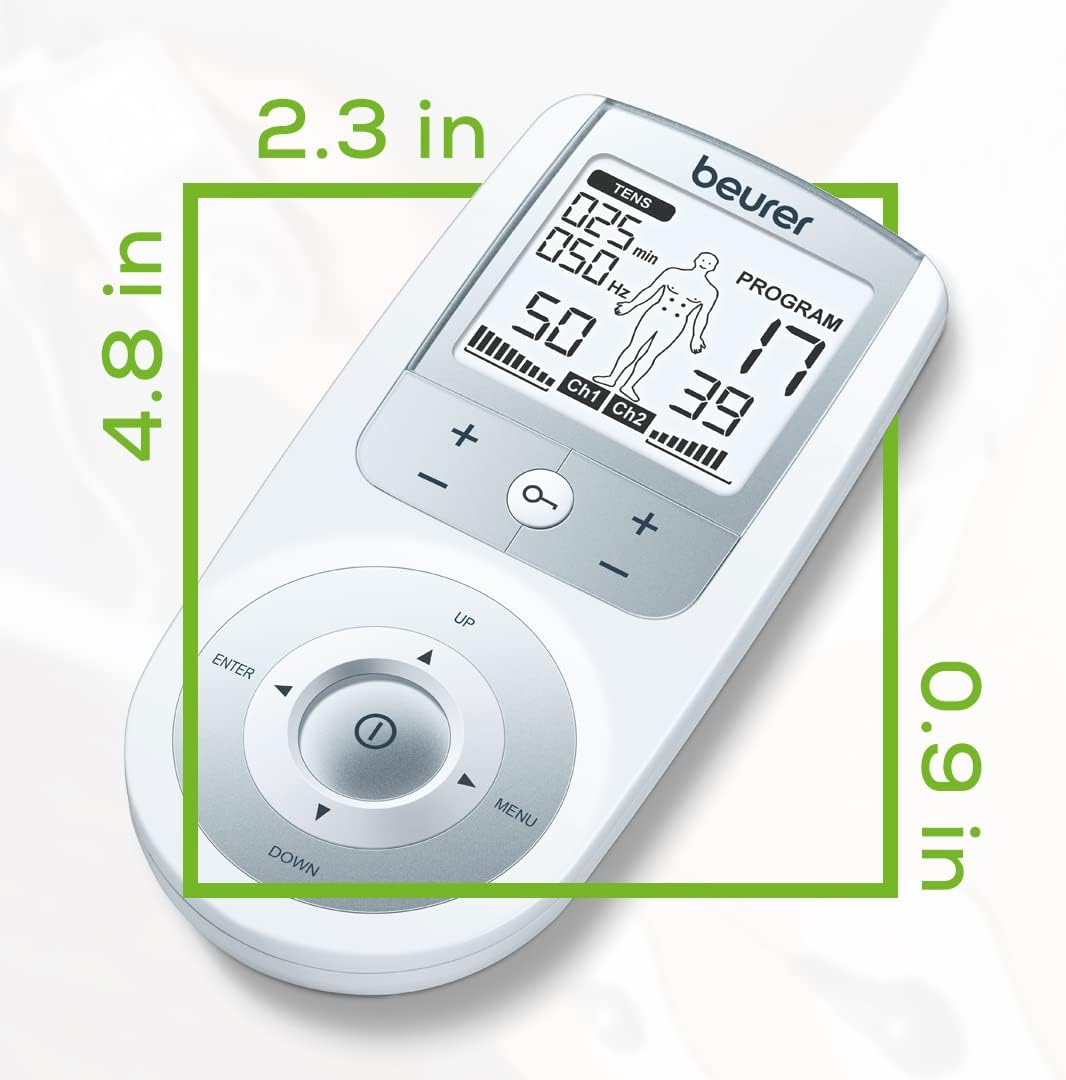
Image: Dimensions of the Beurer EM44 TENS Unit.
Warranty and Support
For warranty information, product support, or to purchase replacement parts, please contact Beurer North America LP directly. Refer to the contact information provided in your product packaging or visit the official Beurer website.
You can also find additional resources and frequently asked questions on the Beurer Store on Amazon.