1. Introduction
The Beurer BF 600 Diagnostic Scale is designed to provide comprehensive body analysis measurements, including body weight, body fat, body water, muscle percentage, bone mass, and Body Mass Index (BMI). This scale connects to your smartphone via Bluetooth, allowing you to track your health data over time using the Beurer HealthManager app. This manual provides essential information for safe and effective use of your device.
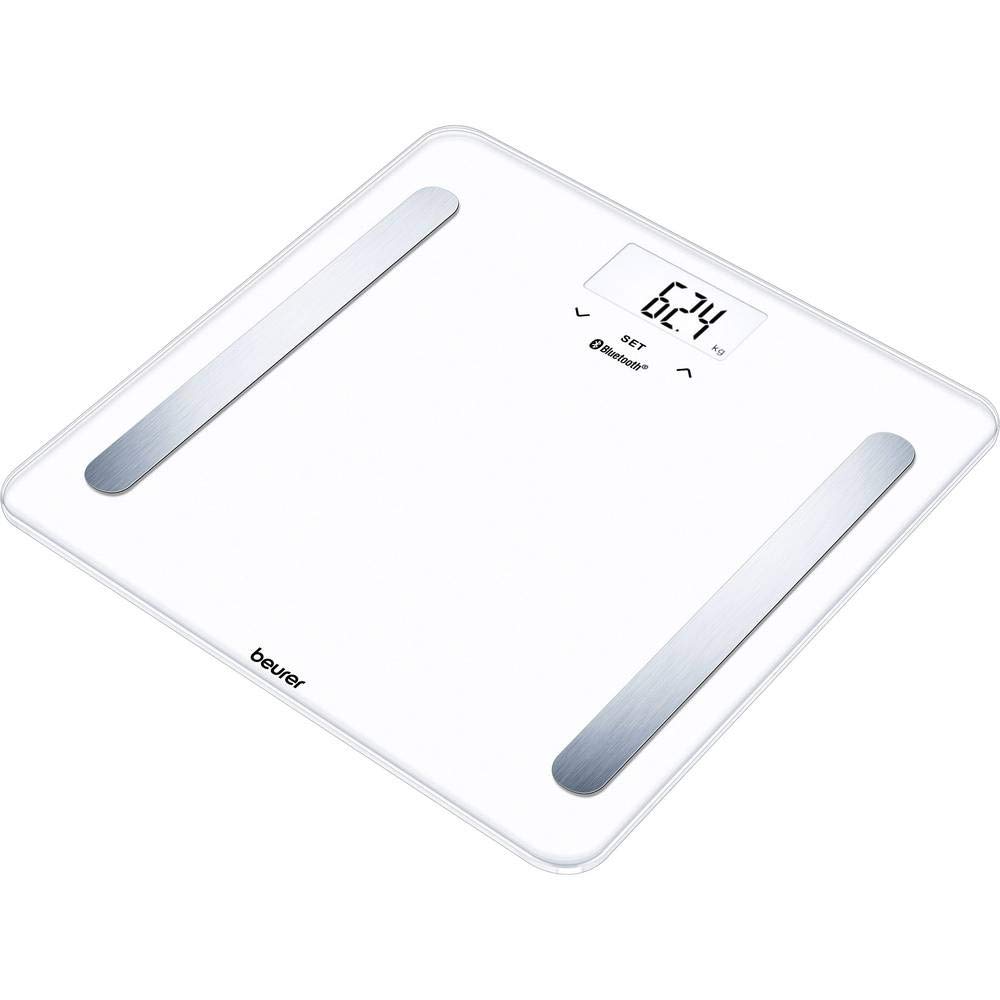
Figure 1: Beurer BF 600 Diagnostic Scale. This image shows the sleek black design of the scale with its display screen.
2. Important Safety Information
- Read this instruction manual carefully before first use and keep it for future reference.
- This device is intended for personal use only.
- Do not use this device if you have a medical implant (e.g., pacemaker).
- Pregnant women should not use this device for body fat measurement.
- Place the scale on a firm, level surface to ensure accurate measurements.
- Do not step on the scale with wet feet or when the surface is wet, as this may cause slipping.
- Keep batteries out of reach of children.
- Protect the device from impacts, moisture, dust, chemicals, drastic temperature fluctuations, and heat sources.
3. Package Contents
Please check that all items are included in the delivery:
- 1x Beurer BF 600 Diagnostic Scale
- 2x AAA Batteries
- 1x Instruction Manual
4. Setup
4.1 Battery Installation
- Open the battery compartment on the underside of the scale.
- Insert the two AAA batteries, ensuring correct polarity (+/-).
- Close the battery compartment securely.

Figure 2: Top view of the Beurer BF 600 Diagnostic Scale. This image highlights the measurement surface and display.
4.2 App Download and Initial Setup
To utilize the full functionality of your BF 600 scale, download the Beurer HealthManager app on your smartphone.
- Download the "Beurer HealthManager" app from your smartphone's app store (iOS or Android).
- Open the app and create a user profile. You will need to enter personal data such as height, age, and gender for accurate body analysis.
- Follow the in-app instructions to pair your BF 600 scale via Bluetooth. Ensure Bluetooth is enabled on your smartphone.
- Once paired, the app will guide you through setting up individual user profiles on the scale. The scale can store data for multiple users.
5. Operation
5.1 Taking a Measurement
- Place the scale on a flat, hard surface.
- Step onto the scale barefoot. Ensure your feet are positioned correctly on the electrodes.
- The scale will automatically turn on and begin measurement. Your weight will be displayed first.
- After a few seconds, the scale will display your body analysis values (body fat, body water, muscle percentage, bone mass, BMI) in sequence.
- If the Beurer HealthManager app is open and Bluetooth is active, your measurements will automatically transfer to your user profile in the app.
5.2 User Recognition
The BF 600 scale is designed to automatically recognize users based on their previous measurements. If multiple users have similar weight, the scale may prompt you to select your user profile using the buttons on the scale or within the app.
5.3 Viewing Data in the App
The Beurer HealthManager app provides a detailed overview of your measurements over time. You can view trends, set goals, and export data. Regularly checking your data helps monitor your health progress.
6. Maintenance
6.1 Cleaning the Scale
- Clean the scale regularly with a damp cloth.
- Do not use abrasive cleaning agents or immerse the scale in water.
- Ensure the scale is completely dry before storage or next use.
6.2 Battery Replacement
When the battery indicator appears on the display, replace both AAA batteries as described in section 4.1. Always replace all batteries at the same time with new ones of the same type.
6.3 Storage
Store the scale in a dry, cool place, away from direct sunlight and extreme temperatures.
7. Troubleshooting
| Problem | Possible Cause | Solution |
|---|---|---|
| Scale does not turn on. | Batteries are empty or incorrectly inserted. | Check battery polarity or replace batteries. |
| Inaccurate measurements. | Scale not on a flat surface; user profile incorrect; not barefoot. | Place on a firm, level surface. Verify user profile data in the app. Ensure bare feet are on electrodes. |
| Data not transferring to app. | Bluetooth off; app not open; scale not paired. | Ensure Bluetooth is enabled on your phone. Open the Beurer HealthManager app. Re-pair the scale if necessary. |
| "Err" message on display. | Measurement error (e.g., movement during measurement, weight exceeds capacity). | Step off and on the scale again, remaining still. Check maximum weight capacity (180 kg). |
8. Technical Specifications
- Model: BF 600
- Manufacturer: Beurer
- Part Number: 749.03
- Product Dimensions: 30 x 30 x 2.1 cm
- Product Weight: 1.5 kg
- Power Supply: 2 x AAA batteries (included)
- Voltage: 220
- Connectivity: Bluetooth
- Measurement Units: kg / lb / st
- Weight Capacity: 180 kg / 396 lb / 28 st
- GTIN: 04211125749033
9. Warranty and Support
For warranty claims, technical support, or further assistance, please contact your local Beurer customer service or the retailer from whom you purchased the product. Please retain your proof of purchase.