
Lawrence FBA-LH8810S
Lawrence Hardware #8810S Panic Rated Rim Exit Device Instruction Manual
Model: FBA-LH8810S
1. Product Overview
The Lawrence Hardware #8810S Panic Rated Rim Exit Device is designed for secure and compliant door locking and exit functionality. This device is cUL/UL listed for US code compliance, ensuring safety and reliability for various commercial applications.

Figure 1: Overview of the Lawrence Hardware #8810S Panic Rated Rim Exit Device.
2. Key Features
- Grade 1 Rating: Suitable for medium-duty applications.
- Door Compatibility: Designed for single and double doors with a mullion.
- Latching Mechanism: Features a shock-resistant latching mechanism.
- Material: Constructed with a 100% stainless-steel latch bolt and satin chrome finish.
- Durability: Rated for 1 million cycles.
- Mounting: Non-handed design allows for both left and right mounting.
- Certification: cUL/UL listed for US code compliance.
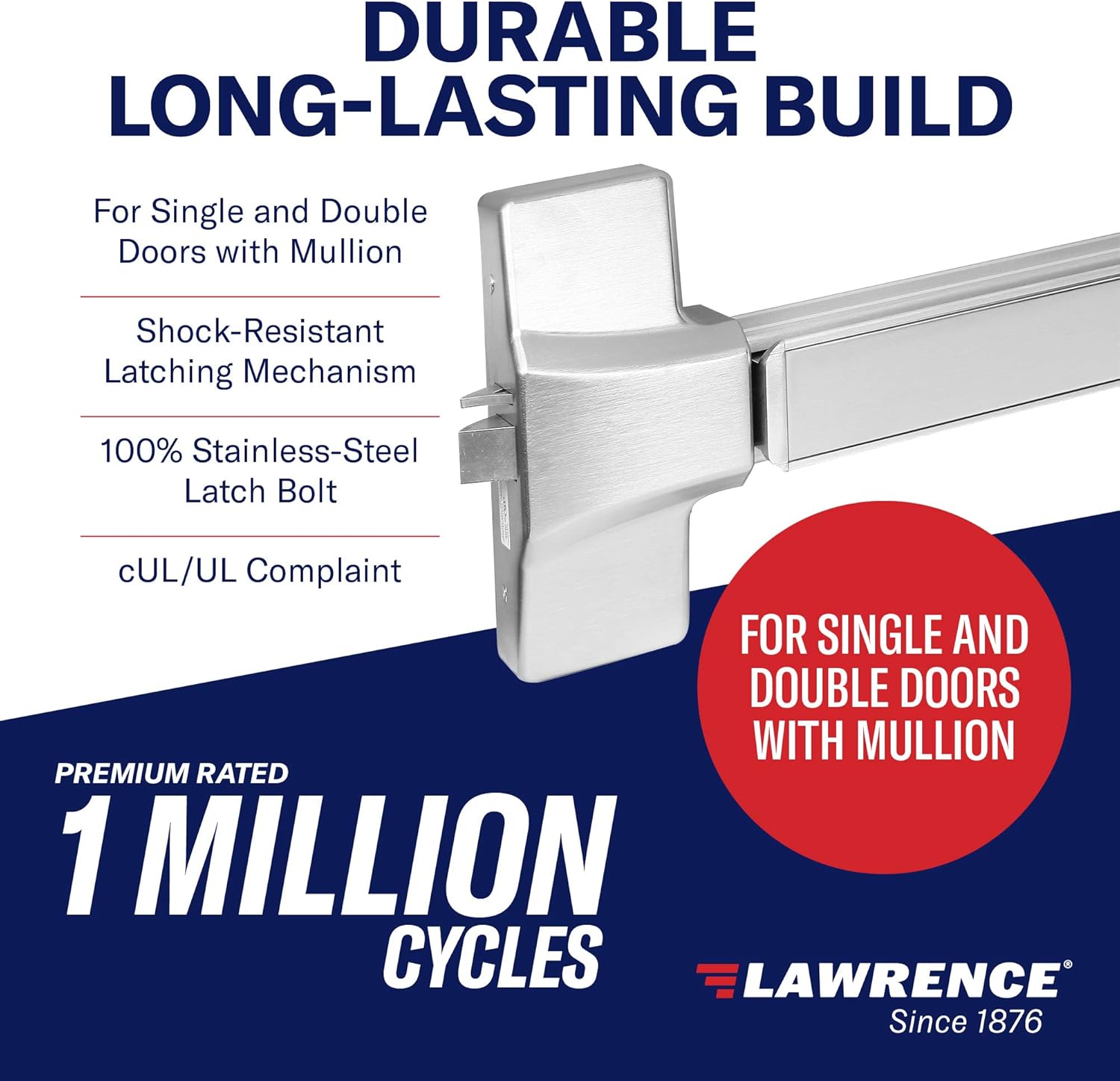
Figure 2: Key features highlighting the durable construction and Grade 1 rating.
3. Specifications
| Specification | Detail |
|---|---|
| Model Number | FBA-LH8810S |
| Door Material Compatibility | Thick hollow metal or wood doors |
| Door Thickness | 1-3/4 inches |
| Door Width | Up to 36 inches (short length bar 33.5 inches) |
| Dogging Options | Hex key (standard) or cylinder operation (special order) |
| Product Dimensions | 35 x 10.5 x 5 inches |
| Item Weight | 12.23 pounds |
| Material | Stainless Steel |
| Certification | ADA, UL (cUL/UL listed) |

Figure 3: UL Certification details for Lawrence Hardware panic devices.
4. Installation Guidelines
This section provides general guidelines for installing the #8810S Rim Exit Device. For detailed instructions, refer to the specific installation template included with your product package.
4.1 Door Preparation
- Ensure the door is compatible with the device: thick hollow metal or wood doors.
- Verify door thickness is 1-3/4 inches.
- Confirm door width is up to 36 inches for proper fit of the 33.5-inch bar.
4.2 Mounting
The device features a non-handed design, allowing for flexible mounting on either left or right-hand doors. Follow the provided template for precise drilling and attachment of the device to the door surface.
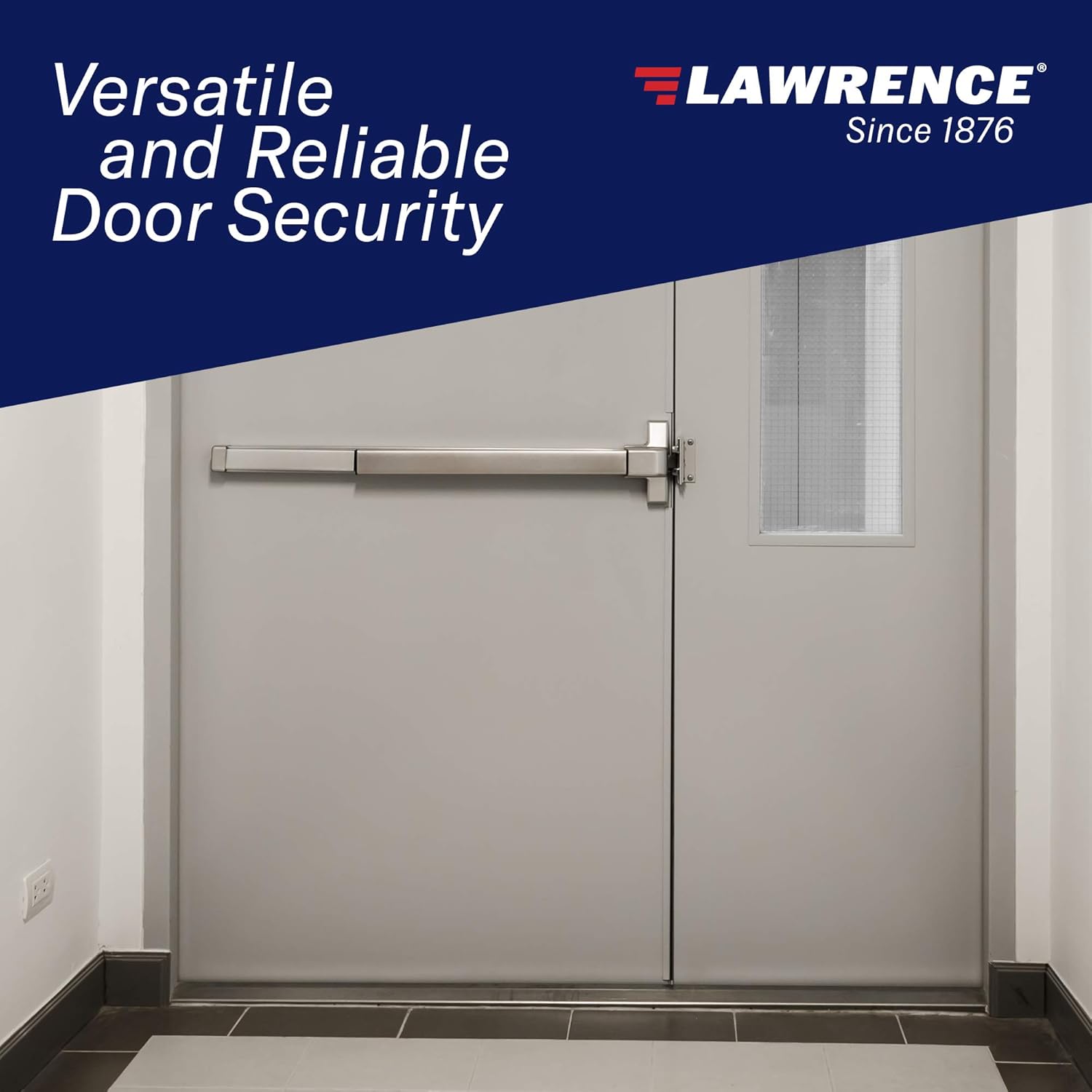
Figure 4: Example of the panic exit device installed on a door.
5. Operation
5.1 Exiting
To exit, apply slight pressure to the device's touch bar. This action retracts the latch bolt, allowing the door to open. The auxiliary guarded latch automatically deadlocks the latch bolt upon closing, ensuring security.
5.2 Dogging Mechanism
The dogging mechanism allows the latch bolt to remain retracted, enabling push-pull operation of the door without needing to press the bar. This is useful for periods of high traffic. Dogging can be engaged using a hex key (standard) or a cylinder (special order).
6. Maintenance
The #8810S Rim Exit Device is designed for durability and minimal maintenance, rated for 1 million cycles. Regular inspection of the device for proper function and alignment is recommended. Keep the touch bar and latch area free from obstructions. Clean with a soft, damp cloth; avoid abrasive cleaners.
7. Troubleshooting
This section addresses common issues that may arise with the panic exit device.
7.1 Latch Not Retracting Fully
- Check for Obstructions: Ensure no foreign objects are preventing the touch bar or latch from moving freely.
- Verify Alignment: Confirm the device is correctly aligned with the strike plate on the door frame. Misalignment can hinder latch retraction.
- Inspect Dogging Mechanism: If the dogging mechanism is engaged, ensure it is properly disengaged for normal operation.
7.2 Door Not Latching Securely
- Check Strike Plate: Ensure the strike plate is securely fastened and correctly positioned to receive the latch bolt.
- Door Closure: Verify that the door closes completely and without obstruction, allowing the latch to engage fully.
- Auxiliary Latch Function: Confirm the auxiliary guarded latch is functioning to deadlock the bolt upon closing.
If issues persist, contact customer support for assistance.
8. Support and Warranty
For technical support, parts, or warranty inquiries, please contact Lawrence Hardware customer service. While specific warranty details are not provided here, Lawrence Hardware products are known for their quality and compliance.
You may also contact the seller, Homebuilders Hardware, for support related to your purchase:
- Seller: Homebuilders Hardware
- Contact Information: Refer to your purchase documentation or the seller's information on the retail platform.
For more information about Lawrence Hardware products, visit the official Lawrence Store.
Related documentsFBA-LH8810S


Ask a question about this manual
Ask about setup, troubleshooting, compatibility, parts, safety, or missing instructions. Manuals+ will review the question and use this page’s manual context to help answer it.