Introduction
This manual provides instructions for the ADVPRO Personalized LED Night Light Sign. This product features a custom-engraved design and an automatic day/night sensor for convenient operation. It is designed to provide ambient lighting and a personalized decorative element to your space.
Setup
- Unpack the Device: Carefully remove the LED Night Light Sign from its packaging. Inspect for any visible damage.
- Personalization Confirmation: Ensure the engraved name or design matches your order.
- Power Connection: Locate a standard electrical outlet. The device is designed for specific voltage requirements based on your region (110V for US/CA, 240V for AU/UK/EU). Insert the plug firmly into the outlet.
- Placement: Position the night light in an area where the day/night sensor can accurately detect ambient light levels. Avoid placing it in direct sunlight or in areas that are constantly dark, as this may affect the sensor's functionality.

Image: The ADVPRO LED Night Light Sign plugged into a wall outlet, demonstrating proper installation. The light displays a personalized name.
Operation
The ADVPRO LED Night Light Sign is equipped with an integrated day/night sensor for automatic operation.
- Automatic On: The light will automatically illuminate when the ambient light in the room falls below a certain threshold (e.g., at dusk or in a darkened room).
- Automatic Off: The light will automatically turn off when sufficient ambient light is detected (e.g., at dawn or when room lights are turned on).
- Color Options: The LED sign is available in various colors including Blue, Red, Green, Yellow, or White. The specific color of your unit is determined at the time of purchase and cannot be changed by the user.

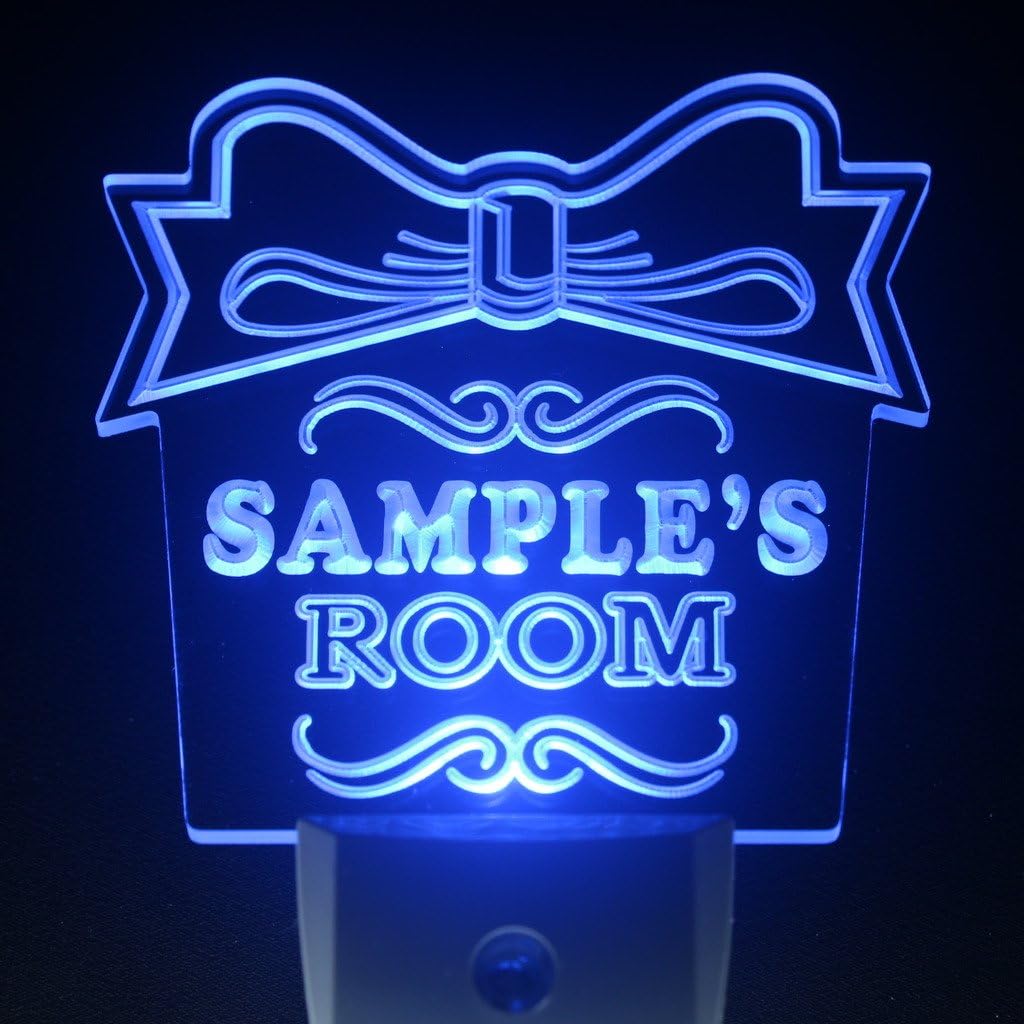


Images: Examples of the ADVPRO LED Night Light Sign illuminated in various available colors (Red, Blue, Green, Yellow, White).
Maintenance
- Cleaning: To clean the surface of the LED sign, gently wipe with a soft, dry, or slightly damp cloth. Do not use abrasive cleaners or solvents, as these may damage the engraved surface or the LED components.
- Dust Removal: Regularly dust the sensor area to ensure proper functionality of the day/night sensor.
- Power Disconnection: Always unplug the device from the power outlet before cleaning or performing any maintenance.
Troubleshooting
| Problem | Possible Cause | Solution |
|---|---|---|
| Light does not turn on. | No power; Sensor detects too much light; Device malfunction. | Check if the plug is fully inserted into a working outlet. Ensure the room is dark enough for the sensor to activate. If issues persist, contact customer support. |
| Light stays on during the day. | Sensor is obstructed or in a consistently dark area. | Relocate the night light to an area with adequate ambient light during the day. Ensure the sensor is not covered. |
| Light flickers or dims. | Unstable power supply; Device malfunction. | Try plugging the device into a different outlet. If the problem continues, contact customer support. |
Specifications
- Model: B0728DZYJB
- Brand: ADVPRO
- Overall Shape Size: 4 x 4 inch (100 mm x 100 mm)
- Power Input: 110V (US & CA) / 240V (AU, UK, EU & other 240V countries)
- Features: Day/Night Sensor (Automatic On/Off)
- Engraving Technology: 3D Engraving
- Item Weight: Approximately 4 Pounds
- First Available: May 20, 2017
Warranty and Support
This product is covered by a standard manufacturer's warranty. For specific warranty terms, please refer to the documentation provided at the time of purchase or contact ADVPRO customer support.
For technical assistance, troubleshooting, or warranty claims, please contact ADVPRO directly. Contact information can typically be found on the product packaging or the manufacturer's official website.