
Introduction
Thank you for choosing the Sethruki Portable Charger 5000mAh. This ultra-slim and lightweight power bank is designed for convenient on-the-go charging of your mobile devices. Featuring built-in Lightning and USB-C cables, it offers a high-speed 5V 2A max output to charge compatible iPhone and Android devices simultaneously.
With a 5000mAh capacity, it provides sufficient power for daily use, offering approximately one full charge for an iPhone 16 or Samsung Galaxy S20, or nearly two charges for an iPhone 8. The device incorporates intelligent safety protections against over-charge, over-discharge, over-voltage, over-current, and short circuits, ensuring reliable and safe operation.

Image: The Sethruki Portable Charger is ultra-slim and lightweight, weighing only 110g, making it easy to carry.

Image: The compact design allows the power bank to fit easily into pockets or small bags.
Setup
1. Initial Charging of the Power Bank
Before first use, fully charge your Sethruki Portable Charger. Connect the power bank to a compatible 5V/2A USB wall adapter (not included) using the provided USB-C charging cable. The charging process typically takes approximately 6 hours for a full charge.
- Ensure the power bank is fully charged to maximize its performance and lifespan.
- Refer to the LED indicators (if present) on the device to monitor charging status. A full charge is indicated when all LEDs are steadily lit.
Operating Instructions
1. Charging Your Devices
The Sethruki Portable Charger features built-in Lightning and USB-C cables for direct charging of compatible devices.
- For iPhone/iPad: Pull out the built-in Lightning cable and connect it to your Apple device.
- For Android/USB-C Devices: Pull out the built-in USB-C cable and connect it to your Android phone, tablet, or other USB-C compatible device.
- The power bank will automatically begin charging your device. If not, press the power button (if available) to initiate charging.

Image: The power bank features built-in cables for both Lightning and USB-C devices, enabling direct charging.
2. Simultaneous Charging
You can charge two devices simultaneously using both built-in cables. The power bank provides a high-speed 5V 2A max output across both ports.

Image: Charge multiple devices simultaneously using the integrated cables.
3. Recharging the Power Bank
To recharge the power bank, use the provided USB-C charging cable and connect it to a USB wall adapter. The LED indicators will show the charging progress.
Maintenance
- Cleaning: Wipe the power bank with a soft, dry cloth. Avoid using harsh chemicals or abrasive materials.
- Storage: Store the power bank in a cool, dry place away from direct sunlight, extreme temperatures, and moisture.
- Battery Care: To prolong battery life, fully charge and discharge the power bank at least once every three months if not in regular use. The battery supports 500+ recharge cycles.
- Safety: Do not disassemble, crush, or puncture the power bank. Keep away from fire and water.
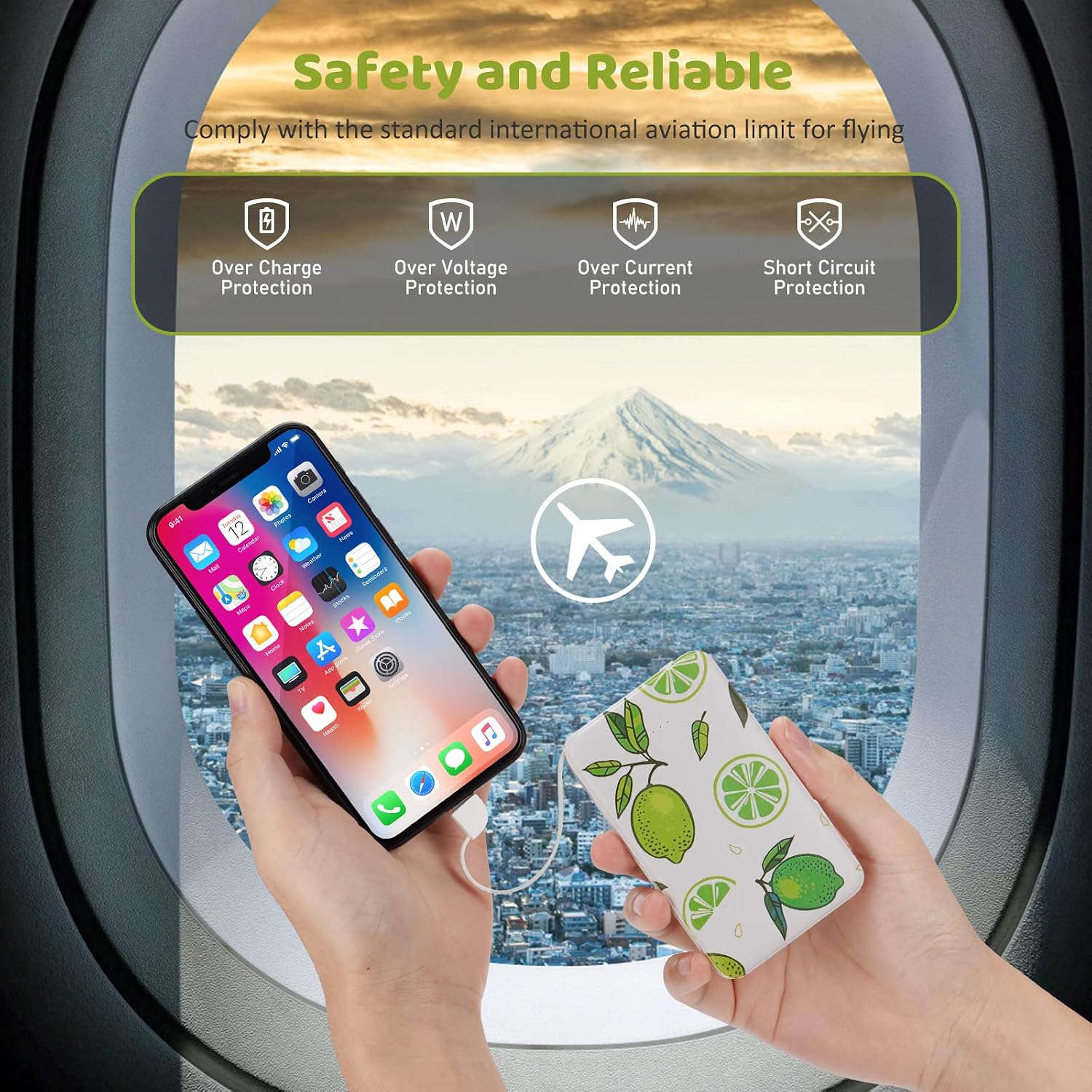
Image: The power bank is designed with multiple safety protections, including over-charge, over-voltage, over-current, and short circuit protection.
Troubleshooting
Power Bank Not Charging:
- Ensure the USB-C charging cable is securely connected to both the power bank and the wall adapter.
- Verify that the wall adapter is functioning correctly and provides 5V/2A output.
- Try a different USB-C cable or wall adapter.
Device Not Charging from Power Bank:
- Ensure the built-in cables are fully inserted into your device.
- Check if the power bank has sufficient charge. Recharge if necessary.
- Press the power button on the power bank to activate charging.
- Confirm your device is compatible with Lightning or USB-C charging.
Slow Charging:
- Ensure your device supports 5V/2A input for optimal charging speed.
- Charging multiple devices simultaneously may distribute the output current, potentially slowing down charging for individual devices.
Specifications

Image: The power bank provides significant power for its small size, capable of charging various devices.
| Feature | Detail |
|---|---|
| Model Number | T-1 |
| Battery Capacity | 5000 mAh |
| Connector Types | Built-in Lightning, Built-in USB Type-C, USB-A Output, USB-C Input |
| Output Voltage | 5 Volts |
| Max Output Current | 2A |
| Power Source | Corded Electric (for recharging power bank) |
| Battery Charge Time (Power Bank) | Approx. 6 Hours |
| Compatible Devices | Smartphones (iPhone series, Android), Tablets, Smartwatches, Headphones |
| Special Features | Built-in Cables, Fast Charging, Lightweight, Pocket Size, Slim |
| Battery Cell Type | Lithium Polymer |
| Item Weight | 3.53 Ounces (100g) |
| Item Dimensions (L x W x Th) | 3.58" x 2.44" x 0.47" (9.1cm x 6.2cm x 1.2cm) |
Warranty Information
This Sethruki Portable Charger comes with a 1-year warranty from the date of purchase. This warranty covers manufacturing defects and issues arising from normal use. It does not cover damage caused by misuse, accidents, unauthorized modifications, or natural disasters.
Please retain your proof of purchase for warranty claims.
Customer Support
For any questions, concerns, or technical assistance regarding your Sethruki Portable Charger, please contact Sethruki customer service. You can typically find contact information on the product packaging or by visiting the official Sethruki store page on Amazon.
We are committed to providing excellent customer service and support.