1. Important Safety Instructions
Please read these instructions carefully before using your Morphy Richards Prism 4-Slice Toaster. Retain this manual for future reference.
- Ensure the voltage indicated on the appliance corresponds with your mains voltage before connecting.
- Do not immerse the toaster, cord, or plug in water or any other liquid.
- Always unplug the toaster from the power outlet when not in use and before cleaning.
- Do not operate the toaster with a damaged cord or plug, or after the appliance malfunctions or has been damaged in any manner.
- Keep the toaster away from children. Close supervision is necessary when any appliance is used by or near children.
- Do not place the toaster on or near a hot gas or electric burner, or in a heated oven.
- Do not touch hot surfaces. Use handles or knobs.
- Do not insert oversized foods, metal foil packages, or utensils into the toaster as this may create a fire or electric shock hazard.
- Do not attempt to dislodge food when the toaster is plugged in.
- Bread may burn, therefore toasters must not be used near or below curtains and other combustible materials. They must be watched.
- This appliance is intended for household use only.
2. Product Overview
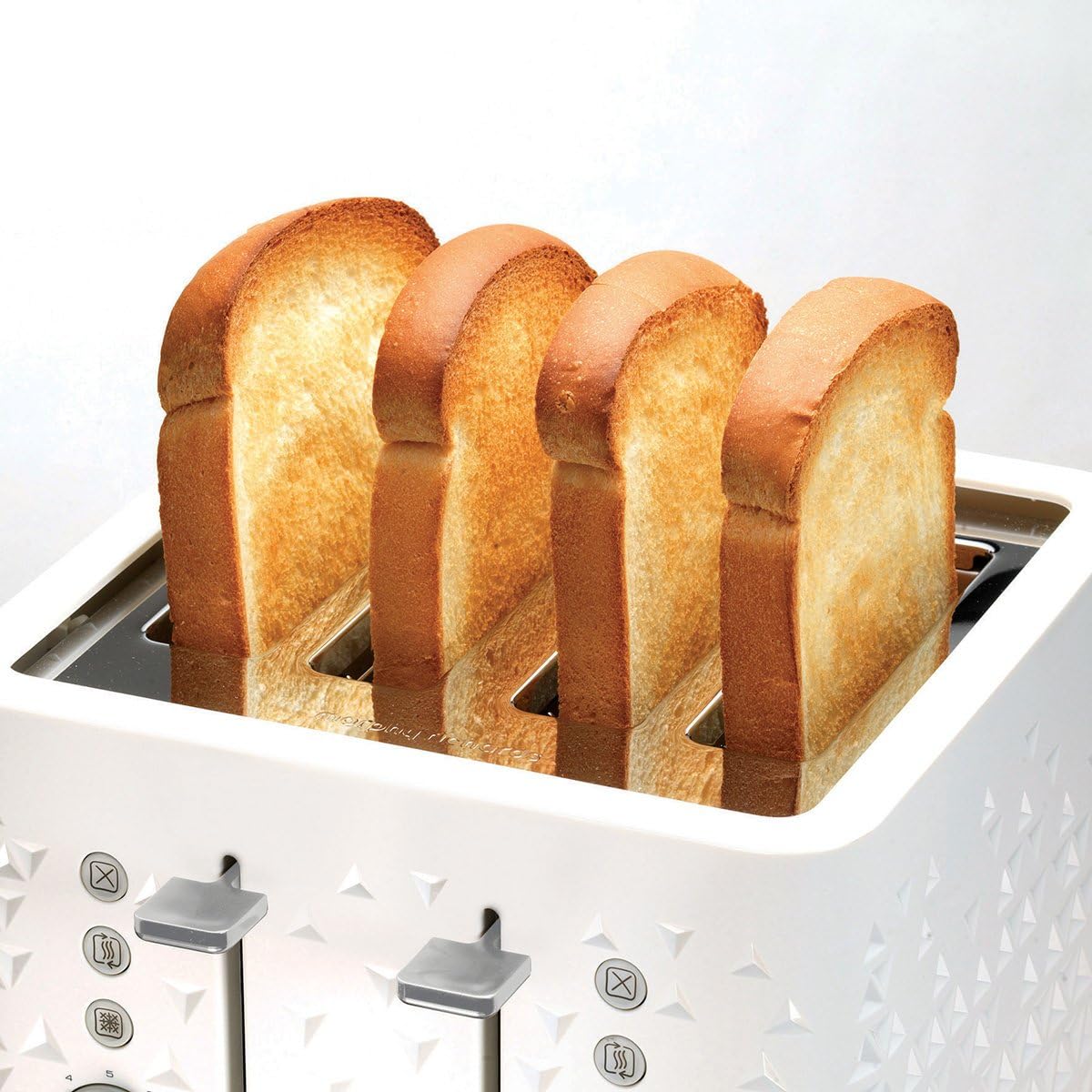
The Morphy Richards Prism 4-Slice Toaster Model 248110 features a modern design with a unique dual-texture finish. It is equipped with variable browning control, a high-lift function for easy toast removal, and illuminated buttons for Cancel, Reheat, and Defrost functions. Removable crumb trays ensure easy cleaning.

3. Setup
3.1 Unpacking
- Carefully remove the toaster from its packaging.
- Remove any protective films or packaging materials from the toaster.
- Ensure all parts are present and undamaged.
3.2 First Use
- Before first use, operate the toaster without bread on the highest browning setting (9) for a few minutes. This will burn off any manufacturing residues and eliminate odors.
- Ensure the area is well-ventilated during this process. A small amount of smoke or odor is normal.
3.3 Placement
- Place the toaster on a stable, heat-resistant surface.
- Ensure there is adequate space around the toaster for ventilation, especially above and behind it.
- Do not place the toaster directly under cupboards or near flammable materials.
4. Operating Instructions
4.1 Toasting Bread
- Plug the toaster into a suitable power outlet.
- Place up to four slices of bread into the toasting slots. The variable width slots accommodate both thick and thin slices.
- Select your desired browning level using the browning control dial. Settings range from 1 (lightest) to 9 (darkest).
- Press down the toast carriage lever until it locks into place. The toaster will begin toasting, and the selected function button (if any) will illuminate.
- Once toasting is complete, the toast will automatically pop up.
- Use the high-lift function by pushing the toast carriage lever upwards to easily remove smaller items without touching hot surfaces.

4.2 Function Buttons
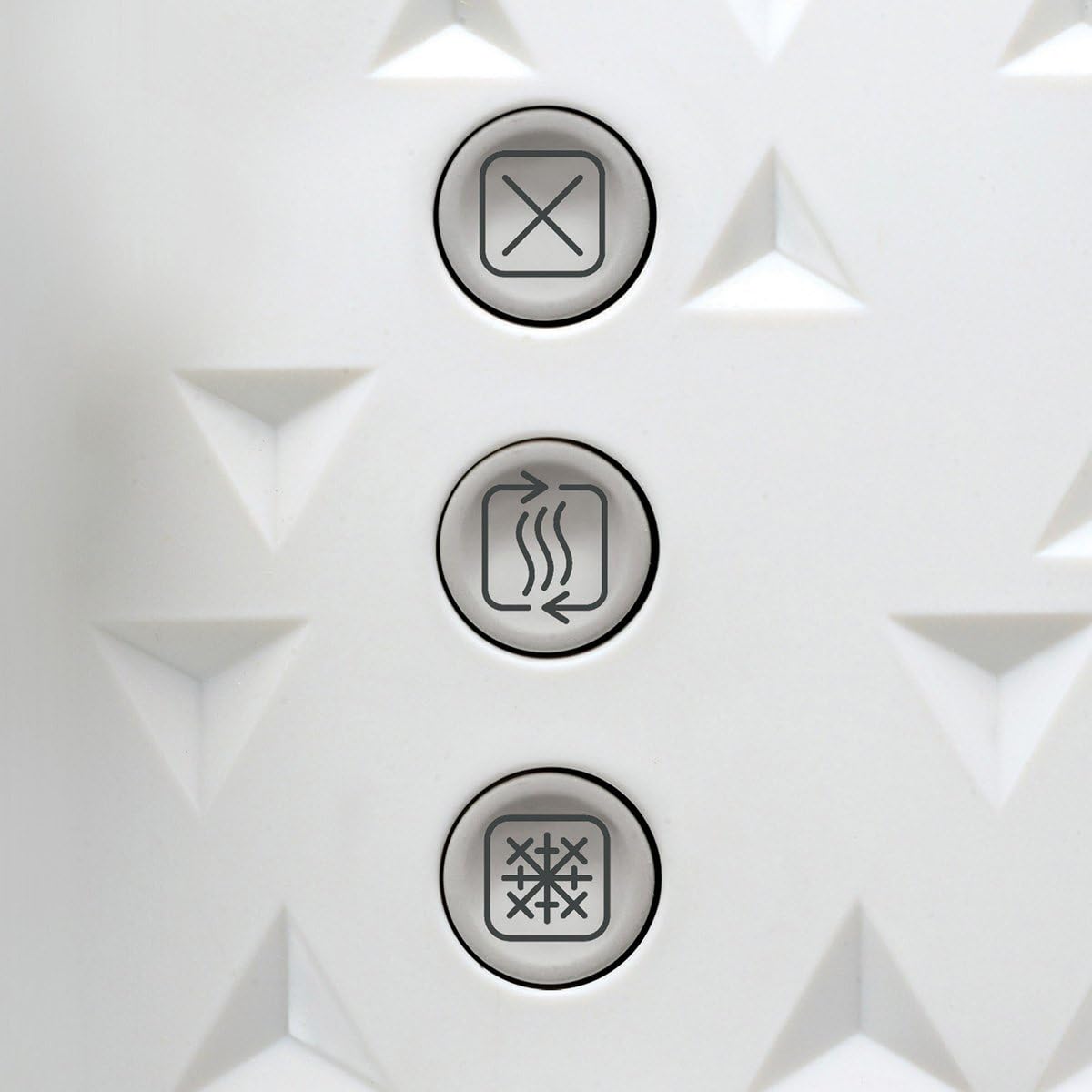
The toaster features three illuminated function buttons:
- Cancel Button (X): Press this button to stop the toasting cycle at any time.
- Reheat Button (SSS): Use this button to warm up previously toasted bread without further browning. Press the lever down, then press the reheat button.
- Defrost Button (snowflake icon): This function allows you to toast frozen bread. Place the frozen bread in the slots, press the lever down, then press the defrost button. The toaster will automatically adjust the toasting time.

5. Maintenance and Cleaning
Regular cleaning will help maintain the performance and longevity of your toaster.
5.1 Crumb Trays
- Always unplug the toaster and allow it to cool completely before cleaning.
- Locate the removable crumb trays at the bottom of the toaster.
- Pull out the crumb trays to remove accumulated crumbs.
- Discard the crumbs and wipe the trays clean with a damp cloth.
- Slide the crumb trays back into position until they lock.

5.2 Exterior Cleaning
- Wipe the exterior of the toaster with a soft, damp cloth. Do not use abrasive cleaners or scouring pads, as these can damage the finish.
- Ensure the toaster is completely dry before plugging it back in.
5.3 Storage
When not in use, store the toaster in a clean, dry place. You can wrap the power cord around the cord storage clips (if available) at the base of the toaster.
6. Troubleshooting
If you encounter any issues with your toaster, refer to the following common problems and solutions:
| Problem | Possible Cause | Solution |
|---|---|---|
| Toaster does not turn on. | Not plugged in; power outage; faulty outlet. | Check power plug and outlet; try another appliance in the same outlet. |
| Toast is too light/dark. | Browning control setting is incorrect. | Adjust the browning control dial to a higher (darker) or lower (lighter) setting. |
| Bread is stuck in the toaster. | Oversized bread; crumbs obstructing mechanism. | Unplug the toaster, allow to cool, then carefully remove the bread. Clean crumb trays. |
| Smoke coming from toaster. | Crumbs burning; food stuck; first use residue. | Press Cancel button, unplug, allow to cool. Clean crumb trays. If first use, this is normal. |
If the problem persists after trying these solutions, please contact customer support.
7. Specifications
Technical details for the Morphy Richards Prism 4-Slice Toaster Model 248110:
| Feature | Detail |
|---|---|
| Brand | Morphy Richards |
| Model Number | 248110 |
| Color | White |
| Power / Wattage | 1800 Watts |
| Voltage | 240 Volts |
| Material | Stainless Steel |
| Number of Slices | 4 |
| Special Features | Cancel Function, Reheat, Defrost, High-Lift, Variable Browning Control, Removable Crumb Trays |
| Item Weight | 2.6 Kilograms |
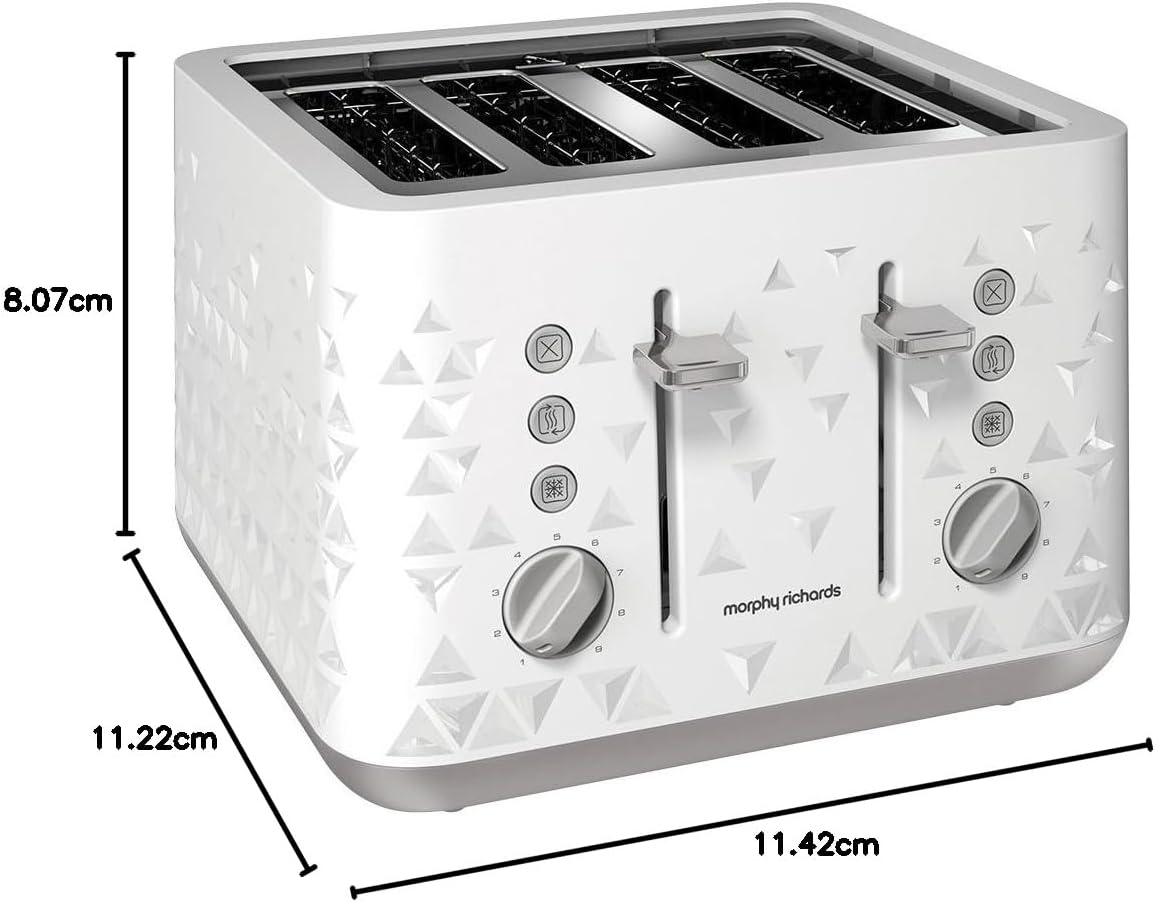
| Product Dimensions | 29 x 28.5 x 20.5 cm |
8. Warranty and Support
8.1 Warranty Information
This Morphy Richards Prism 4-Slice Toaster Model 248110 comes with a minimum one-year manufacturer's warranty from the date of purchase. Please retain your proof of purchase for warranty claims. The warranty covers defects in materials and workmanship under normal household use.
The warranty does not cover:
- Damage caused by misuse, abuse, or neglect.
- Normal wear and tear.
- Damage caused by unauthorized repairs or modifications.
- Commercial use.
8.2 Customer Support
For further assistance, troubleshooting not covered in this manual, or warranty claims, please contact Morphy Richards customer support. Refer to the official Morphy Richards website or your product packaging for the most up-to-date contact information for your region.


