
Introduction
The YOUTHINK Power Monitor XD-01136 is designed to help you understand and manage your electricity consumption. This device accurately measures various electrical parameters, including power (Watts), energy (KWh), voltage, current, frequency, and power factor. By monitoring your appliance usage, you can identify energy-intensive devices and optimize your electricity costs. This manual provides comprehensive instructions for the safe and effective use of your power monitor.

Image: YOUTHINK Power Monitor XD-01136, front view showing the LCD screen and buttons.
Safety Information
Please read and understand all safety instructions before using the device. Failure to follow these instructions may result in electric shock, fire, or damage to the product.
- Do not disassemble or modify the device.
- Do not expose the device to water or extreme temperatures.
- Ensure the device is used within its specified voltage and current limits (refer to Specifications section).
- Do not plug in appliances that exceed the maximum rated power of 1650W to avoid overload.
- Keep out of reach of children.
- Use only in dry, indoor environments.
Product Features
The YOUTHINK Power Monitor XD-01136 offers several key features for comprehensive energy monitoring:
- Versatile Measurement: Measures and displays CO2 emissions (CO2/KG), power (W), energy (KWh), voltage/hertz, ampere/hertz, power factor, minimum power, and maximum power.
- 8 Display Modes: Easily switch between 8 different display modes to view various parameters.
- LCD Display with Backlight: Features a large, easy-to-read LCD screen with a blue backlight for clear visibility, even in low light conditions. The backlight automatically turns off after 15 seconds but can be reactivated by pressing any button.
- Overload Protection: If the connected load exceeds 1650W, the LCD will display "OVERLOAD" with an audible warning, and the device will automatically disconnect power to prevent damage.
- Data Retention: Automatically saves the last recorded data even when unplugged or during a power outage, ensuring no loss of information.
- Energy Cost Calculation: Allows you to input your electricity cost per KWh to calculate the total cost of appliance usage.
Setup
- Unpacking: Carefully remove the power monitor from its packaging.
- Initial Reset (Recommended): Before first use, it is recommended to perform a full reset. Locate the small "RESET" button (often recessed) on the front panel. Use a small, pointed object (like a paperclip) to press and hold the "RESET" button for approximately 3 seconds until the display clears or resets. This ensures all functions operate correctly.
- Plug In: Plug the YOUTHINK Power Monitor directly into a standard wall outlet.
- Connect Appliance: Plug the appliance you wish to monitor into the socket on the front of the power monitor.

Image: The power monitor shown connected to a wall outlet, with various appliances like a computer, TV, washing machine, and microwave oven depicted as being monitored.
Operating Instructions
The power monitor features four buttons: FUNCTION, COST, UP, and DOWN.
Display Modes
Press the FUNCTION button repeatedly to cycle through the 8 different display modes:
- Mode 1: Time/Watt/Cost Display - Shows elapsed time, current power consumption in Watts, and accumulated cost.
- Mode 2: Time/Price Display - Shows elapsed time and the set price per KWh.
- Mode 3: Time/Voltage/Frequency Display - Shows elapsed time, current voltage (V), and frequency (Hz).
- Mode 4: Time/Current/Power Factor Display - Shows elapsed time, current (A), and power factor.
- Mode 5: Time/Maximal Power Display - Shows elapsed time and the highest recorded power consumption (Hi).
- Mode 6: Time/Minimum Power Display - Shows elapsed time and the lowest recorded power consumption (Lo).
- Mode 7: KWh Display - Shows total accumulated energy consumption in Kilowatt-hours (KWh).
- Mode 8: CO2 Emissions Display - Shows calculated CO2 emissions.

Image: Visual representation of the 7 main display modes, illustrating what information is shown in each mode.
Setting Electricity Cost
To accurately calculate energy costs, you need to input your local electricity rate:
- Press and hold the COST button for approximately 3 seconds. The cost setting will become active, and the display will flash.
- Use the FUNCTION button to select the digit you wish to change.
- Use the UP and DOWN buttons to adjust the value of the selected digit.
- Repeat steps 2 and 3 until your desired cost per KWh is entered.
- Press the COST button again to confirm and save the setting.
Note: If you encounter issues setting the cost, perform an initial reset as described in the Setup section. This often resolves functionality issues.
Overload Warning
The device is equipped with an overload protection feature. If the total power drawn by the connected appliance exceeds 1650W, the LCD will display "OVERLOAD" and emit an audible warning sound. The device will then automatically cut off power to the connected appliance to prevent damage to both the monitor and the appliance.
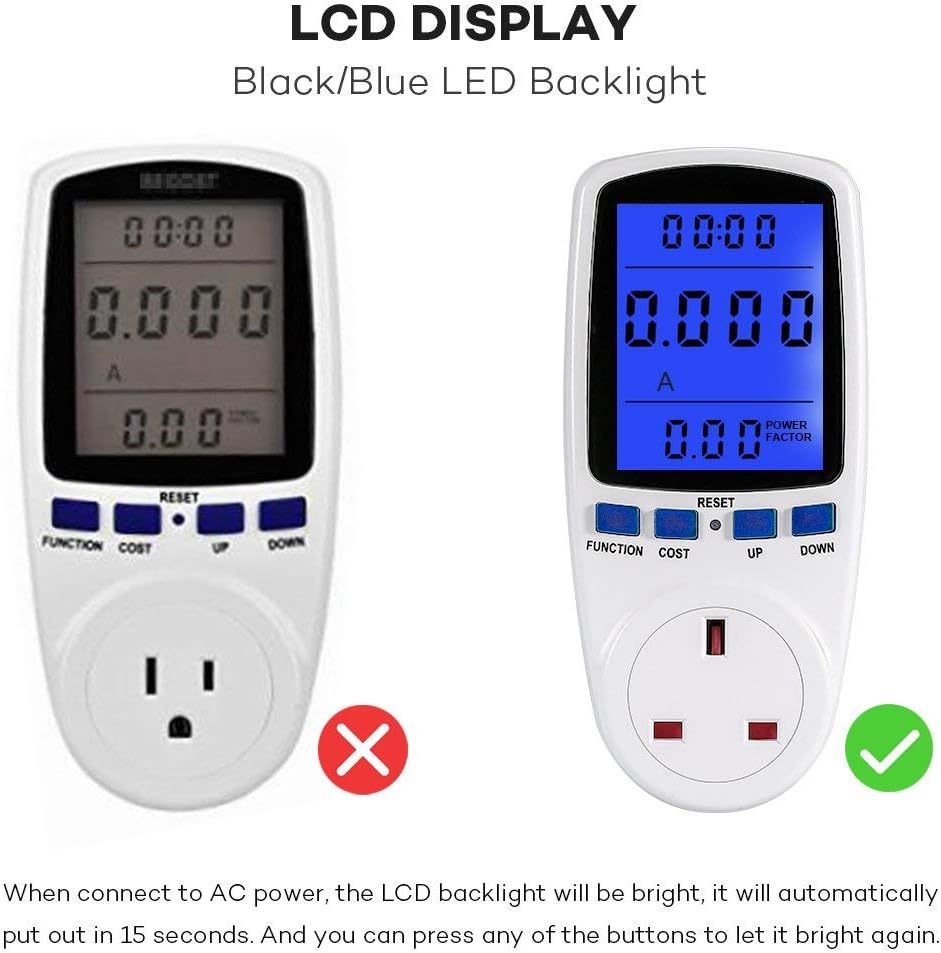
Image: The power monitor's LCD screen showing an "OVERLOAD" message and a warning bell icon, indicating that the connected appliance has exceeded the safe power limit.
LCD Backlight
The blue LCD backlight activates automatically when connected to AC power. It will turn off after approximately 15 seconds of inactivity. To reactivate the backlight, simply press any button.
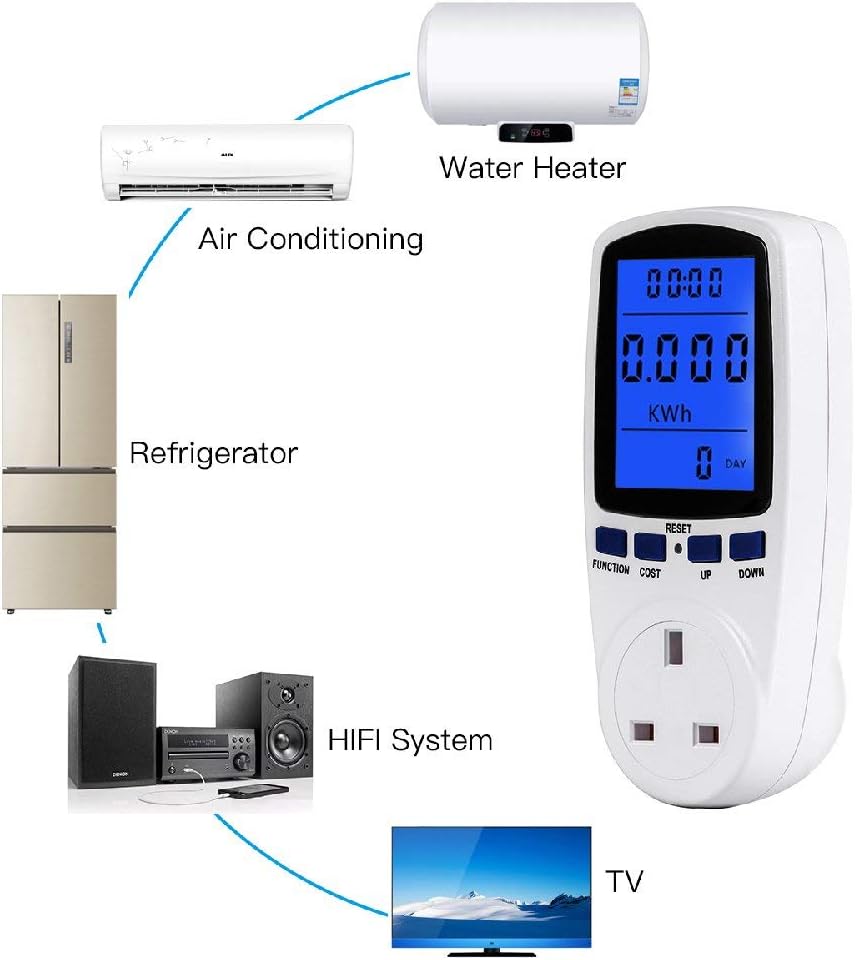
Image: A side-by-side comparison showing the power monitor's LCD screen without backlight (left) and with the blue LED backlight activated (right), highlighting improved readability.
Maintenance
- Cleaning: Wipe the device with a soft, dry cloth. Do not use abrasive cleaners or solvents.
- Storage: Store the device in a cool, dry place away from direct sunlight and moisture when not in use.
- Battery: The device includes an internal battery for data retention. This battery is not user-replaceable.
Troubleshooting
| Problem | Possible Cause | Solution |
|---|---|---|
| Display is blank or not responding. | No power, or device needs reset. | Ensure the monitor is securely plugged into a live outlet. Perform a full reset by pressing the "RESET" button for 3 seconds. |
| Cannot set electricity cost. | Software glitch or incorrect procedure. | Perform a full reset. Then, follow the "Setting Electricity Cost" instructions carefully. |
| "OVERLOAD" message appears. | Connected appliance exceeds 1650W. | Unplug the appliance immediately. Do not connect appliances with power consumption above 1650W. |
| Readings seem inaccurate. | Device needs reset, or appliance is faulty. | Perform a full reset. Test with a known appliance. If issues persist, contact support. |
| LCD backlight turns off too quickly. | Normal operation. | The backlight is designed to turn off after 15 seconds of inactivity to save power. Press any button to reactivate it. |
Specifications
| Parameter | Value |
|---|---|
| Model Number | XD-01136 |
| Manufacturer | ceyo |
| Material | Flame-retardant PP Plastic |
| Product Dimensions (L x W x H) | 15.49 x 4.57 x 7.11 cm (6.1 x 1.8 x 2.8 inches) |
| Product Weight | 195.04 grams |
| Operating Voltage | 230V AC |
| Frequency Display | 50Hz |
| Wide Voltage Range | 200V - 250V |
| Operating Current (Max) | 13A |
| Wattage Display Range | 0W - 2900W |
| Current Display Range | 0.0A - 13.0A |
| Price Display Range | 0.00€/KWH - 99.99€/KWH |
| Total KWh and Cost Display | 0.000KWh - 9999KWh, 0.00€ - 9999€ |
| Batteries Included | Yes (internal, non-replaceable) |

Image: The back of the YOUTHINK Power Monitor, displaying detailed technical specifications and physical dimensions.
Warranty and Support
For warranty information or technical support, please refer to the product packaging or contact the retailer from whom you purchased the device. Keep your proof of purchase for any warranty claims.