
1. Product Overview
The ANYQOO DS Lite Charger is designed to provide reliable power for your Nintendo DS Lite console. This AC adapter ensures your device remains charged for extended gaming sessions, whether at home or during travel. It features a compact design and built-in safety mechanisms to protect your console.

Image 1.1: DS Lite Charger connected to a Nintendo DS Lite console.
Key Features:
- Compatibility: Specifically designed for the Nintendo DS Lite console.
- Input Voltage: Supports 100-240V, 50-60Hz for international use.
- Output: 5.2V 450mA for efficient charging.
- Cable Length: Approximately 43 inches (110cm) for flexible use.
- Safety Features: Integrated protection against over-current, overheating, overcharging, and short-circuits.
- Portability: Features a foldable plug for easy storage and travel.
2. Setup Instructions
Follow these steps to set up your ANYQOO DS Lite Charger:
- Unpack the Charger: Carefully remove the charger from its packaging.
- Unfold the Plug: If the plug prongs are folded, gently extend them until they lock into place.
- Connect to Power Outlet: Insert the charger's AC plug into a standard wall power outlet (100-240V).
- Connect to DS Lite: Insert the small barrel connector end of the charger cable into the charging port on your Nintendo DS Lite console. The charging port is typically located on the top edge of the console.
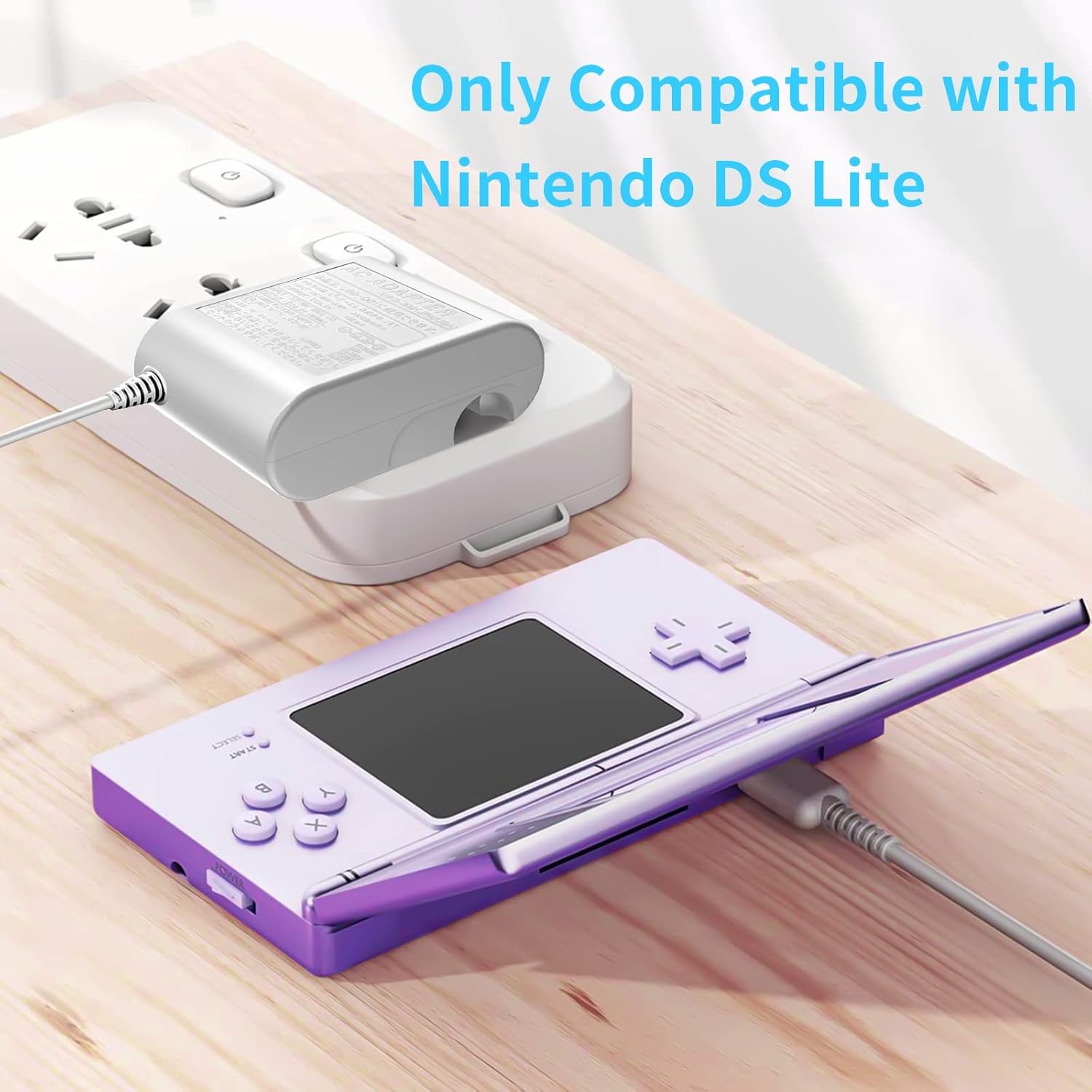
Image 2.1: Charger connected to a Nintendo DS Lite console.
Ensure the connection is secure. A charging indicator light on your DS Lite console should illuminate, typically orange or red, to confirm that charging has begun.
3. Operating Instructions
The ANYQOO DS Lite Charger operates automatically once connected.
- Charging Process: Once connected, the charger will begin supplying power to your Nintendo DS Lite. The console's charging indicator light will show the charging status.
- Full Charge Indication: When the battery is fully charged, the console's charging indicator light will typically turn off or change color (e.g., to green), depending on the DS Lite model. The charger is designed to automatically switch to a saver mode to prevent overcharging.
- Playing While Charging: You can use your Nintendo DS Lite console while it is connected to the charger.

Image 3.1: Charger specifications and safety features.
4. Maintenance
To ensure the longevity and optimal performance of your ANYQOO DS Lite Charger, follow these maintenance guidelines:
- Storage: Store the charger in a cool, dry place when not in use. Avoid extreme temperatures.
- Cleaning: Disconnect the charger from the power outlet and your console before cleaning. Wipe the exterior with a soft, dry cloth. Do not use liquid cleaners or abrasive materials.
- Cable Care: Avoid bending the cable sharply or wrapping it too tightly. Do not pull the cable to disconnect the charger; always grasp the plug or connector. The cable is designed to withstand over 5000 bends, but proper care extends its life.
- Inspection: Periodically inspect the charger and cable for any signs of damage, such as frayed wires or cracked casing. If damage is found, discontinue use immediately.
5. Troubleshooting
If you encounter issues with your ANYQOO DS Lite Charger, consider the following:
| Problem | Possible Cause | Solution |
|---|---|---|
| DS Lite not charging | Loose connection, faulty power outlet, console issue, charger damage. | Ensure all connections are secure. Try a different power outlet. Test the charger with another compatible DS Lite (if available) or test your DS Lite with another known-good charger. Inspect charger for damage. |
| Charger gets unusually hot | Overload, poor ventilation, internal fault. | Disconnect immediately. Ensure the charger is not covered or in an enclosed space. If overheating persists, discontinue use and contact support. |
| Charger makes unusual noise | Internal component issue. | Disconnect immediately. Discontinue use and contact support. |
If the problem persists after attempting these solutions, please contact customer support.
6. Specifications
Detailed technical specifications for the ANYQOO DS Lite Charger:
- Product Dimensions: 4.29 x 3.39 x 0.79 inches
- Item Weight: 2.08 ounces
- Input Voltage: 100-240V, 50-60Hz
- Output: 5.2V 450mA
- Cable Length: 43 inches (110cm)
- Connector Type: Barrel Connector
- Compatible Devices: Nintendo DS Lite only
- Special Feature: Travel-friendly foldable plug
- Manufacturer: ANYQOO

Image 6.1: Compatibility information for the DS Lite Charger.
7. Warranty and Support
ANYQOO is committed to providing high-quality products and excellent customer service.
- Warranty: This product comes with a 12-month warranty from the date of purchase, covering manufacturing defects.
- Customer Support: Our friendly and responsive service team is available 24/7 to assist you with any queries or concerns regarding your ANYQOO DS Lite Charger.
For support, please refer to the contact information provided with your purchase or visit the official ANYQOO website.