
1. Introduction
This manual provides essential information for the proper installation, operation, and maintenance of your ELP Sony IMX323 Low Light Mini USB Camera. This camera features a 2.8-12mm manual zoom lens, H.264 video compression, and UVC (USB Video Class) compliance for broad compatibility.
- 2.8-12mm Varifocal Lens: Allows for adjustable focus and zoom to suit various distances.
- Ultra Low Light Performance: Minimum illumination of 0.01 lux for clear imaging in challenging light conditions.
- H.264 High Resolution: Equipped with a Sony IMX323 sensor for high-quality video.
- UVC Compliant: Plug-and-play functionality without the need for additional drivers on most operating systems.
- White Balance Function: Designed to resolve color reduction and tone processing issues for accurate color representation.
2. Setup
Follow these steps to set up your ELP USB Camera:
- Unpack the Camera: Carefully remove the camera and its accessories from the packaging. The package includes the camera with a 3-meter USB cable.
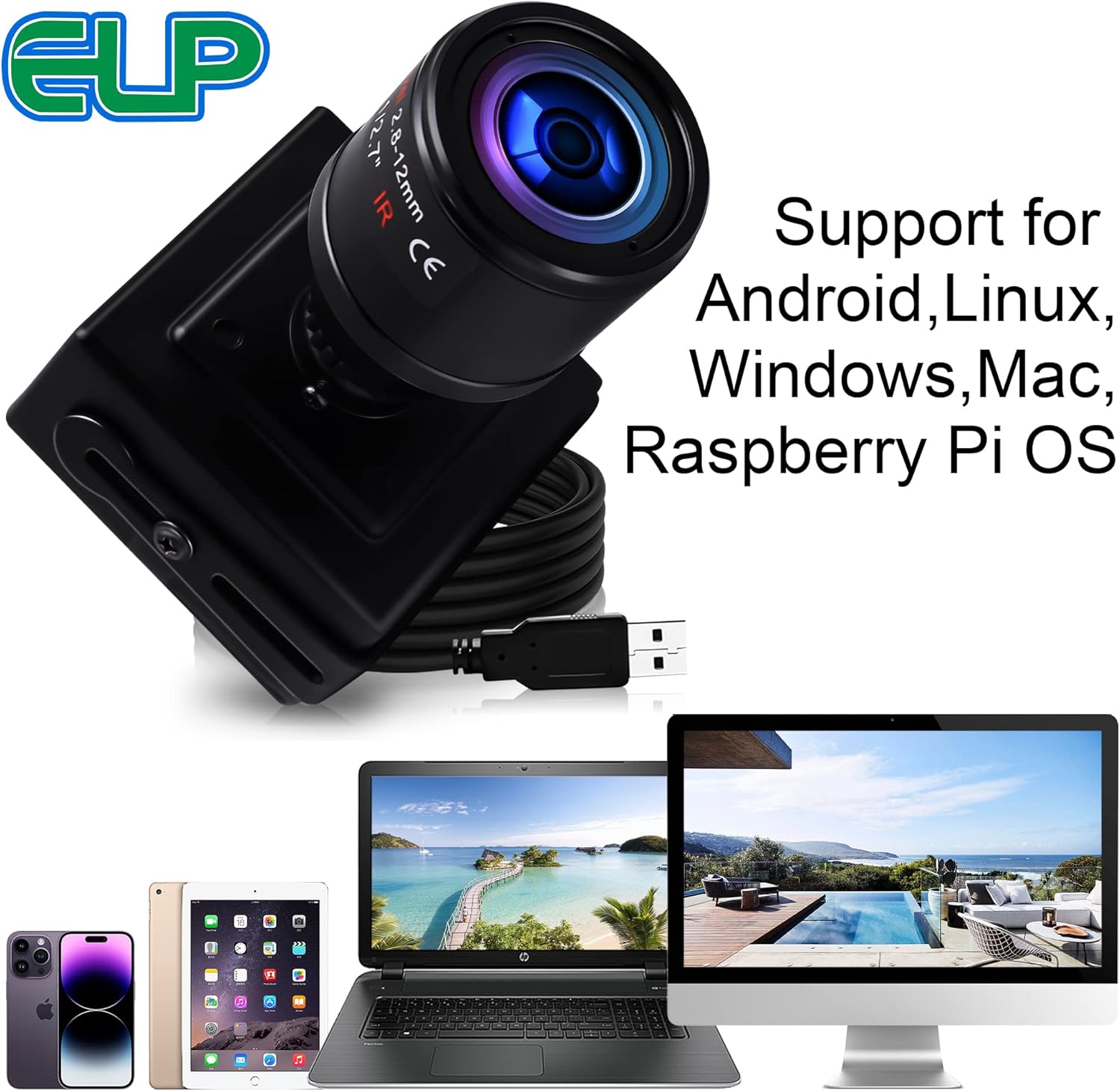
- Connect to Device: As a UVC-compliant device, simply connect the camera's USB cable to an available USB 2.0 port on your PC, laptop, Android device (with OTG support), or Raspberry Pi. No extra drivers are typically required for installation.
- Mounting (Optional): The camera comes with a housing that may include mounting points or an adjustable holder. Secure the camera in your desired position. For example, it can be attached to a tripod (not included) using a 1/4" tripod hole.


3. Operating Instructions
Once connected, the camera can be accessed through various software applications on your device.
- Accessing the Camera: Open your preferred camera software (e.g., Amcap on Windows, CameraFi on Android, or built-in camera apps) and select the ELP USB Camera as the video input device.
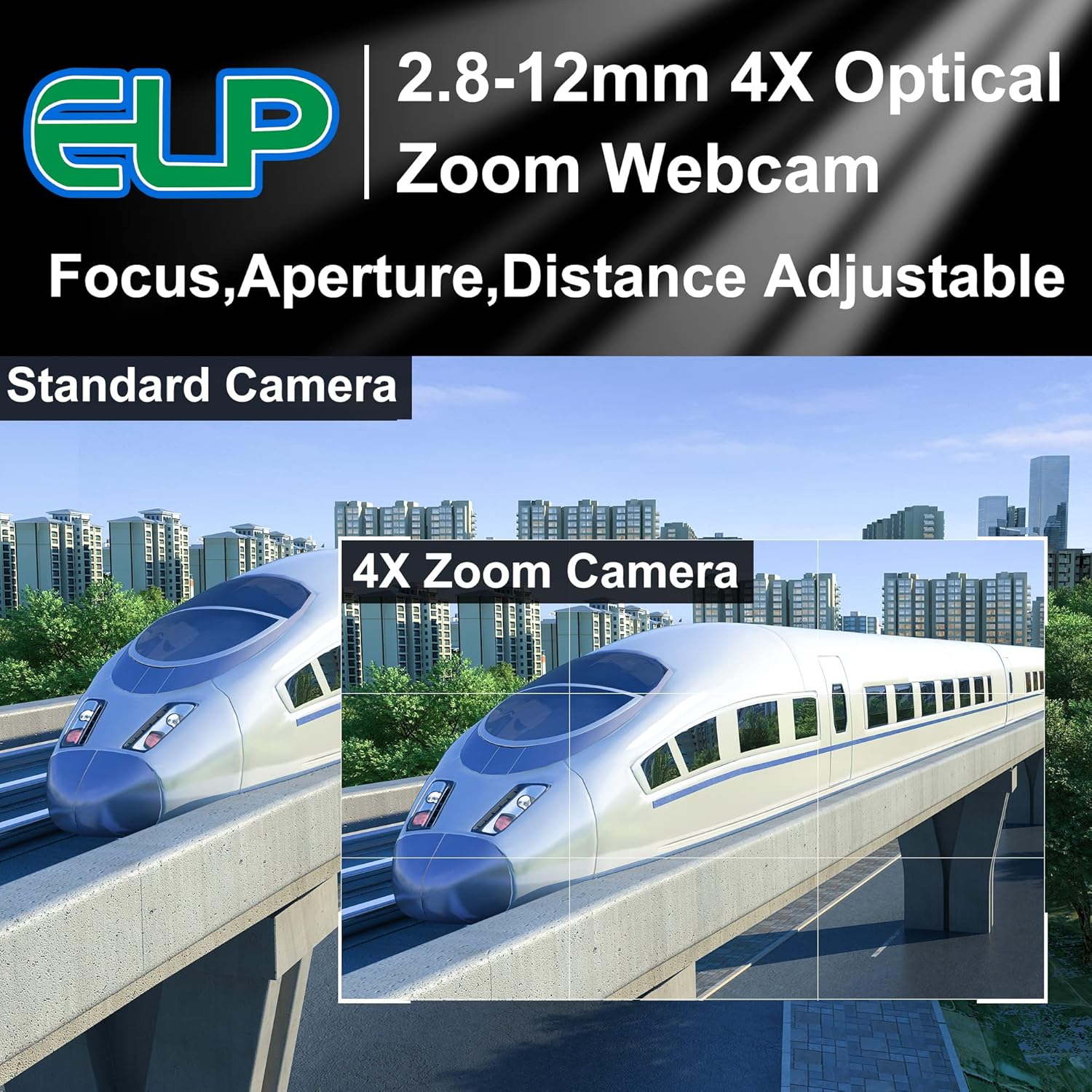
- Adjusting Zoom and Focus: The 2.8-12mm varifocal lens allows for manual adjustment of zoom and focus. Rotate the lens rings to achieve the desired field of view and sharpness.
- Low Light Operation: The camera's Sony IMX323 sensor provides excellent low-light performance, with a minimum illumination of 0.01 lux, making it suitable for dimly lit environments.
- Parameter Adjustment: Most camera software will allow you to adjust parameters such as brightness, contrast, exposure, and white balance to optimize image quality for your specific conditions.

Official Product Videos
Video 3.1: Demonstrates the ELP 1080P H.264 USB camera module's 0.01lux low light performance. This video showcases the camera's ability to capture clear images in very dark environments.
Video 3.2: Features the ELP mini size H.264 low illumination USB camera module. This video highlights the compact design and low-light capabilities of the camera.
Video 3.3: Showcases the ELP USB Camera 2 Megapixel 1080P H.264 IMX323 0.01LUX Webcam. This video demonstrates the camera's high-resolution output and low-light performance.
Video 3.4: Demonstrates the ELP USB camera with zoom lens and variable focus. This video illustrates the manual adjustment of focus and zoom for various applications.
Video 3.5: Features the ELP IMX322 USB Camera with Varifocal Lens. This video provides a detailed look at the camera's varifocal lens capabilities.
Video 3.6: Shows an ELP USB Camera Module with Auto Focus 8MP SONY IMX179 Camera Board. While this video features an 8MP autofocus model, it demonstrates general ELP camera module functionality and image quality.
Video 3.7: Presents an ELP Monochrome Global Shutter 720P 60fps USB Camera Module. This video, though for a different model, illustrates the global shutter technology and monochrome imaging capabilities of ELP cameras.
4. Maintenance
To ensure the longevity and optimal performance of your ELP USB Camera, follow these maintenance guidelines:
- Cleaning: Use a soft, dry cloth to clean the camera body. For the lens, use a specialized lens cleaning cloth and solution to avoid scratches. Do not use harsh chemicals or abrasive materials.
- Storage: When not in use, store the camera in a cool, dry place away from direct sunlight and extreme temperatures.
- Cable Care: Avoid bending or twisting the USB cable excessively to prevent internal damage.
5. Troubleshooting
If you encounter issues with your camera, refer to the following common troubleshooting tips:
- Camera Not Detected:
- Ensure the USB cable is securely connected to both the camera and your device.
- Try connecting to a different USB port or a different device to rule out port or device issues.
- Restart your computer or device.
- Poor Image Quality (Blurry/Distorted):
- Adjust the manual focus and zoom rings on the lens until the image is clear.
- Ensure the lens is clean and free from dust or smudges.
- Check the lighting conditions; while the camera performs well in low light, extreme darkness may still affect quality.
- Color Issues:
- Utilize the white balance function in your camera software to correct color discrepancies.
- Adjust brightness, contrast, and saturation settings in your camera software.
- Unstable Mounting:
- Ensure the camera is securely fastened to its mount. If using a tripod, verify its stability.
6. Specifications
| Feature | Detail |
|---|---|
| Brand | ELP |
| Model Number | 4332025485 (ELP-USBFHD06H-L28) |
| Sensor | Sony IMX323 |
| Max Screen Resolution | FHD (1080p) |
| Video Capture Resolution | 1080p |
| Video Capture Format | H.264, MJPEG |
| Minimum Illumination | 0.01 LUX |
| Lens Type | 2.8-12mm Varifocal Lens |
| Maximum Focal Length | 12 Millimeters |
| Maximum Aperture | 2 f |
| Connectivity Technology | USB 2.0 |
| USB Cable Length | 3 Meters |
| Operating System Compatibility | Windows 7, Windows 8, Linux 2.6 or above, Android 4.0 or above |
| Item Weight | 1.06 ounces |
| Color | Black |
| Manufacturer | Ailipu Technology Co., Ltd |
7. Warranty and Support
For warranty information and technical support, please refer to the documentation included with your product or visit the official ELP website. You can also contact ELP USB CAMERA directly through their Amazon store page: ELP Store.


